







Heiken Ashi On Range Bar

Hi,
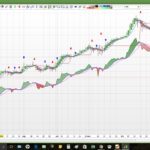
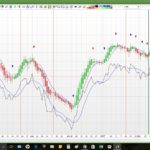
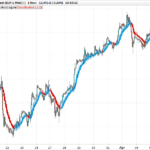
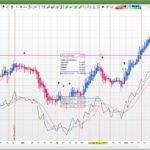
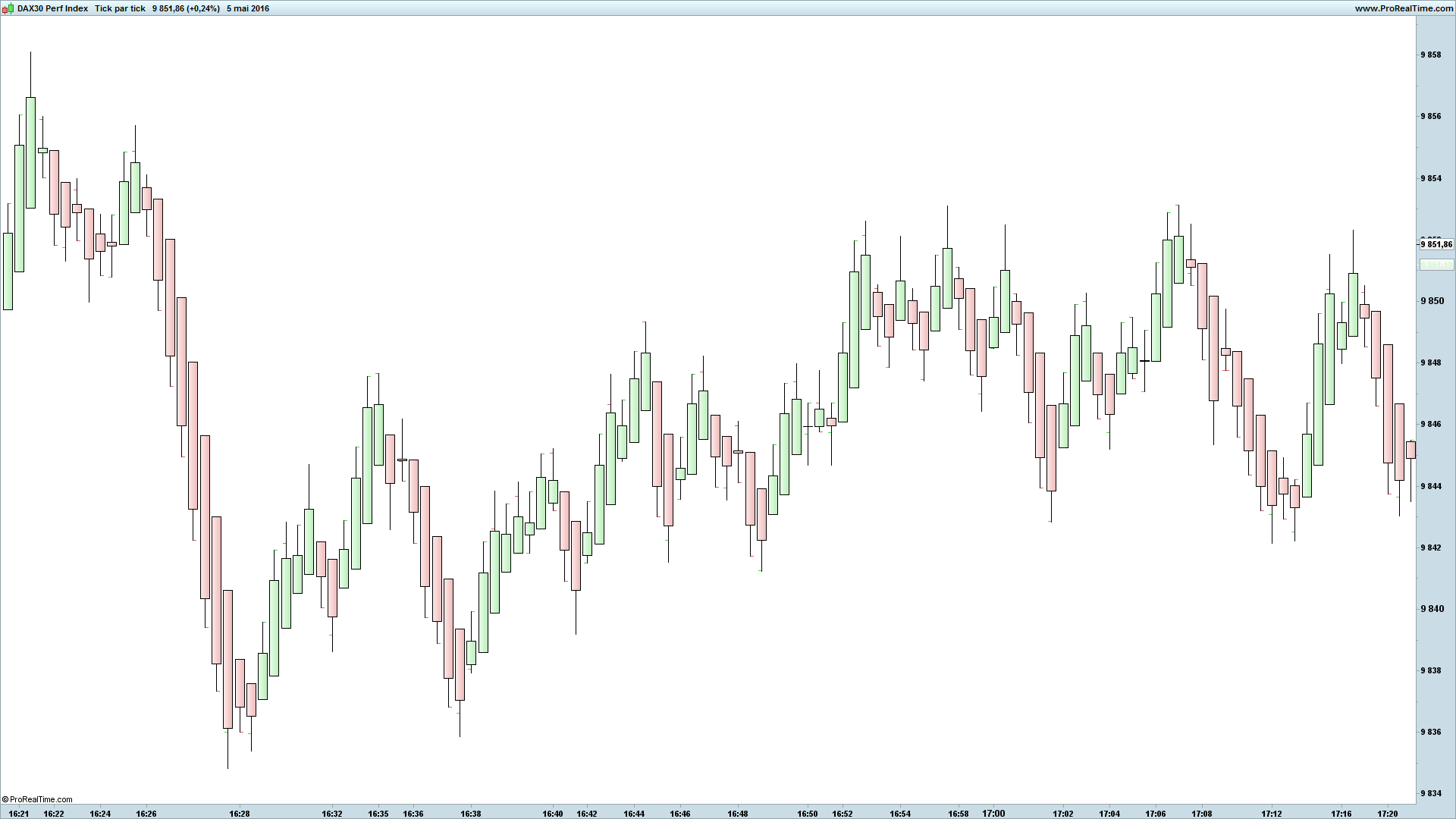
This indicator apply the Heiken ashi candles (who indicates the trend notably) on Range Bar Candles
You can do some good strategies with the Heiken ashi candles and some indicators (average and so on …)
Enjoy !
Zilliq
____________________________________
Coding is not a crime 😉
http://www.zilliqtradingresearch.fr/
____________________________________
IF BarIndex = 0 THEN
 XClose = TotalPrice
 XOpen = (Open + Close) / 2
ELSE
 XClose = TotalPrice
 XOpen = (XOpen[1] + Xclose[1]) / 2
ENDIF

if xclose>xopen then
 DRAWCANDLE(XOpen,high,low,XClose) COLOURED(204,255,204)
elsif xclose<xopen then
 DRAWCANDLE(XOpen,high,low,XClose) COLOURED(255,204,204)
endif

return
Comments
You must be logged in to post a comment.




Why can´t I ad one more condition for the drawcandle?
I want a indicator that works like John Carters TTM trend.
cond1=average[1](medianprice) > average[6]
cond2=average[1](medianprice) < average[6]
IF BarIndex = 0 THEN
XClose = TotalPrice
XOpen = (Open + Close) / 2
ELSE
XClose = TotalPrice
XOpen = (XOpen[1] + Xclose[1]) / 2
ENDIF
if xclose>xopen and cond1 then
DRAWCANDLE(XOpen,high,low,XClose) COLOURED(0,153,0)
elsif xclose<xopen and cond2 then
DRAWCANDLE(XOpen,high,low,XClose) COLOURED(153,0,0)
endif
return

Perhaps build a screener from the indicator code and attach a customized wav-file to it. I have a wav file saying "Screener detected" every time a screener pops. :-)


Bonjour zilliq

En collant ce code de three lines break de PRC  sur les heikin Ashi on peut se faire une petite stratégie pèpère quand le HA casse le 3 lines break.

Bon week end à tous.

// Three lines break PRC

once t=1
once a0=(close)
once a1=(close)
once a2=(close)
once a3=(close)

if t=1 and close>a3 then
a0=a1
a1=a2
a2=a3
a3=close
elsif t=1 and close<a0 then
t=-1
a1=a3
a0=a3
a3=close
elsif t=-1 and close<a3 then
a0=a1
a1=a2
a2=a3
a3=close
elsif t=-1 and close>a0 then
t=1
a1=a3
a0=a3
a3=close
endif

cc = customclose
return cc as " customclose " , a0 coloured by t[1] as "cassure"
Bonjour, quelqu'un à t'il réalisé ce code à l'identique mais pas dans une fenêtre sous le graphique, mais directement appliqué aux bougies japonaises du graphe principal ? Merci :)