







NonLagMA Colored
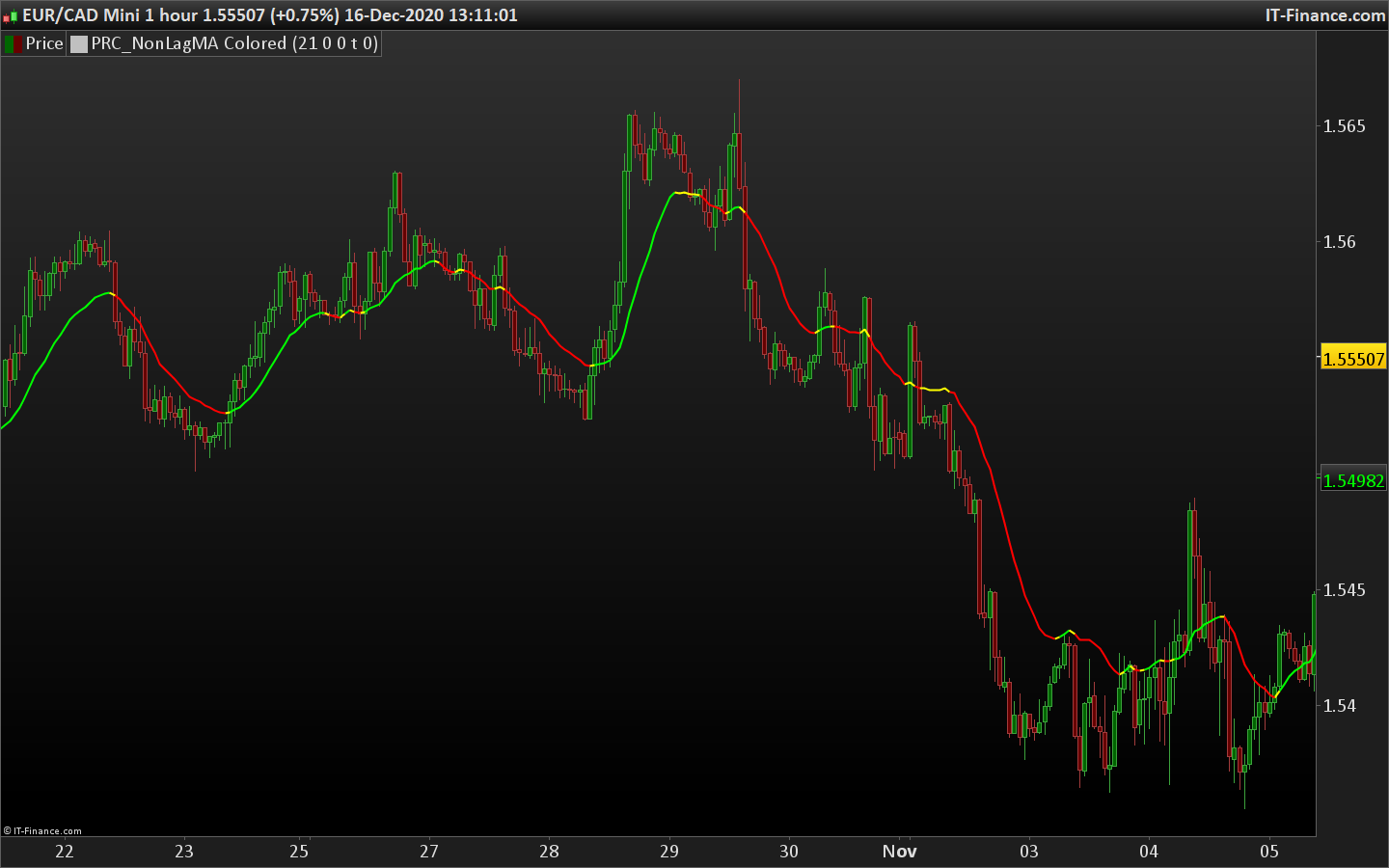
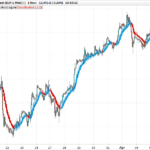
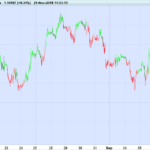
Here is a no lag moving average that takes color of the trend.
Green is uptrend ; Red is downtrend ; Yellow is market has just change the trend direction on the current candlestick.
Same indicator as this one: NonLagDot trend indicator but with the 3 colors that mark the trend direction.
Coded following a request in the indicators forum.
//PRC_NonLagDot Colored | indicator
//16.12.2020
//Nicolas @ www.prorealcode.com
//Sharing ProRealTime knowledge
//Converted from MT4 version

// --- parameters
Length        = 10
Filter        = 0
Deviation     = 0
Color = 1 //1=true ; 0=false
ColorBarBack = 0
// ---

Price         = customclose
cCycle= 4
if barindex>Length then
pi=3.1415926535
Coeff= 3*pi
Phase=Length-1
Len=Length*cCycle + Phase

Weight=0
Sum=0
t=0

for i =0 to Len-1 do
g=1.0/(Coeff*t+1)
if (t<=0.5) then
g=1
endif
beta=Cos(pi*t)
alfa=g * beta
pprice = price[i]
Sum=Sum+(alfa*pprice)
Weight=Weight+alfa
if(t < 1) then
t=t+(1.0/(Phase-1))
elsif (t < Len-1)then
t=t+((2*cCycle-1)/(cCycle*Length-1))
endif
next

if (Weight > 0)  then
MABuffer=(1.0+Deviation/100)*Sum/Weight
endif
if (Filter>0) then
if(Abs(MABuffer-MABuffer[1]) < Filter*Pointsize) then
MABuffer=MABuffer[1]
endif
endif
if Color then
if (MABuffer[0]-MABuffer[1] > Filter*Pointsize) then
trend= 1
endif
if (MABuffer[1]-MABuffer[0] > Filter*Pointsize) then
trend=-1
endif

trendmod=trend<>trend[1]
if trend>0 then
r=0
g=255
elsif trend<0 then
r=255
g=0
endif
if trendmod then
r=255
g=255
endif
endif
endif

return MABuffer coloured(r,g,0) style(line,2)
Comments
You must be logged in to post a comment.

"style(line,2)" C'è una guida ai parametri che si possono modificare ? Tipo stile della linea, colore, spessore, ... ? Inoltre, si possono modificare anche parametri relativi all'impostazione che normalmente si trova nell'interfaccia dell'indicatore ad esempio: "spostamento in %", "spostamento in periodi" ? 474 / 5000 Risultati della traduzione "style (line, 2)" Is there a guide to the parameters that can be changed? Line style type, color, thickness, ...? Furthermore, it is also possible to modify parameters related to the setting that is normally found in the indicator interface, for example: "shift in%", "shift in periods"? I noticed that "N ° periods" and "Apply to" are programmable but I can't understand if it is possible to program also "shift in%" or "shift in periods".
Tanks