Optimization Limit Reached

Viewing 9 posts - 1 through 9 (of 9 total)
  • Author
    Posts
  • #198591 quote
    MarkscraggMarkscragg
    Participant
    New

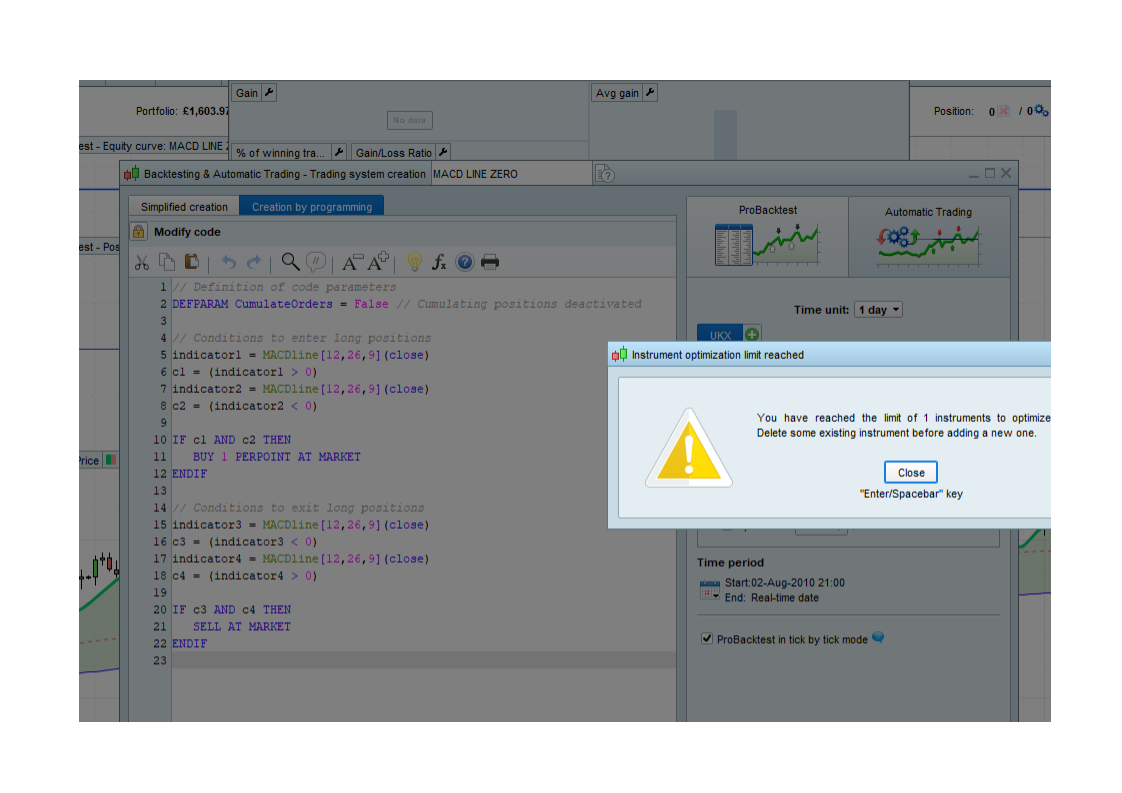
    I am a new user to ProRealTime and have issues with the back test function

    I get the error ‘Instrument optimization limit reached’

    ‘Delete some existing instrument before adding new one’

    see attached

    Does anyone know how to delete existing?

    Mark

    Real-Time-Pro-Error-Code.png Real-Time-Pro-Error-Code.png
    #198593 quote
    PeterStPeterSt
    Participant
    Master

    Hi Mark,

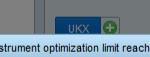
    To me it seems something odd around what you see below. I don’t think that you added more (one tab shows) but if you recognize that you played with that, it could be the or a culprit ?
    (and then maybe because it requires the Premium version of PRT ?)

    image_2022-08-05_195847110.png image_2022-08-05_195847110.png
    #198638 quote
    GraHalGraHal
    Participant
    Legend

    I have never seen that message / screen in my 6 years of using PRT!

    Then again, I don’t add Instruments! 🙂  What are you adding Instruments to?

    Are you trying to optimise several Instruments at once?

    Optimising one is like ‘watching paint dry‘ as it’s so slow, how can you cope with opti more than 1 at time?  Anyway whenever I have, by mistake, set 2 opti going; one seems to sit there doing nothing until the other has finished??

    #199236 quote
    ThaNoizyThaNoizy
    Participant
    New

    Hey I have this problem now, how did you solve your optimisiation instrument limit?

    #199244 quote
    GraHalGraHal
    Participant
    Legend

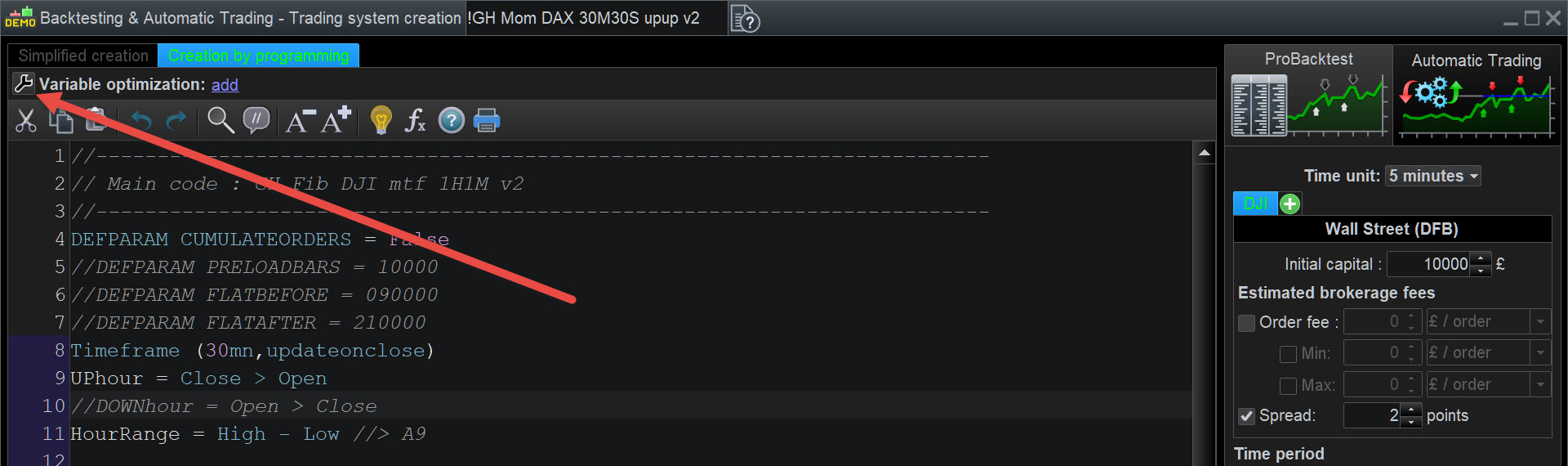
    Yes … to NOT see that error message … see attached at red arrowhead.

    Opti-1.jpg Opti-1.jpg
    #199266 quote
    MarkscraggMarkscragg
    Participant
    New

    I am not sure I did resolve the issue but I have it working now

    I’ve always called a “instrument”  a specific index , FX, etc but it may be an error in translation from French to English.

    I had created the program using the assist method

    So what I did was to remove one of the filters (Trailing Stop, I think) and then it started to work OK

    I have not had the problem again, but I am now starting to using code directly?

    Let me know if this works for you.

    #199267 quote
    GraHalGraHal
    Participant
    Legend

    see attached at red arrowhead.

    Did you see my solution (above) to both yours and ThaNoizy problem?

    #203257 quote
    mrboltmrbolt
    Participant
    New

    Hi, sorry, but I didn’t get it. What should I do? Thank you in advance!

    #203258 quote
    GraHalGraHal
    Participant
    Legend

    You should reduce whatever you have too many of … be that Instruments or  ‘Number of Combinations’ of variables.

Viewing 9 posts - 1 through 9 (of 9 total)

  • You must be logged in to reply to this topic.

ProRealAI ProRealAI New

From idea to ProBuilder code in seconds.

Your coding copilot for ProRealTime™. Ask in plain English — get clean, ready-to-paste indicators, screeners and systems.

Available in 7 languages
Try ProRealAI

Optimization Limit Reached


Platform Support: Charts, Data & Broker Setup

New Reply
Author
author-avatar
Markscragg @markscragg Participant
Summary

This topic contains 8 replies,
has 5 voices, and was last updated by GraHalGraHal

3 years, 11 months ago.

Topic Details
Forum: Platform Support: Charts, Data & Broker Setup
Language: English
Started: 08/05/2022
Status: Active
Attachments: 3 files
ProRealCode ProRealCode
Loading...