ProRealAI: your AI assistant for coding on ProRealTime

Viewing 1 post (of 1 total)

  • Author
    Posts
  • #265173 quote
    NicolasNicolas
    Keymaster
    Legend

    Hello everyone,

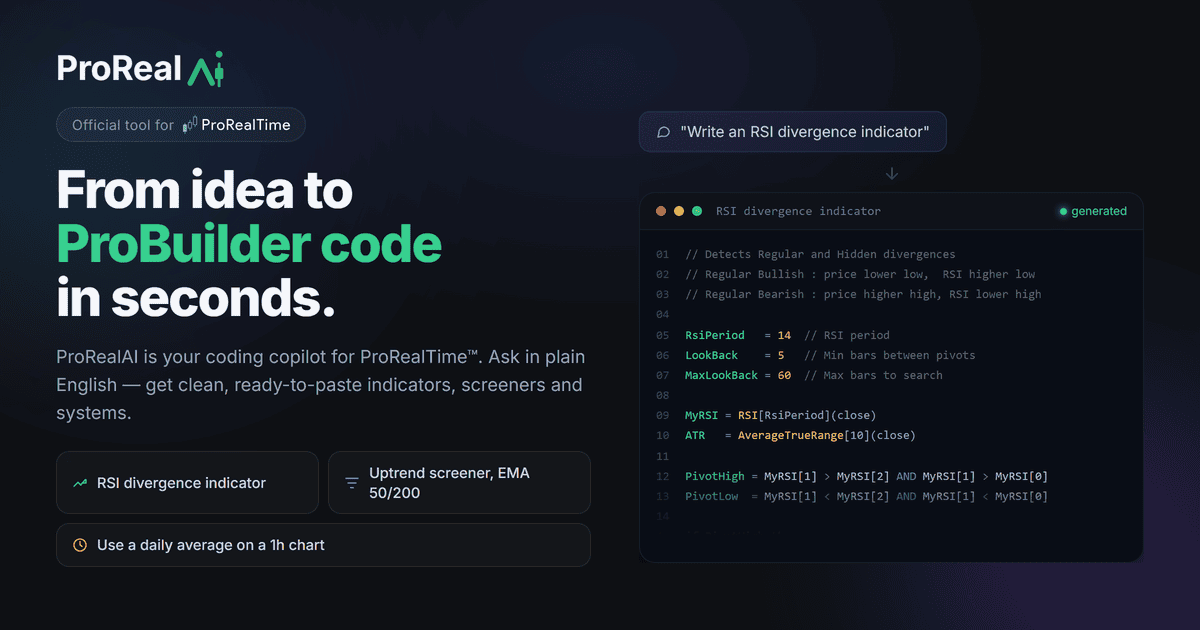
    ProRealAI is our AI assistant dedicated to ProRealTime: it helps you write, fix and understand your ProBuilder, ProScreener and ProOrder code, in plain English.

    What you can ask it:

    • Create an indicator or a screener from a description in natural language;
    • Fix a syntax error or code that does not compile;
    • Explain a ProBuilder function or a piece of code found in the library;
    • Turn a strategy into an automated ProOrder system with risk management.

    Example of generated code:

    // Simple moving average
    Period = 20
    MA = Average[Period](Close)
    Signal = Close > MA
    RETURN MA AS "Average", Signal AS "Above"

    Open ProRealAI: ai.prorealcode.com

    For more details on how it works, example prompts and best practices, read the full guide: ProRealAI guide.

    Your feedback and questions are welcome in this topic!

    og-image.png og-image.png
Viewing 1 post (of 1 total)
  • You must be logged in to reply to this topic.

ProRealAI ProRealAI New

Stuck on this ProBuilder code?

Describe what this topic is trying to build, in plain English, and ProRealAI writes the ProRealTime™ indicator, screener or system for you.

Available in 7 languages
Try ProRealAI

ProRealAI: your AI assistant for coding on ProRealTime


ProBuilder: Indicators & Custom Tools

New Reply
Author
author-avatar
Nicolas @nicolas Keymaster
Summary

This topic contains 1 voice and has 0 replies.

Topic Details
Forum: ProBuilder: Indicators & Custom Tools
Language: English
Started: 09/17/2026
Status: Active
Attachments: No files
ProRealCode ProRealCode
Loading...