How to Create Lists
- This topic has 4 replies, 2 voices, and was last updated 4 years ago by .
Viewing 5 posts - 1 through 5 (of 5 total)


Similar topics:
Forums › ProRealTime English forum › ProScreener support › How to Create Lists
I lost all my lists with the new update for some reason so I’m wondering (as for the life of me I can’t figure it out in V11), how to create and name a new list with currencies and indices? If you go to Lists I don’t see how to add anything, if you go to groups I don’t see how to make a selection a list and name it?
Is there any new documentation to refer to – I searched google and only found videos from 2015…
Thanks,
Cheers,
Thanks @Nicolas and apologies, I should have clarified I meant my Proscreener lists.
I think it actually has remembered what groups I used from v10.3 for most of my Proscreener strategies but not all of them.
Is there not a way for Proscreener to screen against the assets in “My Watchlist (20)” window which is the list you were referring to? (I thought I might be able select/access this via Proscreener “My Lists” in v11).
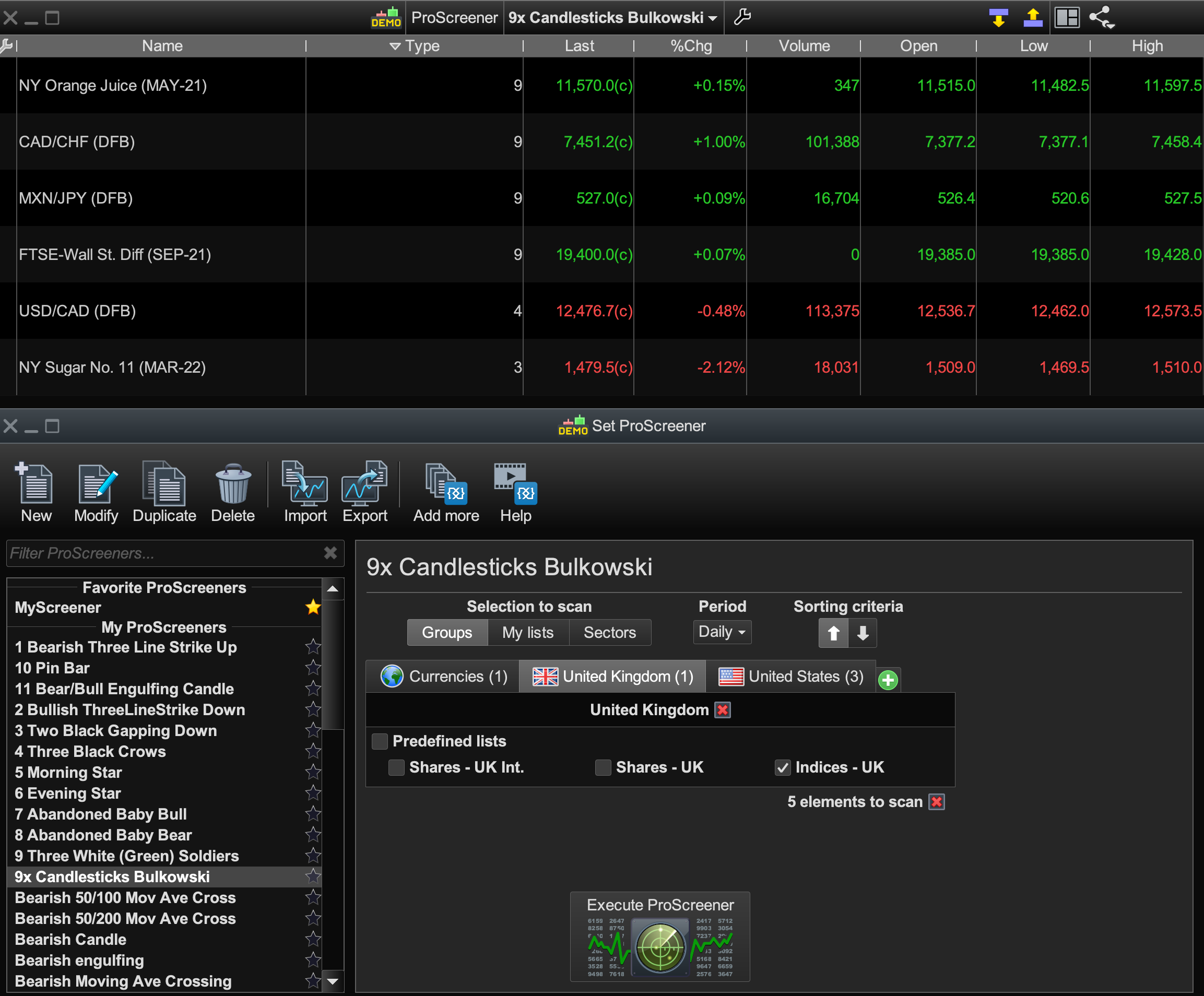
So, if not, then I am not sure how to create and name a new Proscreener list that uses the previous v10.3 Groups that I used. Pls see Proscreener Groups image.
Eg: For “Bulkowski Candlestick Patterns” it screens against the existing Groups I’d previously selected ages ago (Currencies, Indices (UK/US) and some Commodities).
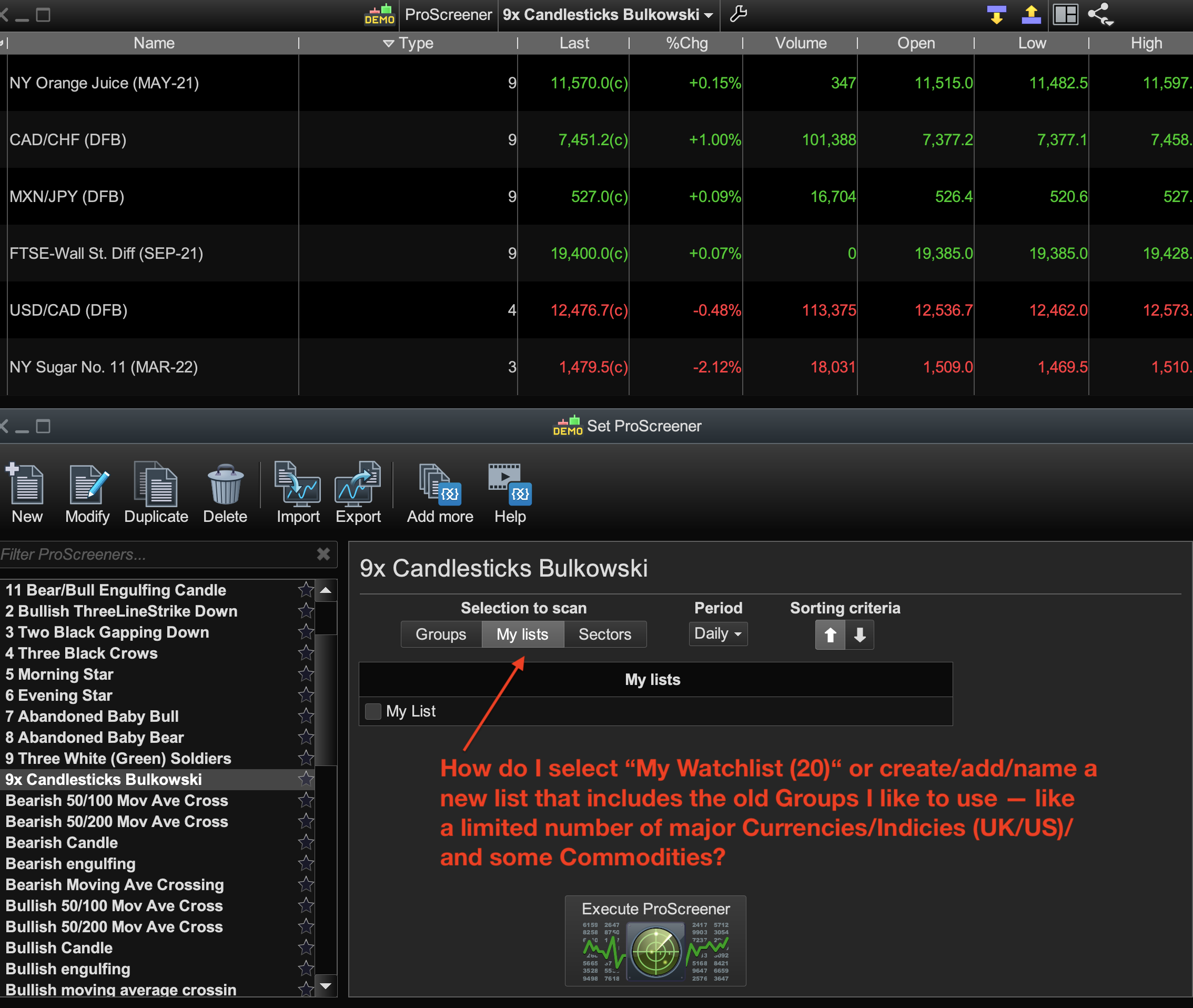
Can these Groups be named as (or made into) a new List (eg, “Bards Currency/Index/Commod” List) and then I just select this particular named List from now on to use for every other Proscreener strategy I have? I don’t see how t do that in Proscreener “My Lists?” Pls see Proscreener List image.
Thanks very much,
Cheers.
Find exclusive trading pro-tools on