Okay don’t have a heart attack @nicolas! This post is not about me not being able to optimise the Kase Dev Stop, (again). (-:
However… I was wondering is it possible to optimise the bandedge of the Ehler’s Universal Oscillator if I’ve coded the Kase Dev Stop to use Ehler’s oscillator to flip the Dev Stops either above or below the price series (instead of using Mov. Averages or SAR)?
I tried a system just now that has this new Dev Stop exit indicator and wanted to optimise the bandedge that is now part of it. The system has entries via Kase’s Peak Oscillator and exits via a Kase (SAR based) Dev Stop. You saw that system and warned of potential large drawdowns if the Peak Oscillator gets you in on the wrong side of a trend and the Dev Stop doesn’t get you out in time.
The Kase Dev Stop has been modified to remove the moving average crossovers or SAR and now includes Ehler’s Osc code, so as to flip the Std Deviation lines above or below the price series:
//PRC_KaseDevStop v3 | indicator
//29.06.2018
//Nicolas @ www.prorealcode.com
//Sharing ProRealTime knowledge
//translated from MT5 code version

//--- settings
inpDevPeriod= 30// Dev-stop period. // Set Default = 20 Set to 30, to allow for the data to have a greater statistical significance.

//inpFastPeriod = 21// Dev-stop fast period
//inpSlowPeriod = 34// Dev-stop slow period

//Default = 10 and 21 day mvg - if you want the Stops to be faster use 5 and 21 day or a 21 and 34 if you wanted a slower flip.

inpStdDev0= 0.0// Deviation 0
inpStdDev1=1.0// Deviation 1
inpStdDev2=2.2// Deviation 2
inpStdDev3=3.6// Deviation 3
inpStdDev4=4.5// Deviation 4
inpStdDev5=6.0// Deviation 5
//--- end of settings

pricc=customclose

once price=close*100

indicator1, ignored = CALL "Ehler's Univ Osc SuperSmoother"
c1 = (indicator1 > 0.0)

If c1 then
trend=1
else
trend=-1
endif

if trend<>trend[1] then
if trend=1 then
price=high
else
price=low
endif
endif
if trend>0 then
price=max(price,high)
endif
if trend<0 then
price=min(price,low)
endif

mmax=max(max(high,high[1]),pricc[2])
mmin=min(min(low,low[1]),pricc[2])
rrange=mmax-mmin
avg=rrange
for n=1 to inpDevPeriod-1 do
avg=(avg+rrange[n])
next
avg=avg/n

dev = square(rrange-avg)
for n=1 to inpDevPeriod-1 do
dev=dev+(rrange[n]-avg)*(rrange[n]-avg)
next
dev=sqrt(dev/n)

val0 = price+(-1)*trend*(avg+(inpStdDev0*dev))
val1 = price+(-1)*trend*(avg+(inpStdDev1*dev))
val2 = price+(-1)*trend*(avg+(inpStdDev2*dev))
val3 = price+(-1)*trend*(avg+(inpStdDev3*dev))
val4 = price+(-1)*trend*(avg+(inpStdDev4*dev))
val5 = price+(-1)*trend*(avg+(inpStdDev5*dev))

return val0 coloured(255,0,0) style(line,2) as "Warning Line",val1 coloured(0,0,250) style(dottedline,2) as "Dev Stop 1.0",val2 coloured(0,0,250) style(dottedline,2) as "Dev Stop 2.2",val3 coloured(0,0,250) style(line,2) as "Dev Stop 3.6",val4 coloured(0,0,250) style(dottedline,2) as "Dev Stop 4.5",val5 coloured(0,0,250) style(line,2) as "Dev Stop 6.0"
I added the modified Kase Dev Stop (with Ehler’s Oscillator modifications) into this systems code:
// Conditions to exit long positions
ignored, ignored, ignored, ignored,dev, ignored = CALL "Kase Dev Stop Ehler + 4.5/6"[bandedge](close)
c2 = (close CROSSES UNDER dev)//Dev Stop 4.5
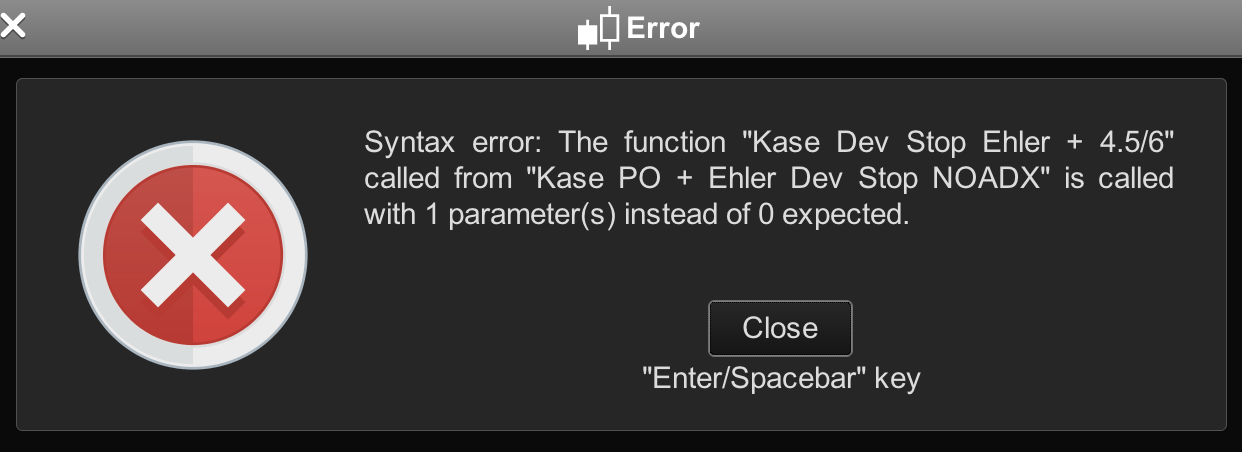
but got the familiar warning when I tried to backtest the code — please see screenshot #1 below.
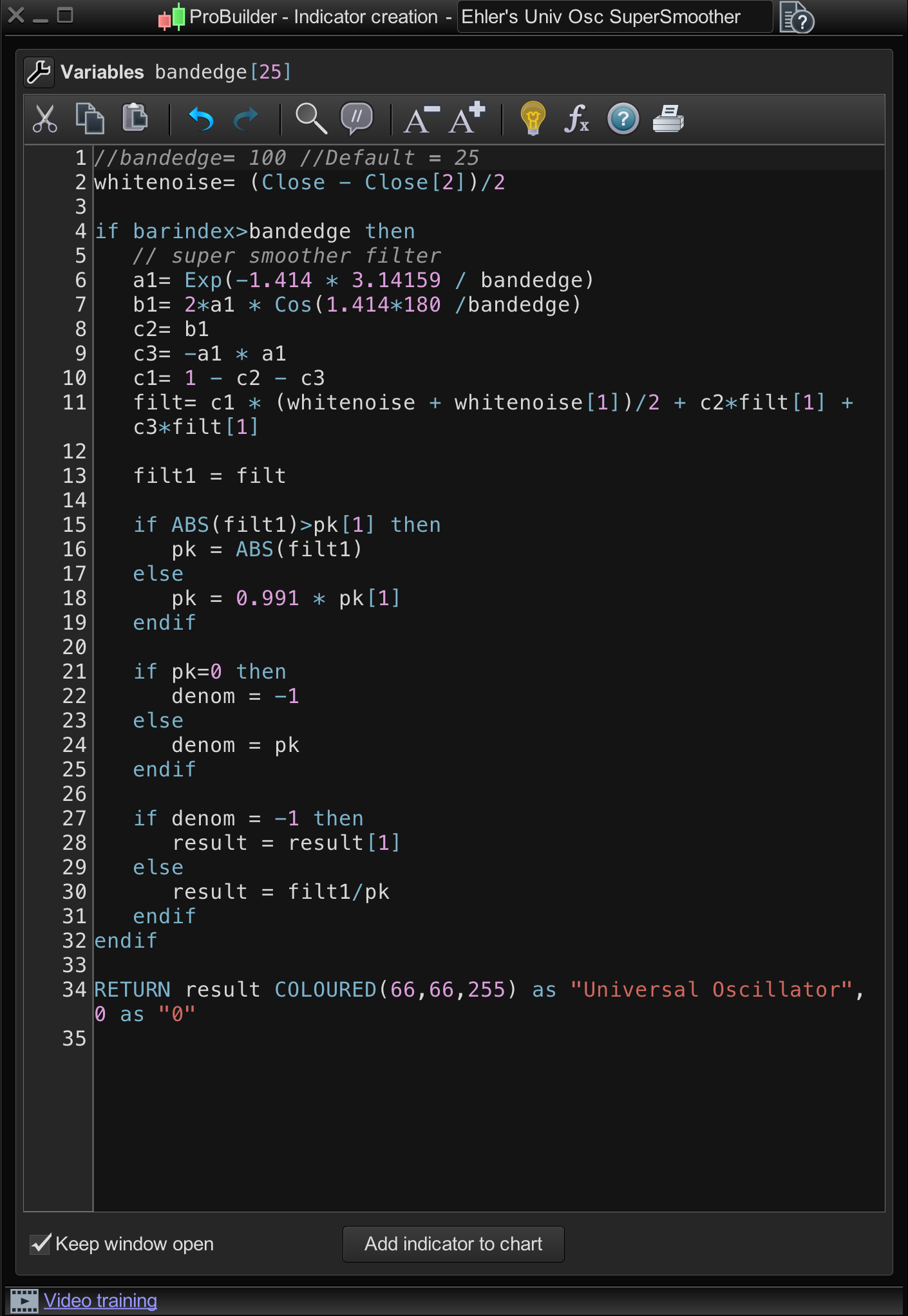
The thing is I have already added the bandedge variable to the Ehlers Universal Oscillator — as per screenshot #2 below, — so how do I get this system to optimise Ehler’s bandedge parameter within Kase’s Dev Stop?
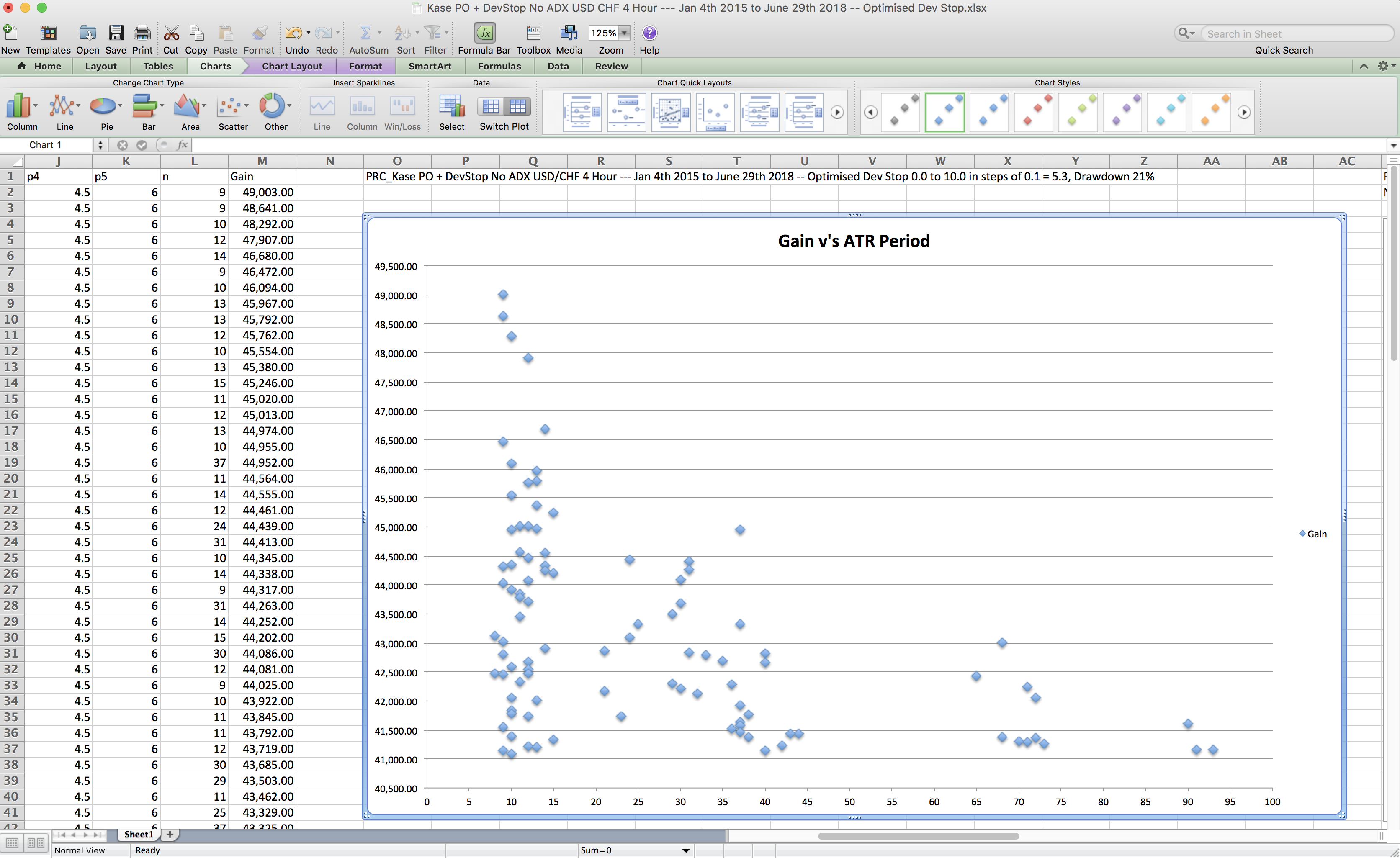
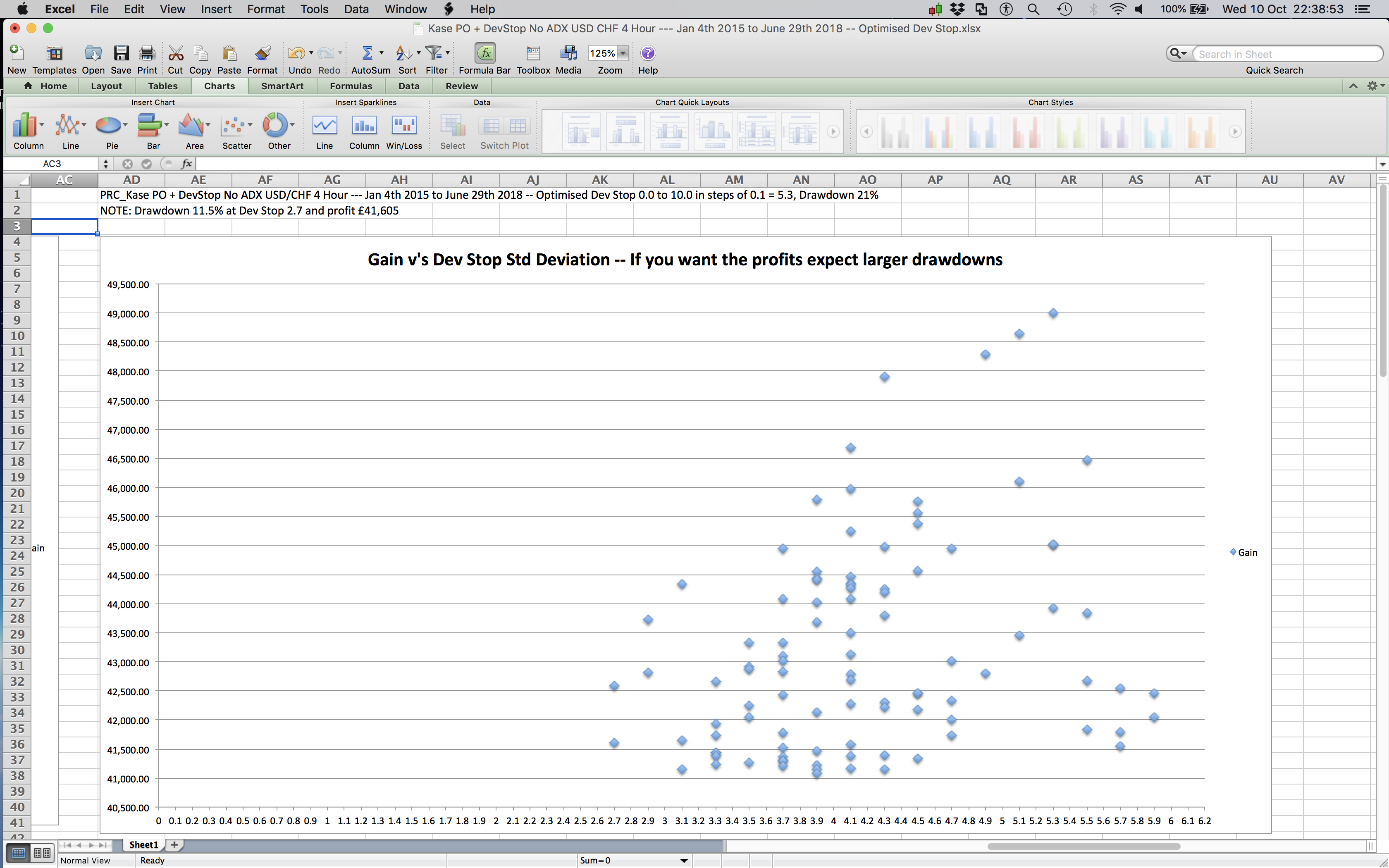
My reasoning is that an advanced (long/short) oscillator like Ehler’s should make the Kase Dev Stop perform better in trading systems that use this kind of exit rather than using Kase’s Mov. Averages or SAR’s. My other intention is to post here in this forum, some of the Kase Dev Stop optimisations results using a random entry piece of code to get the system to take trades and Kase’s Dev Stops to exit, so as to see the volatility profiles of assets like the Dow and S&P500 and £/$ and $/CHF, so we can know what’s best when it comes to choosing that crucial optimal (std deviation) exit distance.
Cheers
Bard