bobtParticipant
Average
Hi,
I’m doing some work with a screener where I’d ideally like to output text instead of simply returning a number ( from documentation I believe only numbers can be displayed in columns returned by screeners).
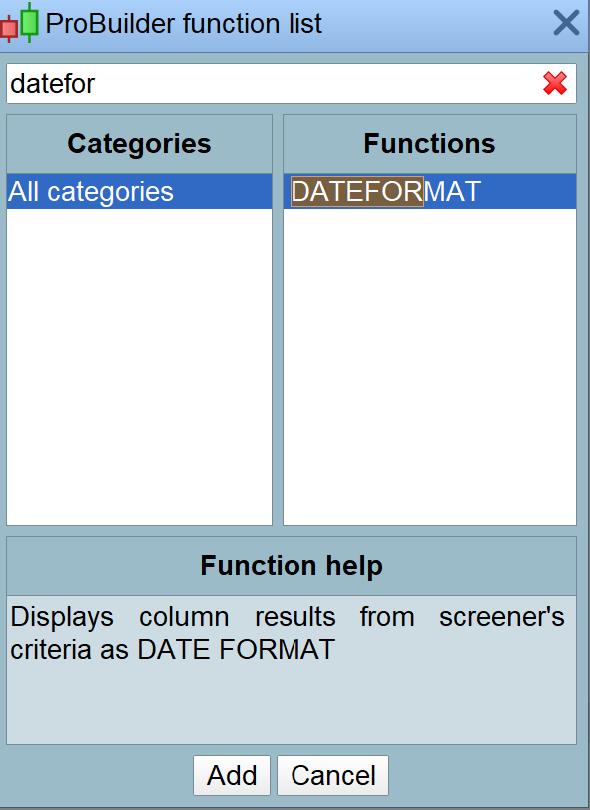
However, looking at the function list, when looking up “SCREENER”, I also see DATEFORMAT, NUMBERFORMAT, PERCENTFORMAT and STRINGFORMAT options that can be used for displaying column results.
I can’t find these options documented – are they new ? How are they used ? and do they hint at move to being able to display text in columns returned by SCREENER ?
Grateful for any info you can provide ……
I never heard about those keywords, they must be something in the pipeline that might be added in a future version.
bobtParticipant
Average
Roberto,
Many thanks for the reply.
OK, I’ll just have to keep an eye on new releases then – returning text would be amazingly useful for screeners ……
Regards,
Bob
I also have the same need as Bob and saw the keyword (future). See attached file.
Before this is implemented, is there a way to solve this by code?
-Erik
No, a specific instruction is needed.
Hey guys, here is how it works with this new way of displaying numbers in the sorting criteria column:
SCREENER(DATE as “DATE” DATEFORMAT) => 10 mai 2021
SCREENER(DATE as “DATE” STRINGFORMAT) => 20210510
SCREENER(DATE as “DATE” NUMBERFORMAT) => 20,2M
SCREENER(DATE as “DATE” PERCENTFORMAT) => 2021051000%
bobtParticipant
Average
Many thanks Nicolas, that helps clarify things – I’ll give that a try.