







Fractals stock screener
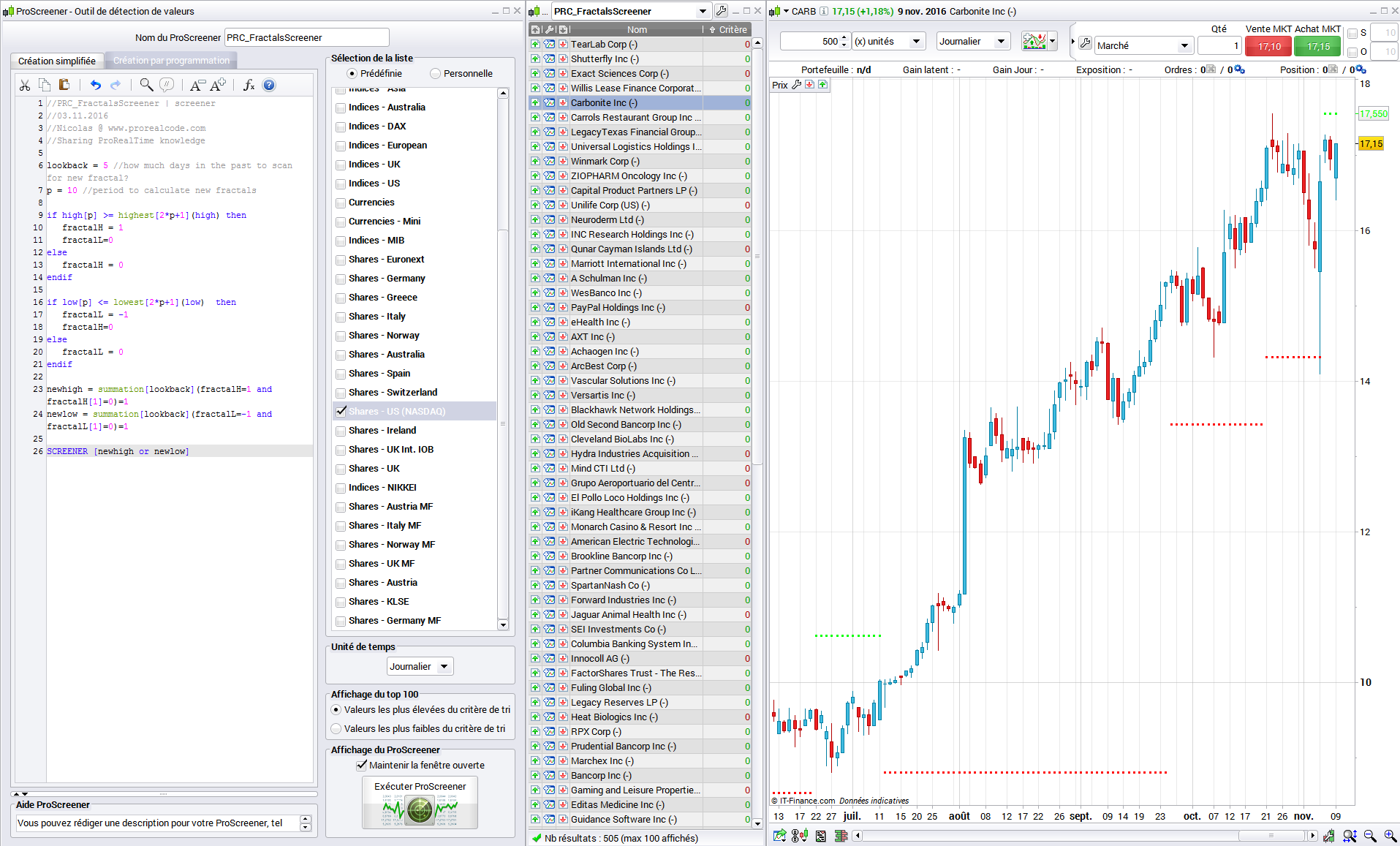
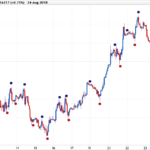
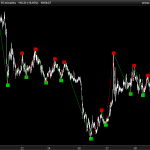
This is a stock screener that will fetch stocks that have made a new Fractal (calculated upon the last “p” period = 10 periods by default) in the last 5 days (“lookback” variable that can be modified at line 6 of the below code).
Some Fractals indicators can be downloaded too in the Library:
- original Bill Williams Fractals indicator for Prorelatime version 10.2
- Zig-zag indicator made of Fractals points for Prorealtime version 10.3
- Another version of the Zig-Zag indicator with 2 sets of zigzag points (PRT v10.3 only)
The Fractals code here do not respect completely the Bill Williams original description (FYI).
This screener has been coded by request.
//PRC_FractalsScreener | screener
//03.11.2016
//Nicolas @ www.prorealcode.com
//Sharing ProRealTime knowledge

lookback = 5 //how much days in the past to scan for new fractal?
p = 10 //period to calculate new fractals

if high[p] >= highest[2*p+1](high) then
 fractalH = 1
 fractalL=0
else
 fractalH = 0
endif

if low[p] <= lowest[2*p+1](low)  then
 fractalL = -1
 fractalH=0
else
 fractalL = 0
endif

newhigh = summation[lookback](fractalH=1 and fractalH[1]=0)=1
newlow = summation[lookback](fractalL=-1 and fractalL[1]=0)=1

SCREENER [newhigh or newlow]
Comments
You must be logged in to post a comment.



Dear Nicolas, thank-you for the screener.
I have a question, How should i do for add not one, but two filter condition?
So when i see the result windows i can have 2 separate columns
For Exemple:
newhigh = summation[lookback](fractalH=1 and fractalH[1]=0)=1 newlow = summation[lookback](fractalL=-1 and fractalL[1]=0)=1
criteria1= RSI[14](Close)criteria2= Stochastic[14,3](Close)
SCREENER [newhigh or newlow](criteria1 as "My first")(criteri2 as "My Second")+... ecc

Thank you Nicolas so much for that. I am trying to improve my coding in Pro-RealTime. Can you please advise for the following : For this line : summation[lookback](fractalH=1 and fractalH[1]=0)=1 Why do we want to check that this didn't happen on the previous bar fractalH[1]=0 ? In addition is the condition fractalH=1 the same like checking for fractalH[0] =1 (what is the difference between them)? What is its purpose ? Many Thanks, Assaf
fractalH and fractalL are variables that can take values 1 or 0 in this code. The summation statement check if a change of this value occurred between the current bar and the previous one through "lookback" bars. I encourage you to read the last ProBuilder documentation to learn the basic of prorealtime coding language here: https://www.prorealtime.com/en/pdf/probuilder.pdf
Thank you Niklas, I'm still looking for an indicator 123 or direct to Joe Ross, can you help me