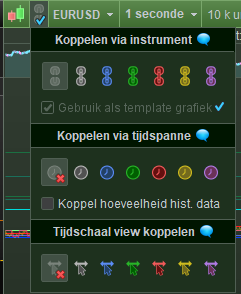
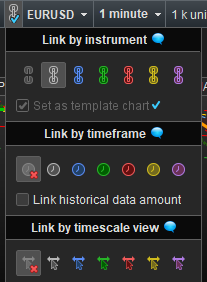
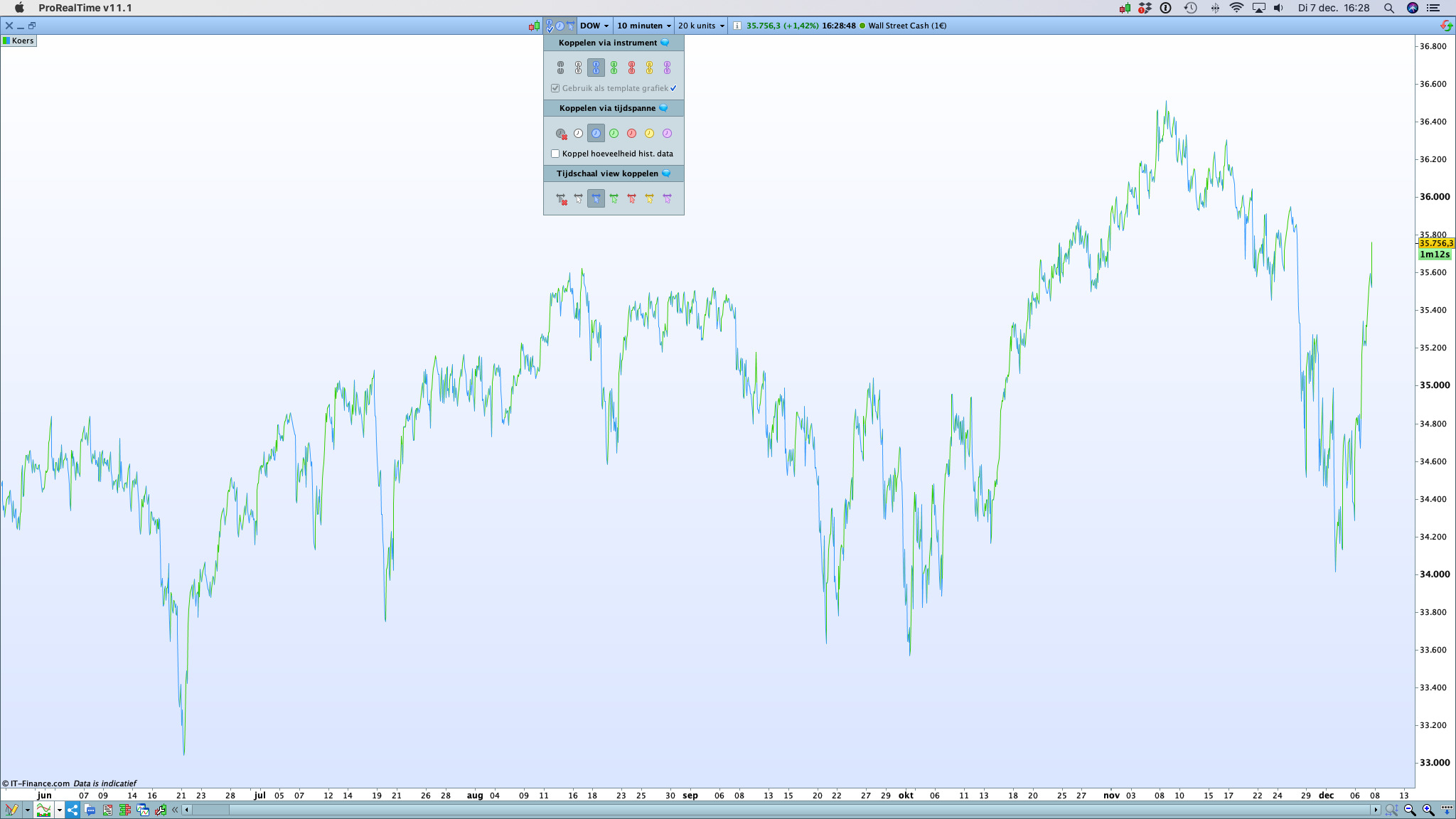
Interesting … Attached what I see when asked for from a chart window (yesterday was from the Main Menu).
Can this be because of me having Premium and you having Complete ?
PS: Added an attachment in English. Eh … PPS: But somehow one from yesterday appears ?
BardParticipant
Master
Hi there,
Wondering if anyone knows why, when I go to my charts to set a default chart (tick box by anchor symbol) it opens only one chart and then when I go to open a second new chart it opens up in the template of some other random chart I already have opened? When I look at the chart I’d just set the tick for, it’s now unticked? What makes it remain constantly ticked in the same way that if I set an anchor on a chart it remains constantly anchored?
Cheers.
JSParticipant
Senior
Hi @Bard
- After creating a template chart, you need to save the template
- Now load another (random) template
- Now load the first custom template again and your settings are saved
Is something about refreshing the custom template…
JSParticipant
Senior
Or, in other words: it’s a bug
BardParticipant
Master
Cheers @JS,
To clarify, when you say chart template, I think of eg 10 charts being open and saved under a template name, but you’re referring to a “chart template?”
Do you mean just the act of selecting the tick box within an individual chart (below the Anchor buttons), makes that chart the default template chart so when you launch a chart from, eg ProScreener, it allows to you to launch a chart that matches the style of chart I ticked “set as default” from? And that’ll be the default go to chart as long as I save all the the charts under a different or new template name?
JSParticipant
Senior
Hi @Bar
The problem was that the settings were not saved, for example if you had ticked a chart as a template chart, this setting was not saved.
When you perform the above “trick” then the settings are saved.