Hi,
Here is my screener:
// sample screener code
cPrice = close > 5
MyEMA1 = ExponentialAverage[5](close)
MyEMA2 = ExponentialAverage[10](close)
MyEMA3 = ExponentialAverage[20](close)
MyMACDLine = MACDline[12,26,9](close)
TIMEFRAME(monthly)
MonthlyCondition = (close[2] > MyEMA1[2]) and (close[1] > MyEMA1[1]) and (close[0] > MyEMA1[0]) and (close > open)
TIMEFRAME(weekly)
SlopeEMA1 = LinearRegressionSlope[10](MyEMA1)
SlopeEMA2 = LinearRegressionSlope[10](MyEMA2)
SlopeEMA3 = LinearRegressionSlope[10](MyEMA3)
WeeklyConditions = SlopeEMA1 and SlopeEMA2 and SlopeEMA3
TIMEFRAME(daily)
DailyConditions = MyMACDLine crosses over 0
///////////////////////////////////////////
conditions = cPrice and MonthlyCondition and WeeklyConditions and DailyConditions
//conditions = cPrice and cVol and DailyConditions and WeeklyConditions
//////////////////////////////////////////
TIMEFRAME(default)
SCREENER[conditions](close as "close")
But it doesn’t seem to work. Only the daily condition is filled. But the weekly and monthly not.
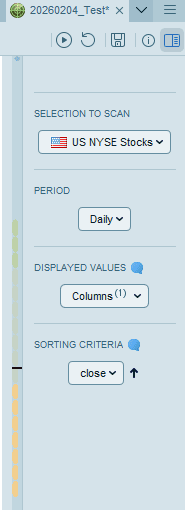
Attached is the “selection to scan”.
At first glance, I see several errors. For example, the slopeEMA is not a binary number. Perhaps you meant slopeEMA > 0.
On the other hand, I don’t know if it was your intention or not, but the right thing to do is to define each indicator in its own timeframe.
Indeed, in your code, the indicators are declared in the timeframe you launch the screener on because they are not inside a TIMEFRAME declaration.
To be clear: for each timeframe you want to use an indicator value, add this indicator value into a variable and change its variable name if you are using the same indicator in other timeframe.