Hi every one,
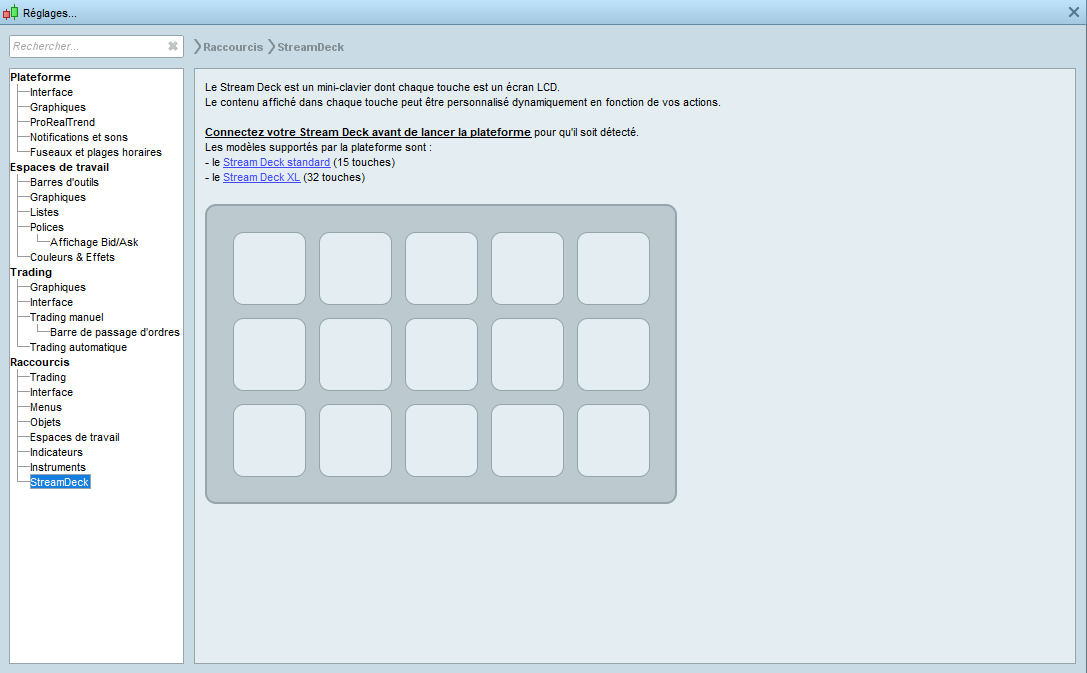
I purchased a new stream deck, they have some rule or tutorial to connect it with Windows 10, I already installed the Elgato software and restart my computer and restart PRT and connect the SD before lunching the PRT software but it’s same all the time, no detection ?
Best Reguards,
ZeroCafeine
What I recall of it, is that the Elgato drivers etc. should NOT be installed. Thus, PRT provides its own, and then it should work.
Thus try to uninstall everything from Elgato.
I also vaguely recall dat after PRT recognizes the Streamdeck, everything from Elgato can be installed again. Now you can also work with the Streamdeck outside of PRT; the switching to/from PRT goes automatically then.
Ok tks you, that is I’m thinking too after many search on Google, PRT use his driver and I have to uninstall the Elgato one, that is what I did but not working, maybe I have to check if it’s not a Java problem like permission or something like that ,
I am waiting an answer from PRTtks again for your answer
hi everyone,
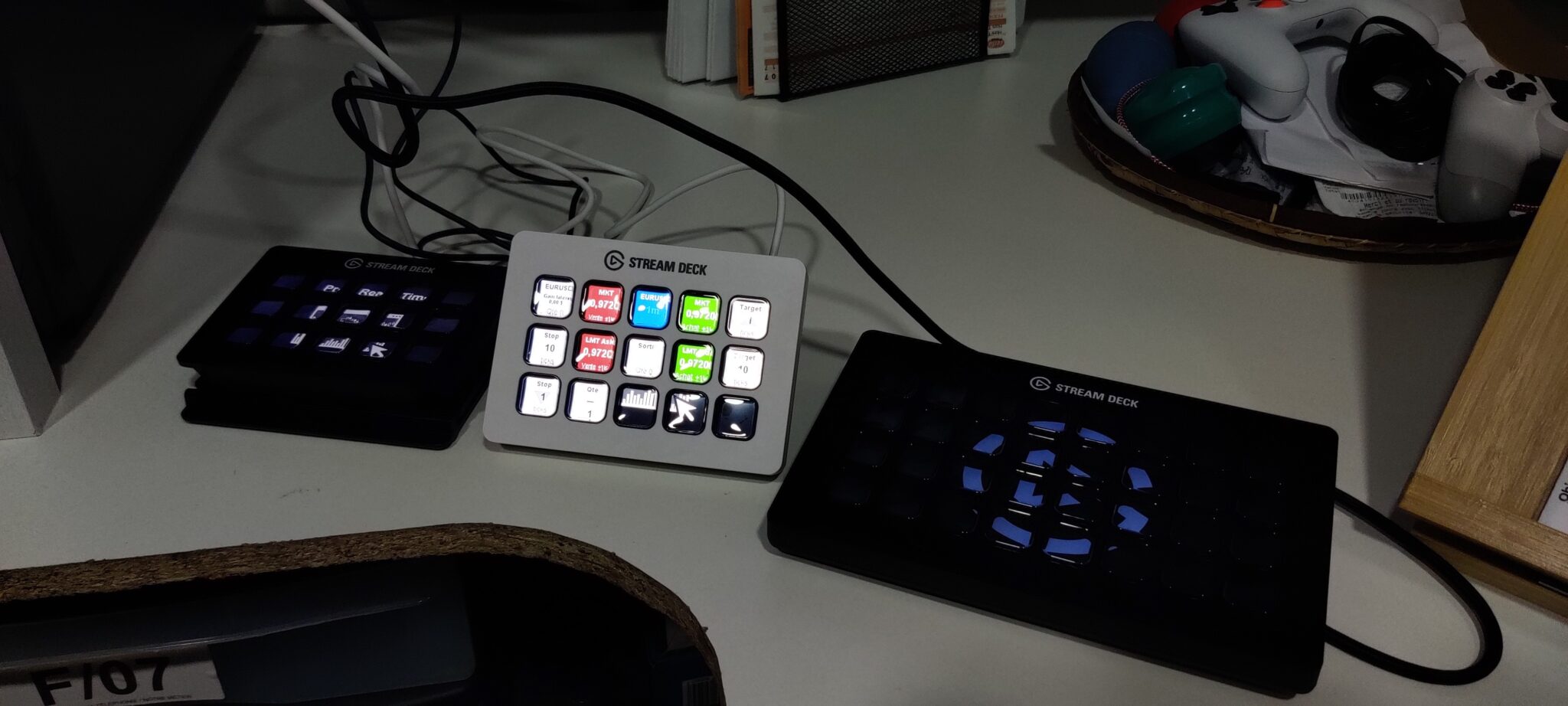
I bought a 2nd Stream deck 15 keys MK1 and it’s working, for the Stream deck 32 keys it still doesn’t work I’m still waiting for an answer from pro realtime
I bought other Stream deck MK2 with 15 keys and it’s working, so maybe I got SD 32 keys with a problem, so I sent it back to the supplier,
Now I will use the 15keys MK2 until I will be more fluent with this keyboard and I will probably order a 32 keys for personal use,
Now I have some questions, do you know where I can find more tutorial even it’s not a video, because I find only some video of Benoit and it’s not useful as a tutorial? Or maybe some examples of your settings