








First off, I’d like to say how encouraged I am to see several of my Suggestions for Improvment (made over the past 2 or 3 years) incorporated into V12.
So the Suggestions Box (on the PRT website) is effective, but we are ‘left in the dark’ until a new version is released and then we see our Suggestions played out for real.
My first question is … how do we get from a Chart to the Indicator & Systems window? I used to click on a chart icon in the bottom left corner, this no longer appears in v12? I’m sure there’s an easy answer, I’ve just not found it, coffee not worked through yet!? 😉
Hi GraHal, it’s back at the top (where it used to be in v10.3, slightly more to the left top rather than center top)
Aha … thank you JC … phew, glad the quick shortcut is still there!
And if you go to the main window settings menu, either pick the first line for platform settings or the third line for graph settings (not sure their exact name in English menu), in both of them you should find rectangles with text inside to click, and at a different location depending on path chosen, one of them is about the graph top bar (again not sure its exact name sorry), go there and at the bottom there is a “button format” section where you can choose between seeing the button only with icon, or with icon+”indicators” word.
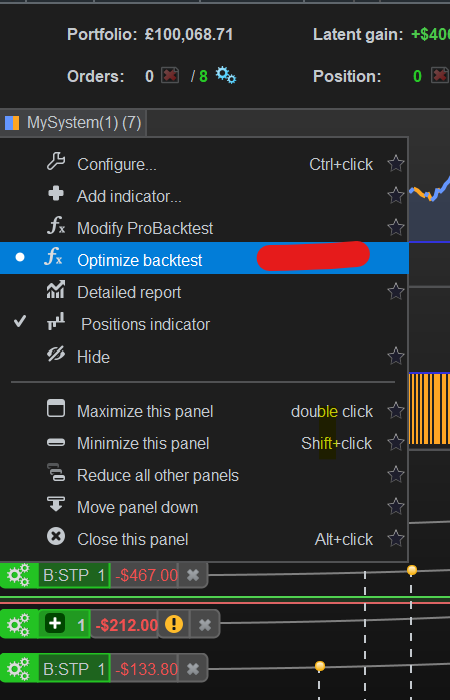
When I change Chart Timeframe and then click on optimise backtest (see attached) … it doesn’t do anything, it doesn’t optimise??
I used this tons in v11, anybody know a setting fix etc?
So the Suggestions Box (on the PRT website) is effective, but we are ‘left in the dark’ until a new version is released and then we see our Suggestions played out for real.
I have a theory about submitting the PRT wesite Contact Form or Suggestion Box (also using direct mail to PRT)…
- If we enter an email address that IS NOT registered to PRT (e.g. to IG only) .. PRT cannot / do not acknowledge /reply.
2. If we enter an email address that IS registered to PRT … PRT can / do acknowledge / reply.
I have a end-of-day (eod) Platform Registration direct with PRT … when I do 2. above (using the email address associated direct with PRT eod Platform) I mostly receive an acknowledgement and even a ticket number!
Users may be less dissilusioned, encouraged even (as I am with V12) if they follow method 2. above when submitting Suggestions for Improvement.
There is a project to make release notes / changelog publicly available, FYI.
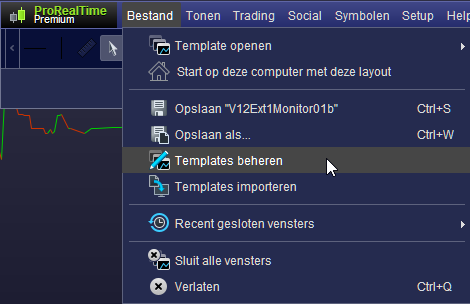
How do I export workspace please in v12?
I can see File > Import workspace, but I can’t find export workspace?
I see now why I couldn’t find export workspace … it doesn’t exist on the IG v12 version??
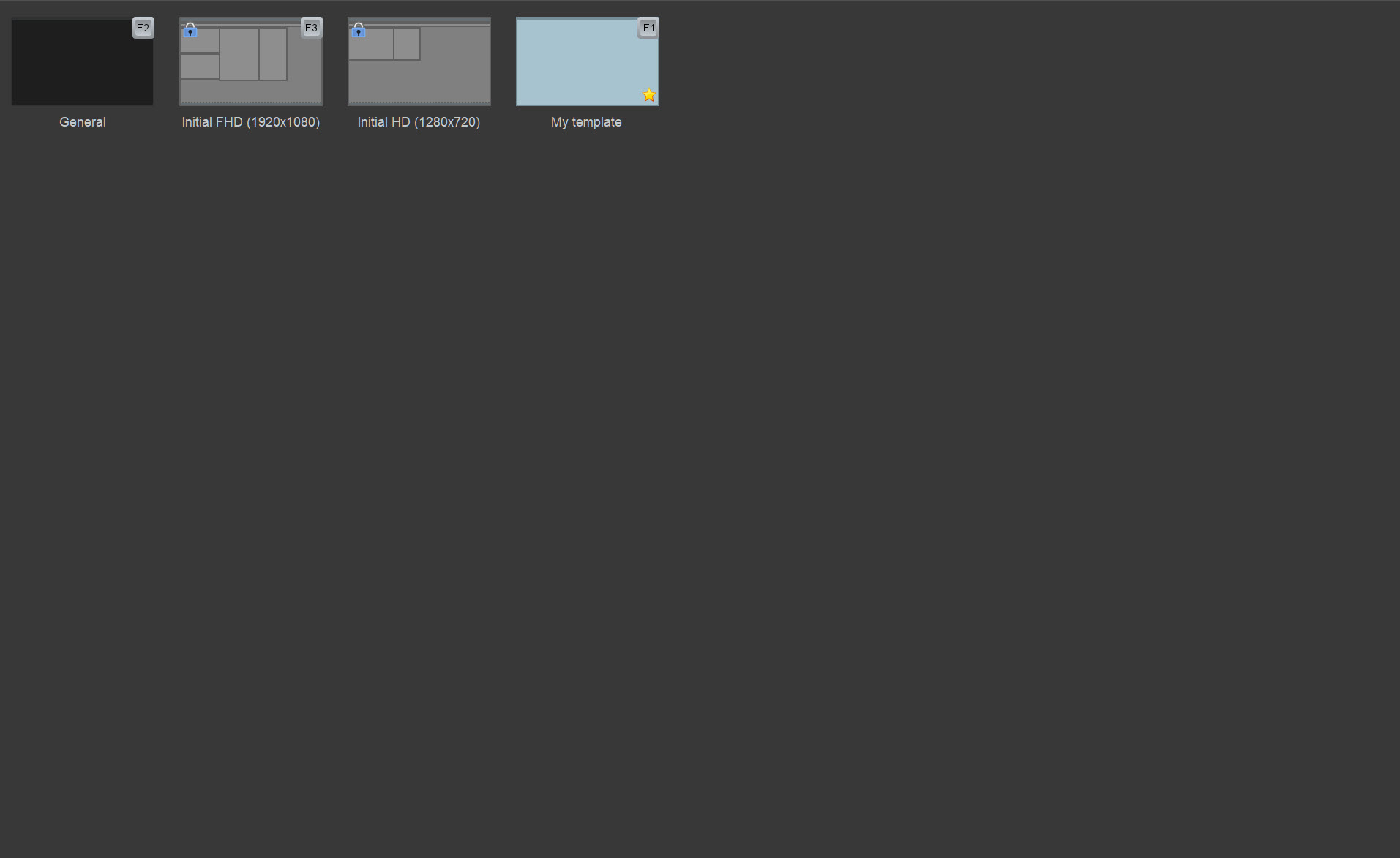
When I go Edit Workspace, attached is all I see!?
No tabs or menu options as you show on your screenshot Peter.
It’s not due to menus etc being out of view due to ‘massive width setting of windows‘ when first I got v12 a week or few back.
How was the PRT show? Did you pick up some tips or at least make new friends / contacts?
Peter answer re Fair on your Fair Topic! 🙂
- Anybody know what Alert on Threshold is / means??
2. Is there a setting to disable a drawing object after drawing an object?
Currently every time I draw an object, I have to right click mouse to disable … surely there is a setting for permanent disable??
surely there is a setting for permanent disable??
No GraHal, not disable … we have to ENABLE ‘cursor mode after each drawing‘.
Not what I call intuitive??
Don’t tell me, you knew all along, but you wanted to test how long it would take me to find out? 😉
Did you guys notice that all your saved pre-defined backtest report layouts stopped working? Atleast for us Swedish users, we had to remake them.
