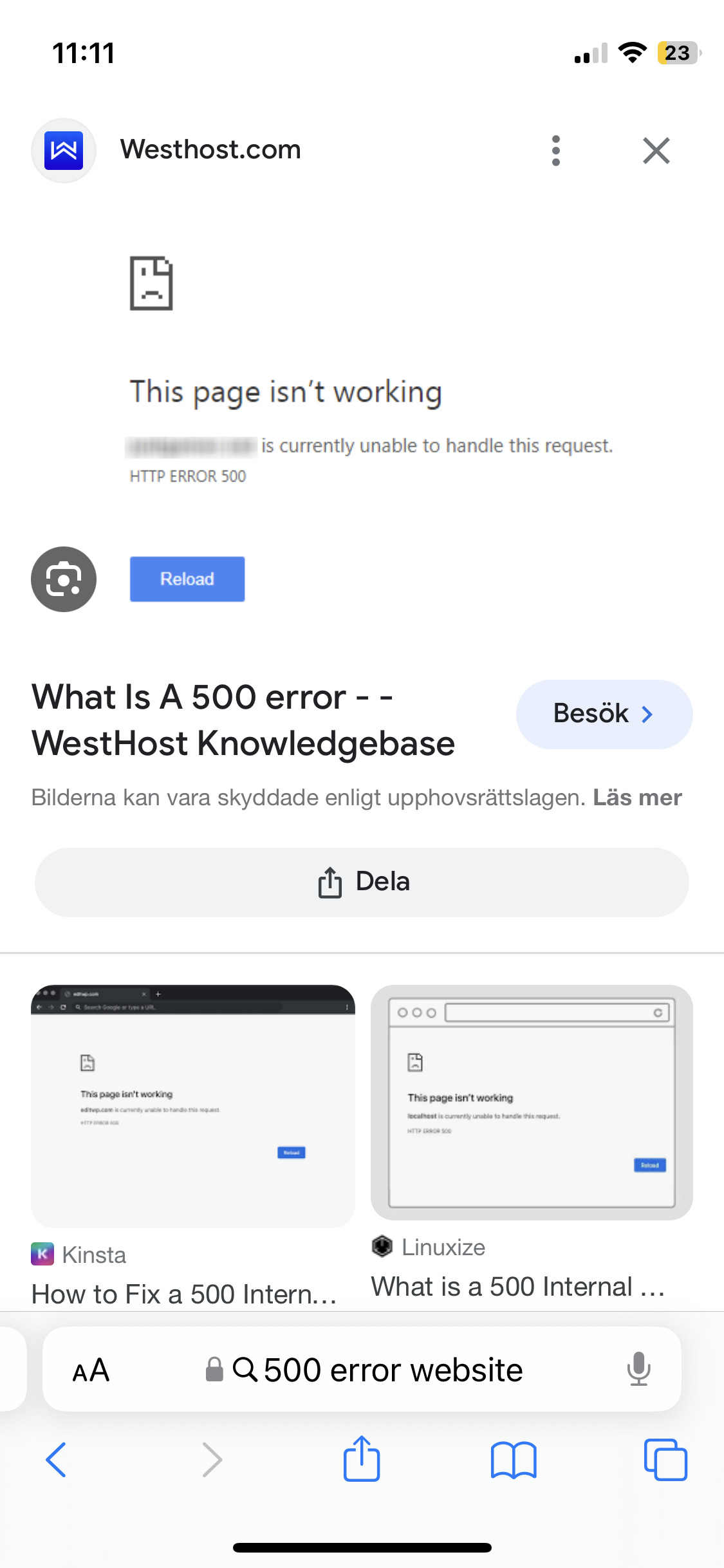

I can not start ProRealTime Demo. When I try to open PRT through IG it gives me website error “HTTP ERROR 500”.
It has been like this for yesterday.
Anyone else have same issue?
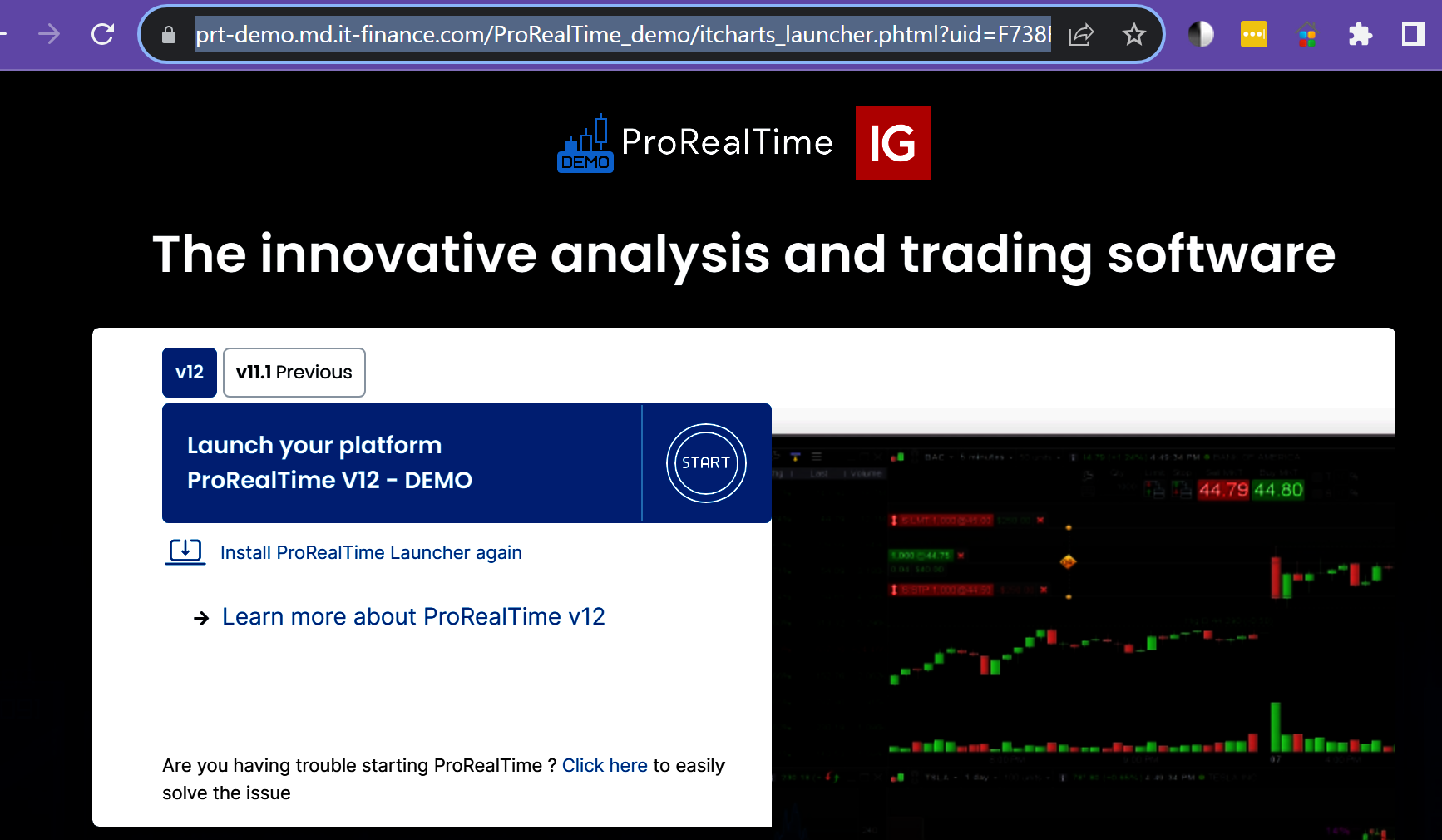
I just opened Demo v12, I did get a somewhat different (than yesterday) splash screen, but Demo opened okay.
Have you tried reinstalling the PRT Launcher?
Also try restarting your PC?
When I press Open ProRealTime from IG:s website when it changes to “https://prt-demo.md.it-finance.com/ProRealTime_demo/itcharts_launcher.phtml?” I get the “HTTP ERROR 500″.
I have no problem opening live PRT but demo gives the website error.
I have restarted PC, but not reinstalling the PRT launcher but I do not think that is the problem. The problem is with the server.
Do you see attached?
Have you tried clicking on the ‘Are you having trouble starting ProRealTime ? Click here to easily solve the issue‘ at bottom of attached splash screen?
I do not get that screen at all I am getting 500 error
but not reinstalling the PRT launcher
Worth a try?
Was Demo v12 working okay yesterday?
I can’t think of anything else to try for now.
So Live on v11 is working fine ?
Doesn’t look like anybody else is having the same problem as you?
How do I do that?
How do you do what … reinstall Launcher?
Have you ever had v12 working yet on Demo?
You need a different PRT Launcher for v12 (than you have been using for v11).
Do I need to install something specific?
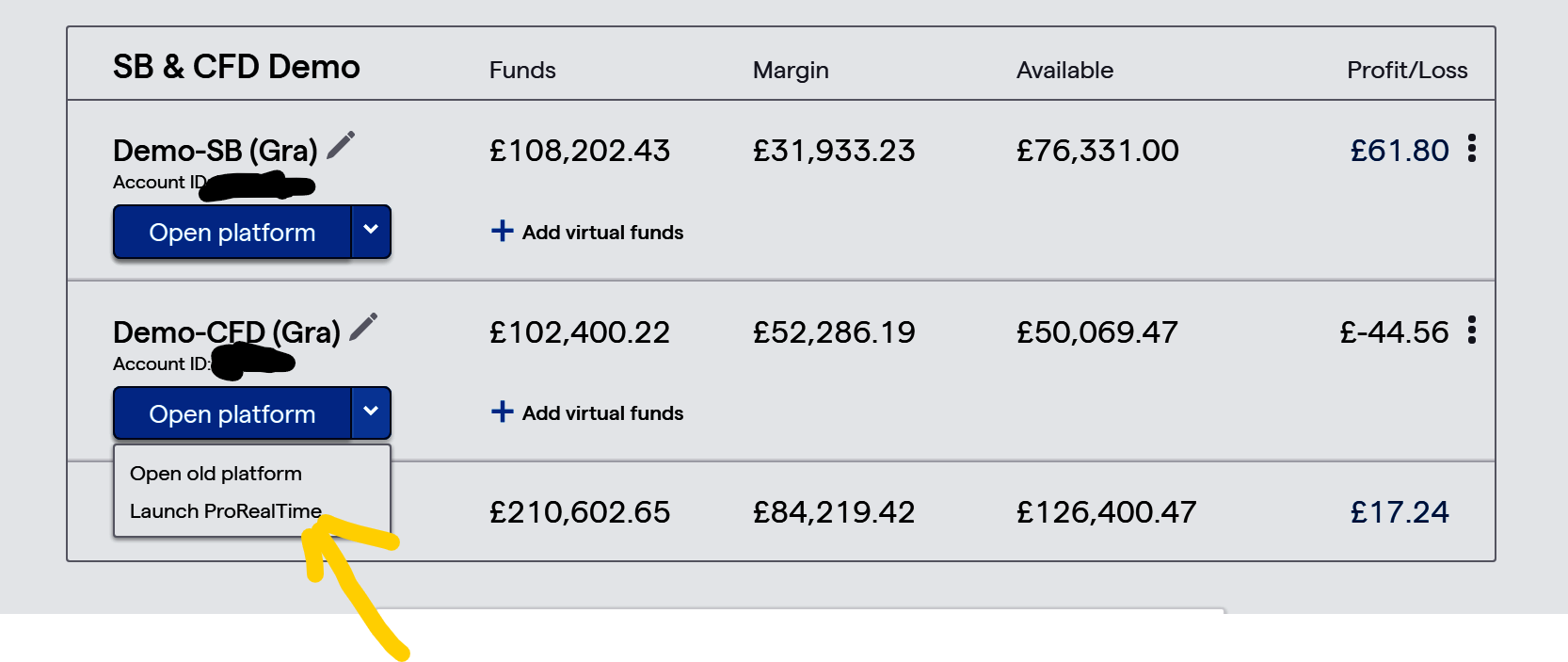
You need to click on V12 Launcher or something similar after slecting ProRealTime Demo on your IG Dashboard.
GraHal, FYI : I would not know where to find this. Hence (??) it is just not there.
Actually I am waiting for the working out of this topic, to see whether it helps me. Otoh, I don’t need V12 at all for IG-Demo (for IG-Live, yes but this won’t be available yet).
So I suppose you received an email at some stage, and in there you were told what to do/click/install in order to play with V12 ?
No email, I just clicked on V12 as in the screenshot I posted 9 posts above.
So and / or PeterSt post a screeshot of what you do see after you click on Launch ProrealTime as shown in attached at yellow arrowhead.
I am not getting any error on borh demo and real accounts.
I think GraHal‘s advice should work.
If it doesn’t try contacting PRT.