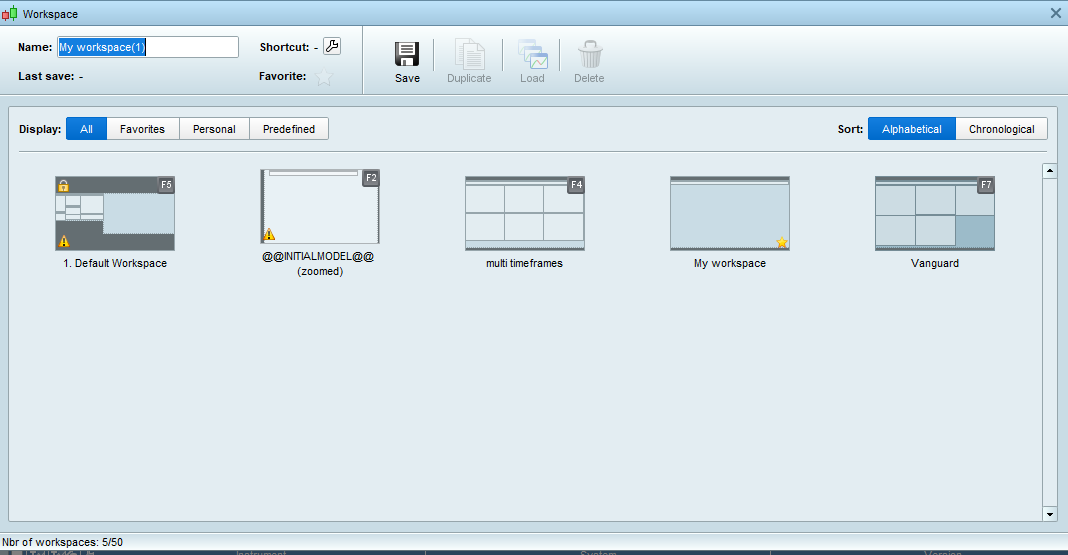


Regarding platform saved , I assume you are refering to the workspaces. correct ?
I have 5 different workspaces saved and the problem is in all 5.
Above is for PeterSt to answer.
Did you see my post – 1 post before yours above jmf125?
sometime the timeframe gets stuck on one day – even if you change the number of units 10 50 k, 100 K …
So you mean that if you, for example, select 1 day for TF and 10k units that you cannot then change (only) the 1 day TF to 1 hour TF (and 10K units) ?
No what I mean is that sometimes, I open the equity curve and it is (for sake of argument ) opening by default with 100 units on 5 mins TF (so total of 500 mins , so approx 1/2 day). I change to 10 K , 50 K and 100 K units and it is still staying on the same original timespan of 1/2 day. And nothing will change that timespan for that instrument, until I close and exit (usually 2 times).
I just selected 5 min TF and 100K units, then Quit > save on exit; logged back in and it was on 5 min TF and 10K units.
Above confirmed my memory that if we select > 10k units then when we Quit + Save, the settings defaults back to 10k units anyway. This may not be quite what you are saying, but it may help.
If I select 5 min TF and 1oo units then when I log back in, it is still at 5 mins and 100 units, so 10K seems to be the default max for units after Quit and log back in.
A friendly nudge … when using the Quote, we just select the bit of a previous post that is most relevant to what is being replied to. We can easily get back to the full post by clicking on the ‘PeterSt wrote’.
Also when replying to a post that is immediately above, there is usually no need to Quote at all, unless we want to highlight a phrase or a sentence that is relevant.
Quoting full posts can put folks off reading new posts as it immediately looks like a ton of text and we think … I’ve not got time to read this.
It’s been a good Topic, so are you sorted now as you say …
detailed report continues to appear
I followed all the steps you described on my “working” account and the detailed report continues to appear. I can´t reproduce failing to open the detailed report.
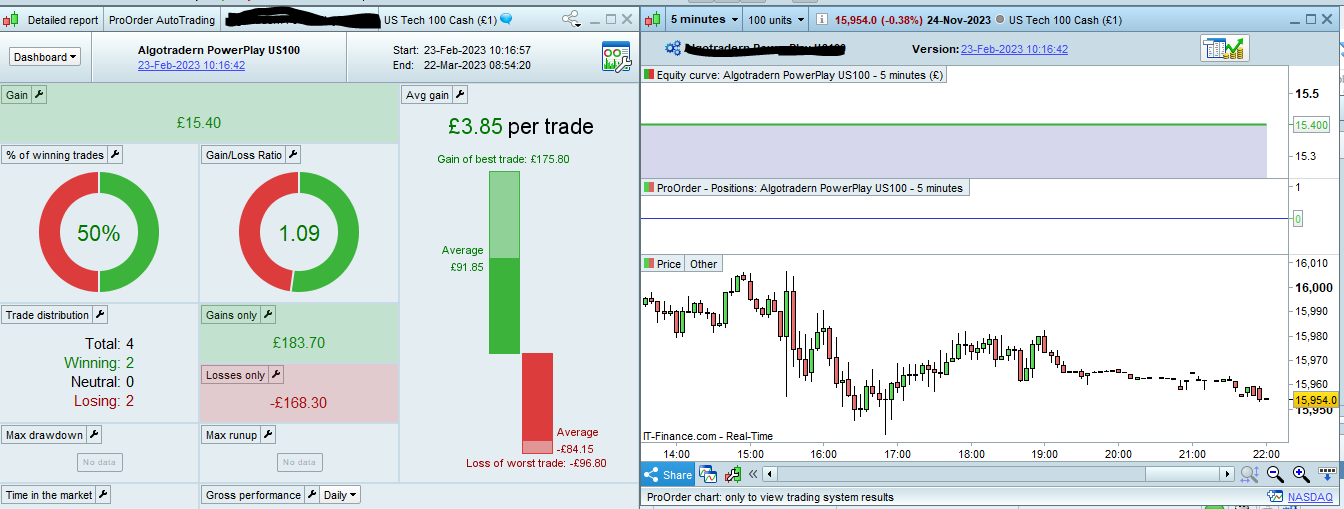
But were you now able to copy the behaviour of the two forms opening at the same time ?
If not, then still some “base” is different.
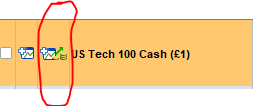
GraHal, does that happen with you ? – the opening of the two forms at a time when clicking the icon in the ProOrder list ?
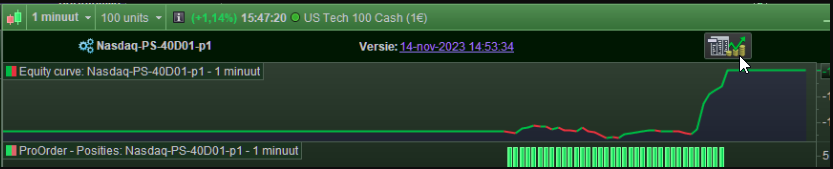
Point of interest regarding this : clicking the larger icon in the top of that 2nd form with the Equity Curve in it (see below picture), would never ever be necessary for me, because the Detailed Report that button leads to, is always already there (but if not, nothing happens anyway at clicking that button, as laid out earlier)
GraHal, does that happen with you ?
Either both open (Equity Curve + Detailed Report) else just the Equity Curve, then when I click on the icon (top right) the Detailed Report always opens for me.
Today to my surprise, PRT v12 started when opening prorealtime. And magically, my detailed report now appears.
Hopefully forever.