Hi Peter
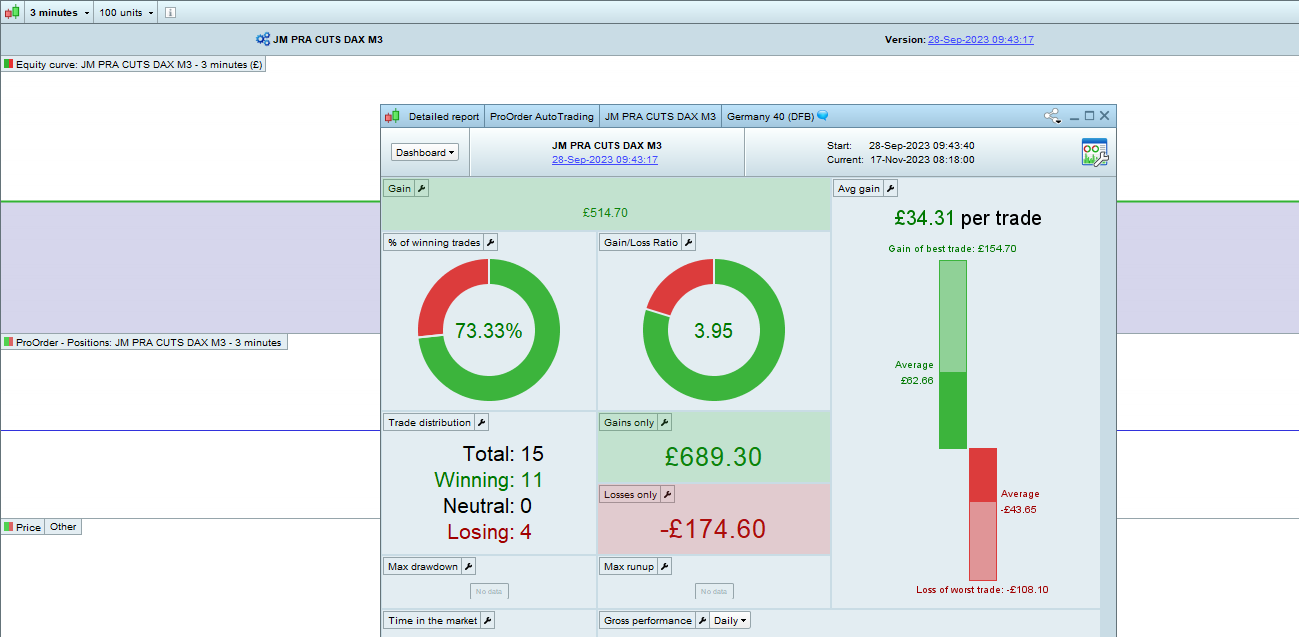
That is correct; I click on that button (like I have done for the past 4 years or so). And what would normally appear in the first instance, is the equity curve and then the detailed report screen would appear.
The issue now, is that the detailed report does not appear. And I have no alternative in getting the report, which is really problematic if you want to analyze your strategy.
PS Correct that this was a bit buggy, and you sometimes had to click on the button twice in order to have the detailed report opening.
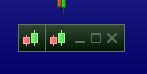
And you don’t anywhere have small minimized forms like you see below ?
My own issue normally is that once you managed to have such Detailed Report on screen, it will never go away any more. Btw, this is only for PRT-IG – with PRT-IB no problem.
Anyway, I am following this topic from the start, and I just don’t know what it can be. Sorry. 🙁
No minimized forms.
This drives me crazy, specially that it does work (on same computer) on the same IG account but for CFD, and also on a different IG SB account (premium) .
I have now and again, had a screen ‘go out of view and then I just see enough of it to drag it back!
Is it possible that above has happened with the Detailed Report and you have saved it when you Quit and that is why you cannot now see it??
Clutching at straws I know! 🙁 Try opening the default Template and then try to see if Detailed Report appears??
What are ‘small minimized forms’ Peter ?? It doesn’t matter, I’ve managed thus far without them!!! 😉
PRT is all ‘smoke and mirrors’ anyway!! 😉
Thanks Grahal but unfortunately not, it is not a hidden window.
Tried loading many different templates including default, same issue.
I guess Peter means minimised windows/forms, similar to what you say “out of view”.
Sadly none of the above.
I know try it on Demo Spread Bet … you never did answer me … have you got a Demo Account?
Sorry I thought you were asking if this happened on the demo account.
Yes I have a demo account but for some reason unable to activate PRT on the demo account. I never really bothered as I do not really use my demo account.
See error attached
Thanks for trying to help. Do not really understand why I am not getting any support from IG or PRT.
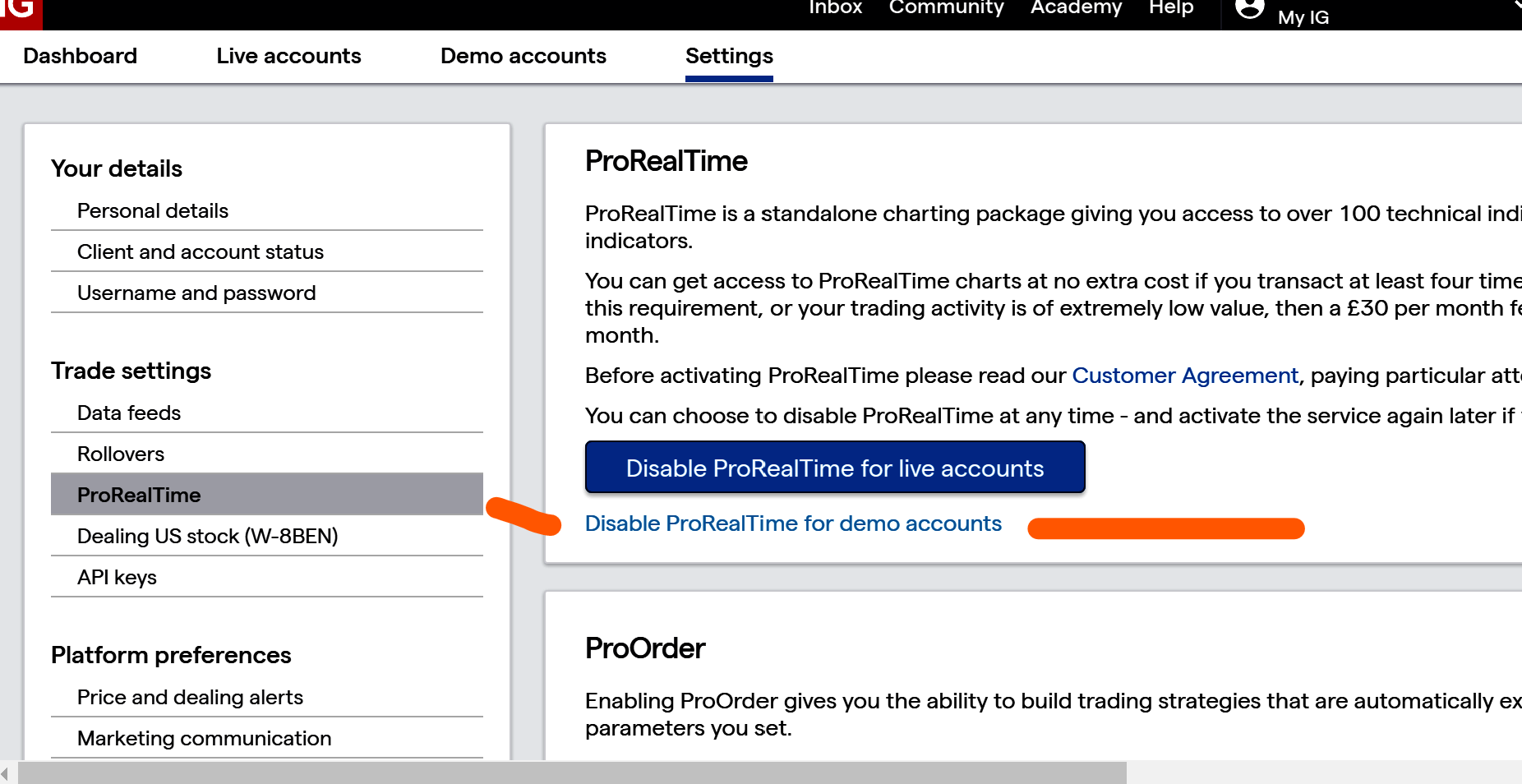
You need to enable PRT on Demo in the IG Dashboard Settings under PRT.
Yes I know the previous message shows the message I am getting when trying to enable it.
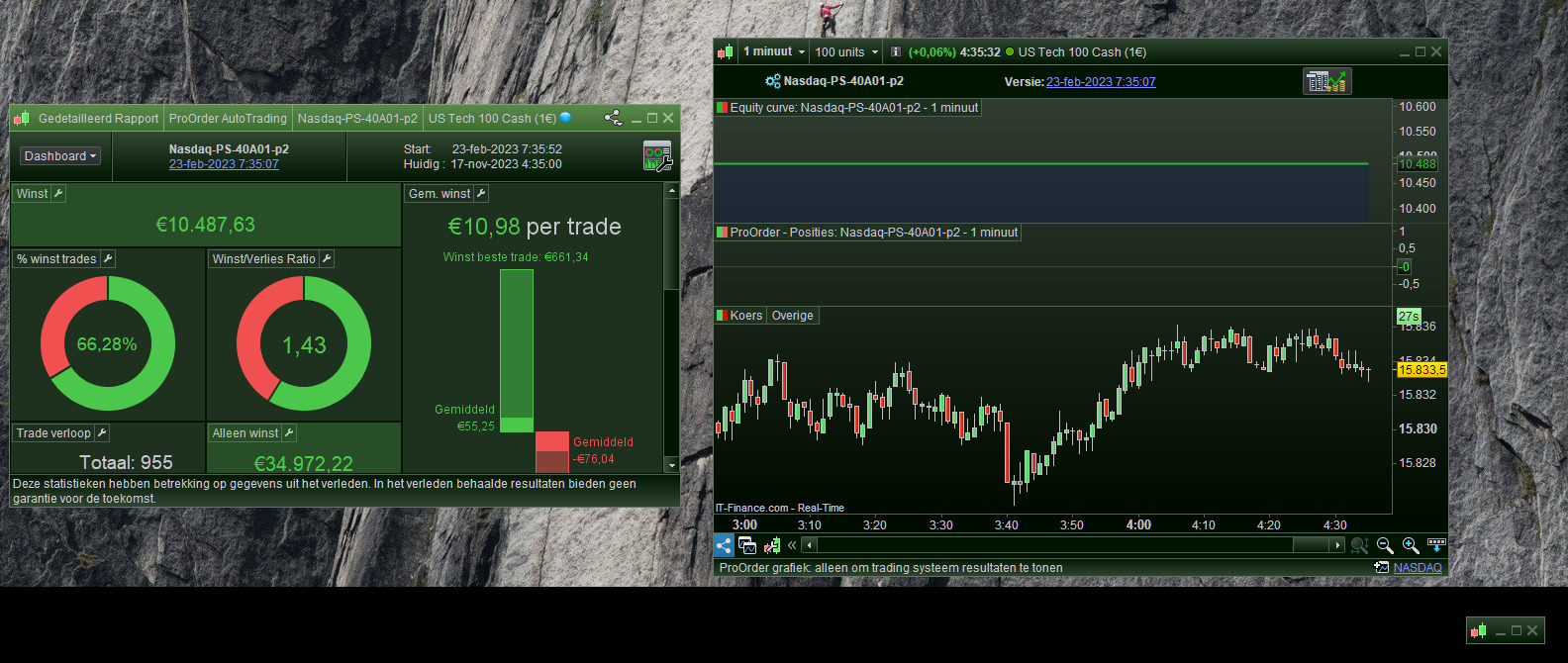
Those “minimized” windows are relevant, as they are part of the pair of the Detailed Report and such a window itself. I dragged one of them larger so you see what I mean. Thus, click the button/icon of our subject, and always two windows open.
The one you see here has its counter window (of the pair) pair somewhere – a Detailed Report. This shows in the left hand. But now the other one … that one has lost its Detailed Report counterpart because I ever back closed it. So this appears to be the same situation ?
I minimized it (dragged it as small as possible) because I am not interested in the equity curve (of either). Meanwhile, would I cross it away, then at the next startup they keep on returning. Btw the same for the detailed report (would there be one, like in thee screenshot), I can never get rid of them any more.
Wait …
The trick to get rid of these phantom windows, would be to kill the strategy from the ProOrder list (both running and not-running). This is obviously not what you want, because you have the issue the other way around. Still the issue you have would be similar deep down. In other words, chances exist that if you copy the strategy and open a Detailed Report (“pair”) for that new one, it is just there. And it would only mean that you did something in the recent past to loose this half of the pair.
And if it helps, you still don’t have the old statistics data. But it would prove that it is unrelated to your account type.
… or that account type just does not bear detailed reports, indeed …
Regards,
Peter
the message I am getting when trying to enable it.
So you get the message you posted when you try to enable Demo where shown in attached?
 JS
JSParticipant
Veteran
The message you get when you try to activate the demo account indicates that this account is not (properly) activated with the broker. Call the broker and your account will be reactivated… (if you meet all the conditions)
I have done that but I doubt this will resolve the issue on the main account.
So are you now seeing the Detailed Report for individual Systems (from the AutoTrading window) on Demo SB Account?