Problem in Code

Viewing 3 posts - 1 through 3 (of 3 total)
  • Author
    Posts
  • #5335 quote
    Pearson
    Participant
    New

    Hello Everyone,

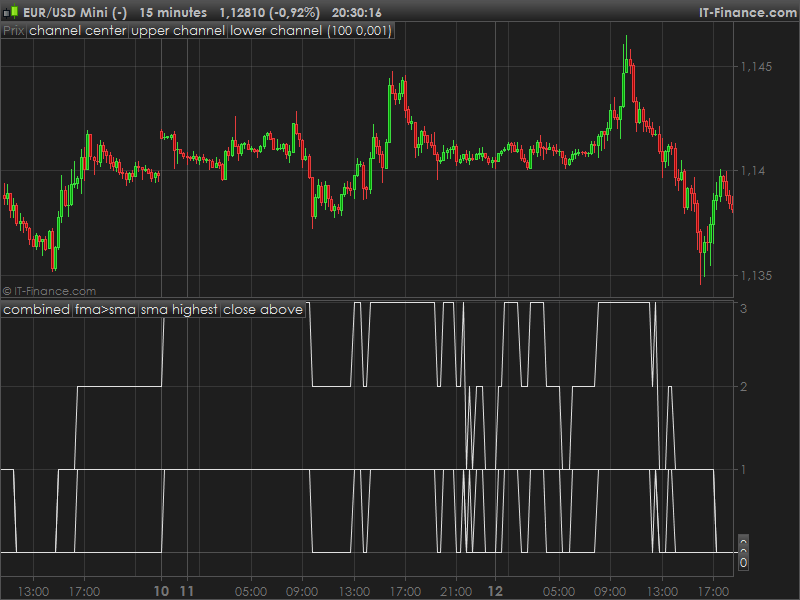
    In an article on the internet, named “Stock Market Health Indicator for ProRealtime”, about a year ago, there is a code that I want to insert in PRT.

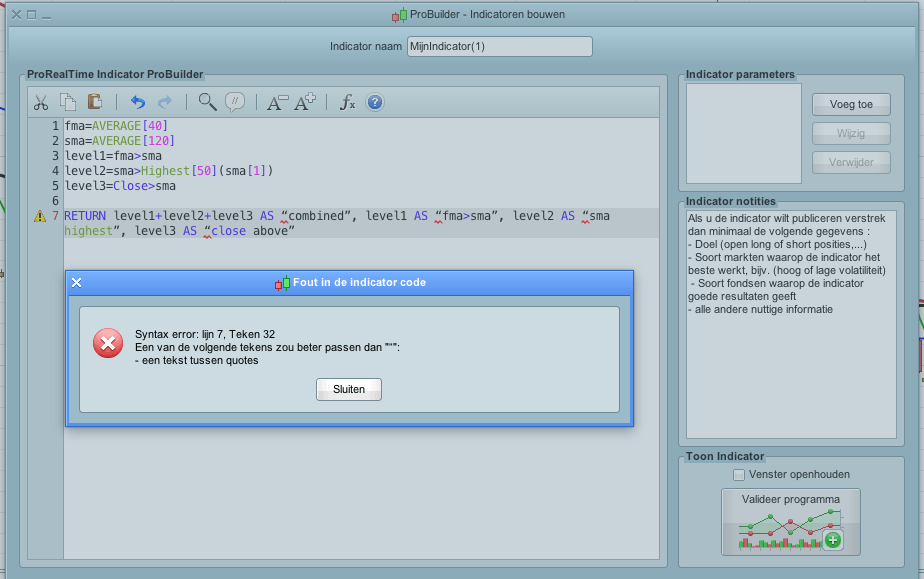
    But alas, there appears a message which is to see on the included screenshot.

    A message appears that there is an error in the code.

    i it possible that someone with knowledge improves this error?
    The code will then be useful for the whole forum.
    Thanks and Regards,
    pearson

    fma=AVERAGE[40]
    sma=AVERAGE[120]
    level1=fma>sma
    level2=sma>Highest[50](sma[1])
    level3=Close>sma
    
    RETURN level1+level2+level3 AS “combined”, level1 AS “fma>sma”, level2 AS “sma highest”, level3 AS “close above”
    Code-ProRealtime.png Code-ProRealtime.png
    #5341 quote
    Nicolas
    Keymaster
    Master

    Hello Pearson, this is a syntax error. It means that something is misspelled in your code. I think the copy/paste of this code has replaced the quote marks with other characters. You just have to replace the line 7 with this line instead :

    RETURN level1+level2+level3 AS "combined", level1 AS "fma>sma", level2 AS "sma highest", level3 AS "close above"
    code-prorealtime-syntax-error.png code-prorealtime-syntax-error.png
    #5346 quote
    Pearson
    Participant
    New

    Hello Nicolas,

    Thank you very much to solve the question!

    I am curious to see after a while, if the code has a meaning

    Thanks and with kind regards,

    Pearson.

Viewing 3 posts - 1 through 3 (of 3 total)

  • You must be logged in to reply to this topic.

Problem in Code


ProBuilder: Indicators & Custom Tools

New Reply
Author
author-avatar
Pearson @pearson Participant
Summary

This topic contains 2 replies,
has 2 voices, and was last updated by Pearson

9 years, 10 months ago.

Topic Details
Forum: ProBuilder: Indicators & Custom Tools
Language: English
Started: 04/13/2016
Status: Active
Attachments: No files
Logo Logo
Loading...