Hello Nicolas,
I really liked the indicator ” perfect trendline2″. Thanks so much for creating this Is it possible for you to convert this into a scanner that to identify the stocks giving the signals
Thanks
Vineet
There you go:
SlowLength = 7 // Slow length
FastLength = 3 // Fast length
fasthigh = Highest[SlowLength](high)//[1]
fastlow = Lowest[SlowLength](low)//[1]
slowhigh = Highest[FastLength](high)//[1]
slowlow = Lowest[FastLength](low)//[1]
ONCE Trend = 0
if high<slowhigh then
thighs=slowhigh
else
thighs=high
endif
if low>slowlow then
tlows=slowlow
else
tlows=low
endif
if high<fasthigh then
thighf=fasthigh
else
thighf=high
endif
if low>fastlow then
tlowf=fastlow
else
tlowf=low
endif
if close>slowln[1] then
slowln=tlows
else
slowln=thighs
endif
if close>fastln[1] then
fastln=tlowf
else
fastln=thighf
endif
if close<slowln and close<fastln then
trend=2
endif
if close>slowln and close>fastln then
trend=1
endif
x = 0
IF Trend <> Trend[1] THEN
x = Trend
endif
SCREENER[x](x AS "1=↑, 2=↓")
Hi Robert, thanks,
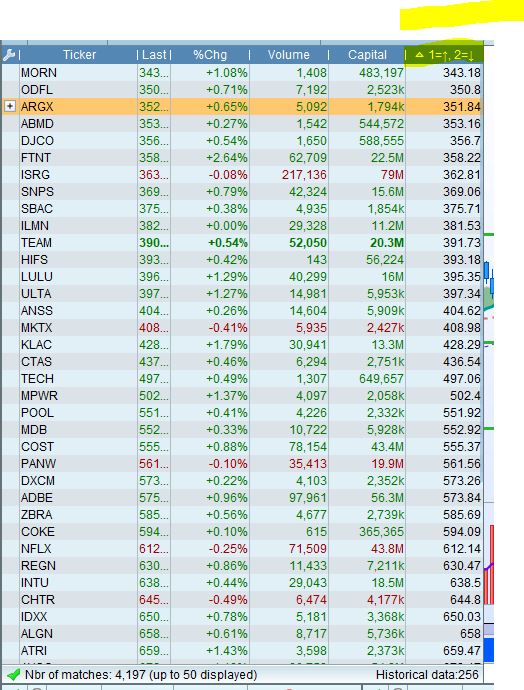
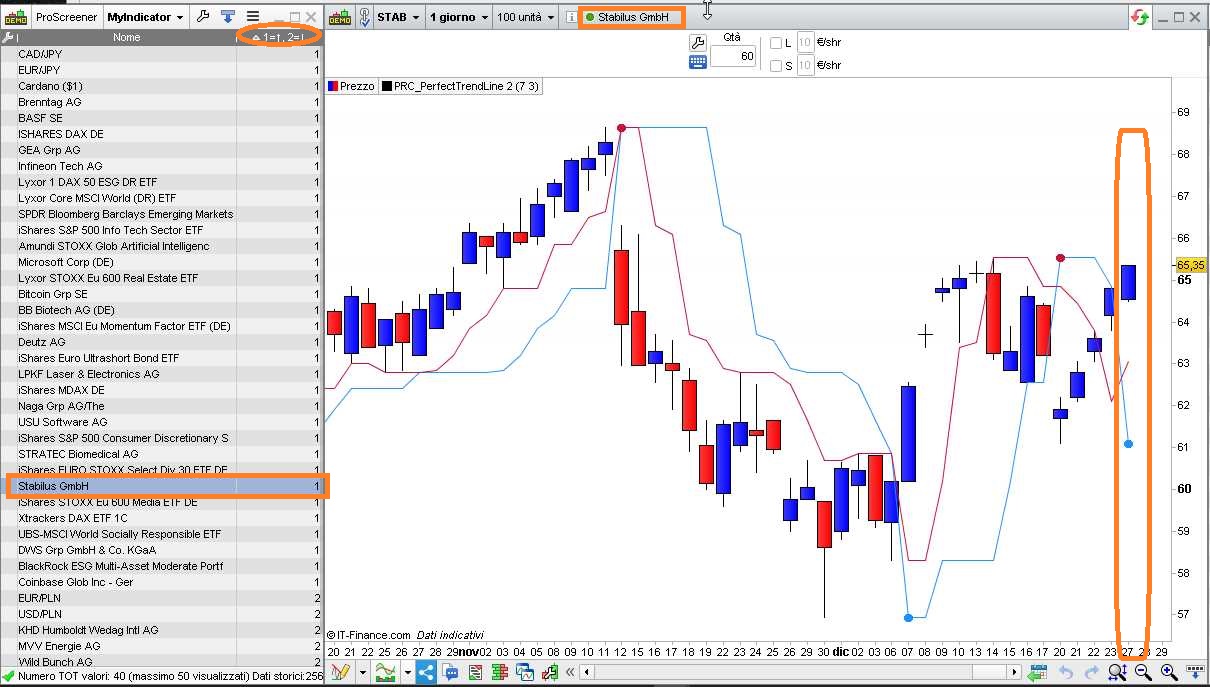
This screen is not taking conditions
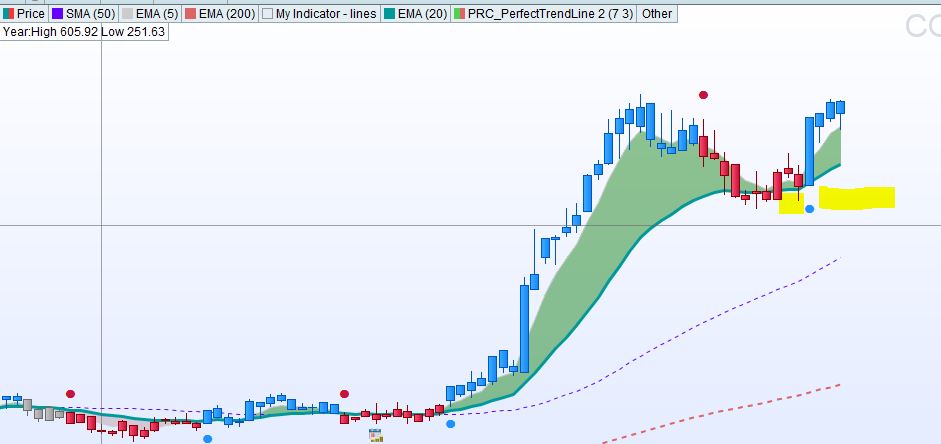
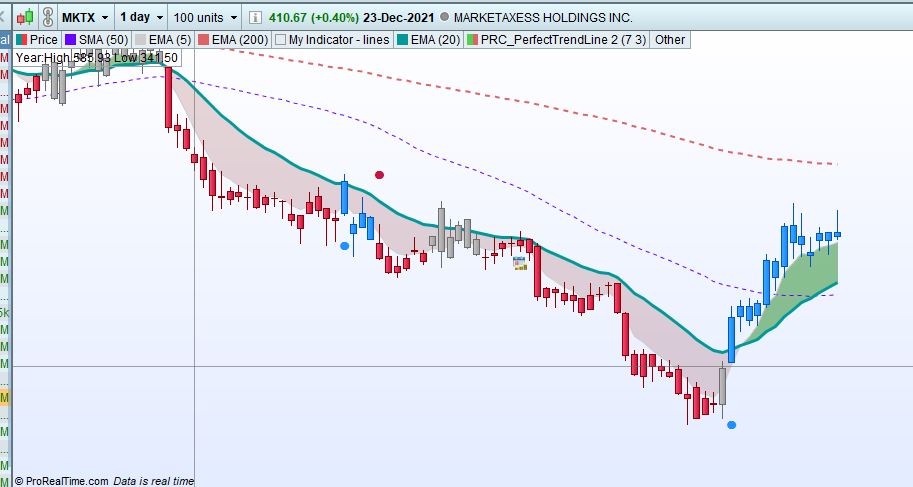
1) Throw the stocks that gets drawtext(“●”,barindex,fastln,Dialog,Bold,10) coloured(r,g,b)
Please see the screenshot, it is late after 4 candles and 13 candles respectively
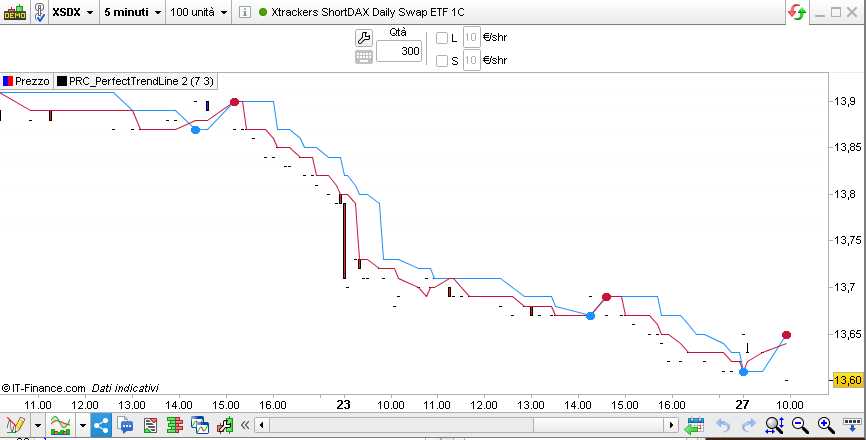
Also how to find Red signal or blue signal
It works perfectly on my Platform.
Make sure the scfreener and the indicator share the same settings.
The screener return “1=↑, 2=↓”.
Thanks,
Please see in screenshot “1=↑, 2=↓” colums returns the Price. How to sort out BUYs and Sells
Can you please send and indicator with the same setting you are using, I will import and try that in case that resolves my issue
I am attaching a picture + ITF file.
Thank you so much, Robert, I really appreciate the work. You are great.
Take care.