


ktParticipant
New
Hi All,
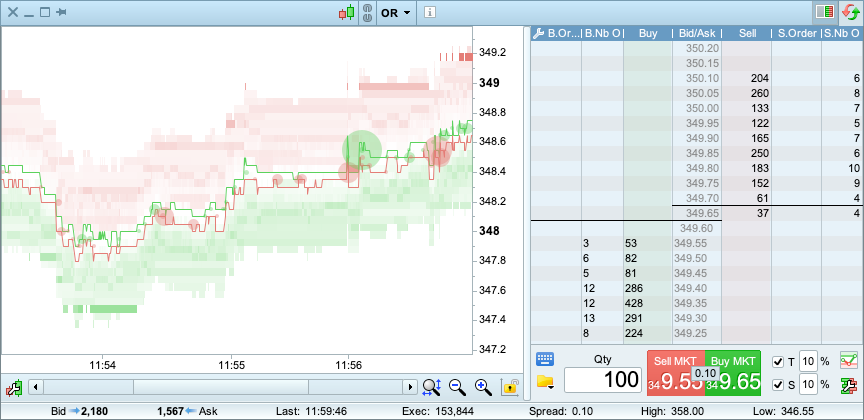
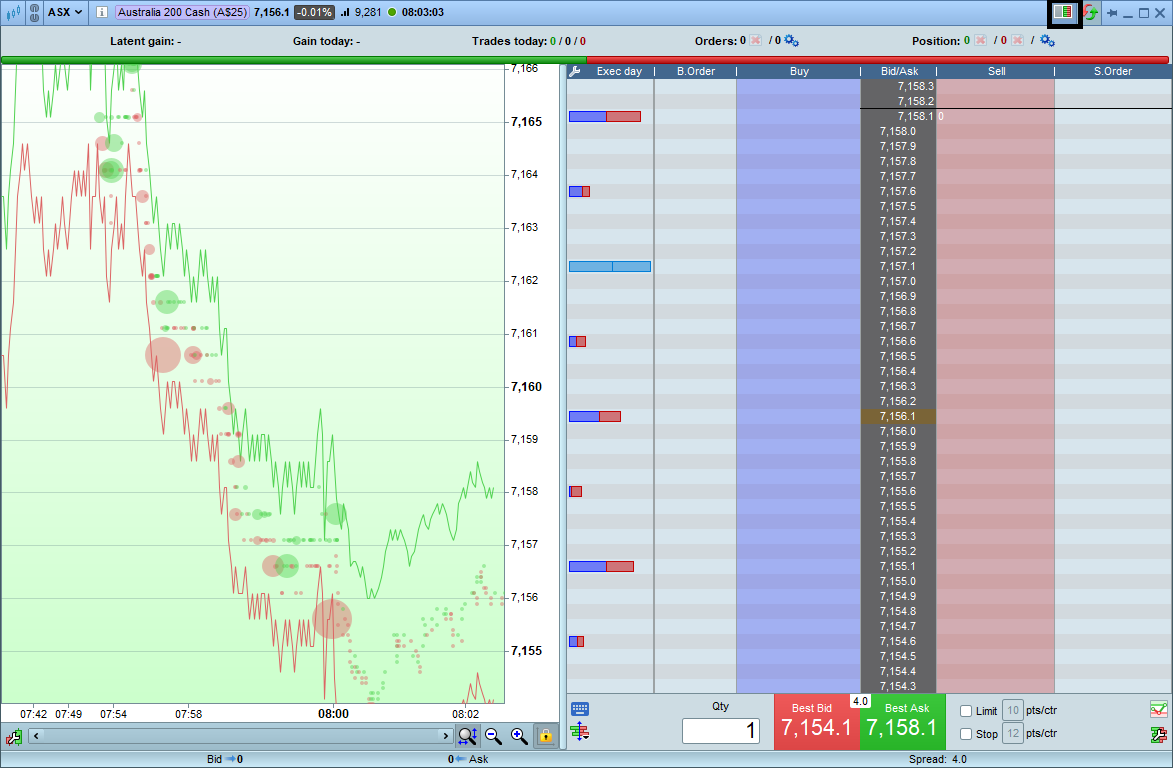
I have challenges enabling the order book heatmap with v12 on the alongside the price as shown in the diagram attached. Can anyone provide me some guidance?
https://www.prorealtime.com/en/new-features-ProRealTime-v12#order_flow
KT
What are your challenges … enabling the Heat Map, rest is okay for you?
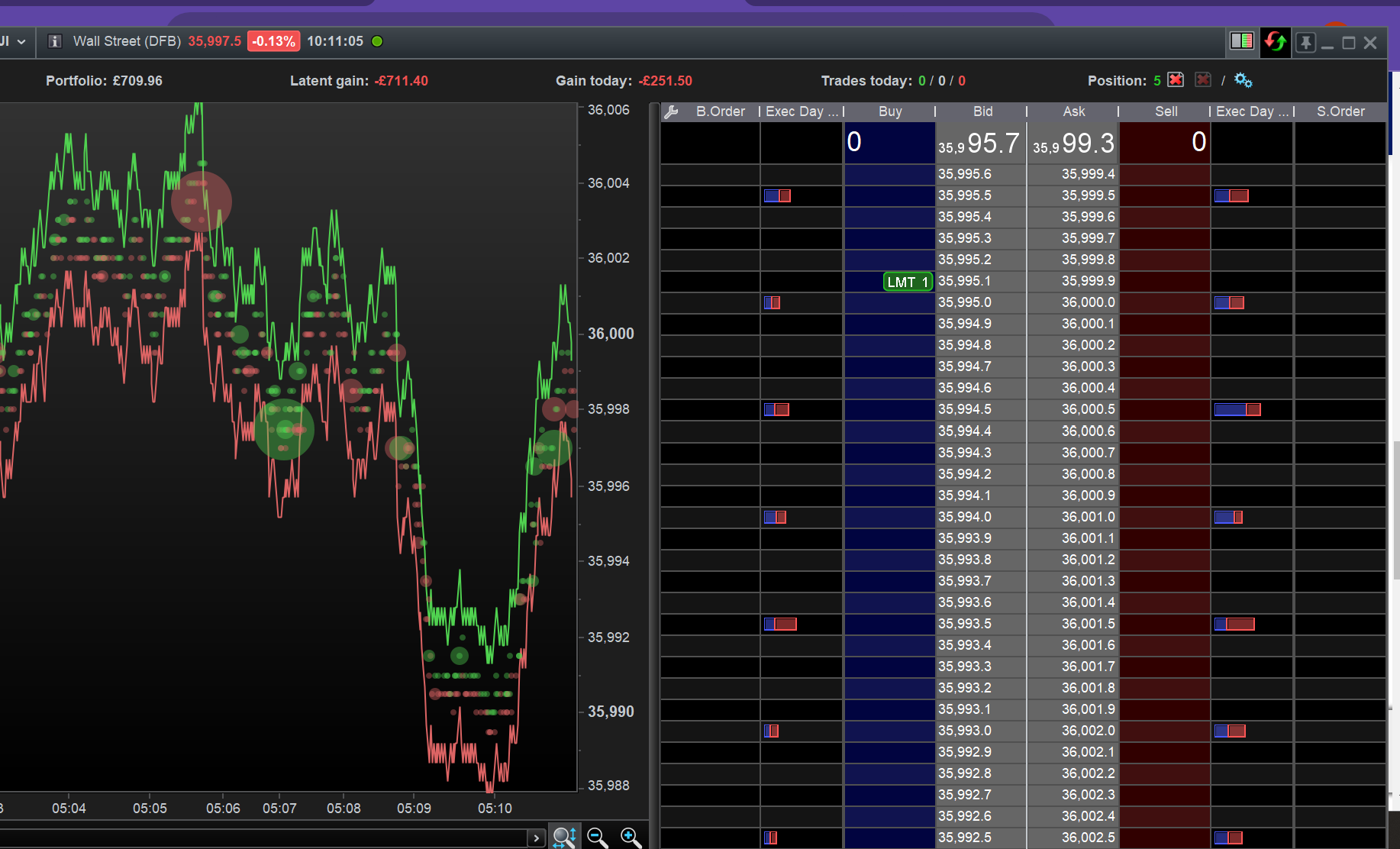
I got attached by clicking on various icons (e.g. on top right and left bottom) once I was in the Order Book.
For me it was the lack of buy/sell buttons etc etc when in ‘vertical mode’ with the heatmap open. Scalping ok.
I looked at Order Book and Heat Map a few times in the distant past, but could not find any useful way to use it … it be good if somebody could explain how it is useful / how to use it??
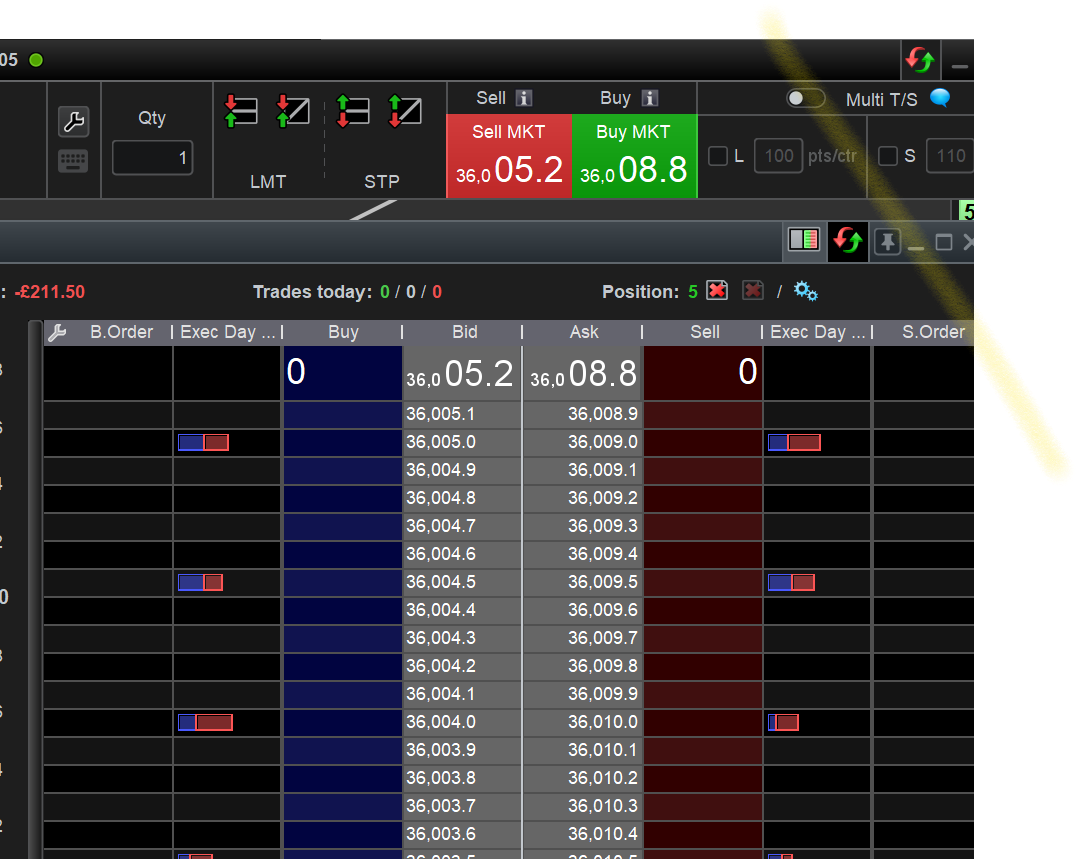
Inverse re buttons … would it work as attached using the Buy Sell buttons behind the Order Book?
If you mean could it work, i’m sure it could. Are you saying to ‘overlay’ 2 windows or have two adjacent to overcome the feature.
Sorry mate, long day here!
No probs.
Yes overlay 2 windows.
Did Order Book / Heat Map work in v11 as you wanted, but v12 now no longer does work as you want / have been used to (in v11)?
TBH was just responding to kt in a sense of what I saw on v12, never used it personally…. 🙂
HAHAHA Yeah it’s a lonely life trading, I often feel like some convo also!!! 🙂
lol, yes for sure …..
I could see it working on a 1sec chart maybe (because you could put a little IP on it), otherwise you’re ladder trading w/o the ladder kind of.
Qu. if I can.
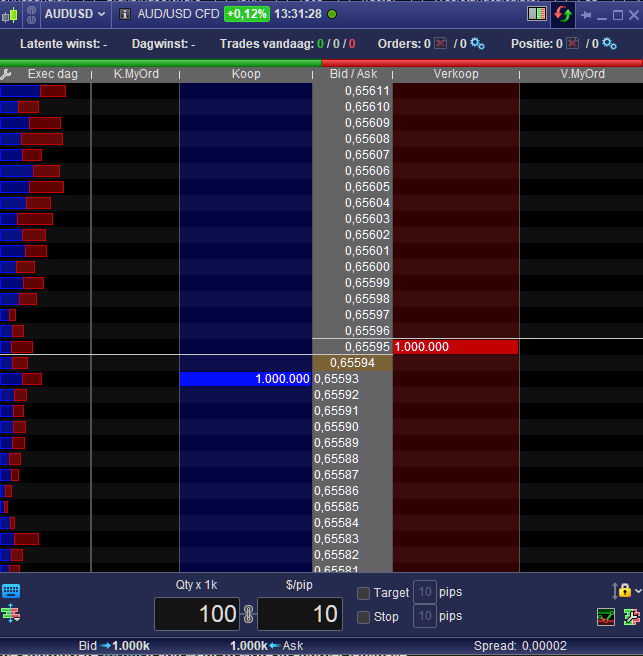
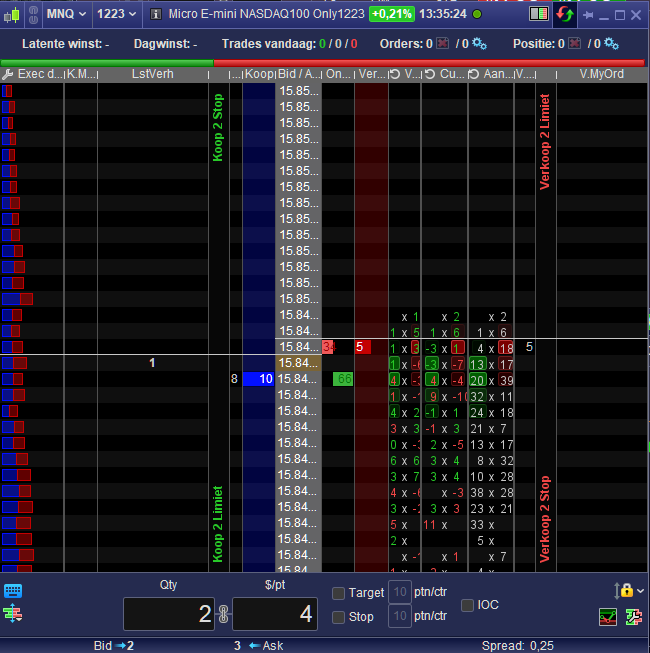
Does PRT offer full blown ladder (vol @ price levels), depth that kind of thing for futures because what IG do is pretty naked …. 😐
I do see in there full offering they have L2-10 depth levels but no APAC.
Is this what you mean ?
Edit : No, it won’t be what you mean, I am not seeing the Level 2 data myself now. But anyway, that is possible (PRT-IB).
ktParticipant
New
Hey mate, no I didn’t see the heatmap on the price chart, all I saw was the order flow book only. I can’t figure it out. Can you point me to the user guide to turn it on or screenshot the GUI where the clicks are?
Looks to have been resolved maybe.
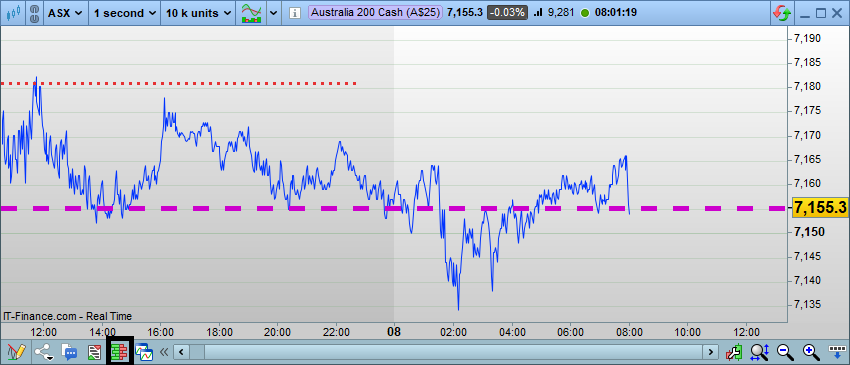
On your chart hit the ‘orderbook’ icon – bottom lhs toolbar of chart.
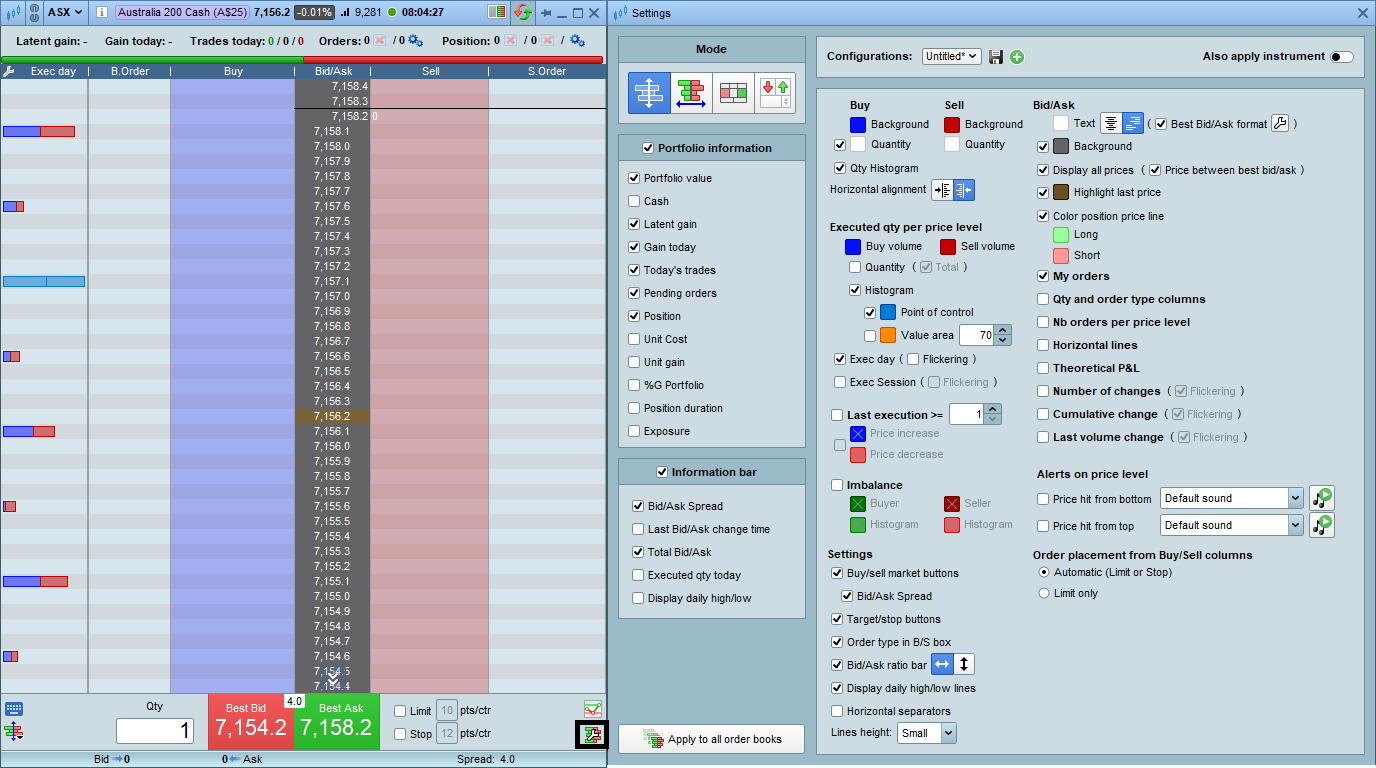
On your orderbook hit the ‘toolbar’ icon – bottom rhs corner orderbook – and ‘adjust’ settings, what you want to appear – save as you need.
On your orderbook hit the ‘orderflow’ icon – top rhs of orderbook.
This won’t expose the orderflow on the chart you launch from but ‘append’ a new chart to the lhs of the orderbook. It is a limited a little but this could be me as well.
This.
Yes.
Saw something late last night that resembled this – if you’re familiar with j-trader similar to it I guess (used it back in 2005-9 (pats systems), so been a while).
Will poke around a bit more and thanks for hitting the thread.
cheers
inv
Will poke around a bit more and thanks for hitting the thread.
So yes, I think it’s just an IG thing, they don’t expose L2. The main PRT v12 splash shows it’s do-able but through them not IG. I’m not sure what I saw last night because was looking at spot and fwd fut contracts, S&P, maybe dax, can’t remember which is really – poor of me but I did see @PeterSt the DOM you posted above unless the evening was getting to me, unsure atmo – should have saved a template. There was a mini I poked about awell … 😐