I am a new user to ProRealTime and have issues with the back test function
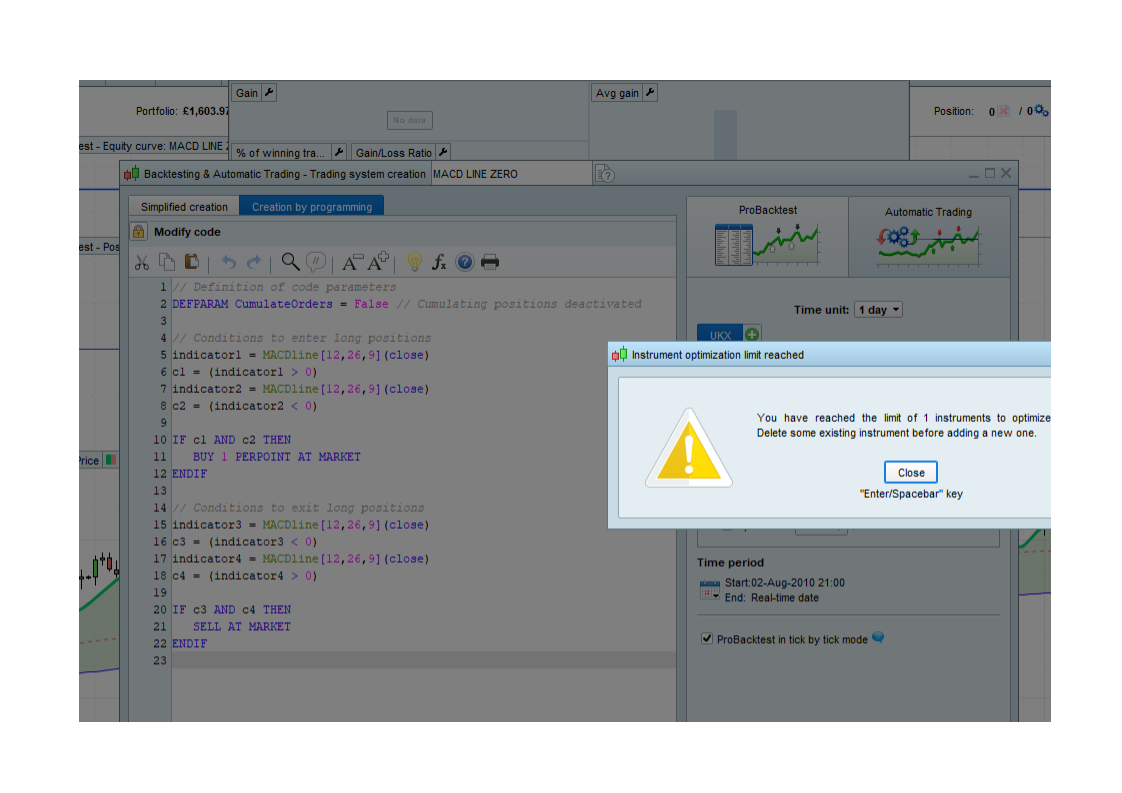
I get the error ‘Instrument optimization limit reached’
‘Delete some existing instrument before adding new one’
see attached
Does anyone know how to delete existing?
Mark
Hi Mark,
To me it seems something odd around what you see below. I don’t think that you added more (one tab shows) but if you recognize that you played with that, it could be the or a culprit ?
(and then maybe because it requires the Premium version of PRT ?)
I have never seen that message / screen in my 6 years of using PRT!
Then again, I don’t add Instruments! 🙂 What are you adding Instruments to?
Are you trying to optimise several Instruments at once?
Optimising one is like ‘watching paint dry‘ as it’s so slow, how can you cope with opti more than 1 at time? Anyway whenever I have, by mistake, set 2 opti going; one seems to sit there doing nothing until the other has finished??
Hey I have this problem now, how did you solve your optimisiation instrument limit?
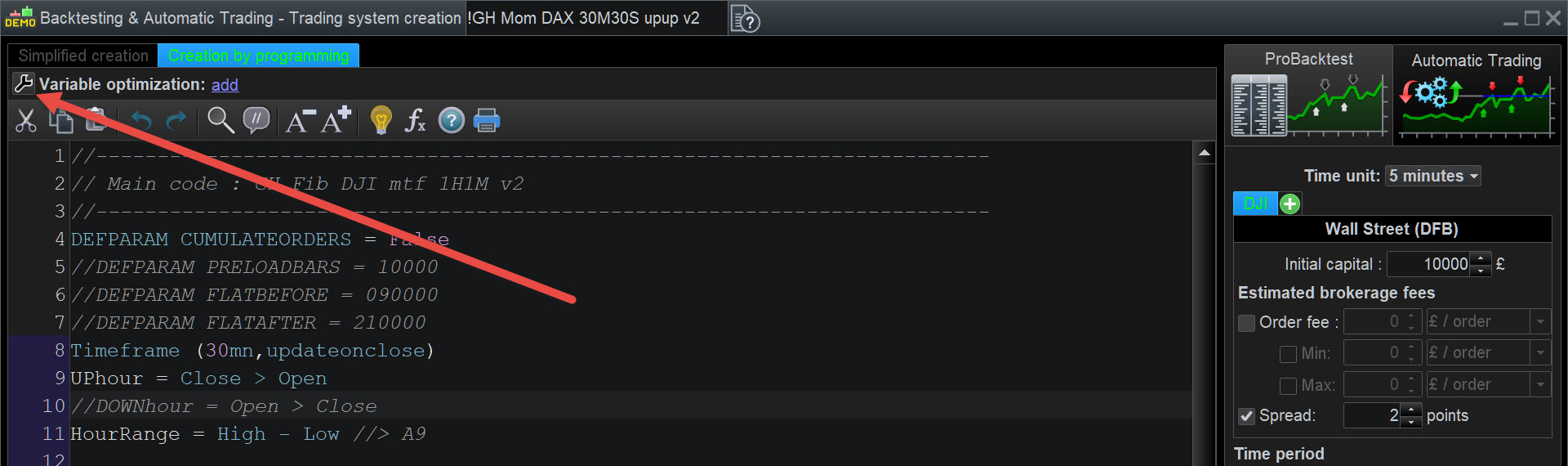
Yes … to NOT see that error message … see attached at red arrowhead.
I am not sure I did resolve the issue but I have it working now
I’ve always called a “instrument” a specific index , FX, etc but it may be an error in translation from French to English.
I had created the program using the assist method
So what I did was to remove one of the filters (Trailing Stop, I think) and then it started to work OK
I have not had the problem again, but I am now starting to using code directly?
Let me know if this works for you.
see attached at red arrowhead.
Did you see my solution (above) to both yours and ThaNoizy problem?
Hi, sorry, but I didn’t get it. What should I do? Thank you in advance!
You should reduce whatever you have too many of … be that Instruments or ‘Number of Combinations’ of variables.