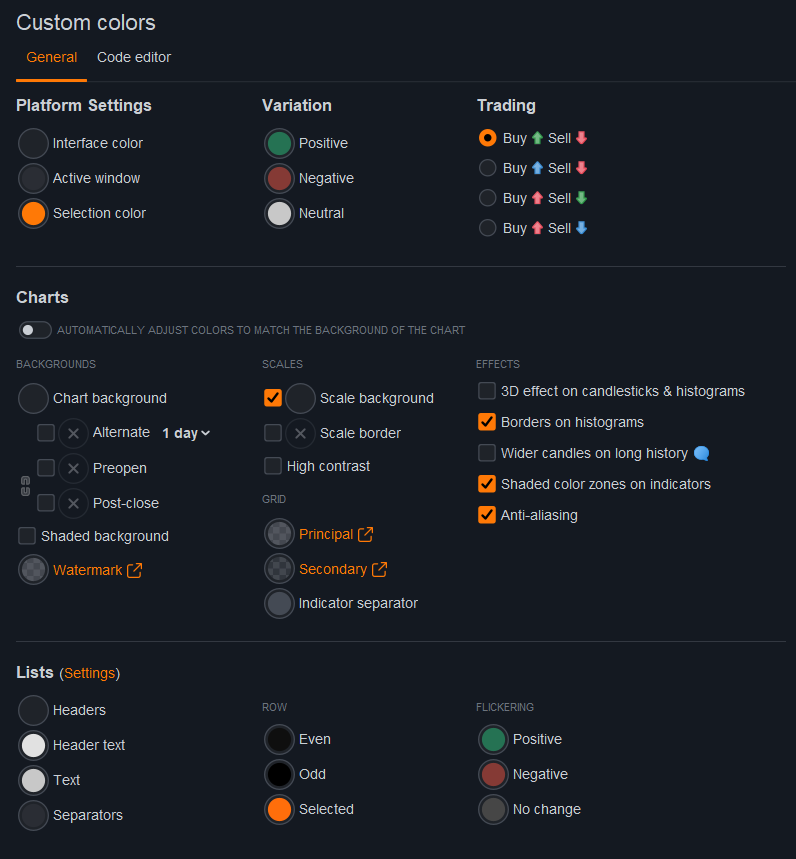
I finally managed to settle on a color scheme that doesn’t burn my eyes during the evening sessions.
I switched everything to a deep dark grey background, but I used a strong Orange/Amber accent for all the selections and active windows. I find that the orange pops really well against the dark charts, especially for reading the price scales and spotting the selected line in my order lists quickly.
It’s a bit similar to the default dark mode but with higher contrast on the active elements so you don’t get lost between windows.
I attached the workspace template file below if you want to import it and see how it looks on your screens. Let me know if the orange is too aggressive on your monitors, it looks fine on my IPS panel.
Biloute62 wrote: I attached the workspace template file below
Am I missing something here?
Neither of the 2 .png files (in the post above) are ‘Template’ files that can be imported into my Platform as a Template?
Sorry I forgot to add the file in my post. It was made in prorealtime version 13, hope you will like it.
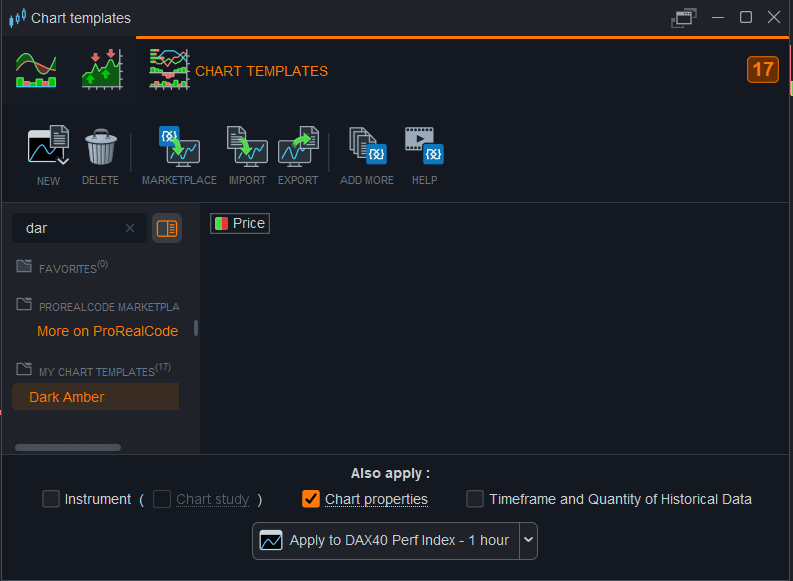
Chart template is the only way to share the custom colors of the platform, so when you apply it on the chart don’t check the options to apply the instrument, chart studies and settings of the instrument.
I am on V12.
I did try your Chart Template and then looked for differences that it made.
I have just seen (and understood) your advice … don’t check the options to apply etc … I may try again another day (without the options checked).
Thanks anyway, it got me thinking about Chart Templates vs Workspace Templates etc.