Hej Mr Cool and Sebastian,
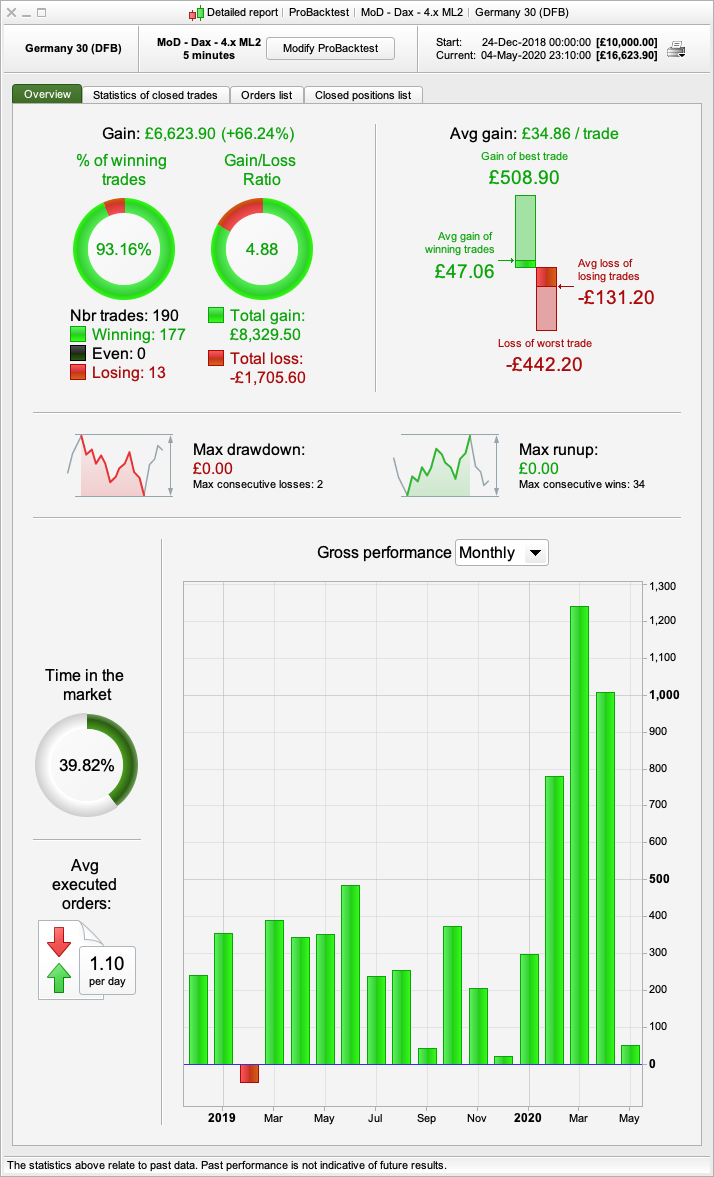
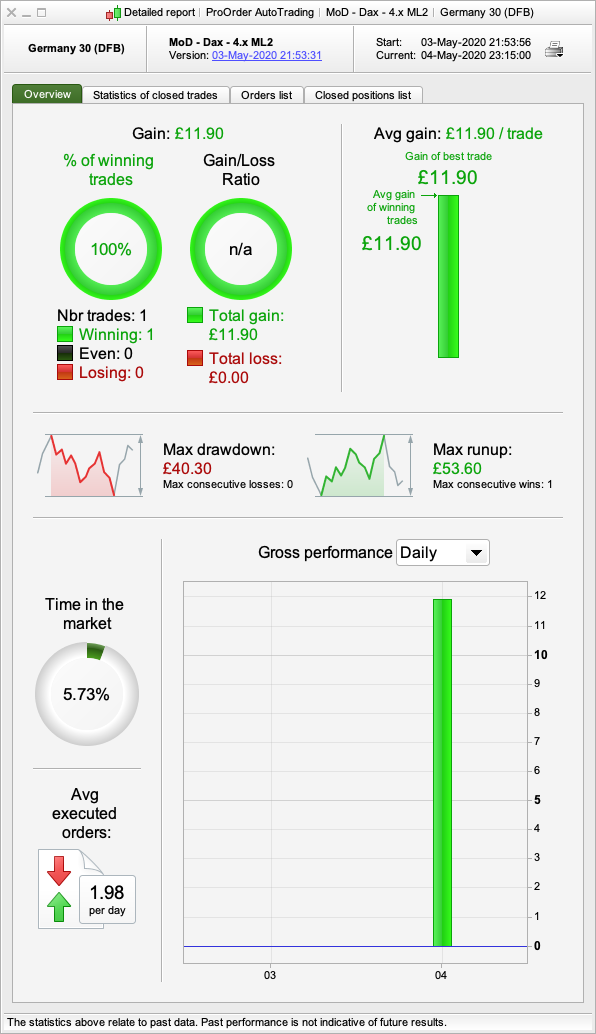
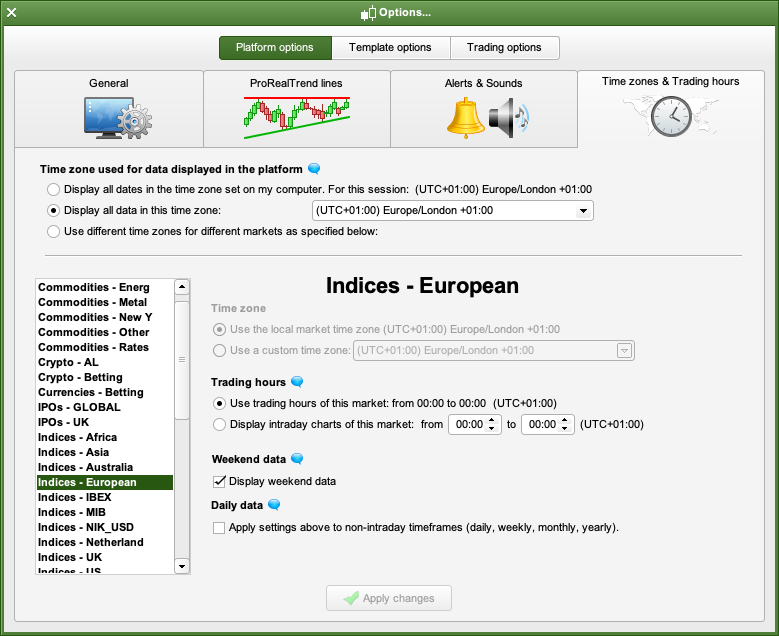
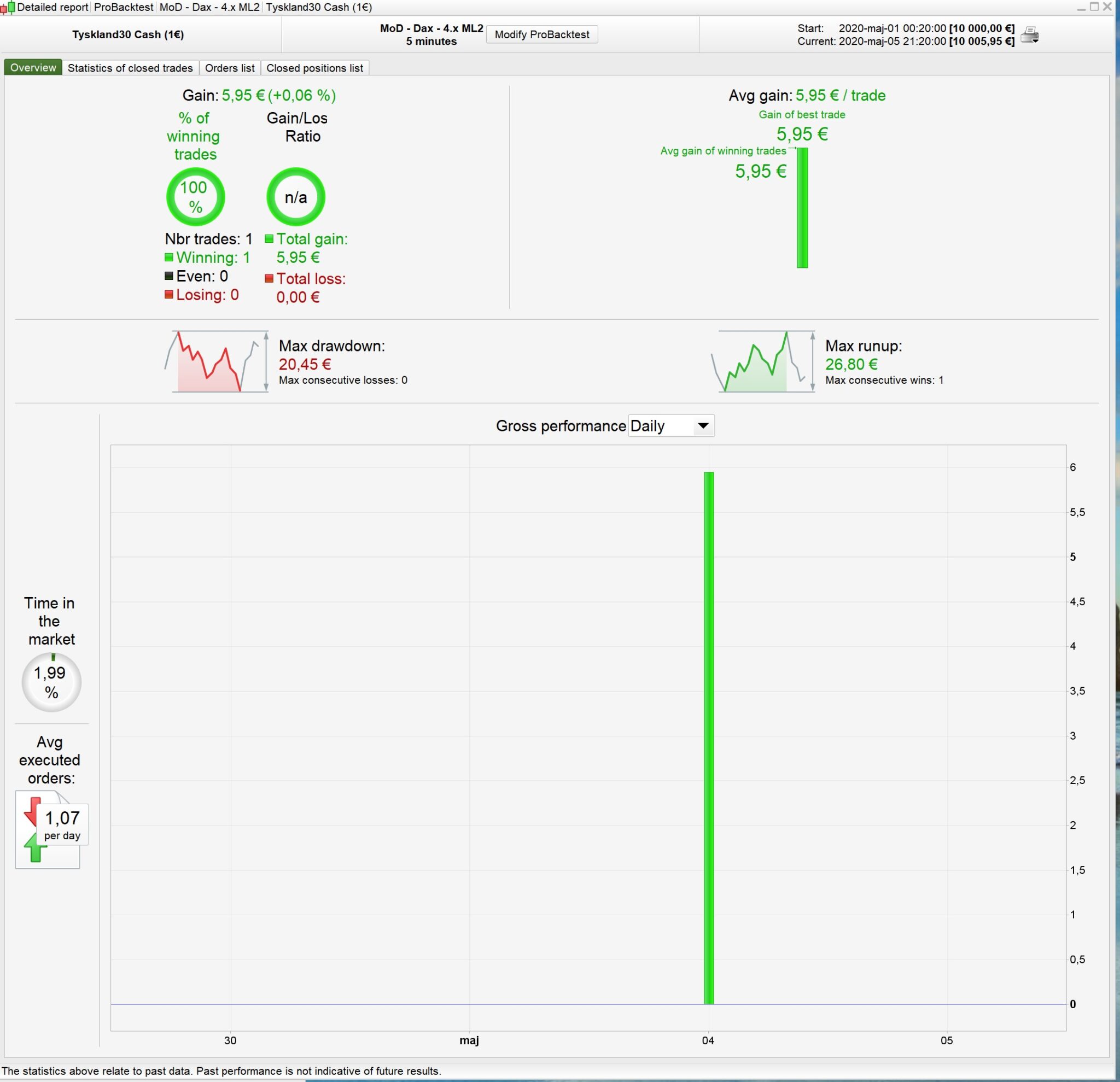
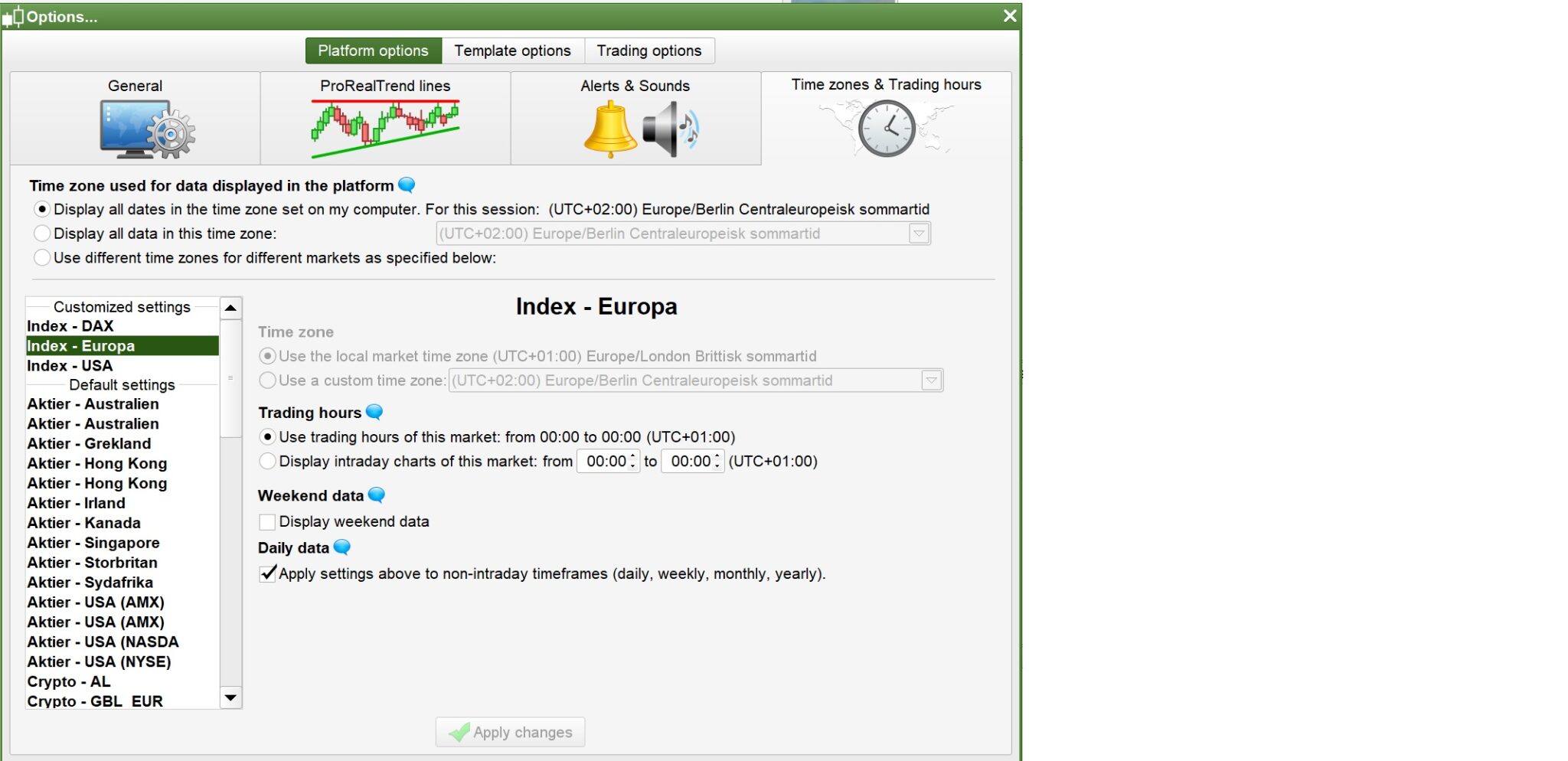
I don’t know why your results are different. I’m using the exact same .itf as I posted and in the backtest run just now I get the attached results. Today the bot made 1 trade with a modest £11.90 profit in demo forward testing. What are your timesettings in PRT?
Hi echaw,
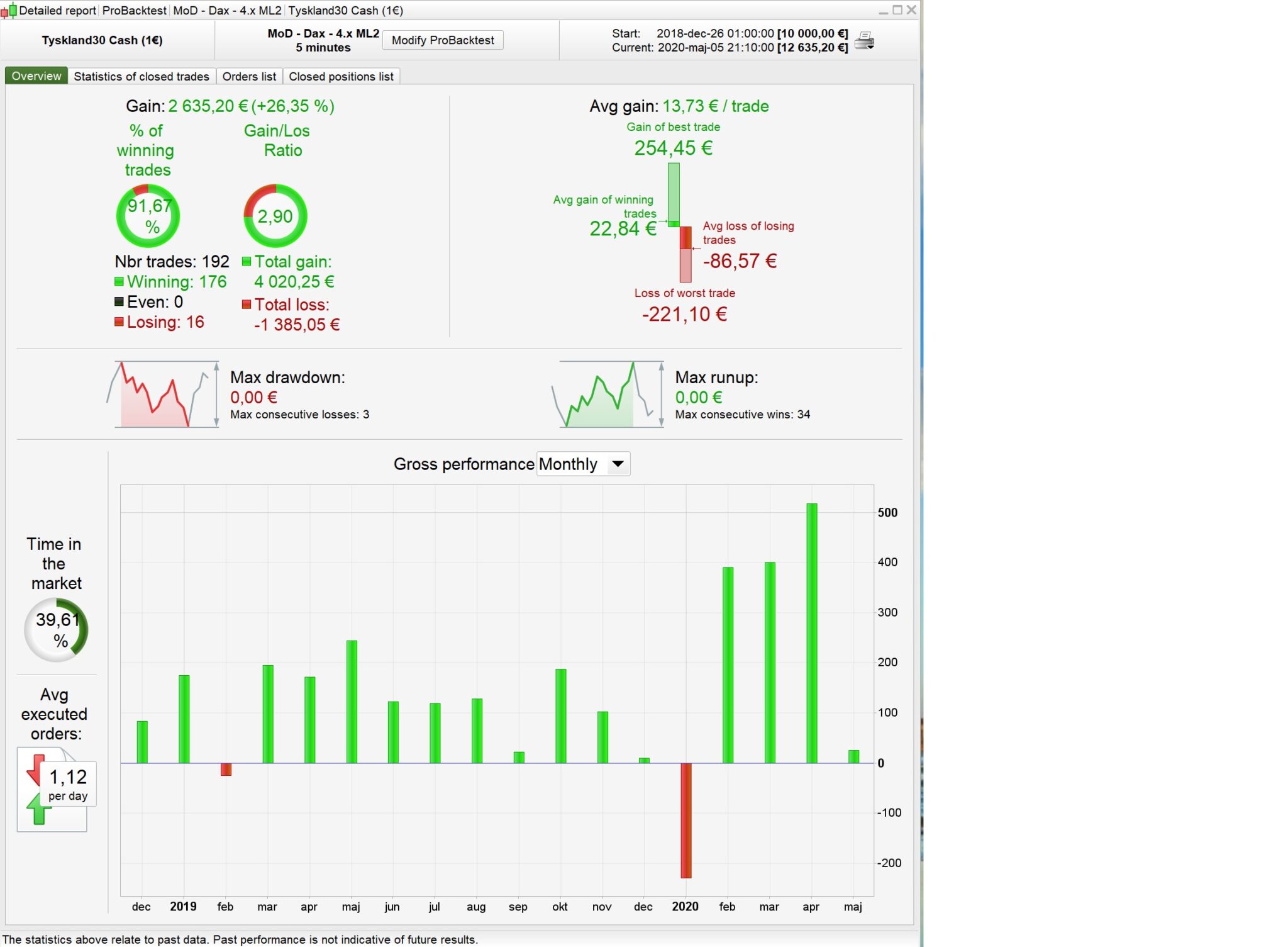
I can see we are using different time zones (I’m using +2) but shouldn’t be any difference because it’s running 24/7 with no different time settings? But I can see it’s not making same trades if you compair to the picture I attached.
Got the same 11.90 profit yesterday and now short from 10605.
I cant start the latest .itf from mod dax because it says remove graph and probacktest. I havent learned yet what to exactly removed when that happens. Can someone send new .itf?
I cant start the latest .itf from mod dax because it says remove graph and probacktest. I havent learned yet what to exactly removed when that happens. Can someone send new .itf?
Hi @, you need to comment out those lines where it says GRAPH with // in front of it, like this //GRAPH etc
I cant start the latest .itf from mod dax because it says remove graph and probacktest. I havent learned yet what to exactly removed when that happens. Can someone send new .itf?
Hi @, you need to comment out those lines where it says GRAPH with // in front of it, like this //GRAPH etc
Now it says remove all variables from probacktest
remove all variables from probacktest
Take the values from the optimization box and insert them into the code, delete everything from the opt box.
Here’s a useful link for you: https://www.prorealcode.com/documentation/
thanked this post
Deleted them fully from opt box and now it works thanks nonetheless! Im new to this sorry! Where should i insert values into code ctrl+f = opt?
Hi Eckaw
This is what i get ( i am using 0,5 poz size)
must be something with the time settings but can not find any time marks in the code
@ – to do an optimisation, you would have a piece of code something like this:
Period= p1
inner = 2*weightedaverage[round( Period/2)](typicalprice)-weightedaverage[Period](typicalprice)
HULLa = weightedaverage[round(sqrt(Period))](inner)
c1 = HULLa > HULLa[1]
c2 = HULLa < HULLa[1]

indicator1 = SuperTrend[m,n]
c3 = (close > indicator1)
c4 = (close < indicator1)

mx1 = average[mas,mas2](close)
c11 = mx1 > mx1[1]
c12 = mx1 < mx1[1]
In this example, p1, m, n, mas, mas2 are all variables, they’re placeholders for what’s in the optimisation box. Once you find the optimum values, you replace each of those with the corresponding value. That’s what I mean when I say ‘insert them in the code’. Then you have to delete everything from the opt box.
Hi all, where is the latest version of Mother of dragons? Is it on the 1st page? Or has it been modified later?
Click View all attachments, above. That will show you all the itf files in historical order.
Has anyone tried this with a stop loss? The DAX version posted previously can run up a high loss on some trades.
– to do an optimisation, you would have a piece of code something like this:
Period= p1<br />
inner = 2*weightedaverage[round( Period/2)](typicalprice)-weightedaverage[Period](typicalprice)<br />
HULLa = weightedaverage[round(sqrt(Period))](inner)<br />
c1 = HULLa > HULLa[1]<br />
c2 = HULLa < HULLa[1]</p>
<p>indicator1 = SuperTrend[m,n]<br />
c3 = (close > indicator1)<br />
c4 = (close < indicator1)</p>
<p>mx1 = average[mas,mas2](close)<br />
c11 = mx1 > mx1[1]<br />
c12 = mx1 < mx1[1]
1
2
3
4
5
6
7
8
9
10
11
12
13
Period= p1
inner = 2*weightedaverage[round( Period/2)](typicalprice)–weightedaverage[Period](typicalprice)
HULLa = weightedaverage[round(sqrt(Period))](inner)
c1 = HULLa > HULLa[1]
c2 = HULLa < HULLa[1]
indicator1 = SuperTrend[m,n]
c3 = (close > indicator1)
c4 = (close < indicator1)
mx1 = average[mas,mas2](close)
c11 = mx1 > mx1[1]
c12 = mx1 < mx1[1]
In this example, p1, m, n, mas, mas2 are all variables, they’re placeholders for what’s in the optimisation box. Once you find the optimum values, you replace each of those with the corresponding value. That’s what I mean when I say ‘insert them in the code’. Then you have to delete everything from the opt box.
Hi,
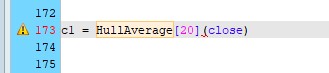
FYI The Hull moving average is included in PRT. It will accelerate the strategy 😉
Cheers
HullAverage[20](close)
The Hull moving average is included in PRT
Unfortunately that’s only in v11. We lowly folk down in 10.3 still have to hard code it.