





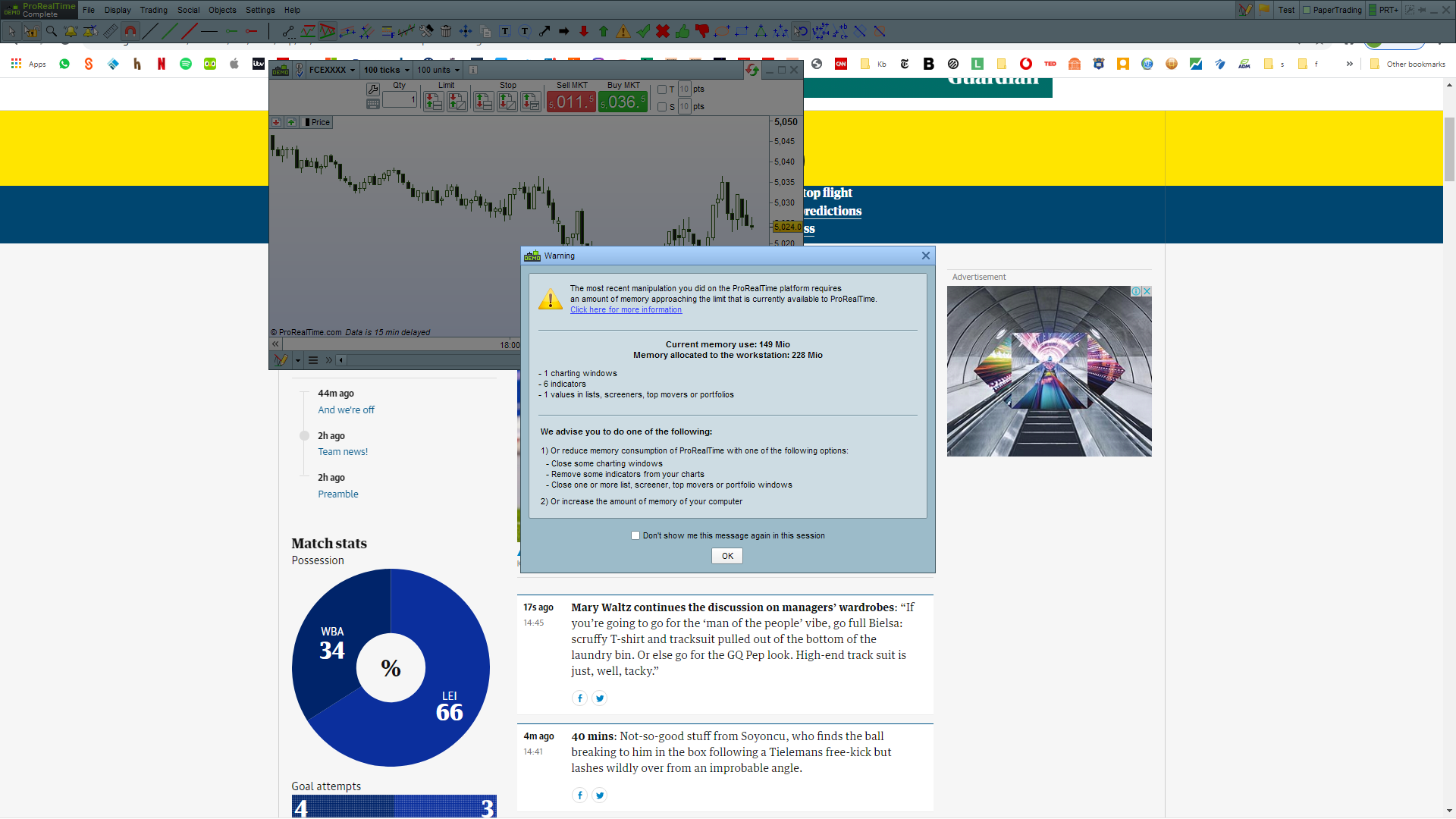

could the default template be interfering (in the background)?
Not as such, but unless you have closed everything on the default Template so you only see attached then enter for example, DJI in the search box (see red arrowhead) and then you should have a Template that consists of only a Price Chart of the DJI. Thn save this as xyz Template.
Let us know how toy get on?
?
I really appreciate your help GraHal but how does this help resolve the number one issue that I have unseen indicators somewhere which I am assuming is ‘clogging’ up the memory, particularly in the workspace with 15 charts (and so 15*6 =90 indicators)
how does this help
because if you do what I suggest then you would have started with a blank template and added only 1 price chart and so there is no way you should have more than 1 indicator.
You could even save As when you show only the Menu bar etc and then add a Price chart after saving.
ok – I did as you said.
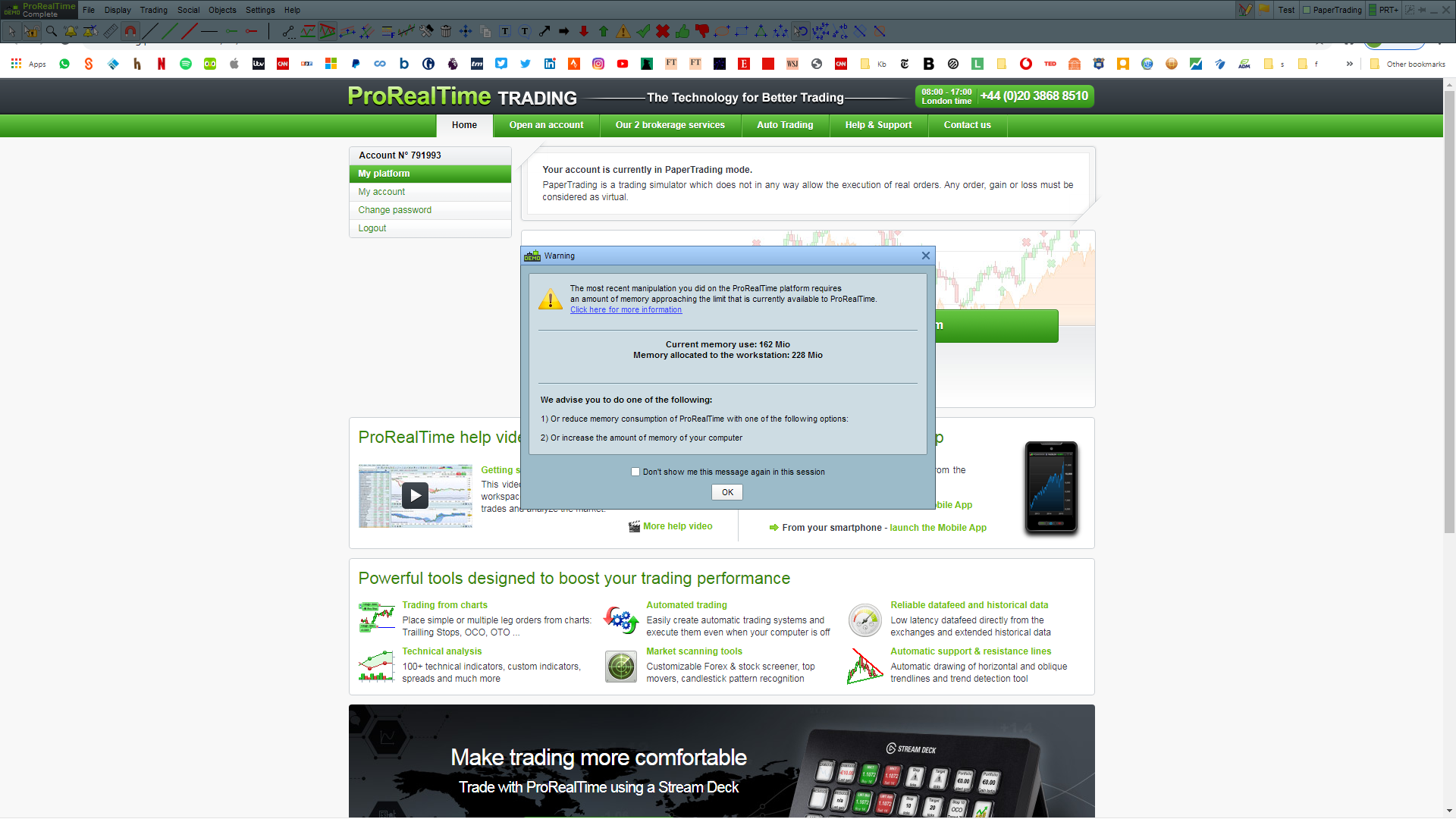
this is the error message associated with that.
still 6 indicators per chart.
What is going on?
Thanks …
I do not have excel on my PC so it is much easier for me and everyone if you post a .jpg or .png.
Why do you still have the List window open?
If you followed my suggestion you would only have 1 x Price Chart open and nothing else?
Thanks
Looks like you still have a List, Screener or something else open??
Is that not a clue?
You can see from the screenshot that only 1 chart is visibly open
What else could be ‘invisibly’ open?
I’m going through all this whilst my account is being processed so I’m unfamiliar with the platform
How am I supposed to know what is invisible and working in the background??
You could even save As when you show only the Menu bar etc and then add a Price chart after saving.
Did you try this?
So see if you get the message re memory whilst you only show the Menu bar on your screen?
Yeah I meant see if you get memory message without showing a Price Chart?
Also after saving just the Menu bar … close yuo platfrom and login again adn see if you only show the
memory bar
error message – but no indicators showing
so does that imply that the indicators are associated with the chart?
btw: i ‘created’ the error message by loading the default template first, thereby jamming up the memory.
there’s no error message if i load up the test template first, but an empty workspace is not going to get anybody very far …
an empty workspace is not going to get anybody very far …
well now add DJI / Dow but not by selecting from List … use Search as I described above
no search on the toolbar – where do i find it?
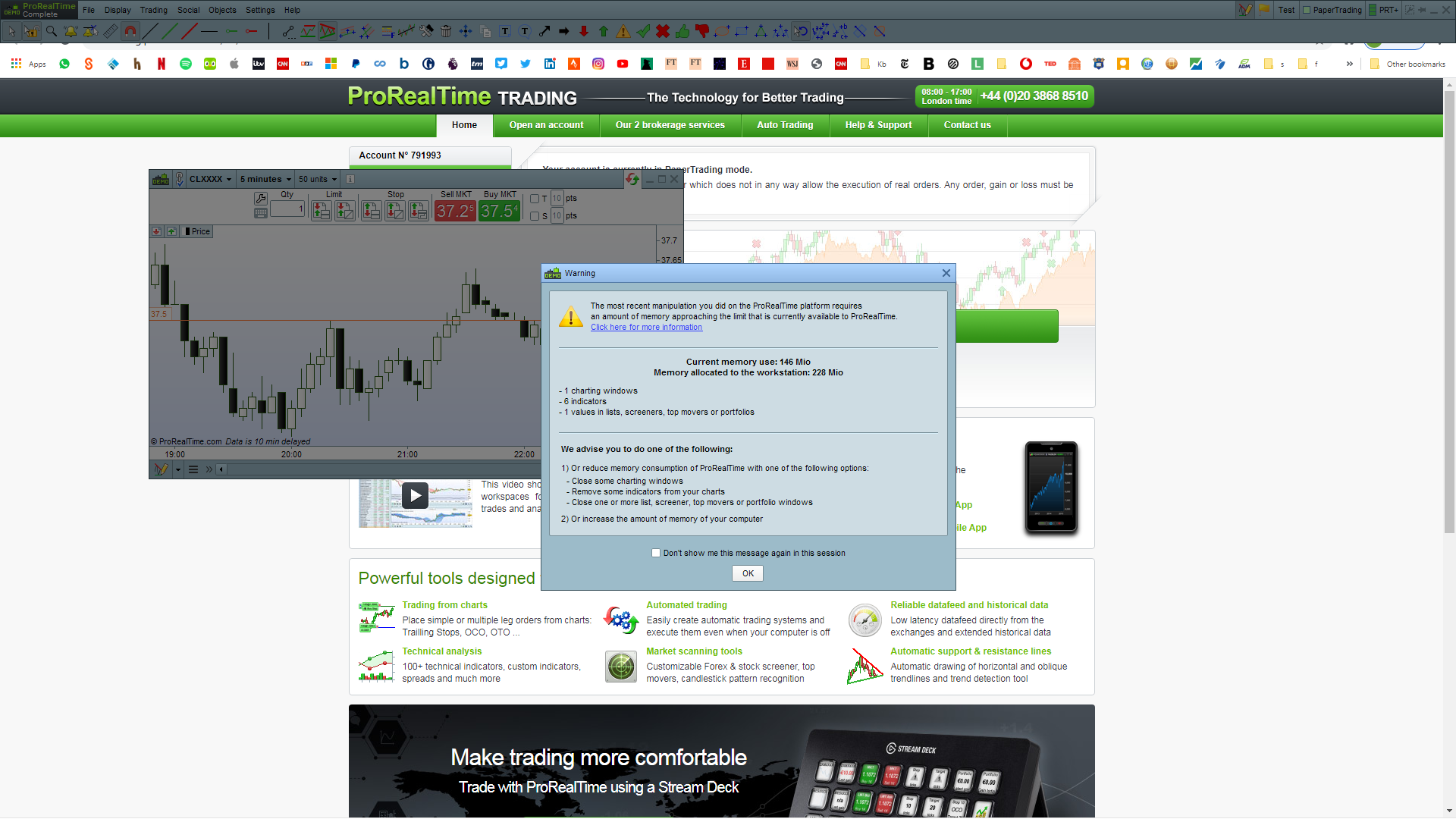
launched chart from search – 6 indicators :(:(:(
What is CLXXXX that you selected ?

