Hi guys 🙂
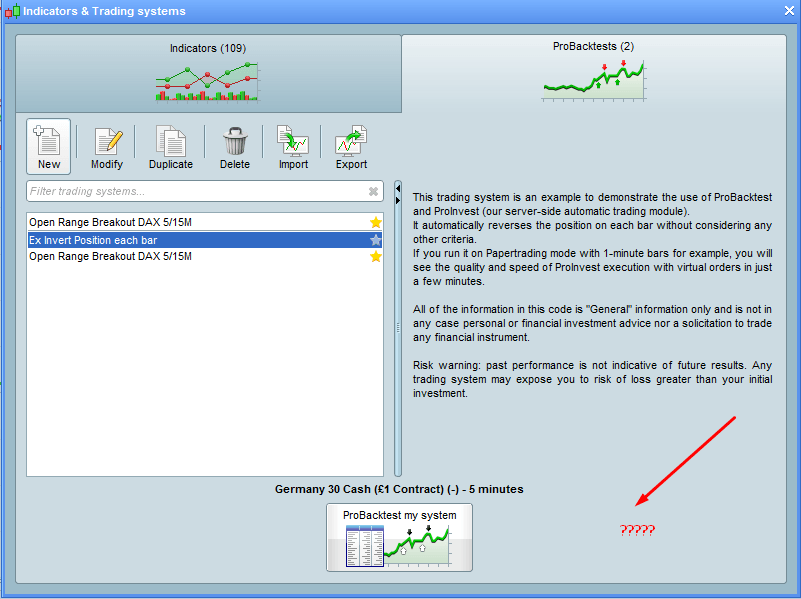
I’m trying to do a live test of a Prorealcode. I have no problem back testing it, but when it comes to “prepare for automatic trading” the button is simply not there in the demo account, only in the Live account. I did try and contact support, but got an answer that ProRealTime was only active 30 days in a demo account. I opened another demo with IG- but same problem.
any of you have the same experiance or know how to live test a code in a demo account?
Best Regards Kasper
I’ve never had this experience.
Strange problem. Is there any text under the button that can explain this?
cftaParticipant
Senior
Hi Elsborgtrading,
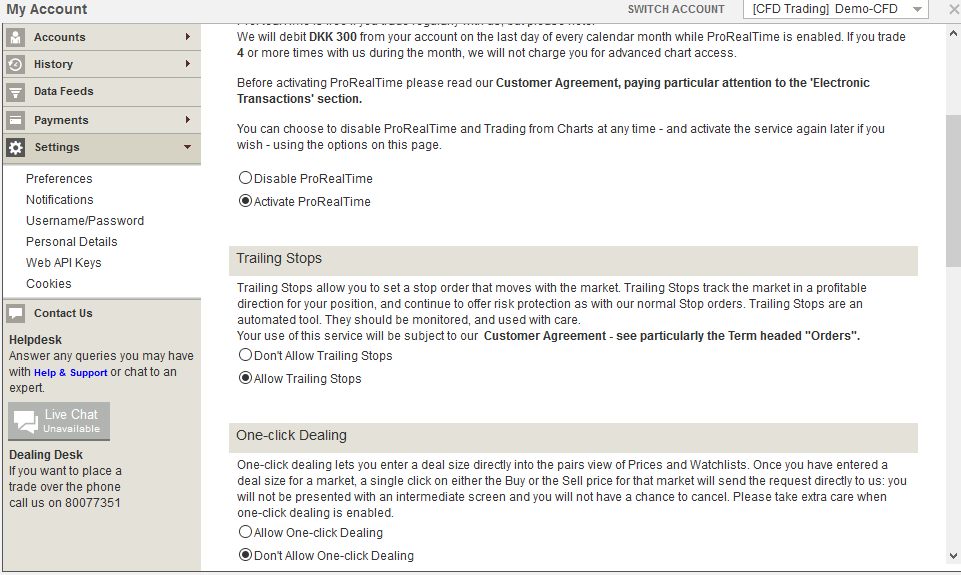
I had a similar problem I think you can fix it by logging in to your demo account on the IG website and in the settings menu choose to activate PRT for your demo account. They will charge you the monthly fee though unless you execute the min amount of trades on your real money account. The IG support should be able to help you with this.
Good luck!
Hi. I think I tried almost anything with the settings. Problem is that Pro order setting isn’t even available under my demo account.
and from the setting of the demo you can see that the pro order isn’t available
Anyway thanks for your comment, at least it shows that it should be possible to enable pro order under demo account. I have escalated the support ticket with IG.com.