LIGNES VERTICALES taille

Viewing 7 posts - 1 through 7 (of 7 total)
  • Author
    Posts
  • #5641 quote
    supertiti
    Participant
    Master

    Bonjour à tous,
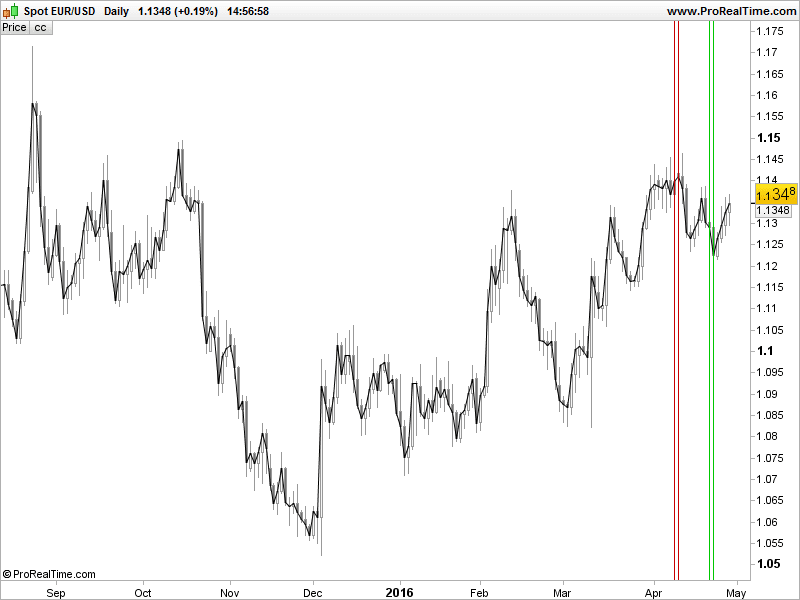
    Est-il possible d’augmenter l’épaisseur du trait des lignes verticales ? et de les mettre en pointillés ?

    Bonne journée

    // LIGNES VERTICALES PRC
    
    defparam drawonlastbaronly = true
    // Yhh = highest[period](high)
    Yhh = highest[period](close)
    // Yll = lowest[period](low)
    Yll = lowest[period](close)
    FOR i = 0 to period do
    // if high[i] = Yhh then
    if close[i] = Yhh then
    Xhh = barindex[i]
    endif
    // if low[i] = Yll then
    if close[i] = Yll then
    Xll = barindex[i]
    endif
    NEXT
    DRAWVLINE (Xhh)coloured  (200,0,0)
    DRAWVLINE (Xll)coloured  (0,200,0)
    
    cc = customclose
    RETURN cc as " cc "
    // Variables :
    // period = 20 entier
    #5648 quote
    Nicolas
    Keymaster
    Master

    Bonjour supertiti,

    Non ce n’est pas possible avec DRAWVLINE.

    Une solution serait de tracer plusieurs fois la même lignes a des intervalles différents ou éventuellement tracer des rectangles. A quoi te servent ces lignes exactement?

    #5709 quote
    supertiti
    Participant
    Master

    Je définis les derniers plus hauts / plus bas avec et je les distinguent avec une ligne pointillée et ligne pleine.

    #6143 quote
    supertiti
    Participant
    Master

    Bonjour à tous,

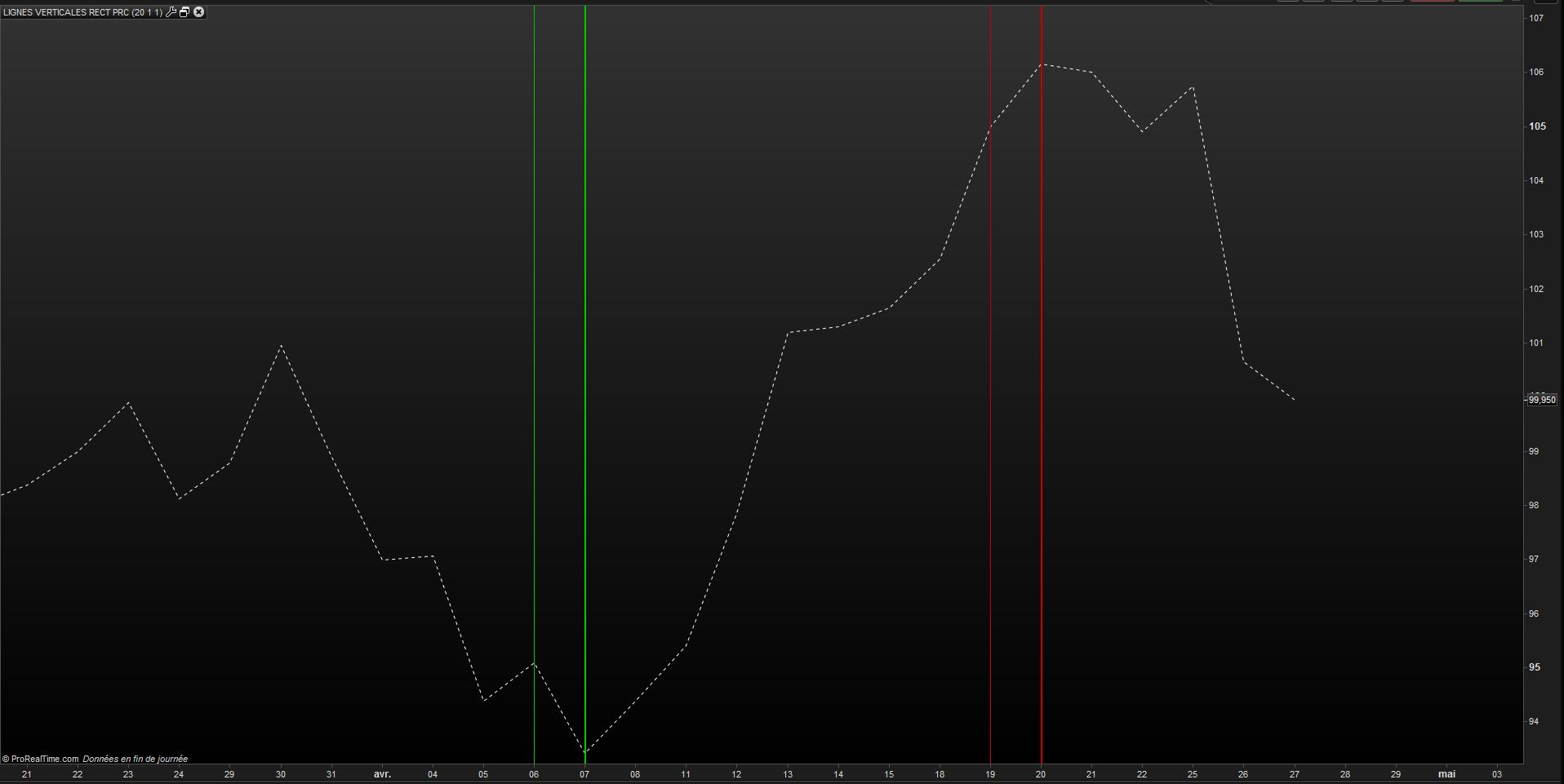
    On peut contourner l’impossibilité de grossir le trait en utilisant la fonction rectangle, exemple ci-dessous :

    // LIGNES VERTICALES RECTANGLES PRC
    
    defparam drawonlastbaronly = true
    Yhh = highest[period](close)
    Yll = lowest[period](close)
    FOR i = 0 to period do
    if close[i] = Yhh then
    Xhh = barindex[i]
    endif
    if close[i] = Yll then
    Xll = barindex[i]
    endif
    NEXT
    DRAWRECTANGLE(xll,200,xll,-200) COLOURED(0,200,0)// vert
    DRAWRECTANGLE(xhh,200,xhh,-200) COLOURED(200,0,0)// rouge
    cc = customclose
    RETURN cc as " cc "
    // Variables :
    // period = 20 entier
    #6153 quote
    Nicolas
    Keymaster
    Master

    Bonjour supertiti, je dois vraiment être fatigué des yeux, je ne vois pas de différence avec les traits verticaux d’origine dans ton image ? Pour tracer un rectangle qui ne ressemble pas un trait, il faudrait l’élargir et donc placer un de ses côtés dans le barindex précédent, ici tu utilises le même (xll et xhh 2 fois).

    Personnellement, je verrai ça plutôt ainsi, si je puis me permettre 🙂

    DRAWRECTANGLE(xll-1,200,xll,-200) COLOURED(0,200,0)// vert
    DRAWRECTANGLE(xhh-1,200,xhh,-200) COLOURED(200,0,0)// rouge

    Malheureusement, on ne peut pas colorier l’intérieur des rectangles, peut être dans une prochaine version..

    #6162 quote
    supertiti
    Participant
    Master

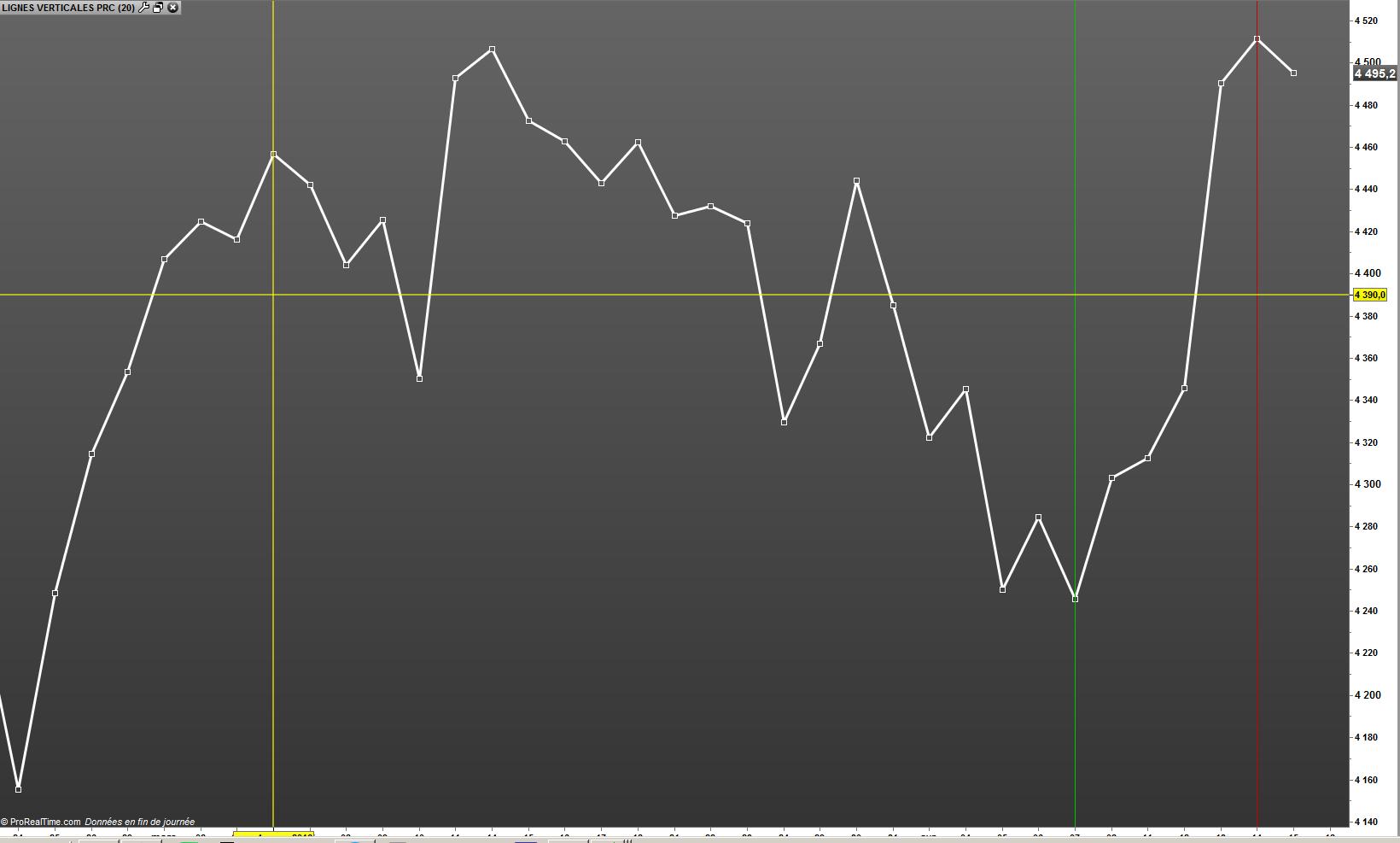
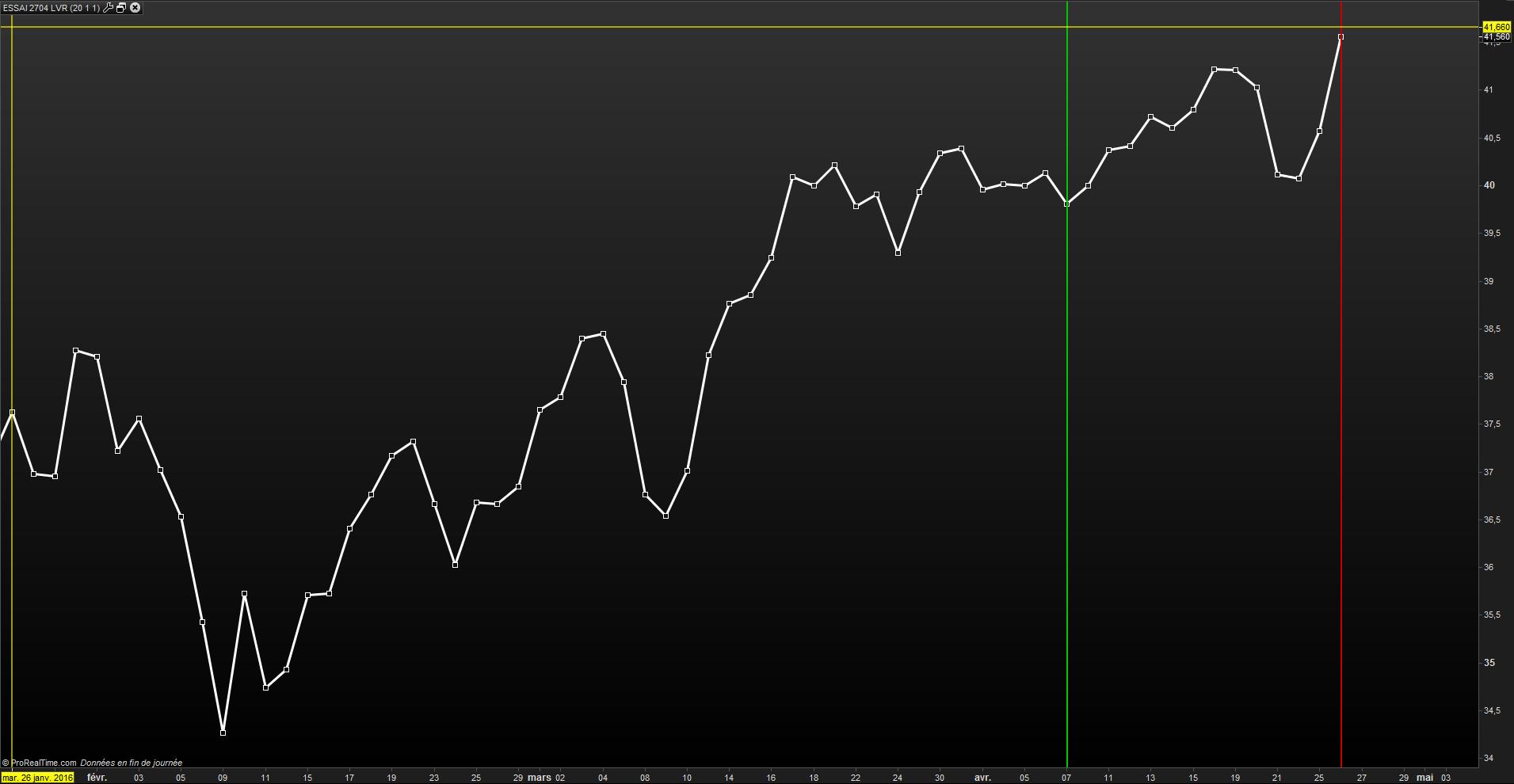
    Ca me rassure je ne suis pas tout seul à être bigleux ! je joins un graphe avec les deux modèles : il y a bien une difference (enfin je crois)

    mettre deux lignes “xhh et xhh-1 et ” xll et xll-1 ”  est aussi une solution qui défini une zone de plus hauts / plus bas.

    #6176 quote
    Nicolas
    Keymaster
    Master

    Oui remarque c’est vrai ! après tout, dans ce cas de figure, que l’on trace 2 lignes verticales ou un rectangle sur toute la hauteur, c’est pareil ! Maintenant, tu peux t’essayer à d’autres nouvelles fonctions puisque tu maîtrises celles-ci ! 😉

Viewing 7 posts - 1 through 7 (of 7 total)
  • You must be logged in to reply to this topic.

LIGNES VERTICALES taille


ProBuilder : Indicateurs & Outils Personnalisés

New Reply
Author
author-avatar
supertiti @supertiti Participant
Summary

This topic contains 6 replies,
has 2 voices, and was last updated by Nicolas

9 years, 9 months ago.

Topic Details
Forum: ProBuilder : Indicateurs & Outils Personnalisés
Language: French
Started: 04/19/2016
Status: Active
Attachments: No files
Logo Logo
Loading...