KDJ Screener – not working

Viewing 3 posts - 1 through 3 (of 3 total)
  • Author
    Posts
  • #49819 quote
    IIILOBOIII
    Participant
    New

    Hello.
    I’m trying to create one screener that shows results with KDJ < 20

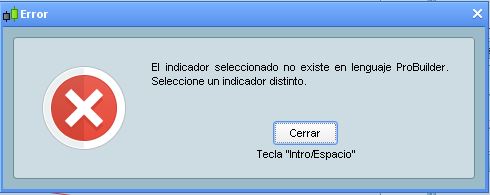
    The first I try is to use the default PRT indicator called KDJ, then I use the assistant and I got a warn (attached 1.jpg)

    To solve this, I manually added the KDJ indicator created by Nicolas. Excelent!

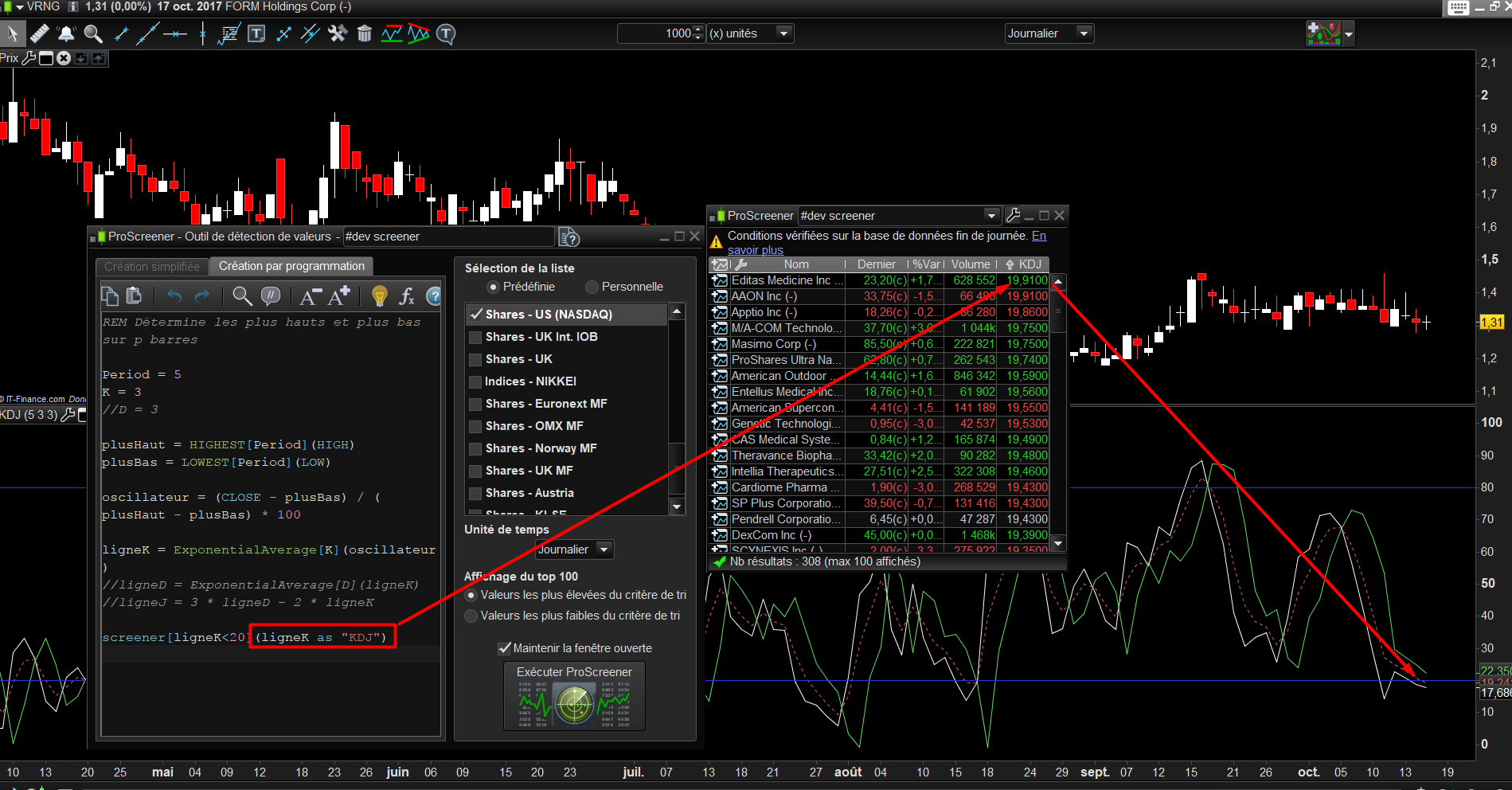
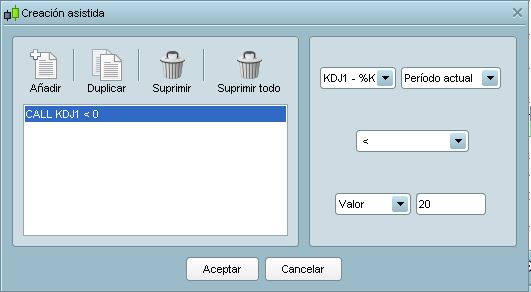
    Then I go back and use the assistant (not code), and create the screener (attached 2.jpg)

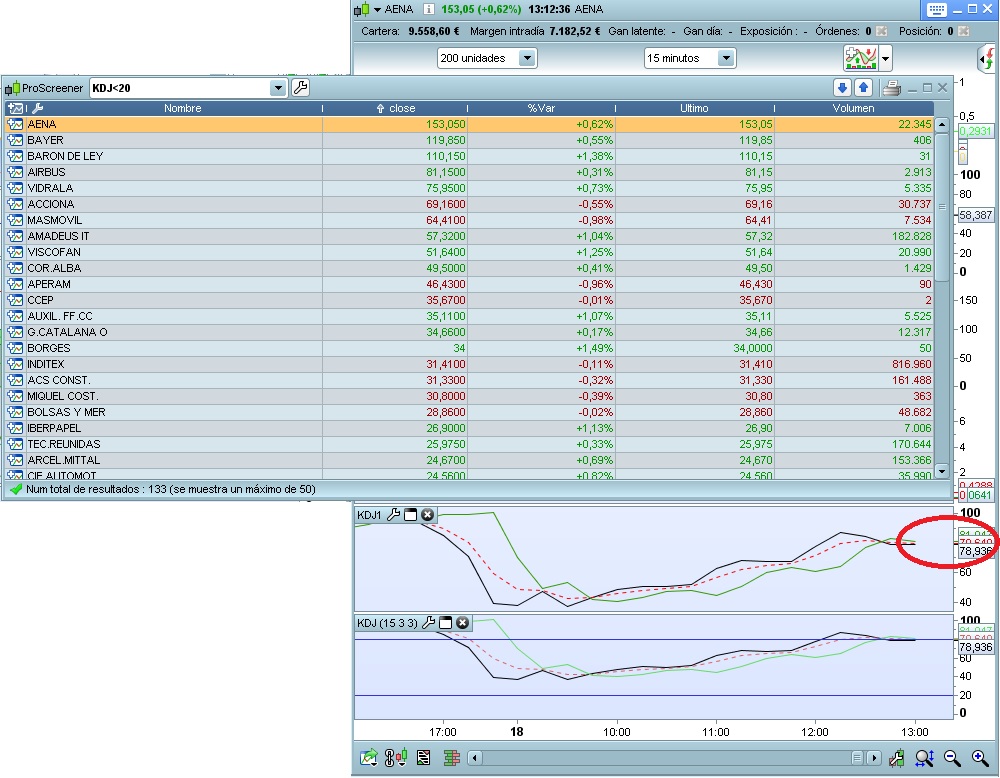
    Finally I run the screener and see the results. You will see that the results don’t match the rule “KDJ<20”
    You will se a picture showing the default prt KDJ indicator, and mr Nicolas’ one under it -called KDJ1- (attached 3.jpg)

    Could anyone please help to get this code working? Thanks a lot.

    #49828 quote
    Nicolas
    Keymaster
    Master

    Topics moved to English ProScreener support (since you made your request in English..).

    Please try with this code I just made, seems correct to me.

    REM Détermine les plus hauts et plus bas sur p barres
    
    Period = 5
    K = 3
    //D = 3
    
    plusHaut = HIGHEST[Period](HIGH)
    plusBas = LOWEST[Period](LOW)
    
    oscillateur = (CLOSE - plusBas) / (plusHaut - plusBas) * 100
    
    ligneK = ExponentialAverage[K](oscillateur)
    //ligneD = ExponentialAverage[D](ligneK)
    //ligneJ = 3 * ligneD - 2 * ligneK
    
    screener[ligneK<20](ligneK as "KDJ")
    #49837 quote
    IIILOBOIII
    Participant
    New

    I confirm it Works, thanks a lot Nicolas for your support!

Viewing 3 posts - 1 through 3 (of 3 total)
  • You must be logged in to reply to this topic.

KDJ Screener – not working


ProScreener: Market Scanners & Detection

New Reply
Author
author-avatar
IIILOBOIII @iiiloboiii Participant
Summary

This topic contains 2 replies,
has 2 voices, and was last updated by IIILOBOIII
8 years, 3 months ago.

Topic Details
Forum: ProScreener: Market Scanners & Detection
Language: English
Started: 10/18/2017
Status: Active
Attachments: 4 files
Logo Logo
Loading...