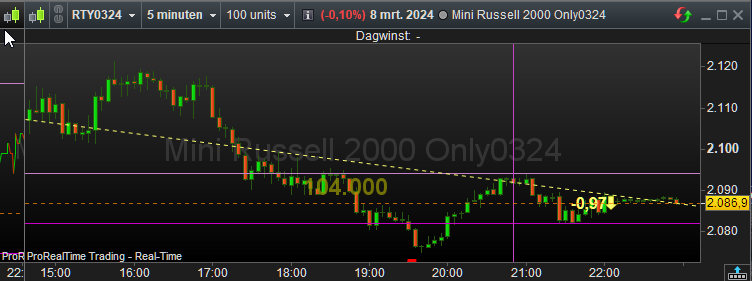
hi…andre
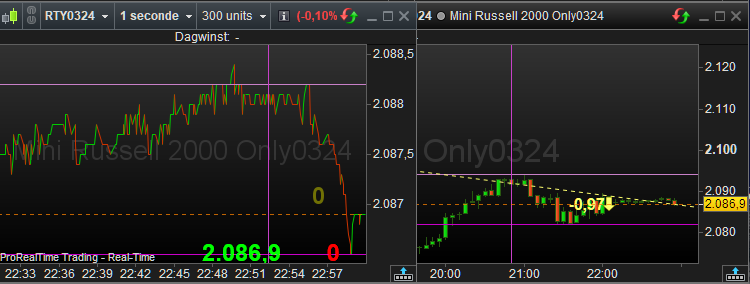
If I understading the problem right, your using 1 chart and changing the timeframe, and the previous timeframe used, which you zoomed in on, has reverting back to default zoom size when you go back.
The way I would do this, which thinking about it, would work quite well on a laptop where too many windows, visible at one time, would become too small and hard to read.
#Peter, ‘frames’ the way forward in ‘time’!
Set the ‘link chain’ of your chart to… ‘Set as main chart’ for ‘Link by instrument’…
Create duplicate chart(s) and set each to require timeframe(s).
Place all these same charts with there different timeframes directly on top of each other so it looks like only 1 chart and you can only see the top chart’s timeframe.
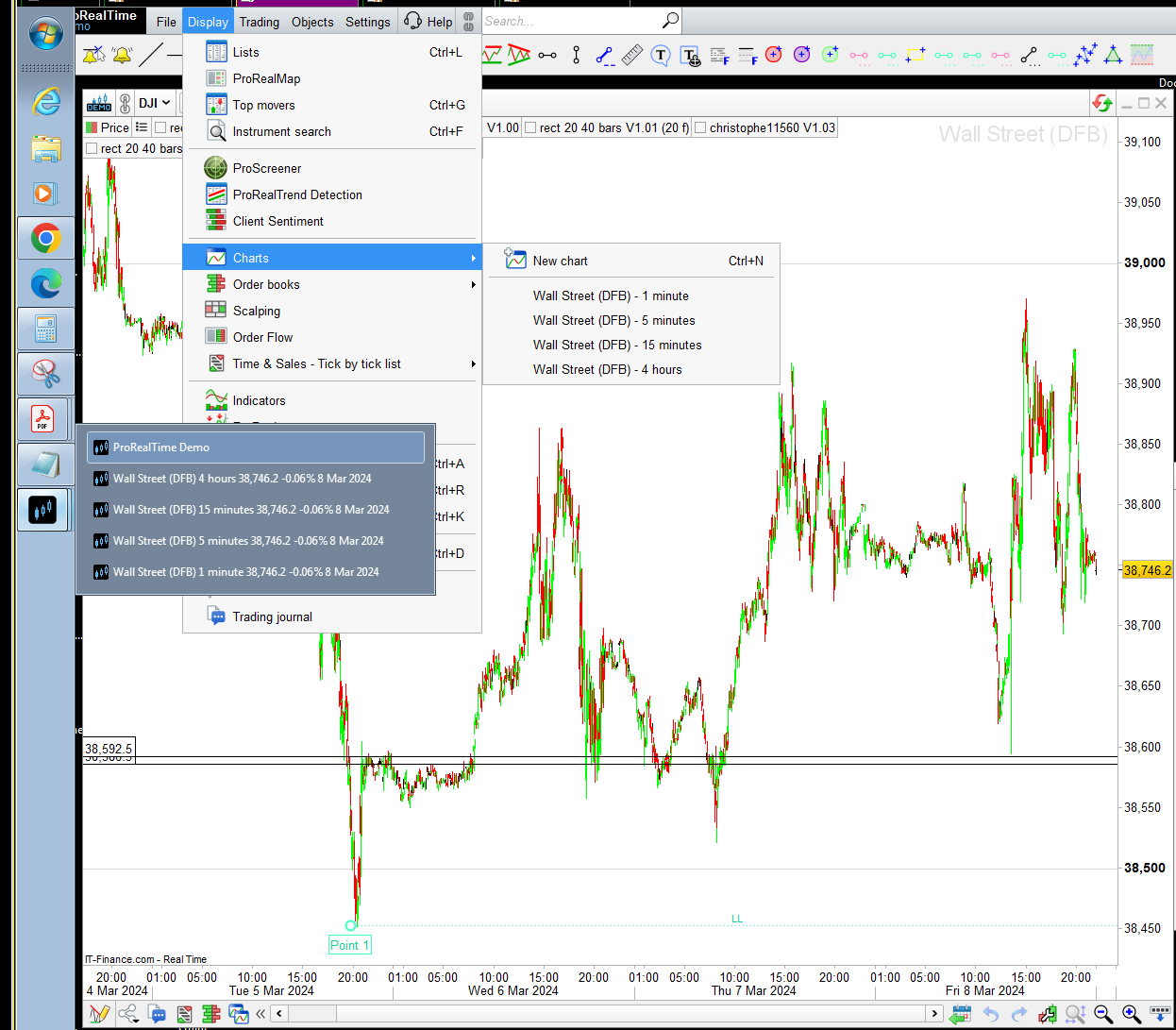
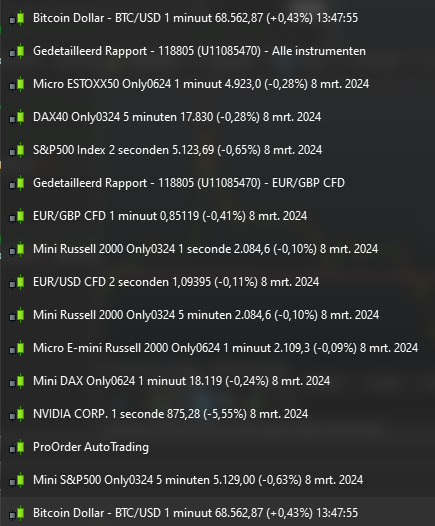
Now when you want to go to a different timeframe, instead of changing the timeframe of the chart, go to the, (assuming windows OS) windows task bar, hover over the PRT icon, and a list of the PRT windows will appear,(maybe its the same on Mac).
Choose the timeframe chart you want next from the list, which will now appear on top. Repeat when changing back and forth.
Now after you have zoomed about on a timeframe, when you go back, it will be as you left it, and since linking the charts, choosing another instrument uses the same current zoomed level.
If you need different zoom levels on timeframe but with different instuments, then just create new charts and link, dropping the new chart on top and choosing them from list. Since your only looking at one chart at a time, it won’t matter if they are all on same instrument. Just need to remember which one they are in the list.
Only down side I can think of is more windows running and more indicators. But may not be a big problem!
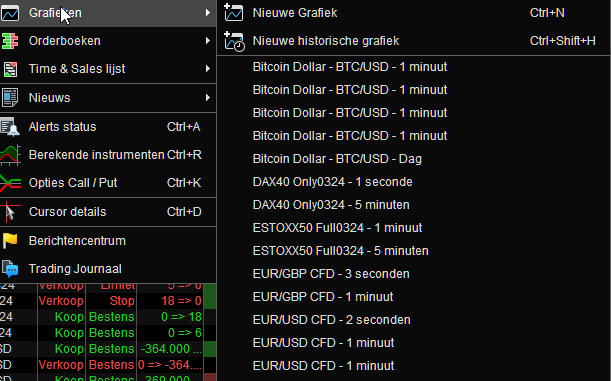
Also, you can find the list of charts from PRT main menu bar, Display, Charts and change them from there however, seems slower because of some aninmation etc when changing.
Other things of interest are:
Using multiple’s of the units, relative to the different timeframes, makes the xy scales similar between the charts at default zoom level (4hr @25u, 15m @400u, 5m @1200u, 1m @ 6000u) etc.
Also after zooming in on a timeframe, you can revert back to the default zoom level by double left clicking on both the x and y scale axis. Or revert by either the x or y individually.
druby