Hi guys,
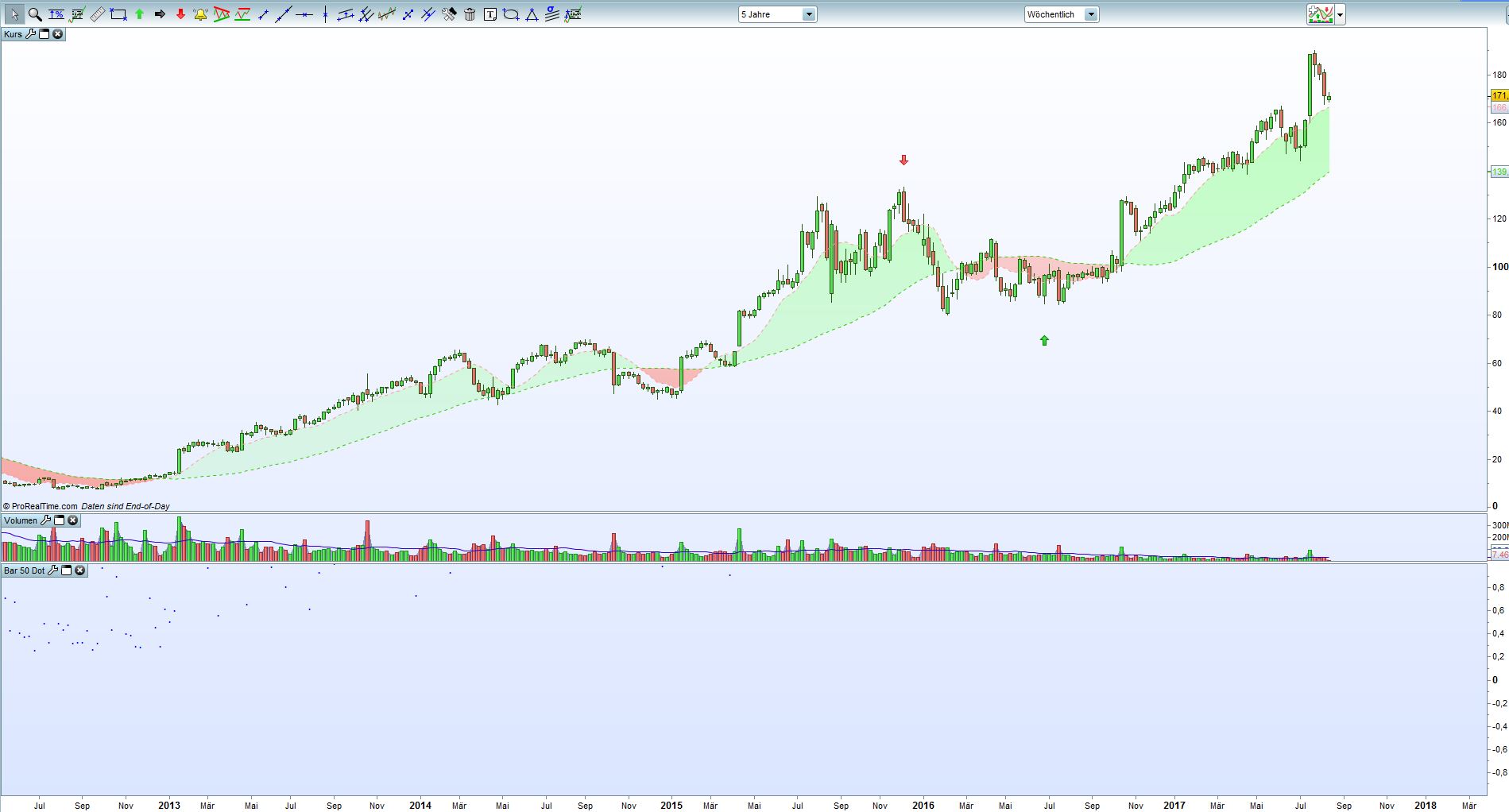
i would like to “plot a dot” (-> sounds funny…) in the middle of each candle.
DOT = (High-Low)/2 ==>should be the middle of the candle.
any advice or links?
AVTParticipant
Senior
Should be something like this – untested:
// if you only need for example the last 50 bars dotted, uncomment next line
//DEFPARAM CalculateOnLastBars=50
// the dot value
dotval=(high-low)/2
// the red, green, blue values of RGB colour
R=0
G=0
B=255
// printing
// instead of keyboards dot you can use "•" or "●"
DRAWTEXT(".",barindex,dotval,Standard,Bold,12) coloured(R,G,B)
RETURN
Hi AVT, thank you very much for your code. It plots dots!
But unfortunately not at the middle of a candle.
it plots dots 🙂 below the price chart in a new “window”
and for some reasons not for every candle.
Anyone an idea how to get the dots up to the price chart “into” the candles?
PS: i replaced Line 13 “standart” by “serif” because of a syntax error message.
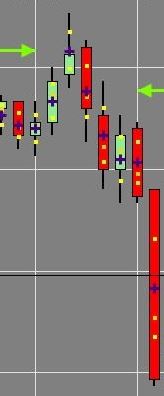
maybe this screenshot will show more in detail what i am looking for.
One dot in the middle of each candle will be enough. multiple dots per candle are not necessary.
AVTParticipant
Senior
Sorry, my fault: the dotval in above is just calculating the middle of the candle range. One step more needed: substract the middle from candles high. So we would use this (tested now 🙂 )
// if you only need for example the last 50 bars dotted, uncomment next line
//DEFPARAM CalculateOnLastBars=50
// middle of candle range
middle=(high-low)/2
// dot value
dotval=high-middle
// the red, green, blue values of RGB colour
R=0
G=0
B=255
// printing
// instead of keyboards dot you can use "•" or "●"
DRAWTEXT("+",barindex,dotval,Dialog,Bold,12) coloured(R,G,B)
RETURN
to get it into your candles chart, use the gripper in that window and then add indicator.
Hope that’s ok now for you
AVTParticipant
Senior
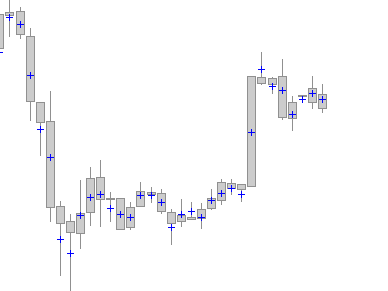
uups, forgot pic (attached) if you want the + sign exactely in the middle (left/right viewed) use monospaced.
@rsi500
Add the indicator on the price chart (use the wrench at the upper left side of the price chart).
Dear AVT, it works perfectly!
Thank you very much! Great job!
@Nicolas : thank you too. to use the upper left side of the price chart to add the indicator was really very helpful for me 😉
thank you guys!