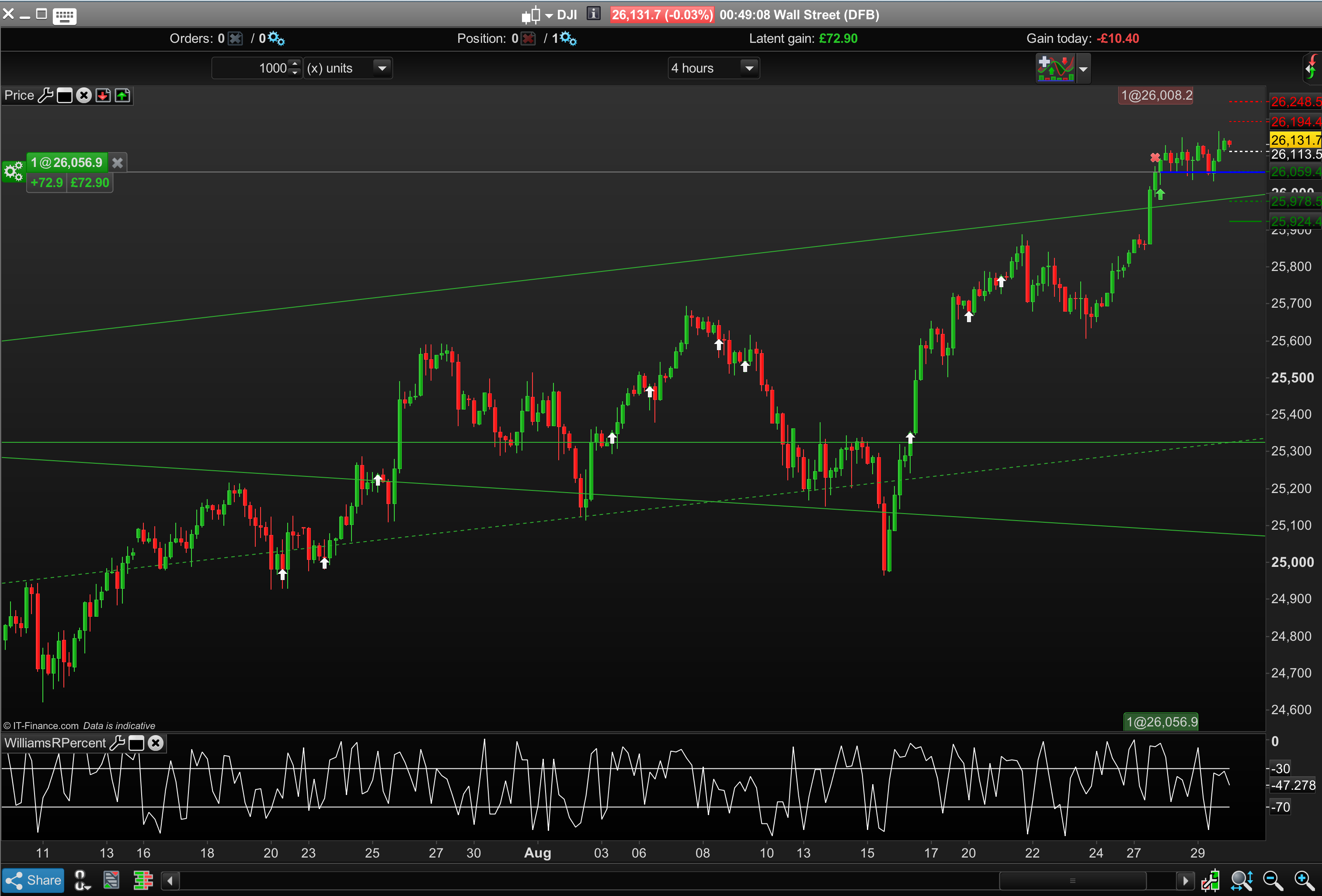
How to create a Drawarrowup with c1 and c2 etc

Viewing 4 posts - 1 through 4 (of 4 total)

  • Author
    Posts
  • #79269 quote
    Bard
    Participant
    Master

    Hi

    I was creating a Screener I wanted to add to the library based on a Larry Williams’ Buy Price Pattern, but despite looking at the PRT Manual, the forums and the DrawArrowUp Documentation, I’m still unsure how to get the last line of code to work below and get an up arrow onto the price / screener charts.

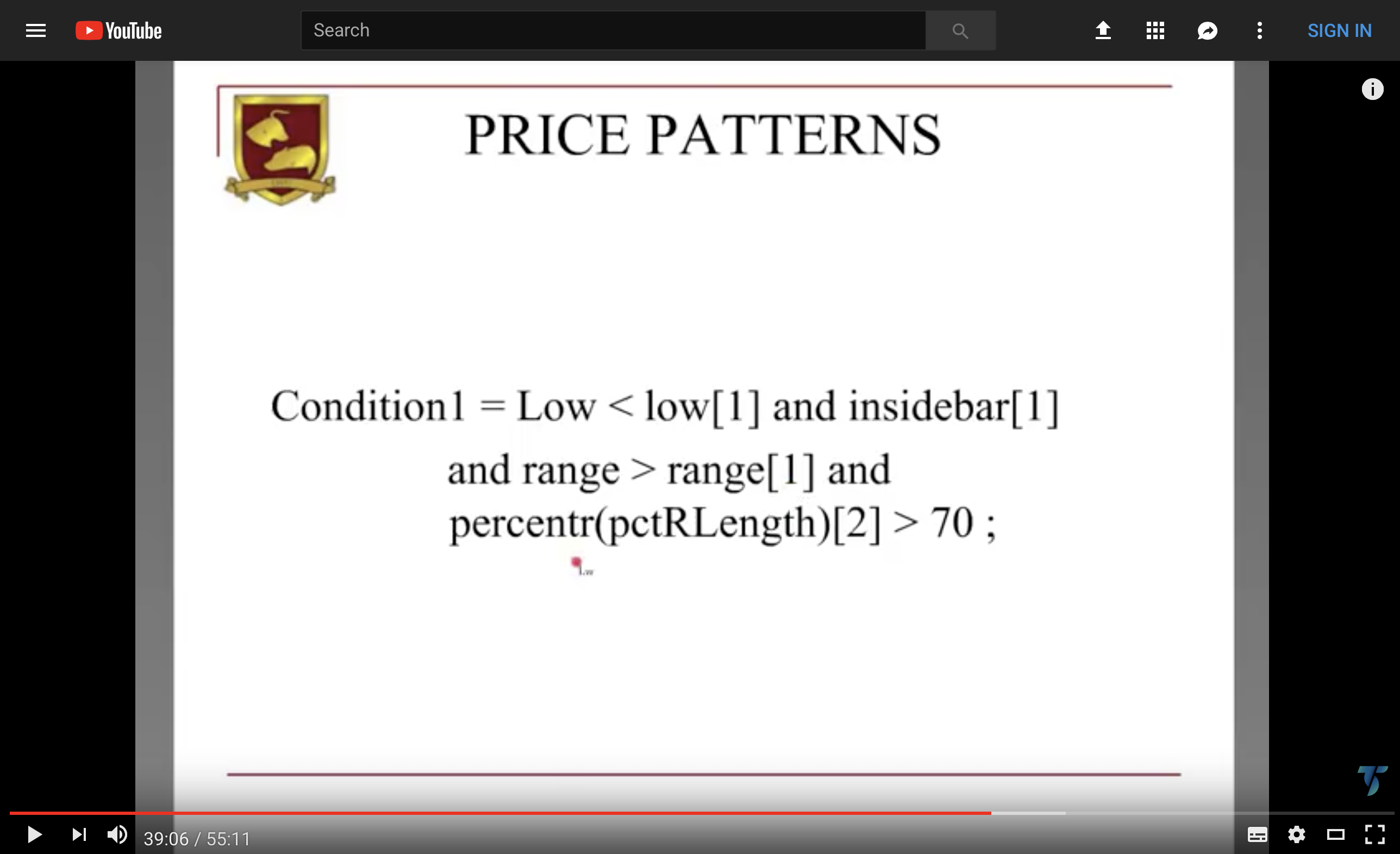
    The presentation Williams gives is very interesting: “Putting it into Practice.”
    You can always learn new ideas when the presentations given by someone as knowledgeable as Williams.

    https://www.youtube.com/watch?v=CqA9ho39TUg

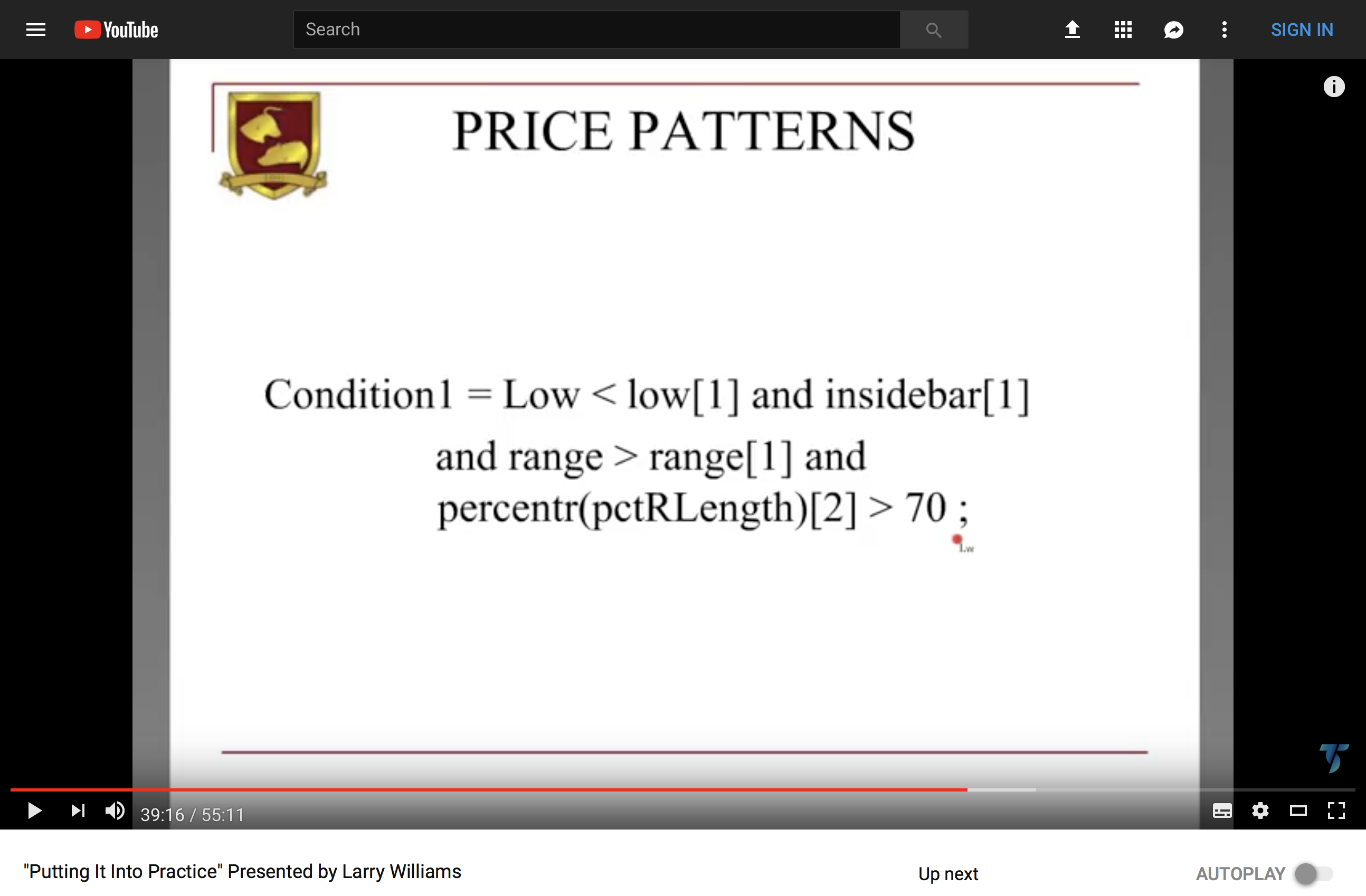
    The actual “buy code” is at @39mins 13 secs and instructions of how to use it follow on.
    Ps/ I think the buy pattern code is correct below and represents the code in Williams’ presentation. The Williams R Percent code is on the forum and reproduced here:

    //PRC_WilliamsRpercent
    //01.09.2016
    //Nicolas @ www.prorealcode.com
    //Sharing ProRealTime knowledge
    
    period = 2 // Default =14
    
    hh = highest[period](high)
    ll = lowest[period](low)
    
    Wp = ((hh-close)/(hh-ll))*-100
    
    return Wp as "Williams R percent", -30 as "-30 level", -70 as "-70 level" //Default -20 and -80
    

    Thanks in advance,

    Cheers
    Bard

    c1 = (High[1] < High[2]) //Inside Bar
    
    c2 = (Low[1] > Low[2]) //Inside Bar
    
    c3 = (Low < Low[1])
    
    c4 = ((High - Low) > (High[1] - Low[1])) //Range
    
    indicator1, ignored, indicator2 = CALL WilliamsRPercent
    c5 = (indicator1 > indicator2) // 2 Day WilliamsRPercent > 70
    
    
    SCREENER[c1 AND c2 AND c3 AND C4 AND C5] (Variation AS "%Chg prev bar")
    
    if c1 AND c2 AND c3 AND C4 AND C5 then DRAWARROWUP COLOURED(10,255,10)
    endif
    price-pattern-code.png price-pattern-code.png price-pattern.png price-pattern.png
    #79284 quote
    Nicolas
    Keymaster
    Master

    Screener can’t plot anything on chart, remove the lines 15 and 16 and you’re good. (I did not verify the logic of the conditions).

    Bard thanked this post
    #79341 quote
    Bard
    Participant
    Master

    Cheers @nicolas, it would be great if the Screener did draw arrows. So the Screener will show an instrument if the condition(s) has just occurred in the last bar(s)? So you would only know that the 5 conditions have been actually fulfilled and visible on the chart by having to look for each individual condition that makes up the whole pattern for the screener? 

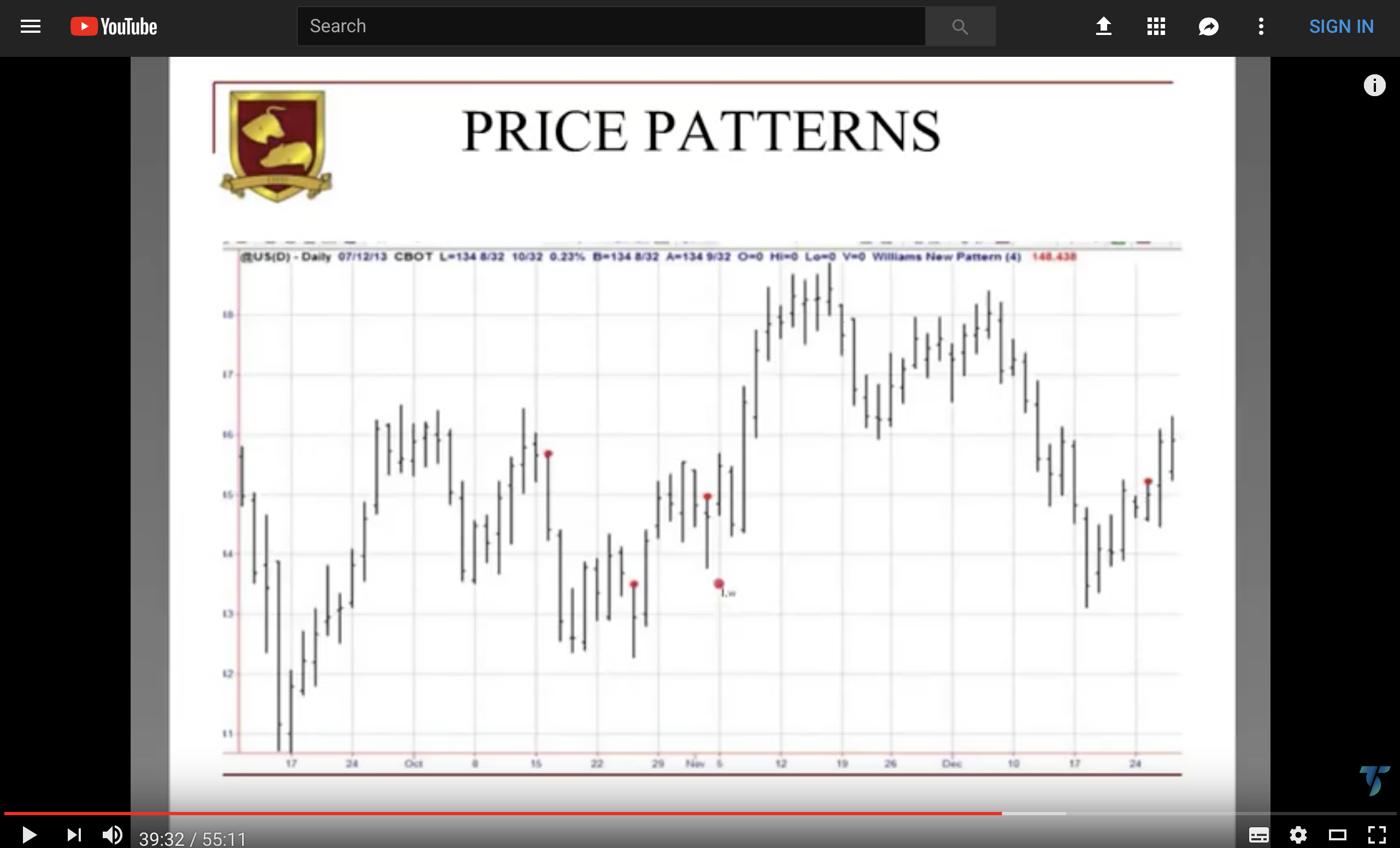
    Just from looking at Williams Buy Price Pattern rules (screenshot a) it seems he’s referring to a > 70 on his “Williams R Percent” but the indicator here on PRC, like everywhere else, has a negative scale so I’m wondering do you think he is referring to > -70 (i.e. buy it when it’s leaving over sold territory)? 

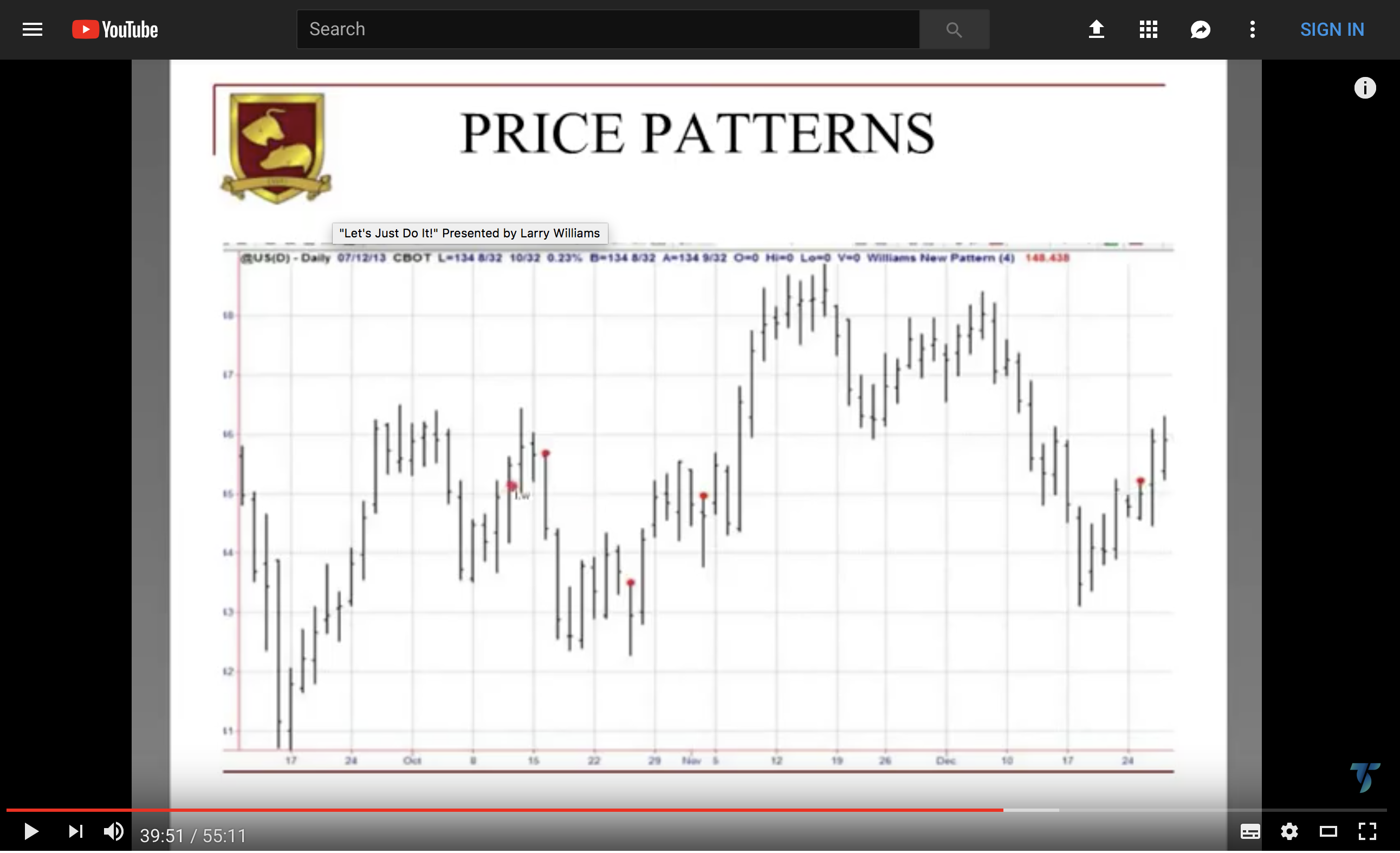
    Lastly once I tried coding that buy pattern signal into a system I could not get it to buy only after the 5 conditions have occurred (along with the added condition that the next bar’s high must be greater than the high of the bar with 5 conditions (denoted by orange dots in screenshot b)). Basically it just bought every bar because I am unsure how to get it to trade on the nextbaropen only, (nextbaropen is a redundant signal according to a comment you made elsewhere)

    // Conditions to enter long positions
    
    indicator1 = CALL "Williams' Buy Price Pattern"
    c1 = (DHigh(0) > indicator1)
    
    IF c1 THEN
    BUY 10 PERPOINT AT MARKET
    ENDIF

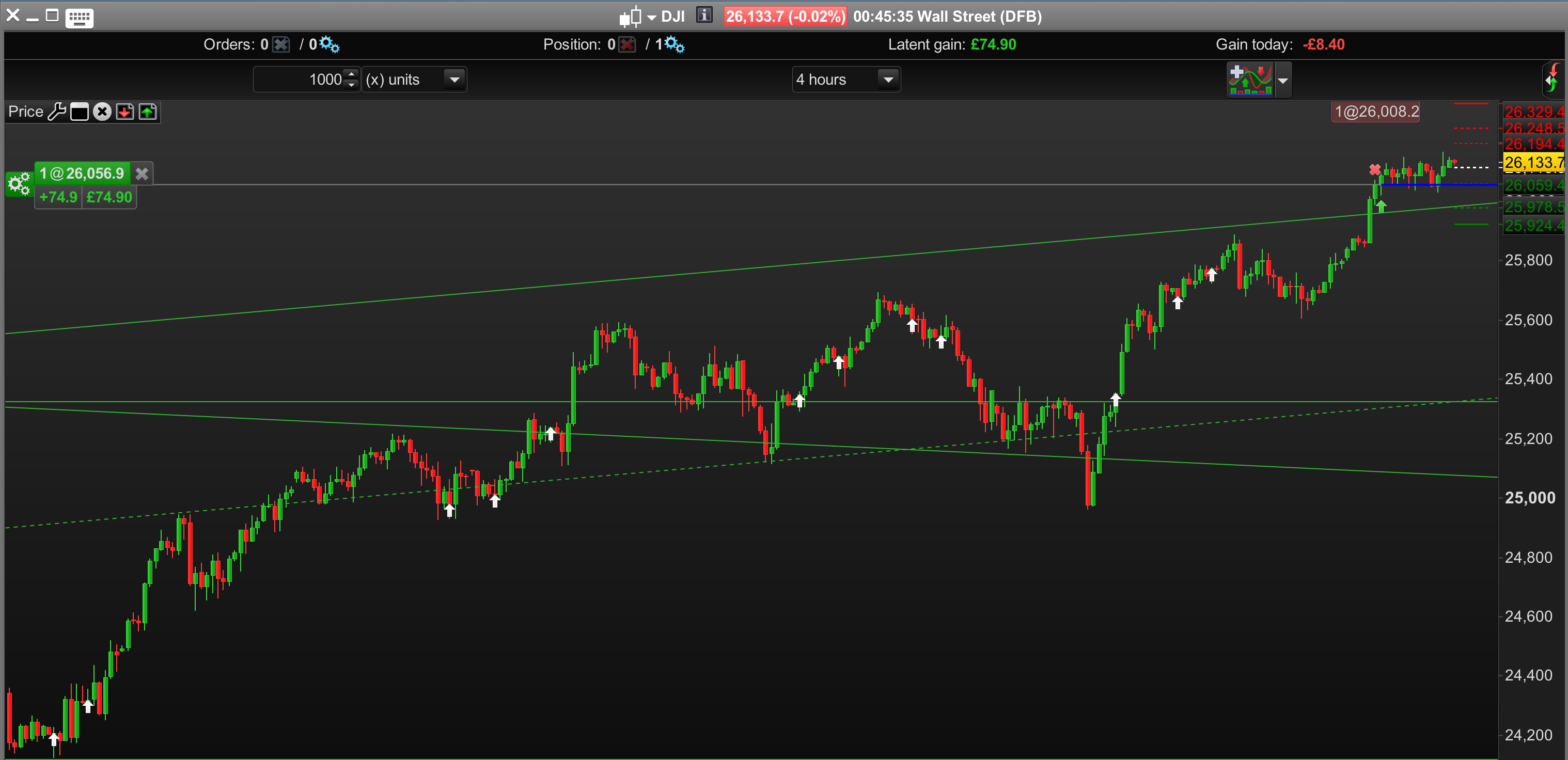
    I can put the indicator up into the forum once I’m sure about the > 70 part. I think it looks okay in screenshot d (pls ignore screenshot c – I couldn’t delete it).

    Thanks again,

    a.png a.png b.png b.png c.png c.png d.png d.png
    #79353 quote
    Nicolas
    Keymaster
    Master

    Remove the minus symbol and you’ll get the same. The scale is not important for a bounded oscillator.

    Wp = ((hh-close)/(hh-ll))*100
Viewing 4 posts - 1 through 4 (of 4 total)
  • You must be logged in to reply to this topic.

How to create a Drawarrowup with c1 and c2 etc


ProScreener: Market Scanners & Detection

New Reply
Author
author-avatar
Bard @brad Participant
Summary

This topic contains 3 replies,
has 2 voices, and was last updated by Nicolas

7 years, 6 months ago.

Topic Details
Forum: ProScreener: Market Scanners & Detection
Language: English
Started: 08/29/2018
Status: Active
Attachments: 6 files
Logo Logo
Loading...