HOW TO COMPARE BACK TESTED CHARTS

Viewing 8 posts - 1 through 8 (of 8 total)

  • Author
    Posts
  • #241713 quote
    steynpj
    Participant
    Average

    I saw it before, but can not configure the setting now.

    How do I compare two or more charts of gain/loss from back testing results on 1 screen/window?

    Thanks

    #241723 quote
    GraHal
    Participant
    Master

    Backtest System1 then backtest System2 and they will both appear on the same window.

    Iván González thanked this post
    #241733 quote
    steynpj
    Participant
    Average

    That is the problem. My setup was like that before, now the chart just get replaced, not shown below.

    #241742 quote
    Iván González
    Moderator
    Master

    Hi. Can you take a screenshot of what you have right now when loading the 2 strategies?

    #241773 quote
    steynpj
    Participant
    Average

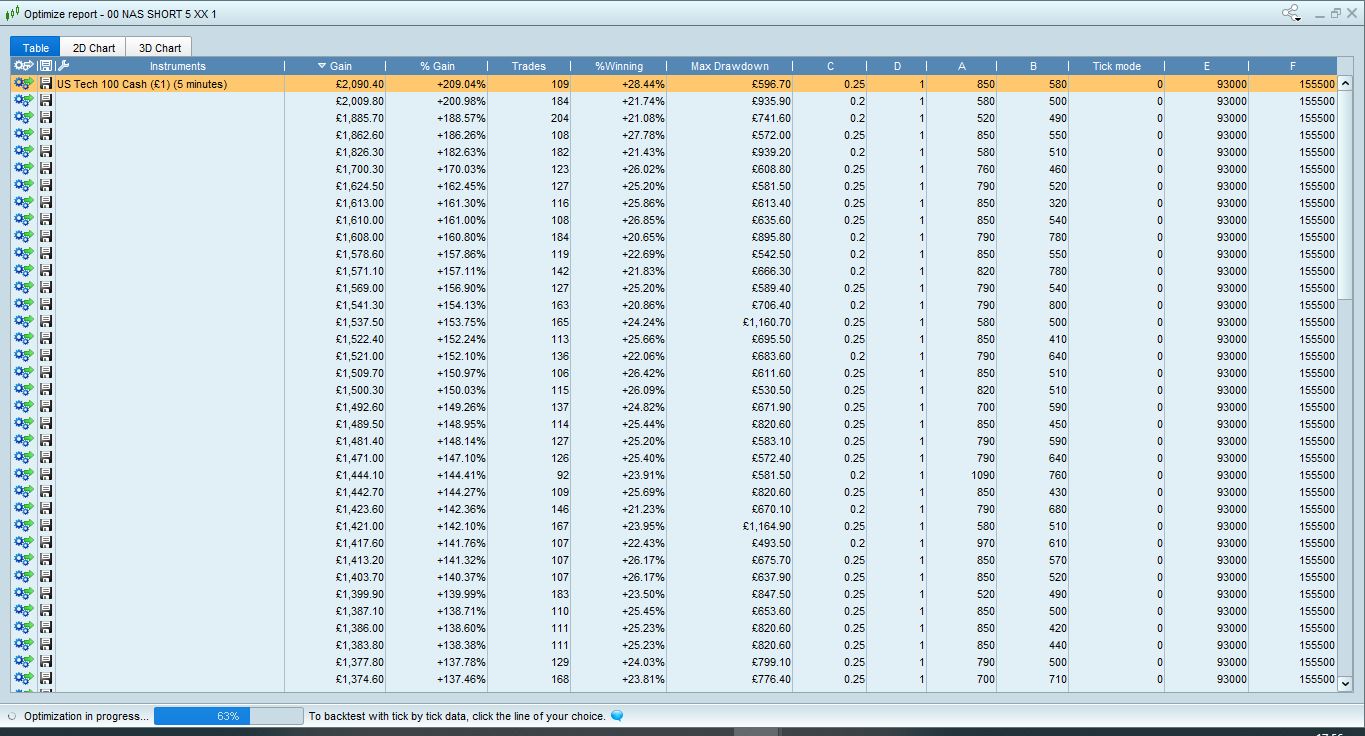
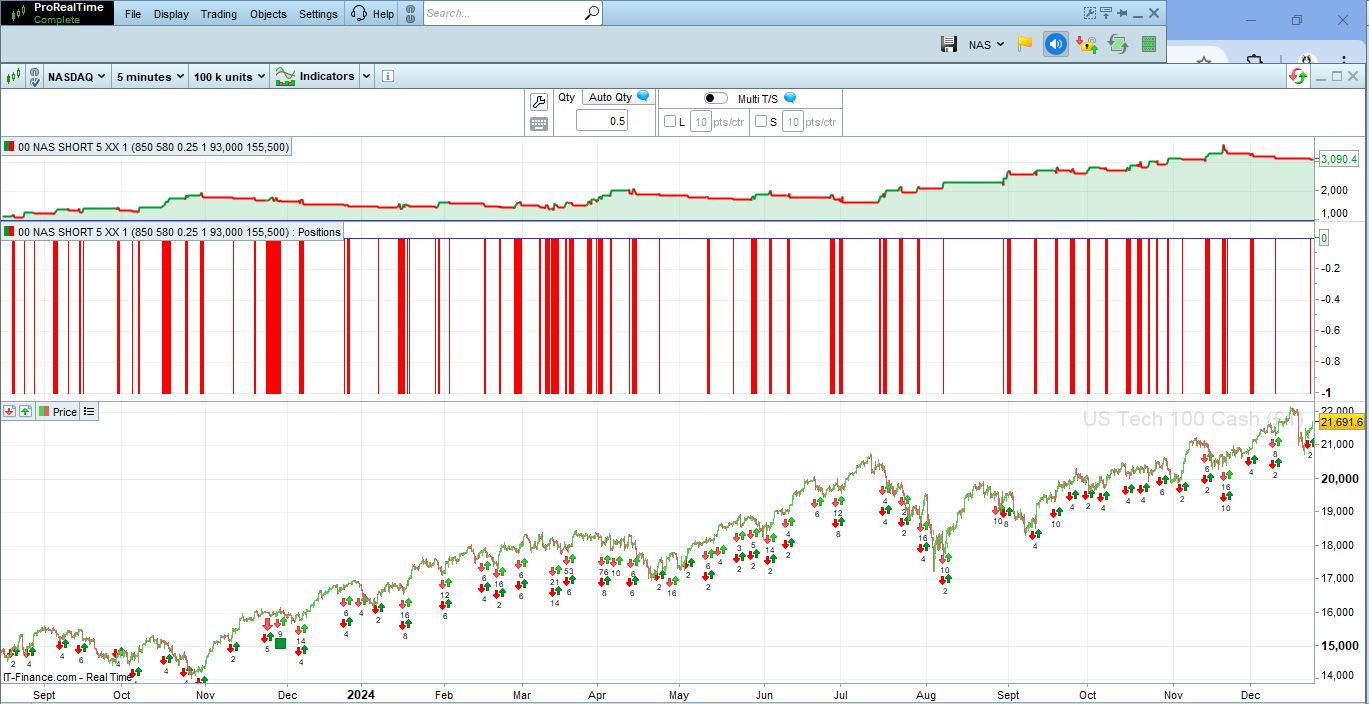
    ATTACHED SCREENSHOT OF LIST OF EQUITY CURVE AND SCREENSHOT OF CHART WITH.

    WHEN I CLICK ON NEW RESULT ROW, CHART GETS REFRESHED, AND OLD EQUITY/GAIN CHART REMOVED., THUS I CAN NOT COMPARE

    Capture1.jpg Capture1.jpg 2.jpg 2.jpg
    #241780 quote
    GraHal
    Participant
    Master

    Backtesting results have always been as you state above … each new row clicked replaces the equity curve of the previous row clicked.

    To achieve what you want to do, you need to ‘save the new results row’ as a new System … you can easily do this by clicking on the icon 2nd from left on your 1st screenshot and choosing the option for ‘new system’ … I’m going from memory, so if you have problems let us know and we will post more info.

    Tip:
    New System name has to be no more than 30 characters.

    Iván González thanked this post
    #241781 quote
    steynpj
    Participant
    Average

    Thank you, I think you are correct.


    I just noticed if you run 2 consecutive back tests both equity charts are on same window (same as your suggestion).


    I hoped I could see 2 equity charts from same “optimization report”. Seems not.


    Now I lost “optimization report” on back testing. I get other results. (closed trades, trade history etc)


    Any ideas?


    Thank you a lot.

    #241783 quote
    GraHal
    Participant
    Master

    Now I lost “optimization report” on back testing

    Why not just run the optimisation report again?

    You may mean something else?

Viewing 8 posts - 1 through 8 (of 8 total)

  • You must be logged in to reply to this topic.

HOW TO COMPARE BACK TESTED CHARTS


ProOrder: Automated Strategies & Backtesting

New Reply
Author
author-avatar
steynpj @steynpj Participant
Summary

This topic contains 7 replies,
has 3 voices, and was last updated by GraHal

1 year, 1 month ago.

Topic Details
Forum: ProOrder: Automated Strategies & Backtesting
Language: English
Started: 12/22/2024
Status: Active
Attachments: 2 files
Logo Logo
Loading...