Hi guys, I’m trying to figure out how to select and “watch” two screeners at the same time.
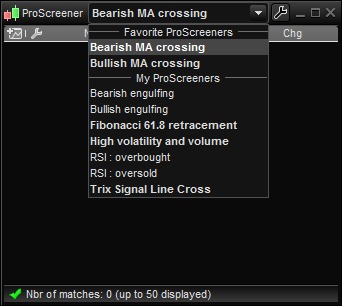
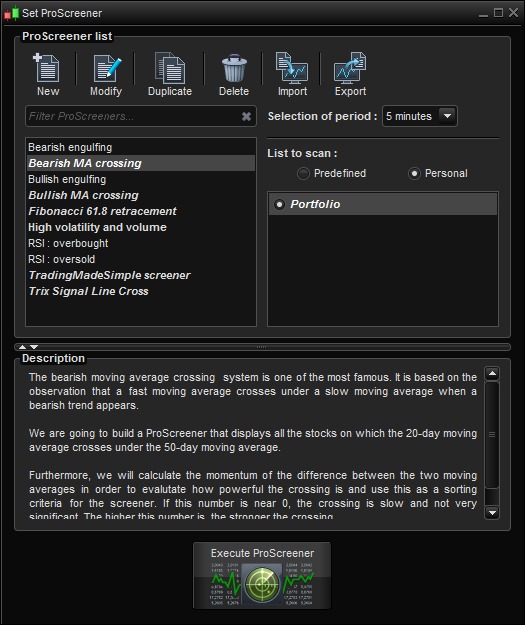
I would like to be able to watch “Bearish MA crossing” and “Bullish MA crossing” both at the same time but it seems like I’m unable to as I can only pick one from the dropdown menu.
They both work fine with my selected pairs but I’m only able to pick one at a time from what I can see (see attached).
Could anyone help me with this?
You can open many screener windows with CTRL+E.
There is a limit to the amount of screener windows (don’t remember how much) you can open that can be expanded with a premium account at PRT-CFD, to 100 screeners at once, for your information.
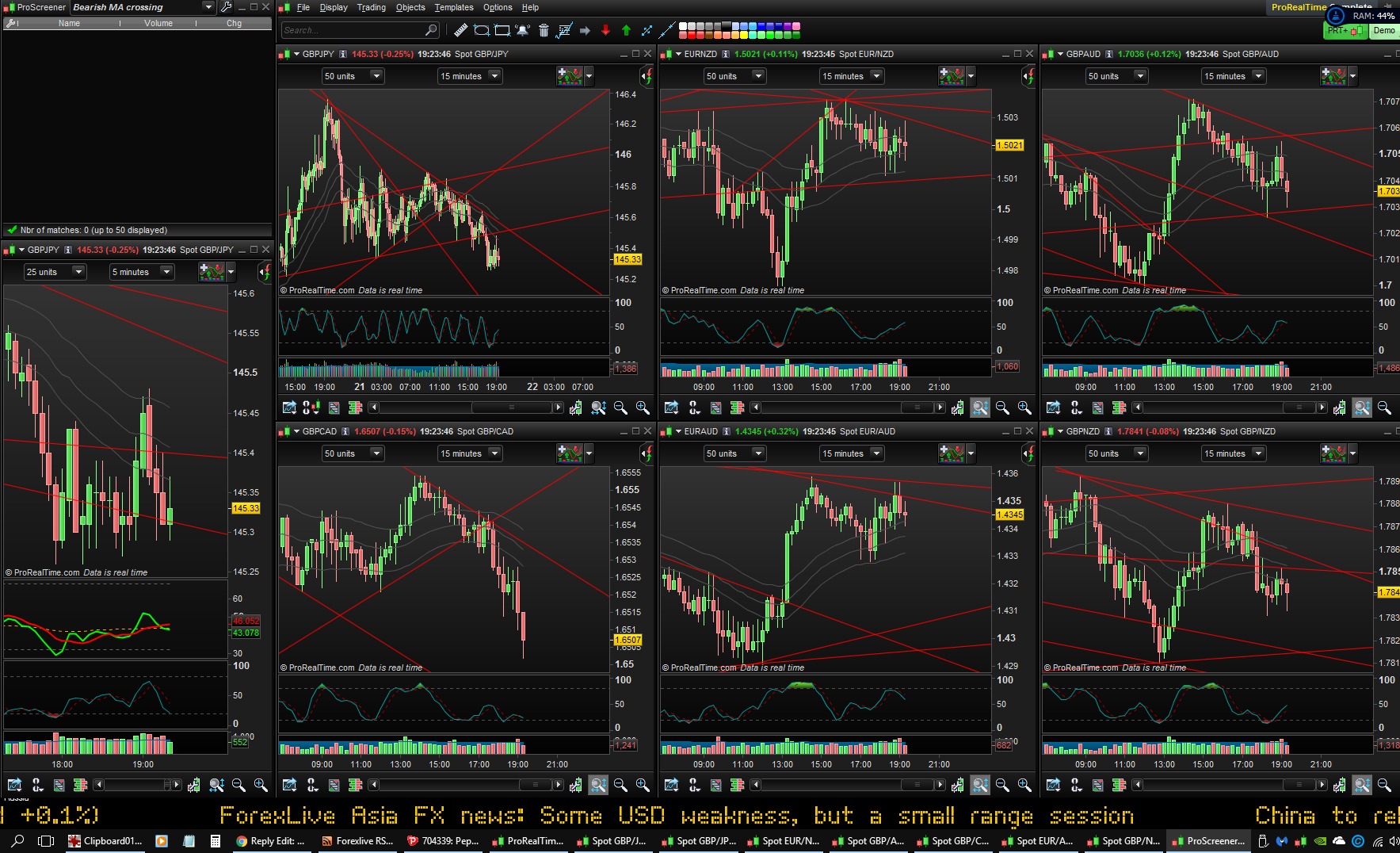
Hey Nic, I tried CTRL+E but only one window for ProScreener can open. It won’t allow any additional ProScreener windows at all. I tried it both in 10.3 and 10.2.
Any idea what’s going on? Are you sure you can open multiple screeners at once with PRT COMPLETE 10.3? Please see attached screenshots.