Hi @Lavallette
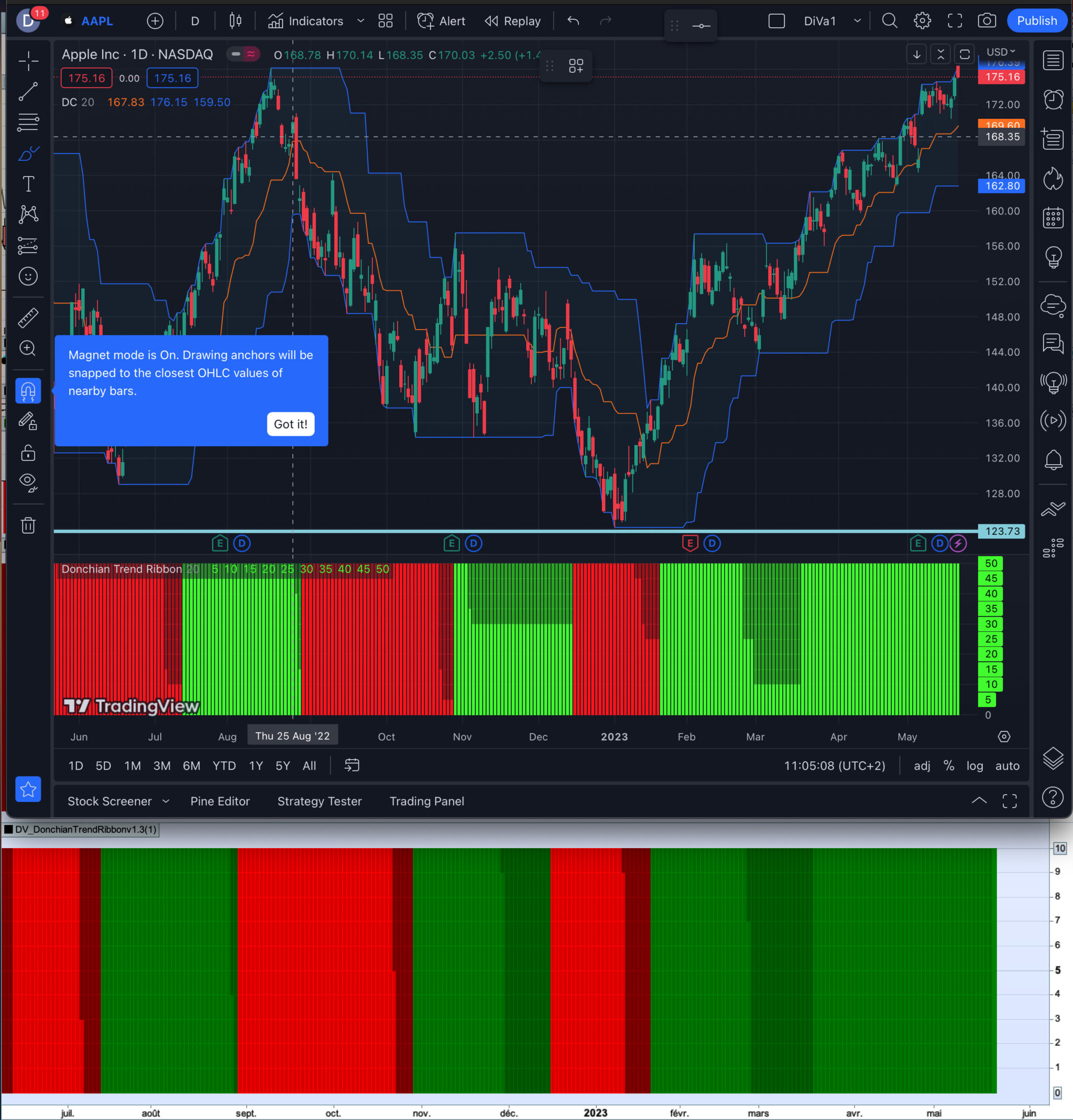
In the TV code, each bar is divided into 10 pieces:
plot( 5, color = dchannelalt(dlen – 0, maintrend), style = plot.style_columns, histbase= 0)
plot(10, color = dchannelalt(dlen – 1, maintrend), style = plot.style_columns, histbase= 5)
plot(15, color = dchannelalt(dlen – 2, maintrend), style = plot.style_columns, histbase=10)
plot(20, color = dchannelalt(dlen – 3, maintrend), style = plot.style_columns, histbase=15)
plot(25, color = dchannelalt(dlen – 4, maintrend), style = plot.style_columns, histbase=20)
plot(30, color = dchannelalt(dlen – 5, maintrend), style = plot.style_columns, histbase=25)
plot(35, color = dchannelalt(dlen – 6, maintrend), style = plot.style_columns, histbase=30)
plot(40, color = dchannelalt(dlen – 7, maintrend), style = plot.style_columns, histbase=35)
plot(45, color = dchannelalt(dlen – 8, maintrend), style = plot.style_columns, histbase=40)
plot(50, color = dchannelalt(dlen – 9, maintrend), style = plot.style_columns, histbase=45)
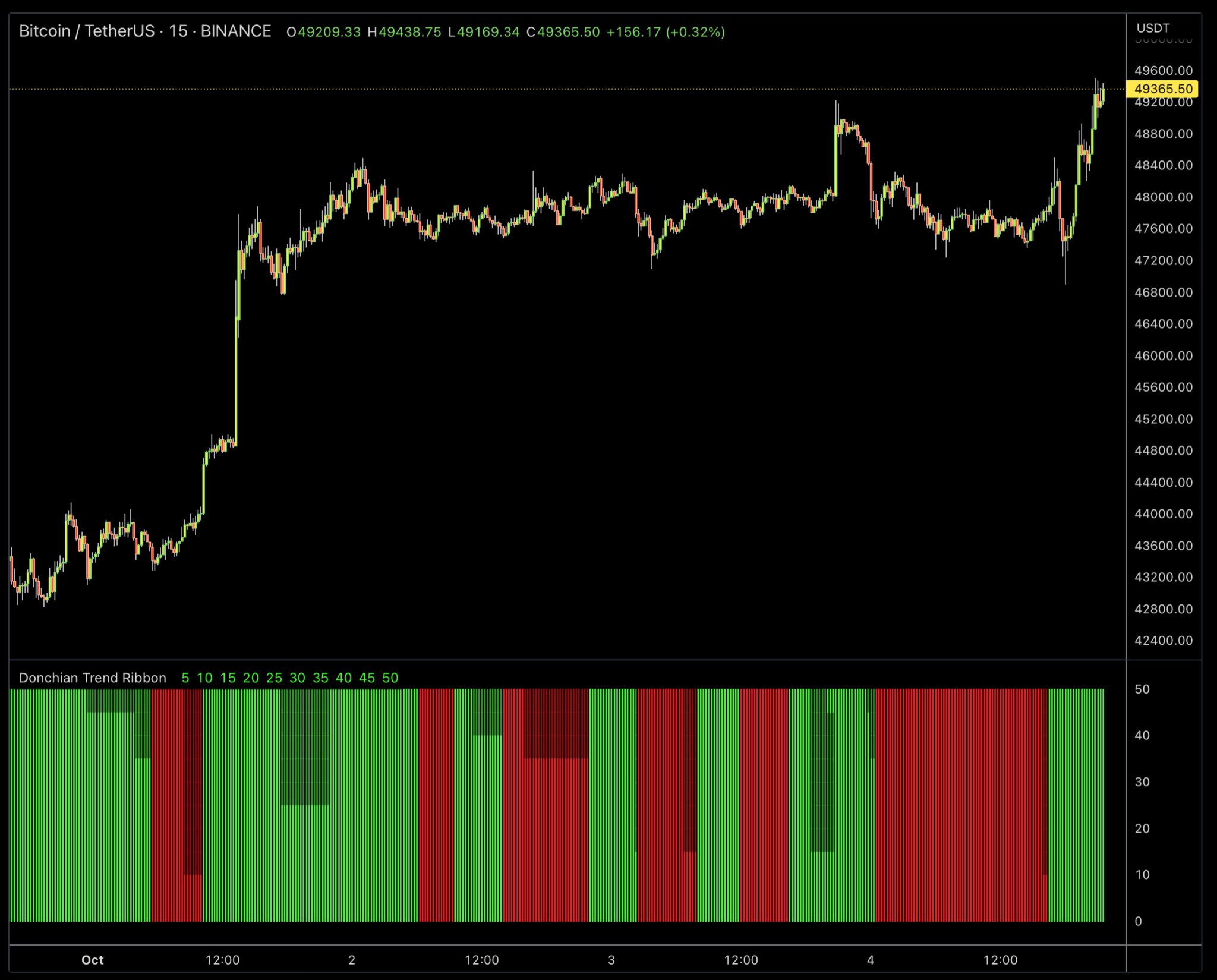
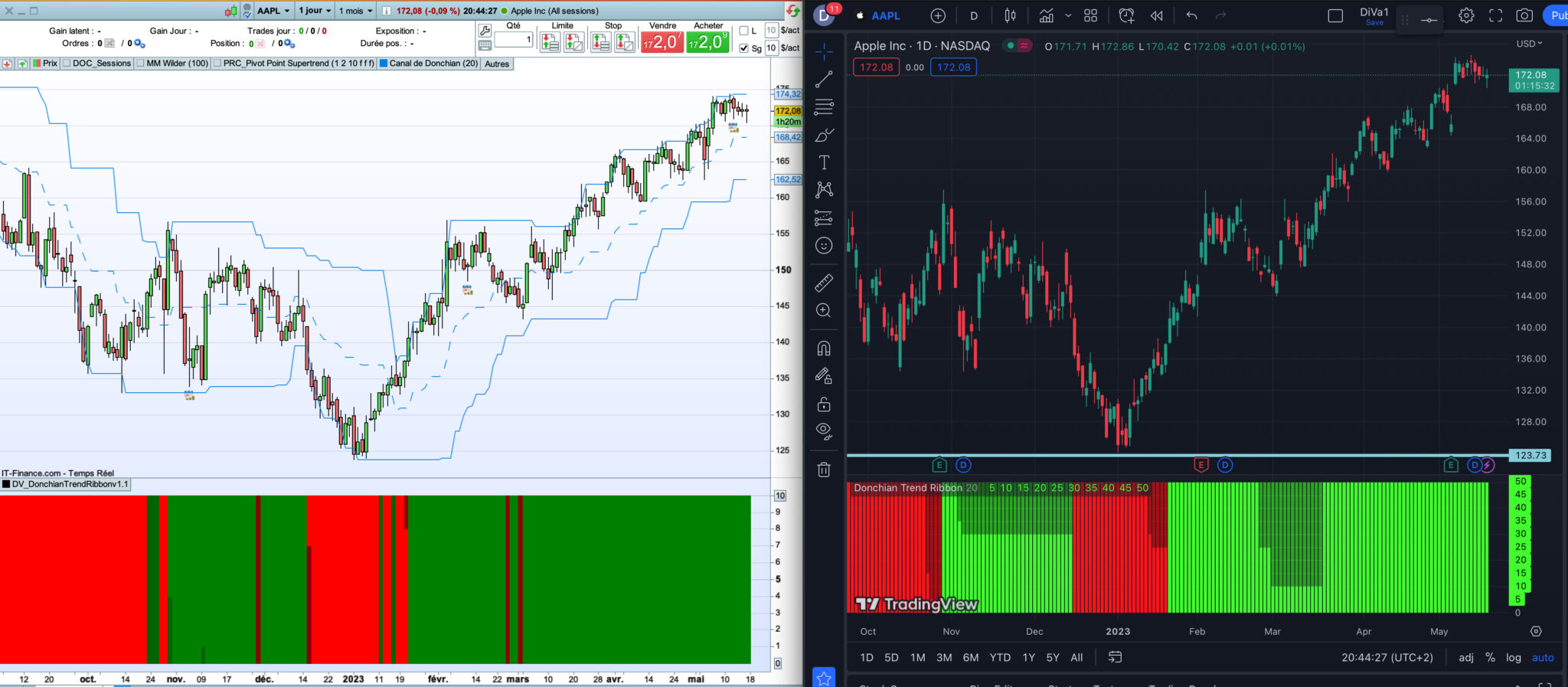
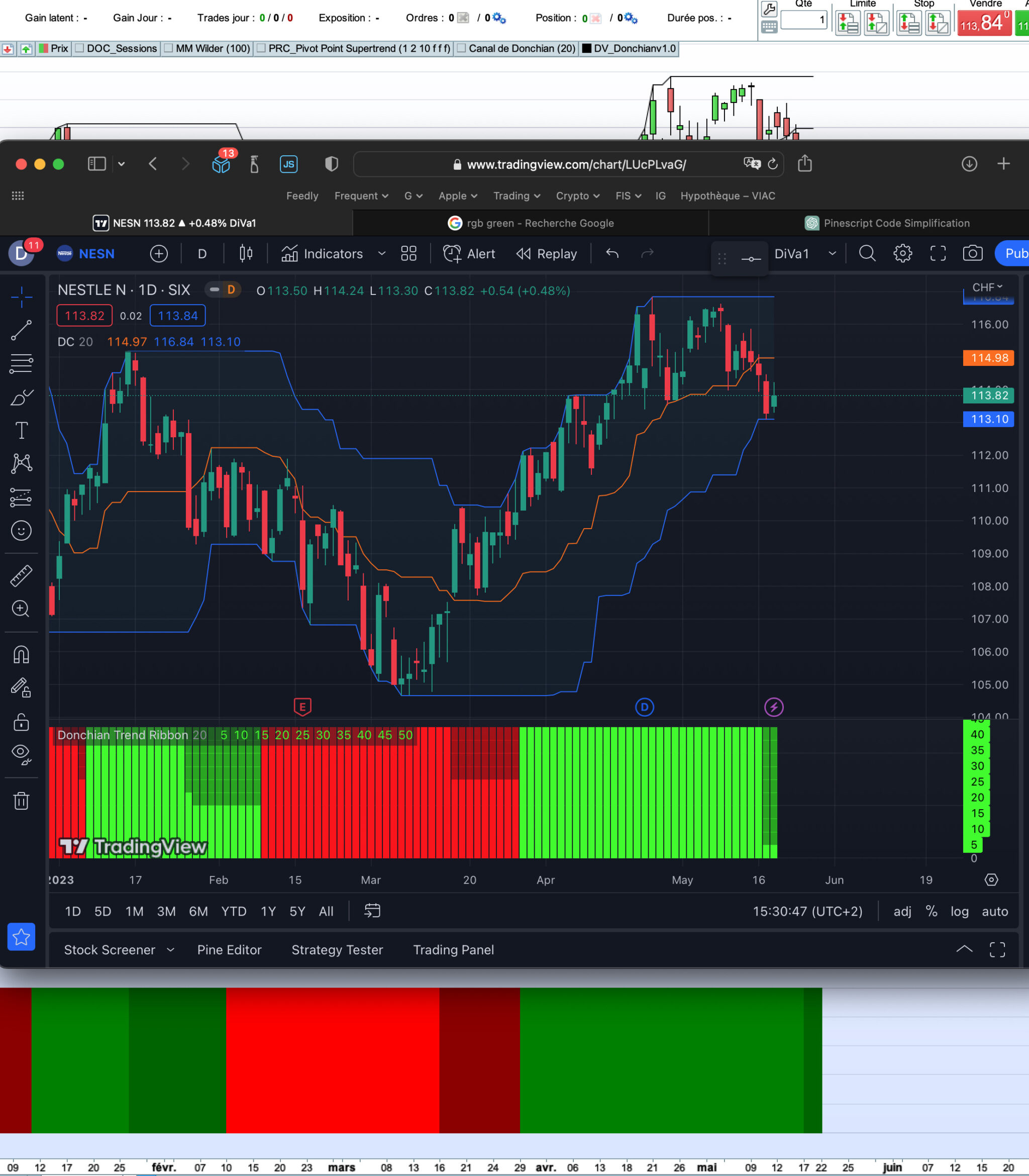
Thus, each column (Bar) in the indicator consists of 10 pieces of 5 high (total 50 high). These pieces also have a different color so that you can see a difference per column (Bar)…
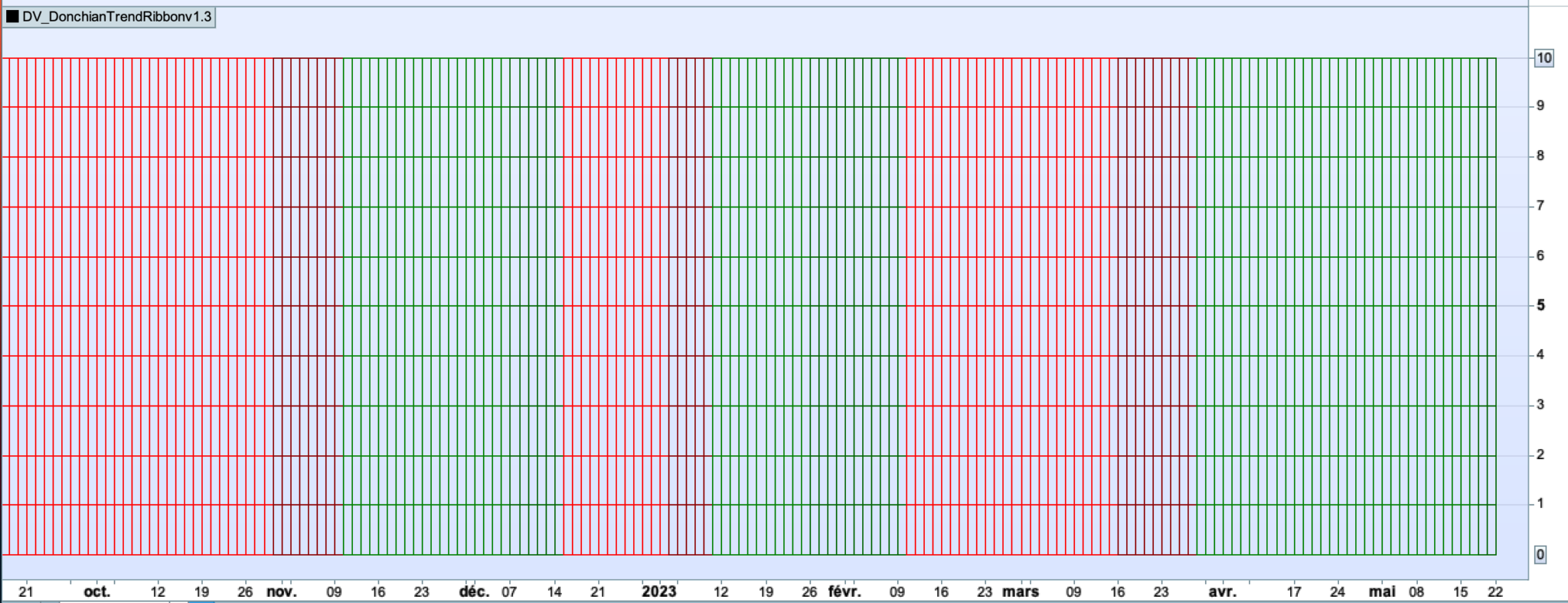
In the PRT code, 1 rectangle is drawn per bar with 1 color and therefore you see no difference in color in the same bar index…
What you can do is also make a subdivision (10 pieces) and draw a rectangle with a certain color ten times per bar…
(Total height column is 50 divided into 10 pieces of 5)