Help! I have a screener but will not give correct results on crossover

Viewing 11 posts - 1 through 11 (of 11 total)

  • Author
    Posts
  • #75564 quote
    tylerminky
    Participant
    New
    // sample screener code
    Duo2 = ExponentialAverage[9](High)*1.04 +Bollingerup[20](Close)
    Duo1 = ExponentialAverage[9](Low)*0.942 +Bollingerdown[20](Close)
    DuoWidth = (Duo2 - Duo1)
    DuoRatio=((Close)-Duo1)/ DuoWidth*100
    NineAv = ExponentialAverage[9](DuoRatio)
    
    
    Indicator1 = Nineav crosses over 50


    Screener (Indicator1)
    
    #75565 quote
    GraHal
    Participant
    Master

    Post a screen shot of what you are seeing and what you expected to see?

    Saves us all guessing??

    #75566 quote
    robertogozzi
    Moderator
    Master

    Screener require brackets, not parenthesis

    Screener[Indicator1]
    #75583 quote
    tylerminky
    Participant
    New

    Hi Robert, thanks, I changed the brackets but it did not work.

    Grahal, this is my first post sorry about no attachement. Have taken a screenshot in jpg and saved file but not sure how to make this available in my post.

    #75586 quote
    Nicolas
    Keymaster
    Master

    What timeframe and stock list please? Do you own the real time data subscription for the list you are trying to get the crossover signals?

    #75587 quote
    Vonasi
    Moderator
    Master

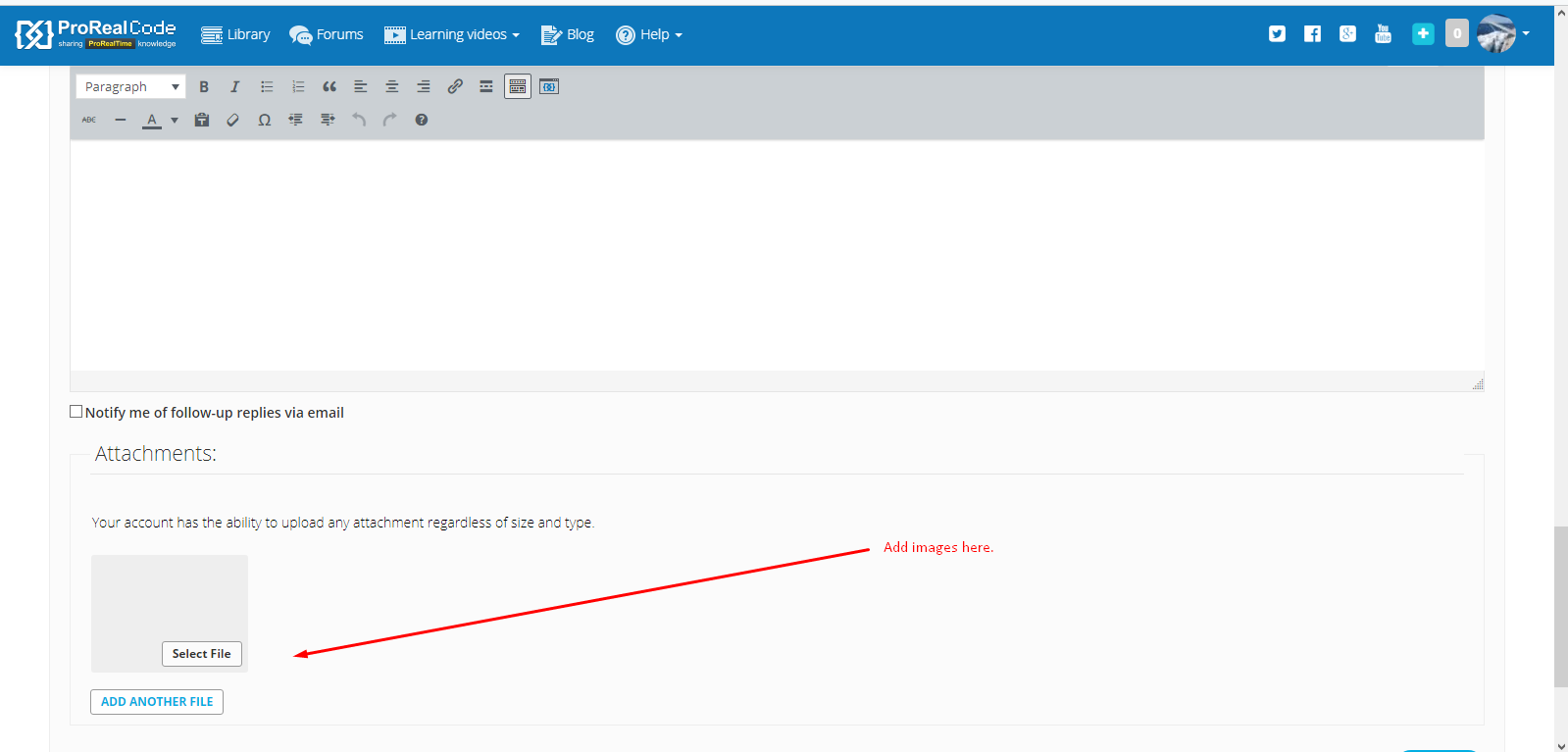
    You can add images by using the ‘Select File’ under the box you type your post in. It is best to use something like ‘LightShot’ to take screen shots.

    [attachment file=75588]

    Screenshot_3-3.png Screenshot_3-3.png
    #75590 quote
    tylerminky
    Participant
    New

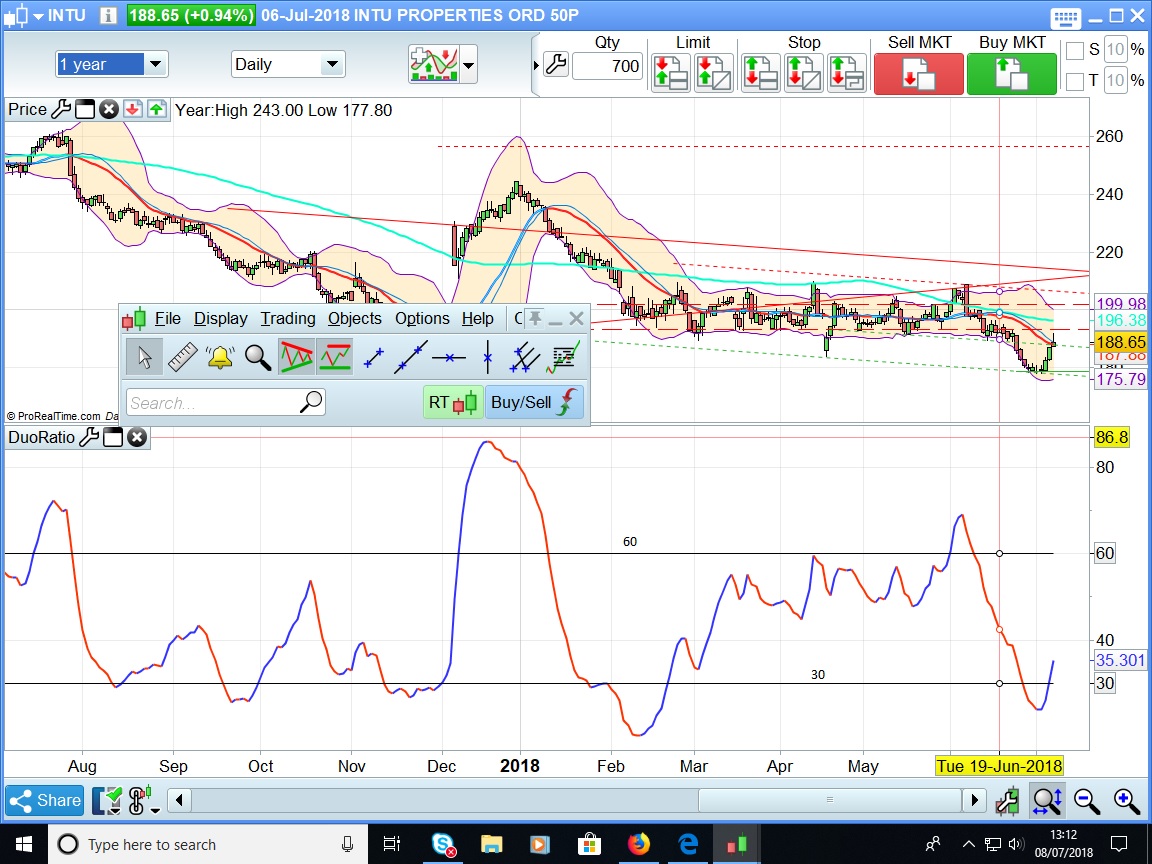
    Hello Nicolas, The screenshot if I can succesfully post it will be from UK stocks (INTU) and will be daily. However, I am hoping that it will be useful for other time frames. I do not have real time access at present but would like to give it a try if I can get my indicators to work properly.

    #75591 quote
    tylerminky
    Participant
    New

    Hope you can see screenshot which I have tried to capture

    Screenshot.jpg Screenshot.jpg
    #75596 quote
    Nicolas
    Keymaster
    Master

    Yes, thank you, but it is not necessary to insert into content the attached file. Only select and attach them to your post, that is sufficient.

    If you have “end of day” only account, that’s normal to not get the last day crossover with ProScreener.

    #75605 quote
    tylerminky
    Participant
    New

    Thanks Nicolas. However, as the system has the data I do not see the point in not making it available and makes EOD data a misleading feature. In addition it does not seem possible to develop indicators and oscillators if the the data is unreliable or incomplete. As the indicator I am trying devlop is part of a set it seems that I have come to a standstill. I have seen a great deal of input from yourself regarding coding and it is much appreciated.

    Regards,

    Minky

    #75649 quote
    Nicolas
    Keymaster
    Master

    With an EOD account, you have reliable and complete data, but they are differed. If you don’t want to share with PRT the fee of markets data, PRT has no other solution than to give you the free version of them..

Viewing 11 posts - 1 through 11 (of 11 total)
  • You must be logged in to reply to this topic.

Help! I have a screener but will not give correct results on crossover


ProScreener: Market Scanners & Detection

New Reply
Author
author-avatar
tylerminky @tylerminky Participant
Summary

This topic contains 10 replies,
has 5 voices, and was last updated by Nicolas

7 years, 8 months ago.

Topic Details
Forum: ProScreener: Market Scanners & Detection
Language: English
Started: 07/08/2018
Status: Active
Attachments: 2 files
Logo Logo
Loading...