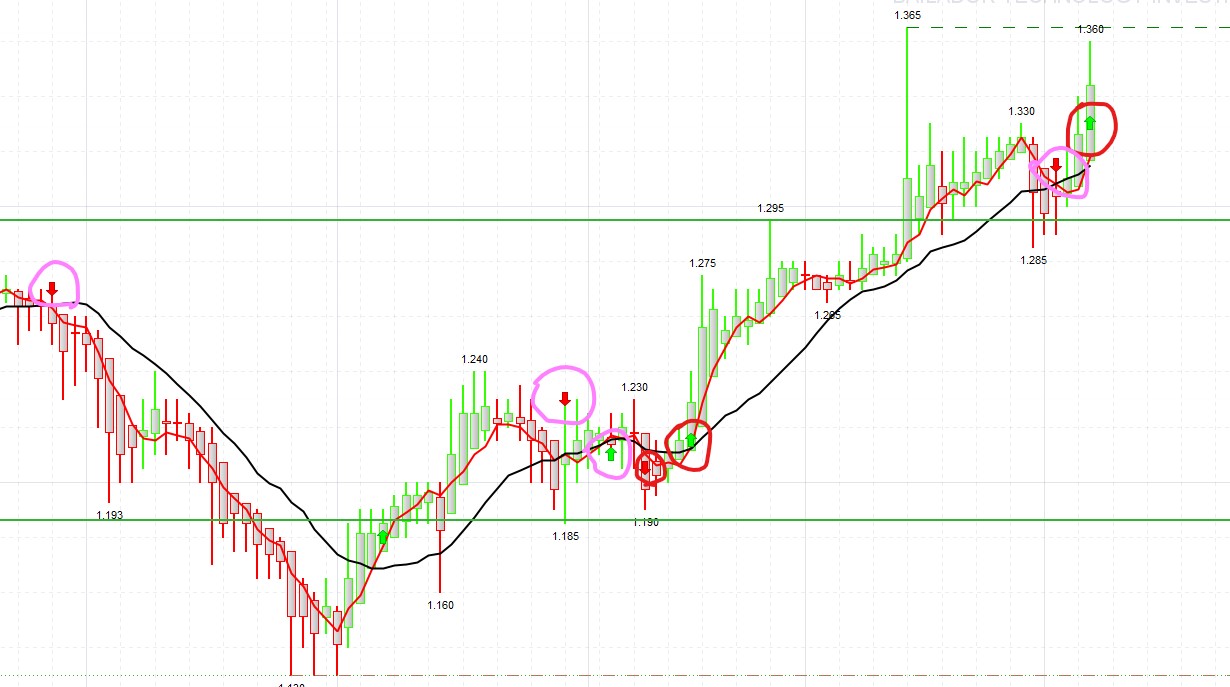
Thank you so much. Your amendment worked. I notice in your code you are using “LngArrowOK” and “SrtArrowOK” , but are they name you used or something already prebuilt function in the PRT?
No, they are just variable names. You can change their names to whatever you want. Note that most of the black texts are variables and the blue and green texts are programming language commands; and the quantities are in magenta.
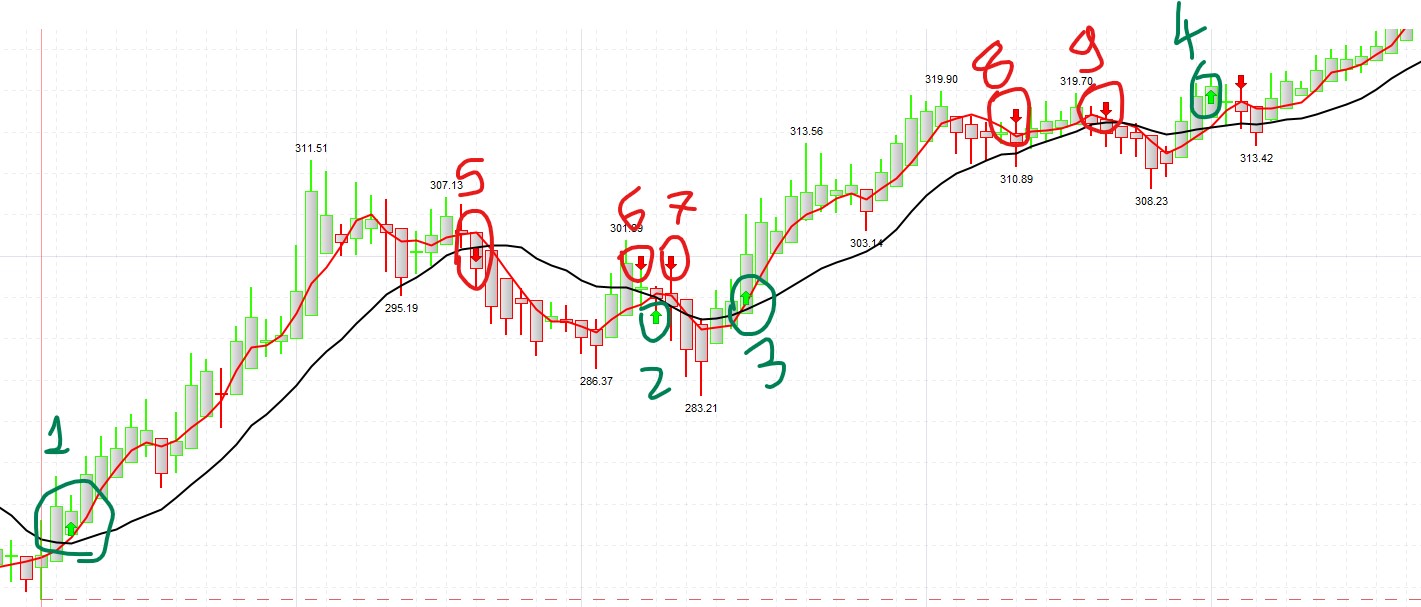
Also, you used a very smart logic where you are using this two in a sequence such that arrow only appears if up or down arrow was previously appeared and hence removing issue i faced earlier. Very smart and intelligent logic!
Congratulations, you have got the logic perfectly.
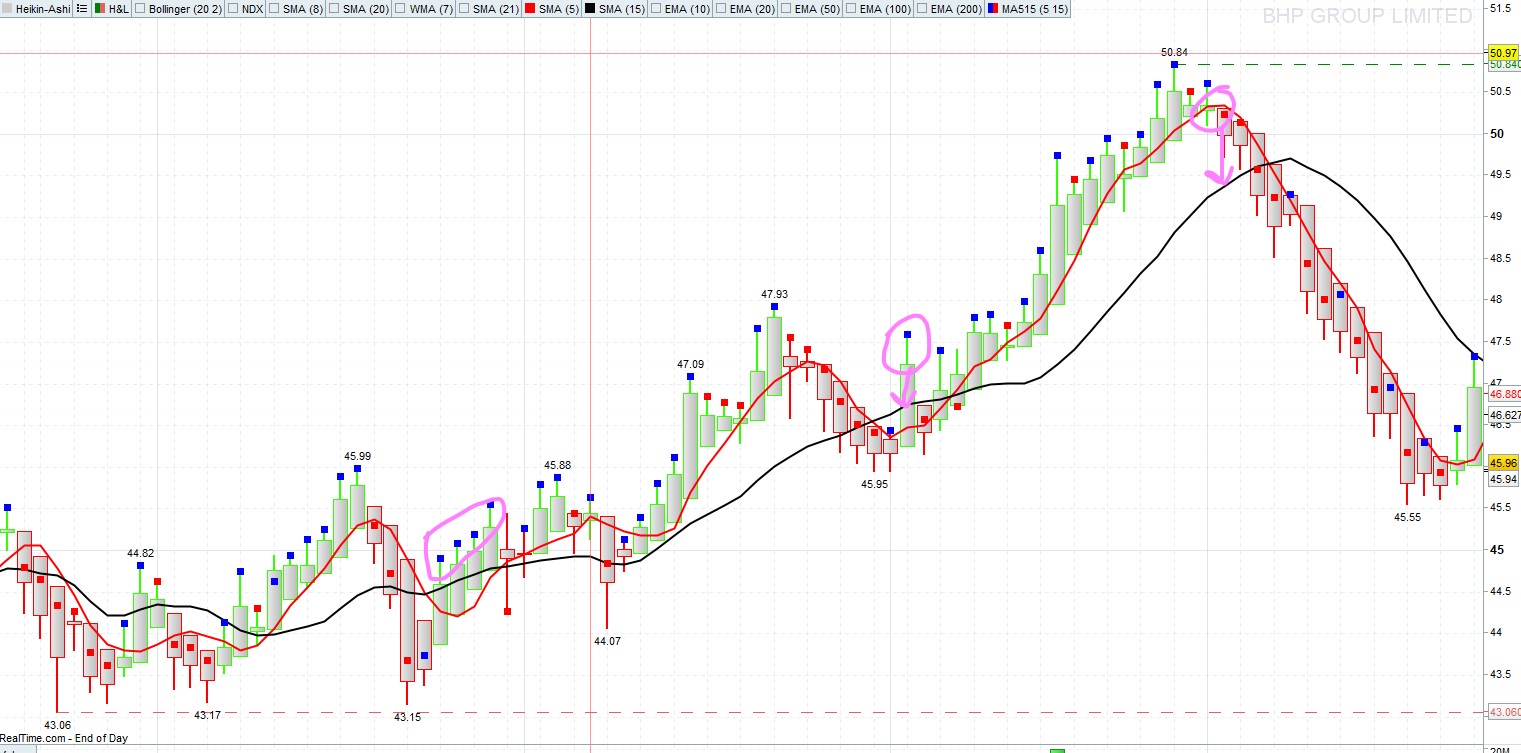
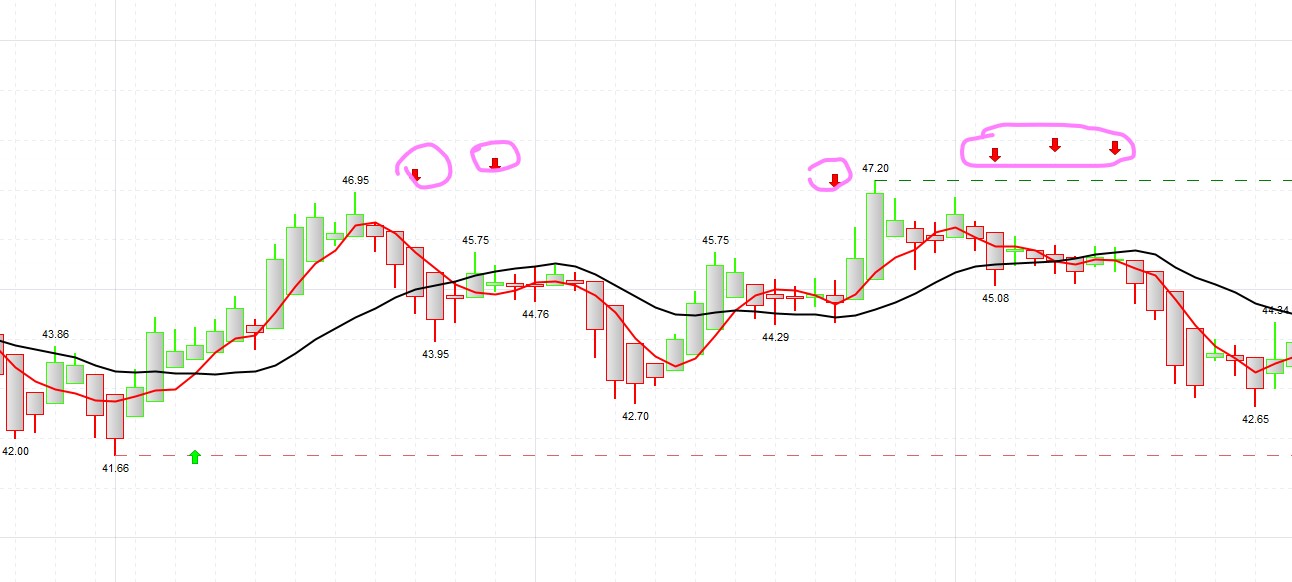
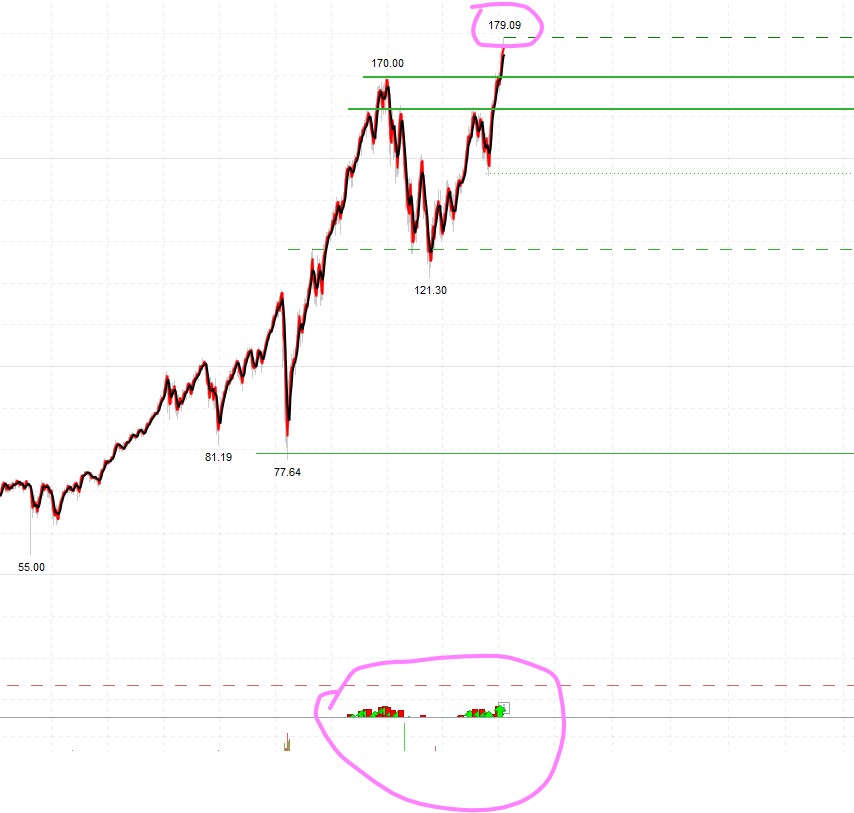
However, the variable distance is creating issue as having it set to 10 means Arrow are not on the chart but they fly up or down and I need to zoom in too much to see them on some of the stock while it appears correctly on others. I reduced value from 10 to 0.1 and it worked on majority but still not correctly set on few stocks.
I decided to create a variable called distance in the settings section so that you can change the distance of the arrow depending on the time period or the financial instrument to which you apply the indicator.
It is also more agile for you to replace the graphic command of the arrows with the graphic command that paints vertical lines, assigning a different color to each type of entry. Look this new code:
// define parameters
Short = 15
Long = 35
distance = 10
opacity = 50 // Opacity of vertical lines (0: transparent; 255: opaque)
// end of parameters
MAShort = Average[Short](close)
MALong = Average[Long](close)
If MAShort CROSSES OVER MALong and LngArrowOK = 0 THEN
//DRAWARROWUP(barindex, low-distance*pipsize) coloured(0,255,0)//Signal = low
DRAWVLINE(barindex) coloured(0,200,0,opacity) style(line,5) //Signal = low
LngArrowOK = 1
SrtArrowOK = 0
ELSif MAShort CROSSES UNDER MALong and SrtArrowOK = 0 THEN
//DRAWARROWDOWN(barindex, high+distance*pipsize) coloured(255,0,0)//Signal = High
DRAWVLINE(barindex) coloured(255,0,0,opacity) style(line,5) //Signal = low
LngArrowOK = 0
SrtArrowOK = 1
ENDIF
RETURN MAShort as "Short MA", MALong as "Long MA"
so is there a way to have them appear on the candle up or down side ?
I don’t know if I’m understanding what you’re saying correctly because “distance” variable is used to decide how far each type of arrow is located (some up and others down, taking the candle close as a starting point).