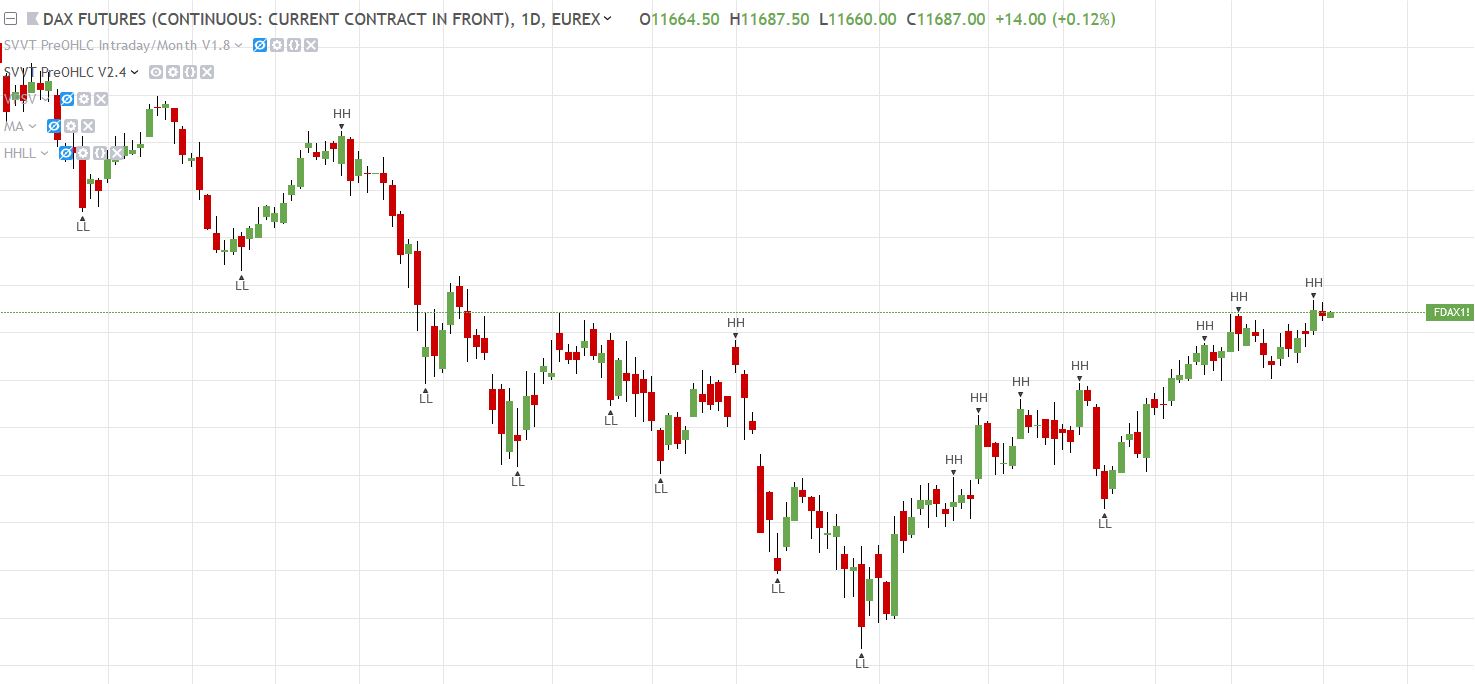
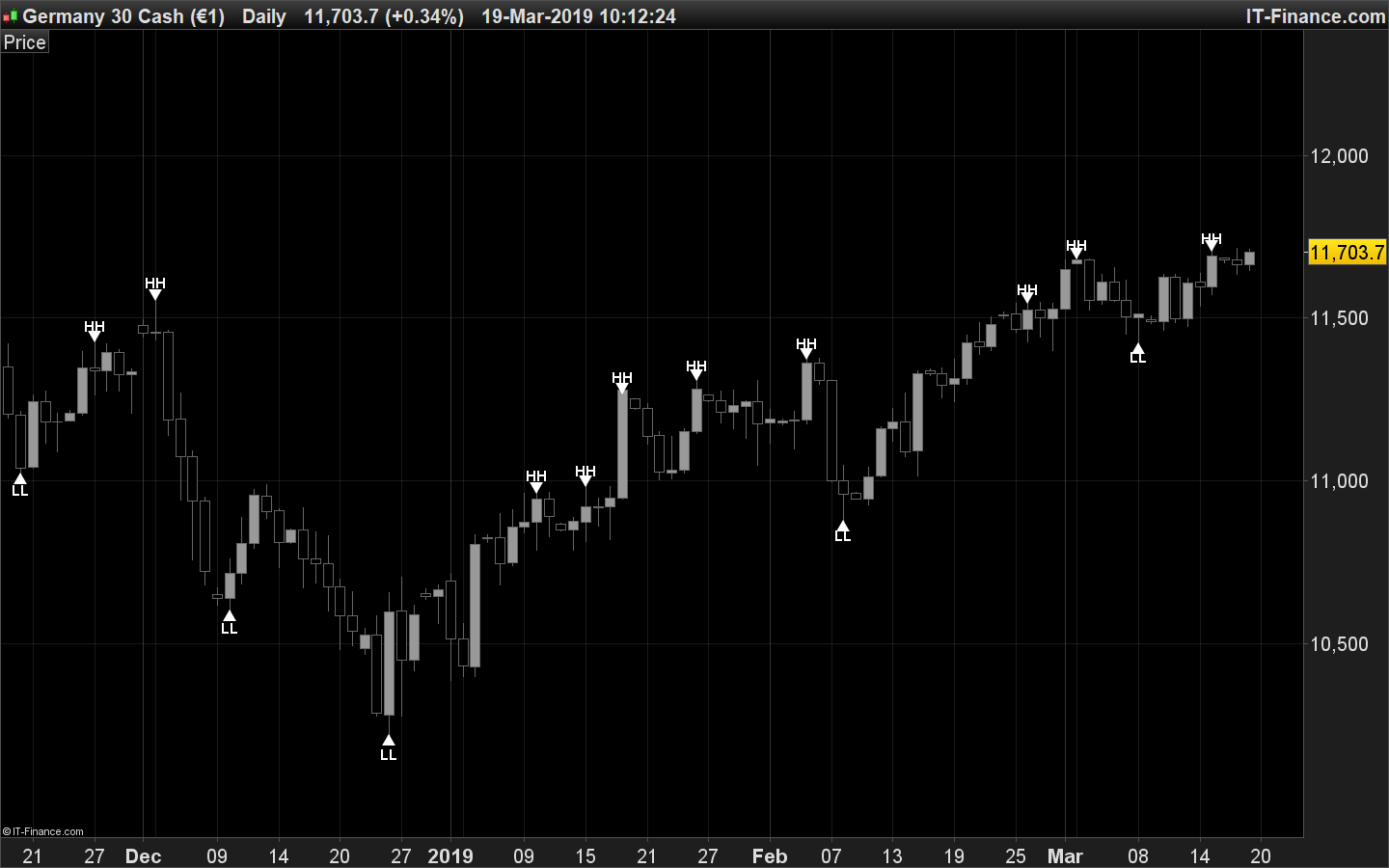
Hello, I’ve the same problem, I need help to convert some scripts from Tradingview to ProRealtime.
Here is the code in Pine Editor:
//@version=2
//Credit to https://www.tradingview.com/script/p3oqCa56-Pekipek-s-PPO-Divergence-BETA/ (I just changed the visuals and added alerts)
study(“PPO Divergence Alerts”, overlay=false)
source = open
long_term_div = input(true, title=”Use long term Divergences?”)
div_lookback_period = input(55, minval=1, title=”Lookback Period”)
fastLength = input(12, minval=1), slowLength=input(26,minval=1)
signalLength=input(9,minval=1)
smoother = input(2,minval=1)
fastMA = ema(source, fastLength)
slowMA = ema(source, slowLength)
macd = fastMA – slowMA
macd2=(macd/slowMA)*100
d = sma(macd2, smoother) // smoothing PPO
bullishPrice = low
priceMins = bullishPrice > bullishPrice[1] and bullishPrice[1] < bullishPrice[2] or low[1] == low[2] and low[1] < low and low[1] < low[3] or low[1] == low[2] and low[1] == low[3] and low[1] < low and low[1] < low[4] or low[1] == low[2] and low[1] == low[3] and low[1] and low[1] == low[4] and low[1] < low and low[1] < low[5] // this line identifies bottoms and plateaus in the price
oscMins= d > d[1] and d[1] < d[2] // this line identifies bottoms in the PPO
BottomPointsInPPO = oscMins
bearishPrice = high
priceMax = bearishPrice < bearishPrice[1] and bearishPrice[1] > bearishPrice[2] or high[1] == high[2] and high[1] > high and high[1] > high[3] or high[1] == high[2] and high[1] == high[3] and high[1] > high and high[1] > high[4] or high[1] == high[2] and high[1] == high[3] and high[1] and high[1] == high[4] and high[1] > high and high[1] > high[5] // this line identifies tops in the price
oscMax = d < d[1] and d[1] > d[2] // this line identifies tops in the PPO
TopPointsInPPO = oscMax
currenttrough4=valuewhen (oscMins, d[1], 0) // identifies the value of PPO at the most recent BOTTOM in the PPO
lasttrough4=valuewhen (oscMins, d[1], 1) // NOT USED identifies the value of PPO at the second most recent BOTTOM in the PPO
currenttrough5=valuewhen (oscMax, d[1], 0) // identifies the value of PPO at the most recent TOP in the PPO
lasttrough5=valuewhen (oscMax, d[1], 1) // NOT USED identifies the value of PPO at the second most recent TOP in the PPO
currenttrough6=valuewhen (priceMins, low[1], 0) // this line identifies the low (price) at the most recent bottom in the Price
lasttrough6=valuewhen (priceMins, low[1], 1) // NOT USED this line identifies the low (price) at the second most recent bottom in the Price
currenttrough7=valuewhen (priceMax, high[1], 0) // this line identifies the high (price) at the most recent top in the Price
lasttrough7=valuewhen (priceMax, high[1], 1) // NOT USED this line identifies the high (price) at the second most recent top in the Price
delayedlow = priceMins and barssince(oscMins) < 3 ? low[1] : na
delayedhigh = priceMax and barssince(oscMax) < 3 ? high[1] : na
// only take tops/bottoms in price when tops/bottoms are less than 5 bars away
filter = barssince(priceMins) < 5 ? lowest(currenttrough6, 4) : na
filter2 = barssince(priceMax) < 5 ? highest(currenttrough7, 4) : na
//delayedbottom/top when oscillator bottom/top is earlier than price bottom/top
y11 = valuewhen(oscMins, delayedlow, 0)
y12 = valuewhen(oscMax, delayedhigh, 0)
// only take tops/bottoms in price when tops/bottoms are less than 5 bars away, since 2nd most recent top/bottom in osc
y2=valuewhen(oscMax, filter2, 1) // identifies the highest high in the tops of price with 5 bar lookback period SINCE the SECOND most recent top in PPO
y6=valuewhen(oscMins, filter, 1) // identifies the lowest low in the bottoms of price with 5 bar lookback period SINCE the SECOND most recent bottom in PPO
long_term_bull_filt = valuewhen(priceMins, lowest(div_lookback_period), 1)
long_term_bear_filt = valuewhen(priceMax, highest(div_lookback_period), 1)
y3=valuewhen(oscMax, currenttrough5, 0) // identifies the value of PPO in the most recent top of PPO
y4=valuewhen(oscMax, currenttrough5, 1) // identifies the value of PPO in the second most recent top of PPO
y7=valuewhen(oscMins, currenttrough4, 0) // identifies the value of PPO in the most recent bottom of PPO
y8=valuewhen(oscMins, currenttrough4, 1) // identifies the value of PPO in the SECOND most recent bottom of PPO
y9=valuewhen(oscMins, currenttrough6, 0)
y10=valuewhen(oscMax, currenttrough7, 0)
bulldiv= BottomPointsInPPO ? d[1] : na // plots dots at bottoms in the PPO
beardiv= TopPointsInPPO ? d[1]: na // plots dots at tops in the PPO
i = currenttrough5 < highest(d, div_lookback_period) // long term bearish oscilator divergence
i2 = y10 > long_term_bear_filt // long term bearish top divergence
i3 = delayedhigh > long_term_bear_filt // long term bearish delayedhigh divergence
i4 = currenttrough4 > lowest(d, div_lookback_period) // long term bullish osc divergence
i5 = y9 < long_term_bull_filt // long term bullish bottom div
i6 = delayedlow < long_term_bull_filt // long term bullish delayedbottom div
plot(0, color=gray)
plot(d, color=black)
plot(bulldiv, title = “Bottoms”, color=maroon, style=circles, linewidth=3, offset= -1)
plot(beardiv, title = “Tops”, color=green, style=circles, linewidth=3, offset= -1)
bearishdiv1 = (y10 > y2 and oscMax and y3 < y4) ? true : false
bearishdiv2 = (delayedhigh > y2 and y3 < y4) ? true : false
bearishdiv3 = (long_term_div and oscMax and i and i2) ? true : false
bearishdiv4 = (long_term_div and i and i3) ? true : false
bullishdiv1 = (y9 < y6 and oscMins and y7 > y8) ? true : false
bullishdiv2 = (delayedlow < y6 and y7 > y8) ? true : false
bullishdiv3 = (long_term_div and oscMins and i4 and i5) ? true : false
bullishdiv4 = (long_term_div and i4 and i6) ? true : false
bearish = bearishdiv1 or bearishdiv2 or bearishdiv3 or bearishdiv4
bullish = bullishdiv1 or bullishdiv2 or bullishdiv3 or bullishdiv4
greendot = beardiv != 0 ? true : false
reddot = bulldiv != 0 ? true : false
alertcondition( bearish, title=”Bearish Signal (Orange Circle)”, message=”Orange & Bearish: Short ” )
alertcondition( bullish, title=”Bullish Signal (Purple Circle)”, message=”Purple & Bullish: Long ” )
alertcondition( greendot, title=”PPO High (Green Dot)”, message=”Green High Point: Short ” )
alertcondition( reddot, title=”PPO Low (Red Dot)”, message=”Red Low Point: Long ” )
plot(y10>y2 and oscMax and y3 < y4 ? d :na, title = “Bearish Divergence1”, color=orange, style= circles, linewidth=6)
plot(y9<y6 and oscMins and y7 > y8 ? d :na, title = “Bullish Divergence1”, color=purple, style=circles, linewidth=6)
plot(delayedhigh>y2 and y3 < y4 ? d :na, title = “Bearish Divergence2”, color=orange, style= circles, linewidth=6)
plot(delayedlow<y6 and y7 > y8 ? d :na, title = “Bullish Divergence2”, color=purple, style=circles, linewidth=6)
plot(long_term_div and oscMax and i and i2 ? d :na, title = “Bearish Divergence3”, color=orange, style= circles, linewidth=6)
plot(long_term_div and oscMins and i4 and i5 ? d : na, title = “Bullish Divergence3”, color=purple, style=circles, linewidth=6)
plot(long_term_div and i and i3 ? d :na, title = “Bearish Divergence4”, color=orange, style= circles, linewidth=6)
plot(long_term_div and oscMins and i5 and i6 ? d : na, title = “Bullish Divergence4”, color=purple, style=circles, linewidth=6)
Thanks for your help and best regards!!
Mattia