Did you contact PRT Support over this? Did you get any response?
Specify (with minimum words) what you want me to do, lay it out like …
- DAX Daily, draw a channel
- Take screen shot 1
- Duplicate the Chart
- Change to 1 hour Timeframe
- Take screen shot 2
- QUIT and Save the Platform
- Open Platform again
Yes, I have tried to contact PRT support, but no solution yet.
I would really appreciate if you can check the below in DAX:
- DAX Daily, draw a channel (choose setting as – display in inferior time-frames)
- Open another DAX 4H chart
- Take screen shot 1 showing the above channel in 4H chart
- Then select the same channel, this time from 4H chart window, go to configure – change settings to “object time-frame only” and then back to “display in inferior time-frames” and see if channel is shifting.
- If shifted take screenshot 2.
- QUIT and Save the Platform
- Open Platform again
- Channel will be in screenshot 2 position (i.e. shifted position)
Appreciate if you can at least check this for a couple of channels if the first one you try does not shift, because even in my case, all channels are not shifting but many are shifting. Really look forward to your replay. Thanks for the help.
2. Open another DAX 4H chart
I take it you mean … right click > duplicate chart (on the Dax Daily Chart drawn at Item 1.) and change TF to 4H?
Then select the same channel,
How do I select a channel? 🙂
Come to think of it … maybe you are drawing a channe different than me anyway?
So how do you want me to draw a channel (I’m not being facetious).
I have been drawing a trend line then copying the trend line, then moving the copied line to form a channel parallel to original line. How are you drawing a channel?? 🙂
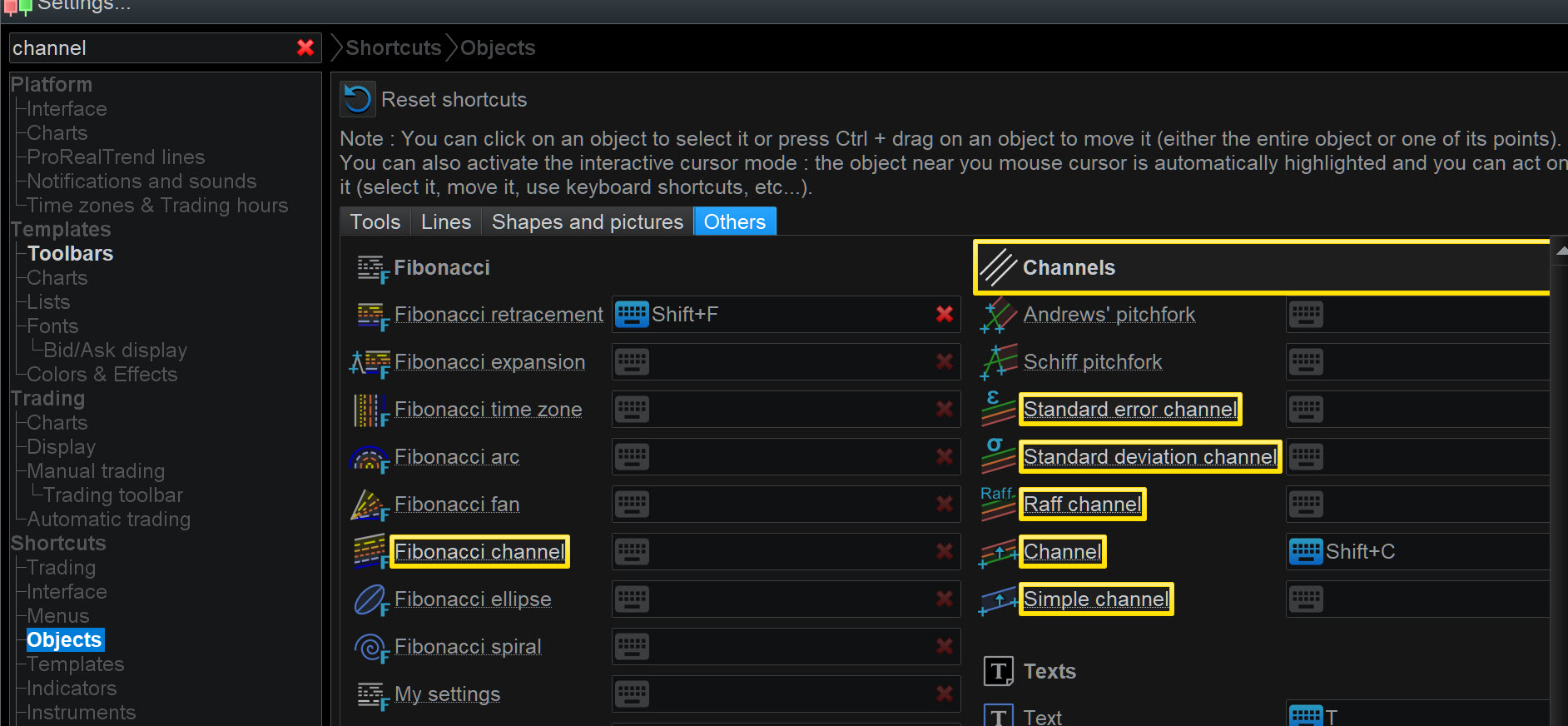
Which one of attached (if any?) are you using and therefore which do you want me to use?? 🙂
Grahal,
You can create a 4H window by duplicating as you have said, I don’t think it will make a difference.
How do I select a channel?
- To create a channel (using a D chart) in the beginning you can use Objects – channel – channel (that has ctrl C besides it)
This channel will also shown in 4H chart because setting chosen is – display in inferior charts.
Afterwards you can select that same channel from within the 4H chart window (for step 4 I have mentioned) by simply rightly clicking on it and then use configure channel as usual.
Correction – I meant shift + C not cntrl C!
Then select the same channel, this time from 4H chart window, go to configure – change settings to “object time-frame only” and then back to “display in inferior time-frames” and see if channel is shifting.
As the channel was drawn in DAX Daily, when I change settings to “object time-frame only” … the channel disappers in 4H Tf, but then comes back again when set to “display in inferior time-frames” .
Just saying for information.
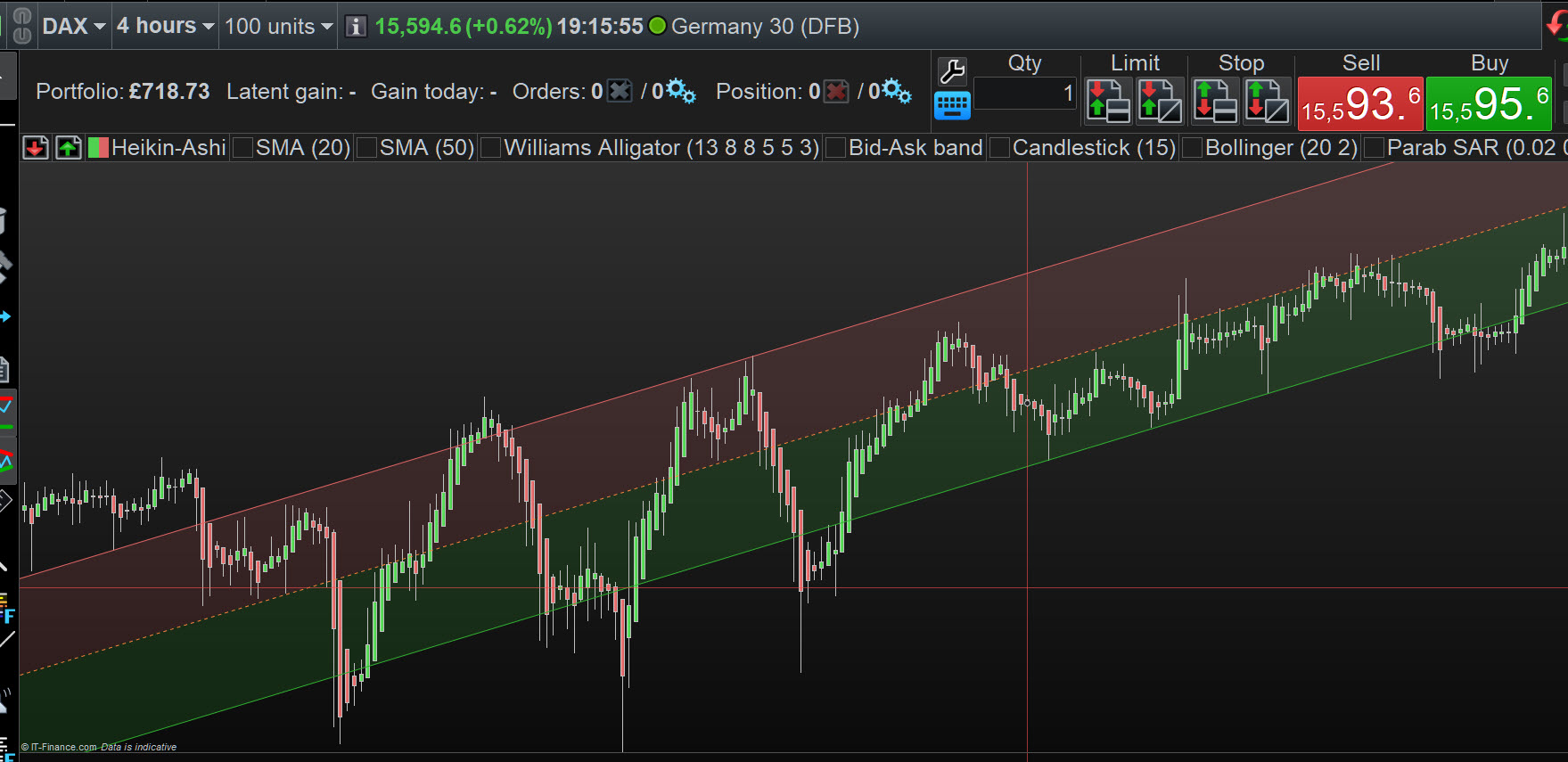
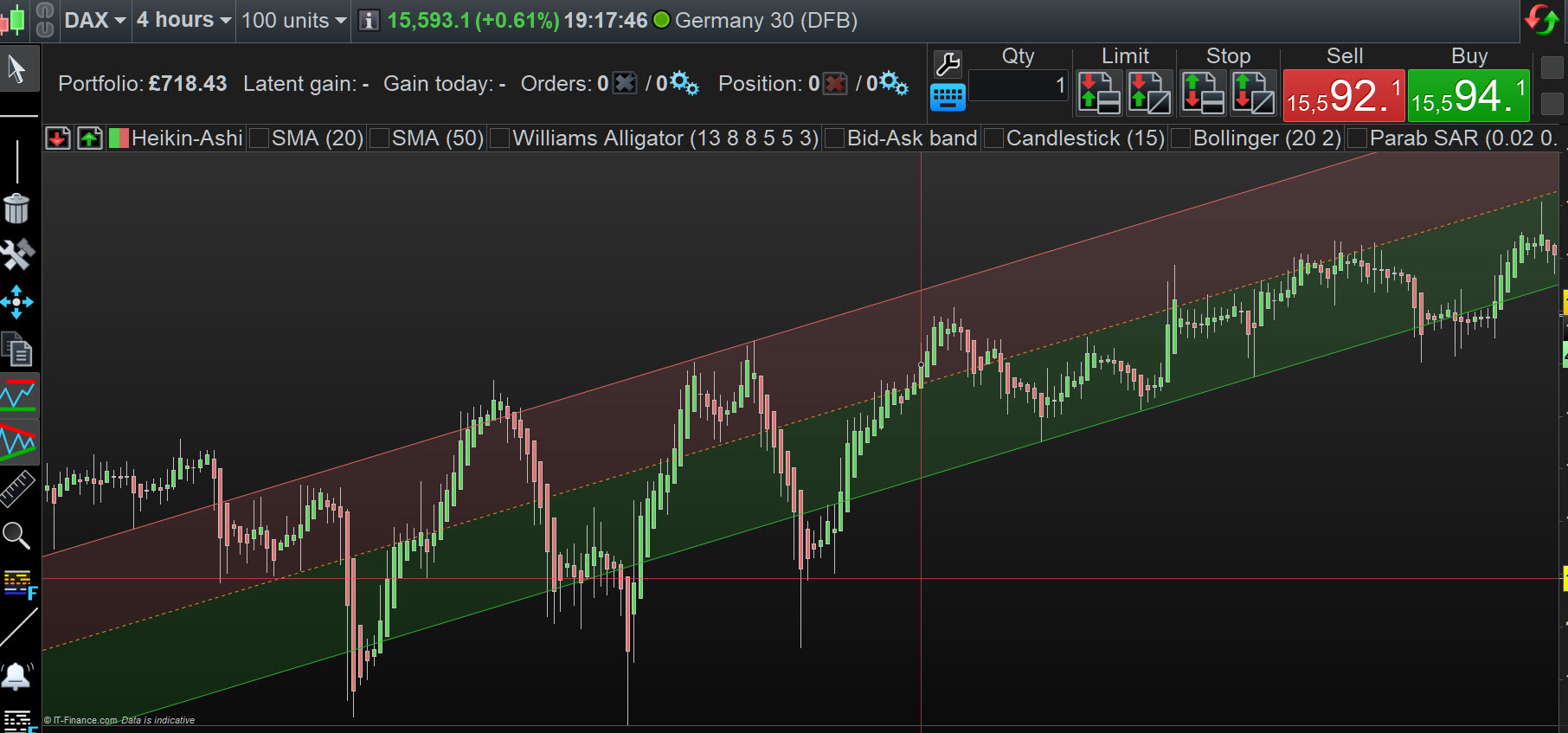
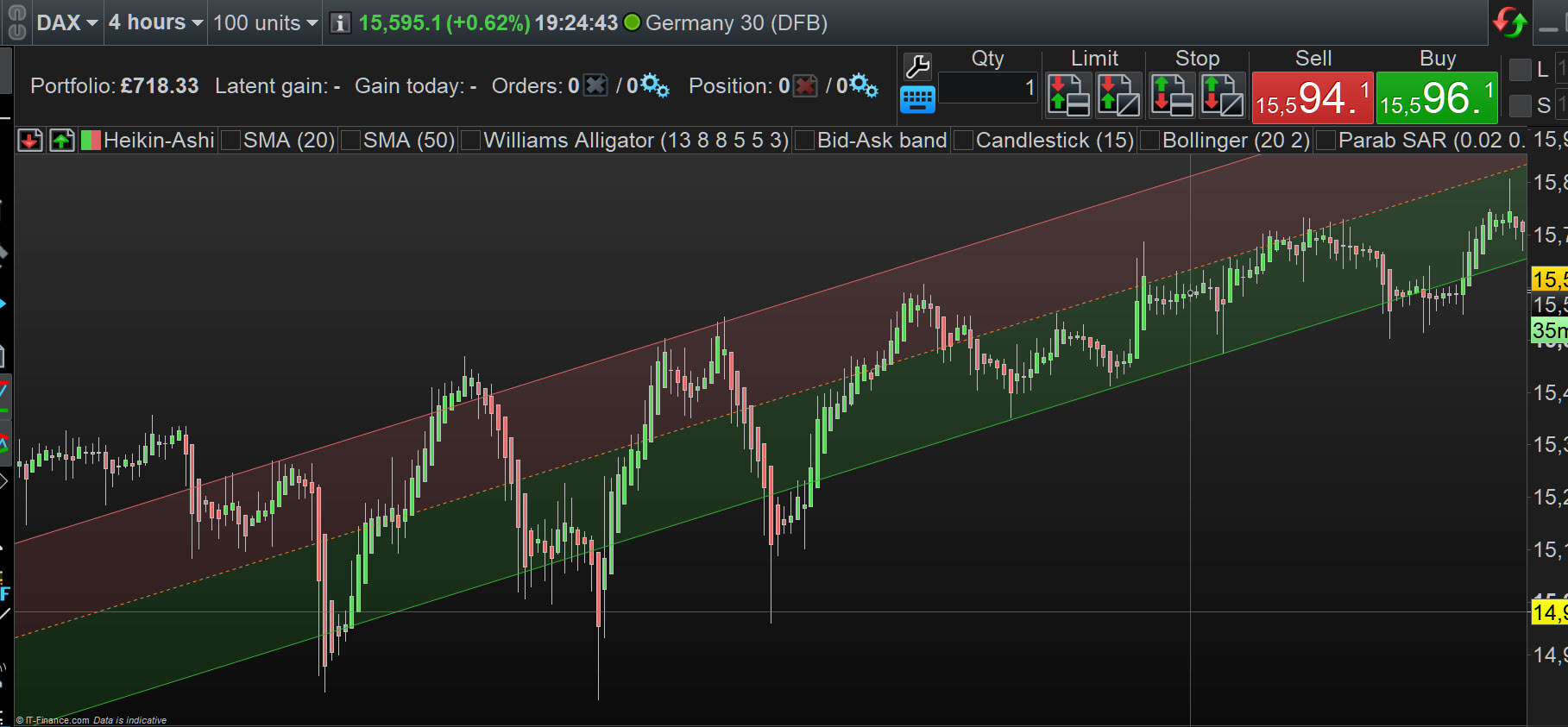
Results are in … the Big Reveal as they say on TV … see attached … NO SHIFT AT ALL??
Edit / PS
I can see the slightest of shift on the upper channel on the 3rd screen shot – SS 8 after Quit and Open again
Yes, correct. The channel will appear back. But some channels appear in shifted position when they come back. So, let’s see if you experience the same, or its just me!
If you don’t see shifting in the channel you drew, please try couple more channels. Because not all channels are shifting.
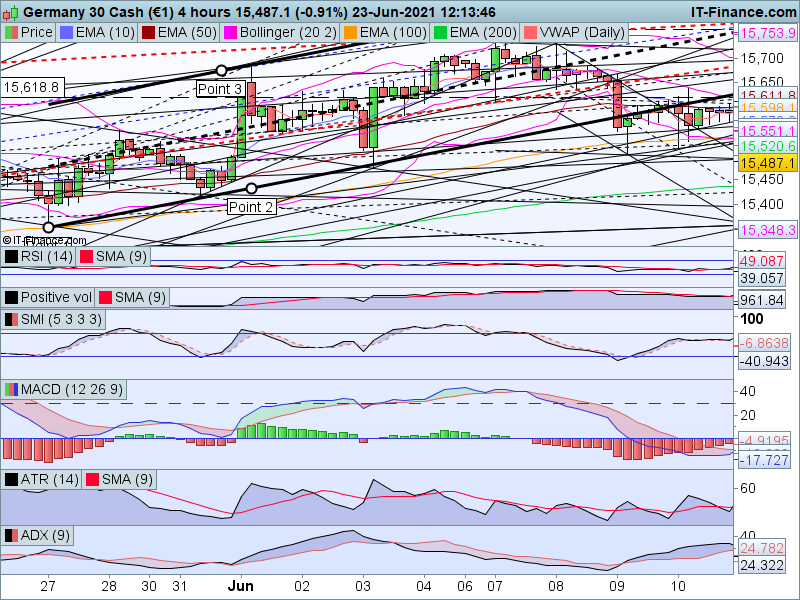
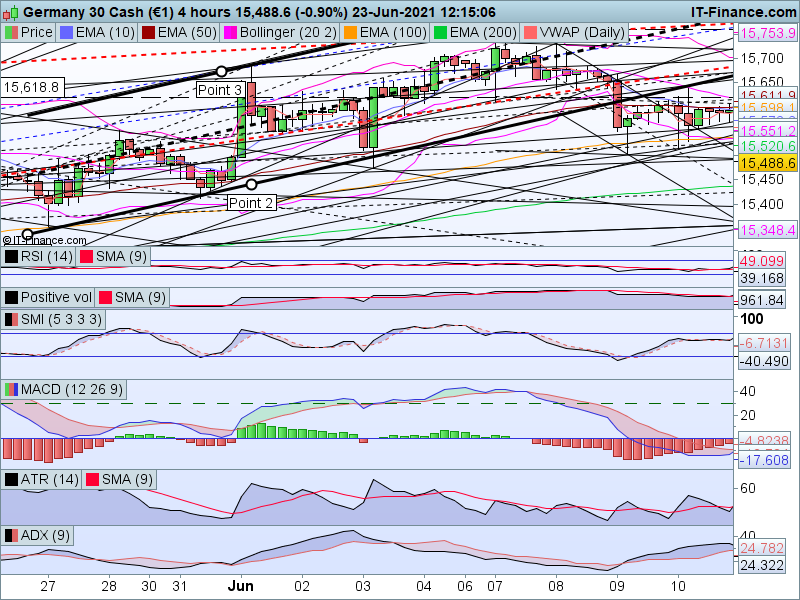
Grahal – If you watch closely – Third snapshot channel is slightly in shifted position (I know this one is a minute difference, but in most channels that appear shifted they shift by a lot). Look at the peaks on the upper line of the channels more closely.
Another thing you can do to see more clearly is – select the channel before taking a snapshot (that way snapshost will show all three points used for the channel)
I think the channel I posted earlier as an example was using lows of May 27 and May 31 and high from Jun 1 in D chart (I am just posting again for reference). You may try that one also.
I just repeated the full exercise … same results, no shift.
1 . DAX Daily, draw a channel (choose setting as – display in inferior time-frames)
You are not by any chance configuring – display in inferior time-frames – (as a first configure) on the 4H Chart are you??
Above would be wrong (and not following your Item 1 Quoted) as the original channel was drawn on the 1D Chart.