Thanks Dow Jones,
Effectively I find a “subtil” something
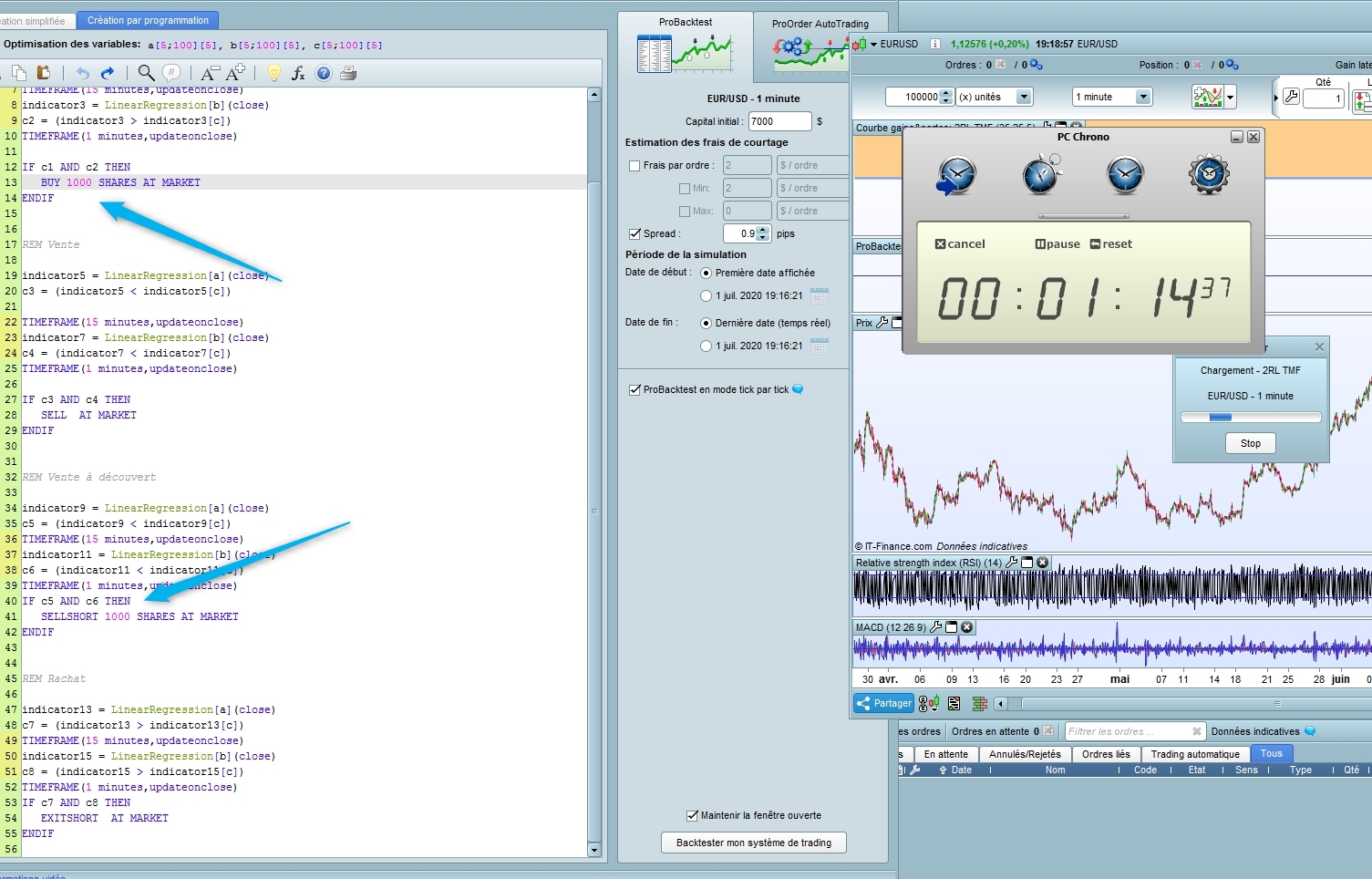
If I use the MTF code as you on PRT 10.3 ig demo, I have a complete optilization in 1minute14
[attachment file=”137986″]
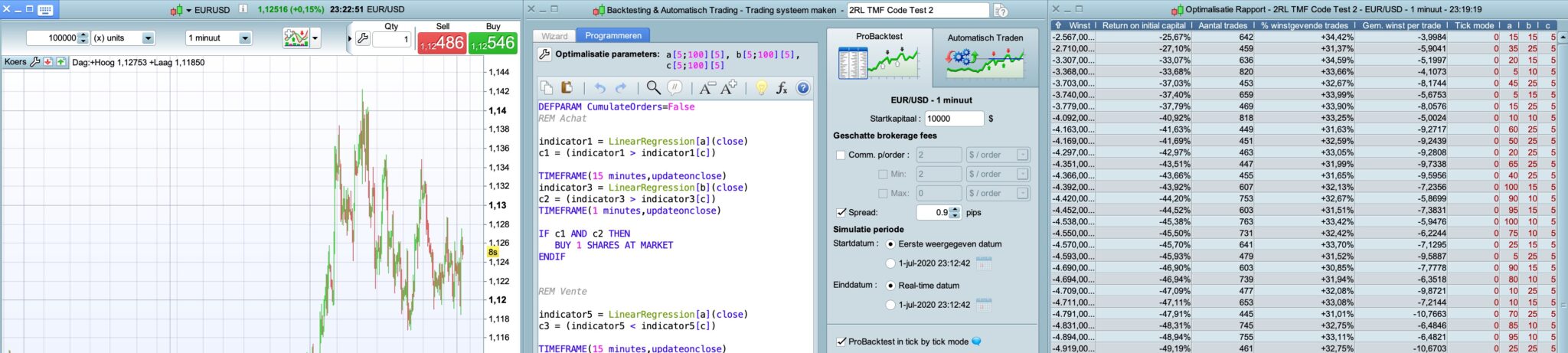
BUT, when we look at the results, there are all the same and so not good
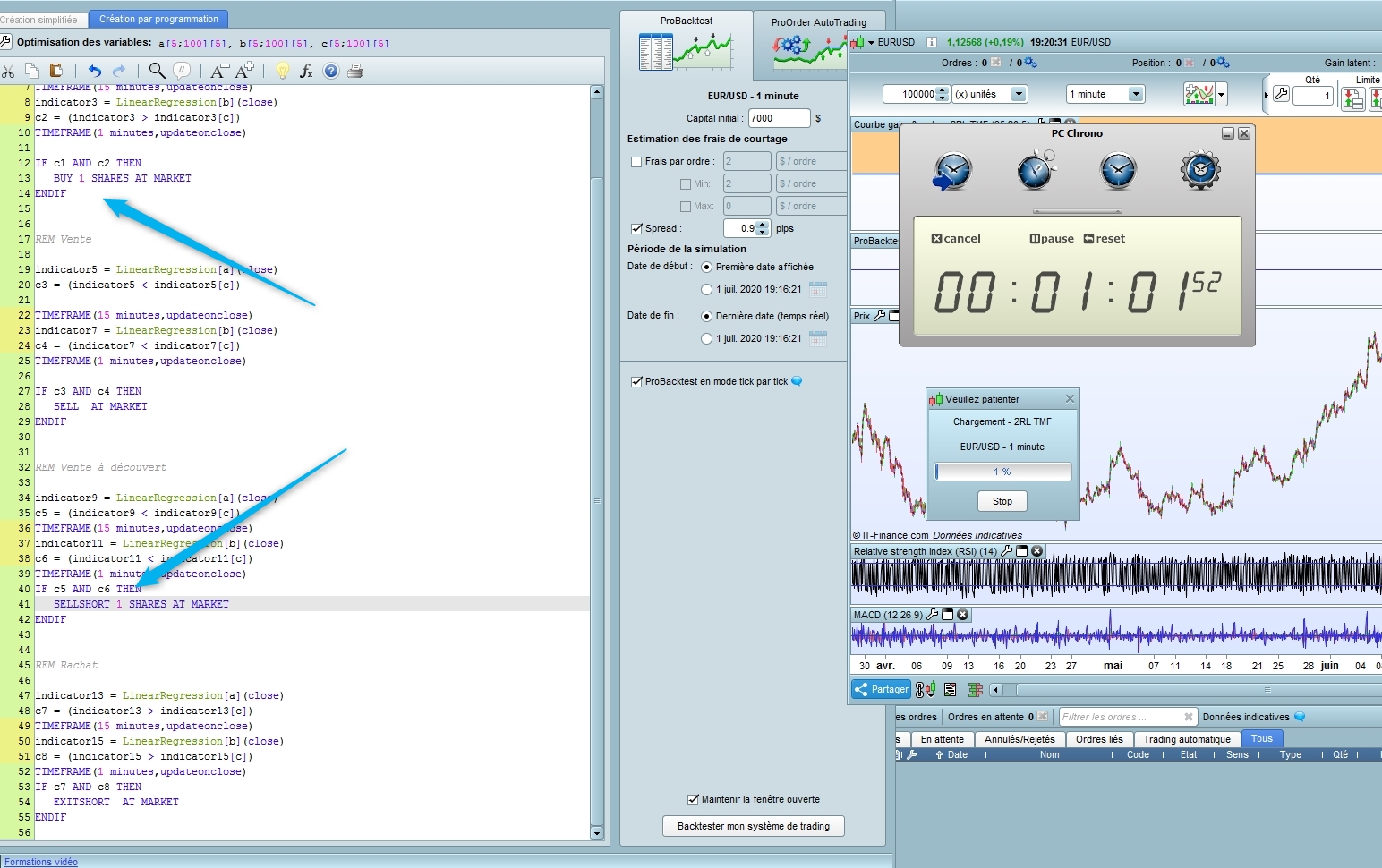
That’s why I change after (sorry I doesn’t think it was important) from 1000 to 1 shares, and the results are completely different with only 1% optimization in 1 minute but with “normal” results
[attachment file=”137985″]
So please can you do another test, but change like me 1000 to 1 shares on both locations and say how fast it is (Thats why I said to do a screen copy of the results)
Thanks
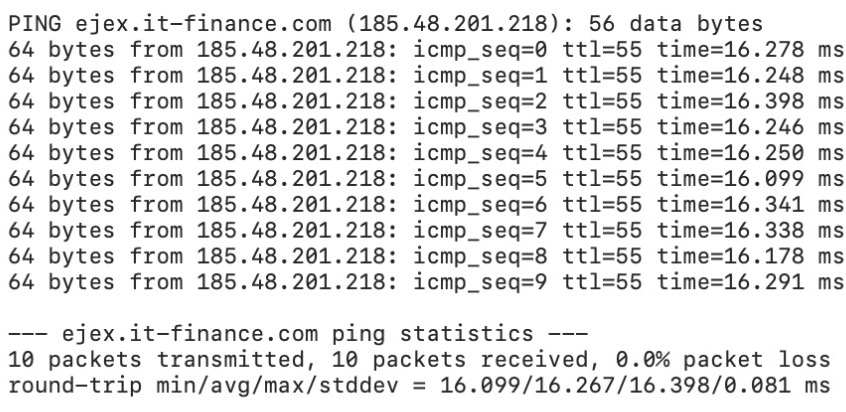
ejex.it-finance.com
Thanks, wich website do you use to compare ?
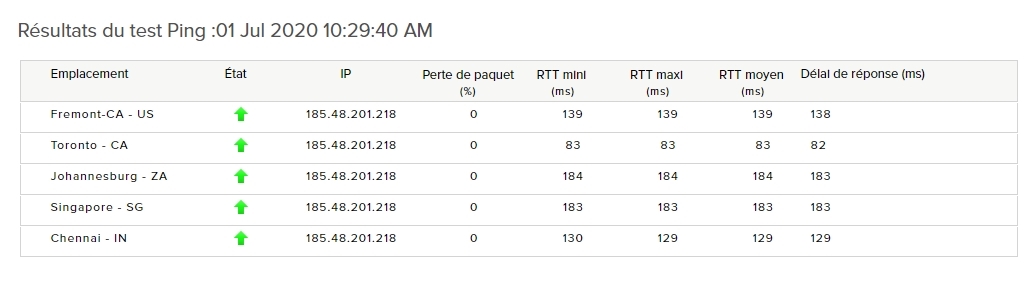
Seems to be 183 ms on my test
I noticed your screen is EURUSD while I tested on EURUSD mini. With 1000 shares and EURUSD (even on EURUSD mini), probably in all the parameters combination, the test ended earlier since no more capital after losing few trades…Is it possible you may have given us a slight different .itf on the share size than you really test thus we have “faster” speed?
Now on EURUSD mini and I change it to 1 share, so it takes longer now…5 mins just 2%
PS: regarding ejex.it-finance.com, I retrieve it from monitoring the PRT client, but I don’t think need to go this path anymore…
Thanks @dow jones
I will post an update code test with that change 😉
Here we are,
@swedshare @grahal @nicolas
Please can you all test with this new update code (1000->1 shares) as Dow Jones said it could be quite different (We probably previously don’t test the same thing)
Eur/Usd 100 000 Units 8000 combinations
After 15 mins it was at 11% and I stopped it. That is the normal duration in my opinion. Usually takes 1-2 hours for me when it’s thousands of combinations.
Thanks Swedshare
It’s normal, yes and no. Because it’s not an optimized code, but a very short a simple code and it could take 2-3 hours. With a more complex code it will take 5-6 hours as previous said and only on 100 000 units. Seems to be difficult to optimize on one million unit
@zigo @Paul @nicolas could you test the new MTF version 2 please to confirm what Dow Jones and Swedshare see on EUR/USD 100 000 units 8000 comb
Thanks
 Paul
PaulParticipant
Master
now it’s too slow and inefficient to compare. What about 100 or 1000 bars so it can be finished ?
1%=1m40s for 100k
ping pic included. (built in tool in mac)
@zigo @paul @nicolas could you test the new MTF version 2 please to confirm what Dow Jones and Swedshare see on EUR/USD 100 000 units 8000 comb
Pretty sure they are going to be slower, because the back test not able to run for all the 100,000 range in previous .itf as I mentioned earlier. I think it stops after 2 weeks back test, because after consecutive losses, it loss all the capital, then the test cannot continue (no capital, cannot trade).
It’s normal, yes and no. Because it’s not an optimized code, but a very short a simple code and it could take 2-3 hours
Running for 3 hours tests is very boring…I usually don’t test for 8000 loops for 100k, too long as you said. Usually I do the either way below:
1/ Use a bigger step (interval), limit at 2000 loops. Then run next round with more narrow range and smaller step (interval).
2/ 8000 loops split to 3 market structure – uptrend, downtrend, ranging (check from chart and run 3 sets of test defining the start and end date), each run for 10-20k. Then manually interpret the properly range for 3 structure, reduce it to <3000 loops.
I think the 1 millions units maybe not for back test using so many loops. I would more think that, optimize with many loops on 100k-200k, then run the optimized value on 1 millions units just to check the result if still consistent. Of course, I also wish PRT can continue to improve the performance until possible to accommodate more loops in shorter time, but I don’t know if this is their priority…
 Zigo
ZigoParticipant
Master
After 5 minutes I stopped the backtest, there was only 1% finished.
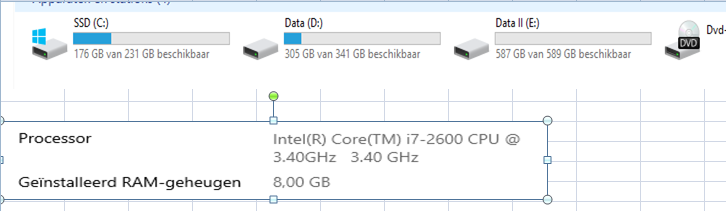
Thanks for all, I think we are all agree of the slow optimization and probably a problem with PRT servers (And so not my computers)
It’s not normal that with a small code like this one (even not optimized) it take so long time to be optimize moreover that as previous said in another post, the length of the backtest is one of the key of the results in Out of sample data
100 000 units is a minimum to do an optimization and it’s not normal it takes so many hours
Have a nice evening
Zilliq
I had a go but gave up as it was far too slow.
I optimised the code and even removed the MTF so all optimise was on 15 min TF and it was still slow.
I did get a System with profit as I then optimised one set of variables at a time … well quick! I may Demo Forward Test out of interest! 🙂
My conclusion is that the 8 x Linear Regression Indicators use a lot of PRT Server power and there must be a choke on power to any / each Platform … rightfully / understandably … so that the rest of us can get a look in!? 🙂
Thanks @gfrahal
But in fact it’s only 2 linear regression as there are 4 doubles
It’s not normal it take so long time to calculate only 2 linearregression
I will try with a simple average to try
SeeU
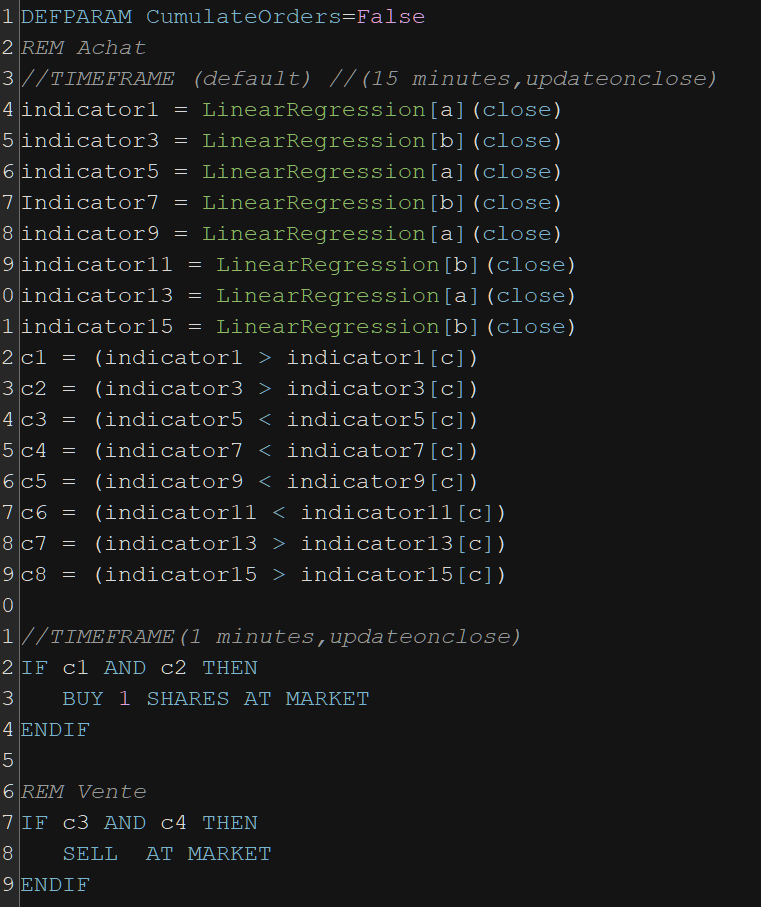
First I take the same MTF code and simplified it extremely. There is ONLY 2 Linearregression to calculate !
DEFPARAM CumulateOrders=False

indicator1 = LinearRegression[a](close)

TIMEFRAME(15 minutes,updateonclose)
indicator3 = LinearRegression[b](close)
TIMEFRAME(1 minutes,updateonclose)


c1 = (indicator1 > indicator1[c])
c2 = (indicator3 > indicator3[c])
c3 = (indicator1 < indicator1[c])
c4 = (indicator3 < indicator3[c])

IF c1 AND c2 THEN
BUY 1 SHARES AT MARKET
ENDIF


IF c3 AND c4 THEN
SELL  AT MARKET
ENDIF

IF c3 AND c4 THEN
SELLSHORT 1 SHARES AT MARKET
ENDIF

IF c1 AND c2 THEN
EXITSHORT  AT MARKET
ENDIF
itf enclosed
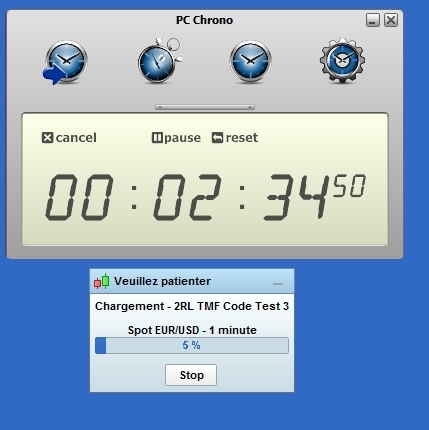
It takes 2minutes 30 to have 5 % (We see the importance of an optimized code)
And now I replace linear regressin by simple average
DEFPARAM CumulateOrders=False

indicator1 = average[a](close)

TIMEFRAME(15 minutes,updateonclose)
indicator3 = average[b](close)
TIMEFRAME(1 minutes,updateonclose)


c1 = (indicator1 > indicator1[c])
c2 = (indicator3 > indicator3[c])
c3 = (indicator1 < indicator1[c])
c4 = (indicator3 < indicator3[c])

IF c1 AND c2 THEN
BUY 1 SHARES AT MARKET
ENDIF


IF c3 AND c4 THEN
SELL  AT MARKET
ENDIF

IF c3 AND c4 THEN
SELLSHORT 1 SHARES AT MARKET
ENDIF

IF c1 AND c2 THEN
EXITSHORT  AT MARKET
ENDIF
itf enclosed
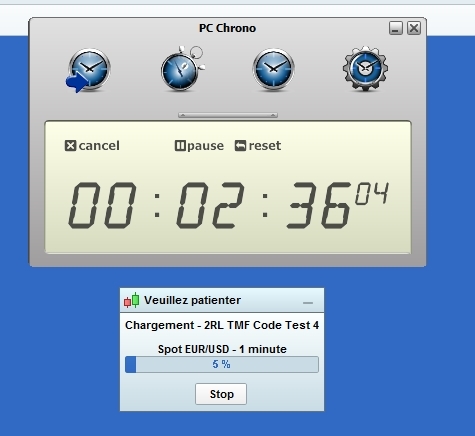
And it takes 2minutes 35 to have 5 %
So the problem is not the linear regression but the slowness of the servers (It’s a very very small code unuseful who could tke 1 hour, so imagine with a bigger and more complex code it will take many hours and ONLY on 100 000 who is for me the strict minimum to to an optimization)