Hello could you convert this please from Tradingview into pro-real-time code
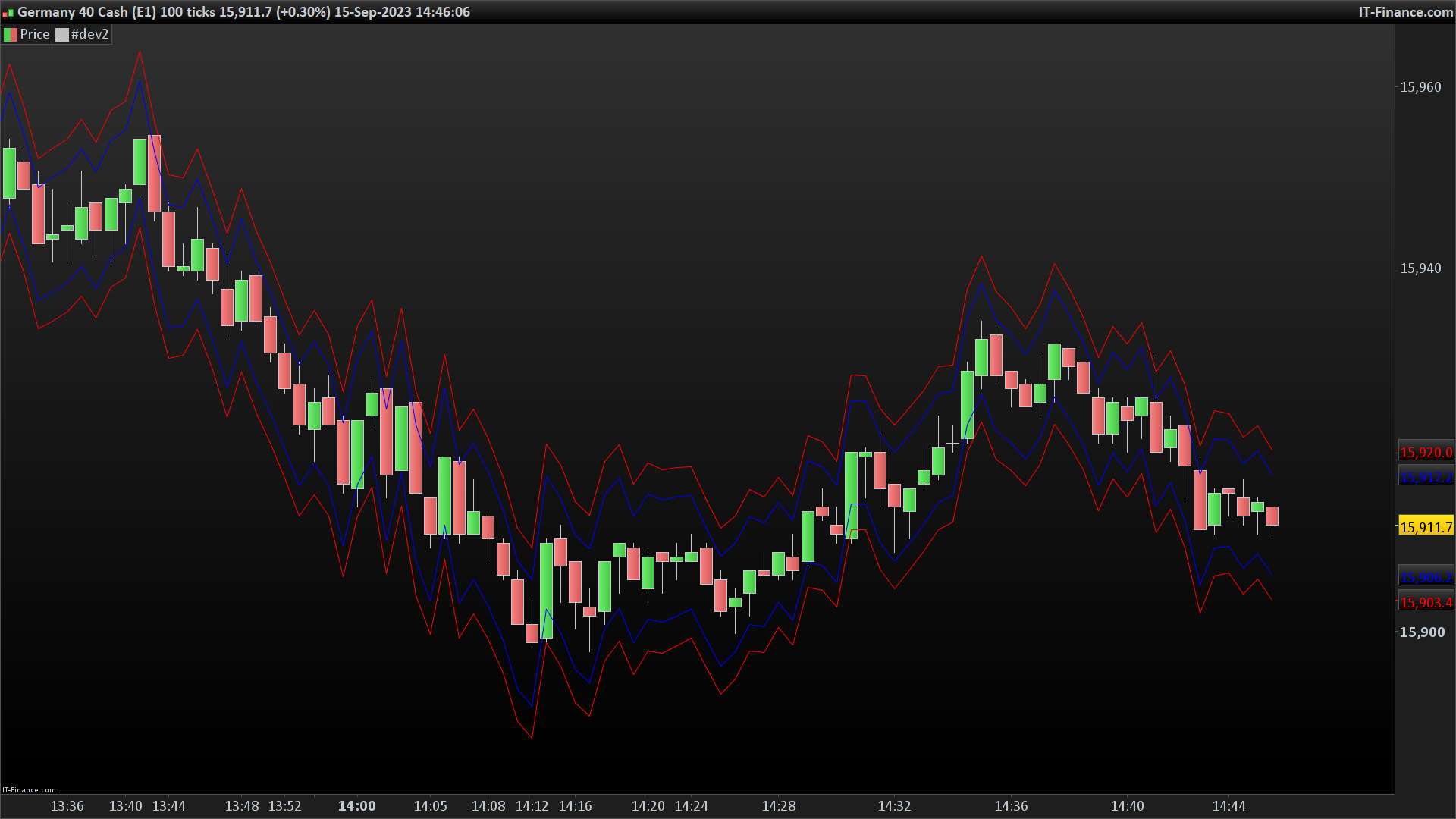
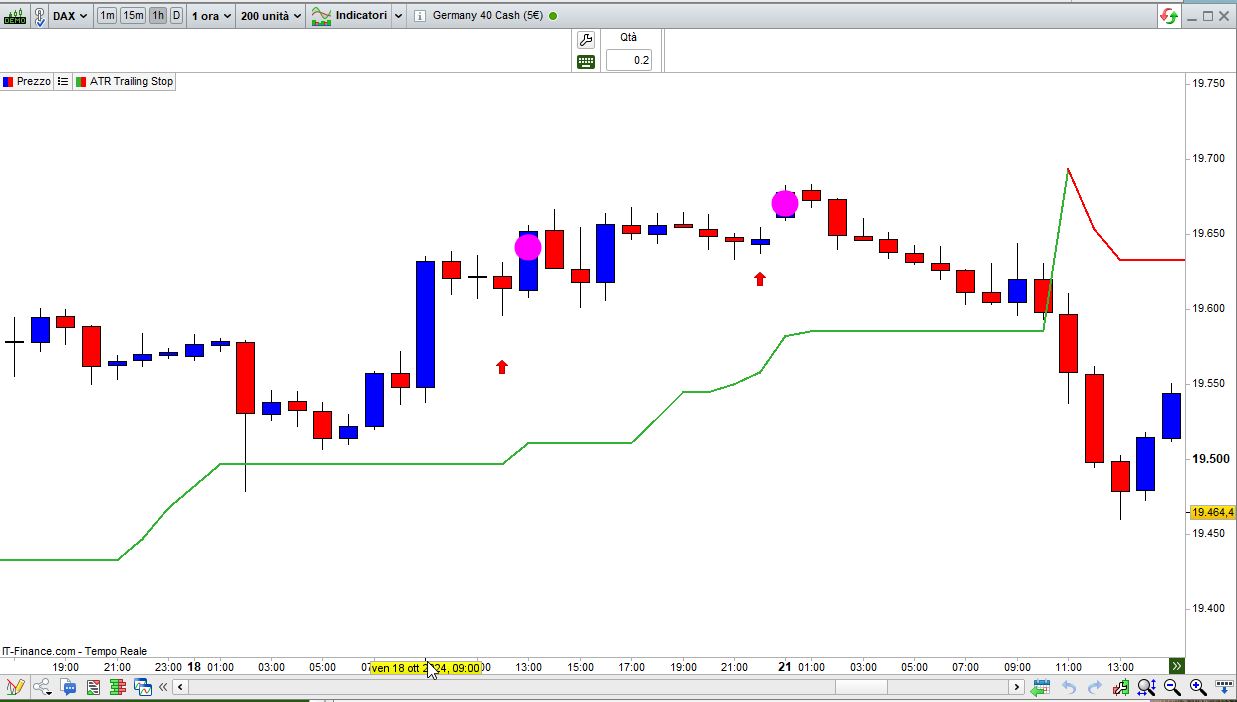
I have one I have been using but it is not as correct as this thank you
study(title = "NNFX ATR", shorttitle = "ATR", overlay = true, format = format.price, precision = 5) //Don't add scale = scale.right as the indicator will move all over the place
atrLength = input(title = "X", defval = 14, minval = 1)
atrProfit = input(title = "TP", defval = 1, type = input.float)
atrLoss = input(title = "SL", defval = 1.5, type = input.float)
smoothing = input(title="Smoothing", defval="RMA", options=["RMA", "SMA", "EMA", "WMA"])
function(source, length) =>
if smoothing == "RMA"
rma(source, atrLength)
else
if smoothing == "SMA"
sma(source, atrLength)
else
if smoothing == "EMA"
ema(source, atrLength)
else
wma(source, atrLength)
formula(number, decimals) =>
factor = pow(10, decimals)
int(number * factor) / factor
atr = formula(function(tr(true), atrLength),5)
//Buy
bAtrBuy = atrLength ? close + atr* atrProfit : close - atr* atrProfit
bAtrSell = atrLength ? close - atr* atrLoss : close + atr* atrLoss
plot(bAtrBuy, title = "Buy TP", color = color.blue, transp = 0, linewidth = 1, trackprice = true, editable= true)
plot(bAtrSell, title = "Buy SL", color = color.red, transp = 25, linewidth = 1, trackprice = true, editable = true)
//Sell
sAtrBuy = atrLength ? close - atr* atrProfit : close + atr* atrProfit
sAtrSell = atrLength ? close + atr* atrLoss : close - atr* atrLoss
plot(sAtrBuy, title = " Sell TP", color = color.blue, transp = 35, linewidth = 1, trackprice = true, editable = true)
plot(sAtrSell, title = "Sell SL", color = color.red, transp = 50, linewidth = 1, trackprice = true, editable = true)
//This one is way below price because I don't want there to be a 5th line inbetween the 2 TPs and SLs
plot(atr, title = " Main ATR", color = color.yellow, transp = 0, linewidth = 1, editable = true)
//---END---
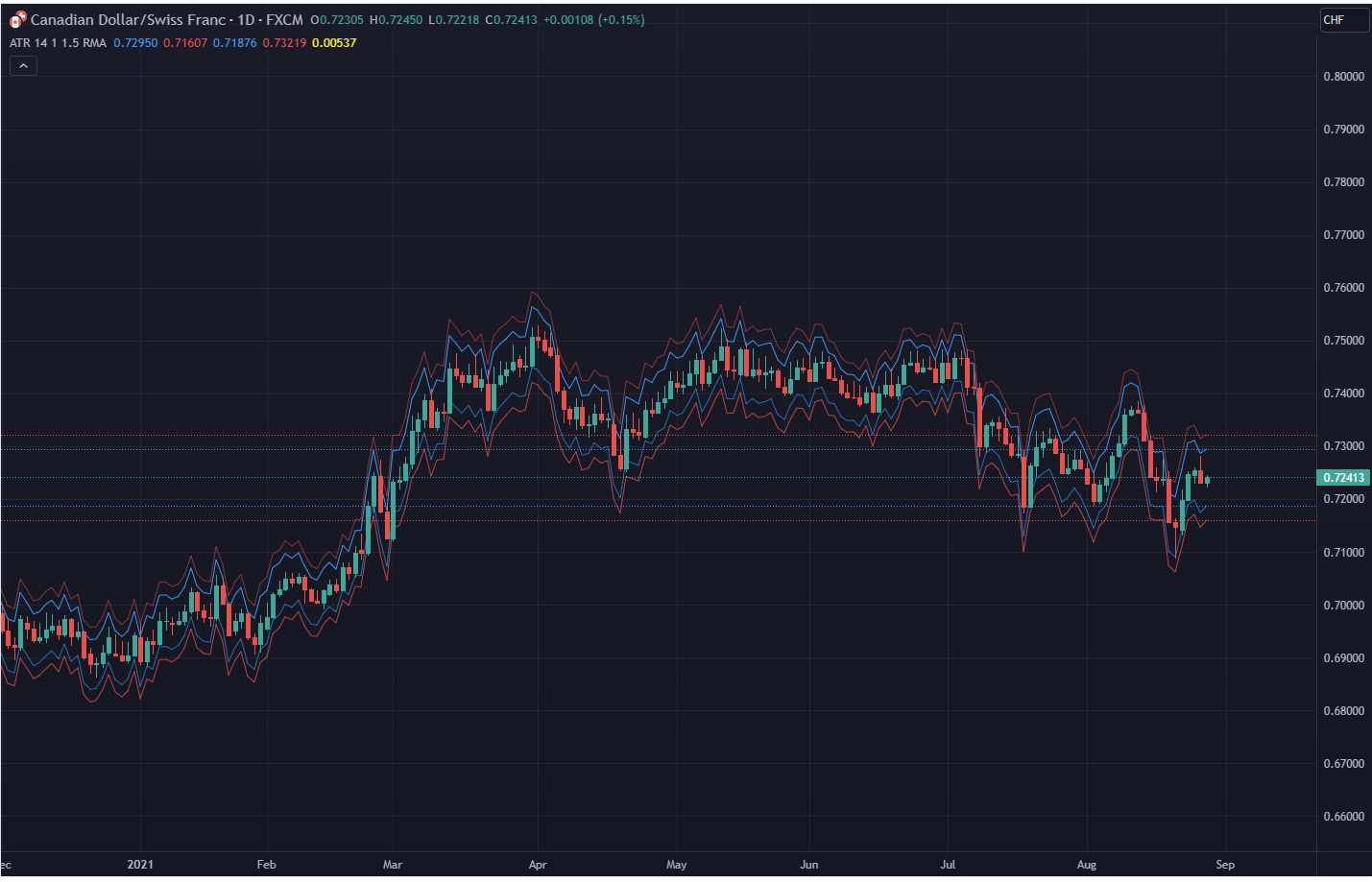
1. This is an indicator specially made for NNFX traders who use the ATR rule of ATR1x for Take Profit and ATR1.5x for Stop Loss
The indicator:
1. It can be used for a quick look using the lines to see instead of calculating whether price hit a TP or SL. However I have kept the Main ATR for those who want to record the ATR into the spreadsheet when back testing or forward testing
2. When placing a buy/long order, TP is blue and appears above price, SL is red and appears below price
3. When placing a sell/short order, TP is blue and appears below price, SL is red and appears above price
4. The Main ATR, which is yellow, is way below price because I didn’t want the chart to be overwhelmed by a 5th line in the middle of 2 TPs and SLs aka make the chart look claustrophobic