Hi all,
I’ve been getting an error on a recent screener:
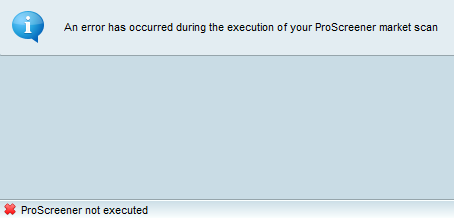
“An error has occurred during the execution of your ProScreener market scan” and then at the bottom
“ProScreener not executed”
It will sometimes work for a time showing results. Then will show the message above. Other times it will churn away and show the error message with no results.
Does this mean there is some kind of intermittent bug in my script that I need to fix? Or is this a back-end issue with ProRealtime?
Thanks for any help
k
If you could share the code I could give you some tips on how/why this message appears. Otherwise, you’ll have to create a support ticket 😉
Thanks Nicolas! Ticket submitted.
I am getting the same error on mine. The PoScreener was working perfectly yesterday but is giving an error today. So nothing to do with the code but some technical issues.
Did you get your issue resolved via a ticket?
Hi All,
I’m getting the same “An error has occurred during the execution of your ProScreener market scan” notice over the past few hours.
Internet connection is stable, nothing changed recently, reboots done (Windows 11 & 10 – two different computers), cache cleared, same message on all timeframes, all lists and all screeners (even simple ones).
Any clues on this would be helpful please…
Many thanks, Peter
I am having the same issues with my platform. Was fine yesterday. Too much of a coincidence for 3 reports on a single day for it to be a local problem.
I get the same error and it started about 18 hours ago.
I am guessing that all of the above are IG clients like me? When I run PRT off Prorealtime’s website, the screener functions fine. So this is an IG issue I believe, so report it to them. You can still get the results using the Share submenu, they are there even though Proscreener shows no results.
There is a growing list of problems happening in PRT via the IG platform because like everything else, they seem to be a very lazy broker who do as little maintenance as possible and its gotten to the point where PRT is starting to become seriously broken when you get it from IG. Ive reported a raft of problems to them, and they do absolutely nothing about it.
me too. I get the same error since last night.
Just tried to login to IG PRT to see if issue resolved. Now getting ‘Unexpected error’ message, with no further explanation.
So cannot even access the platform. Maybe they are doing a routine maintenance and will be good to go soon. Here’s hoping !
Looks like the error was corrected about 0800 AEST. Working again.
Looks like the error was corrected about 0800 AEST. Working again.
Correction, error is NOT corrected, it is is still there.
The problem is located in some IG servers. Will keep you up to date once resolved.
ProScreener is now fully functionnal again for IG users. Sorry for any inconvenience.
ProScreener is now fully functionnal again for IG users. Sorry for any inconvenience.
Hi Nicolas,
Do we have full functionality though?
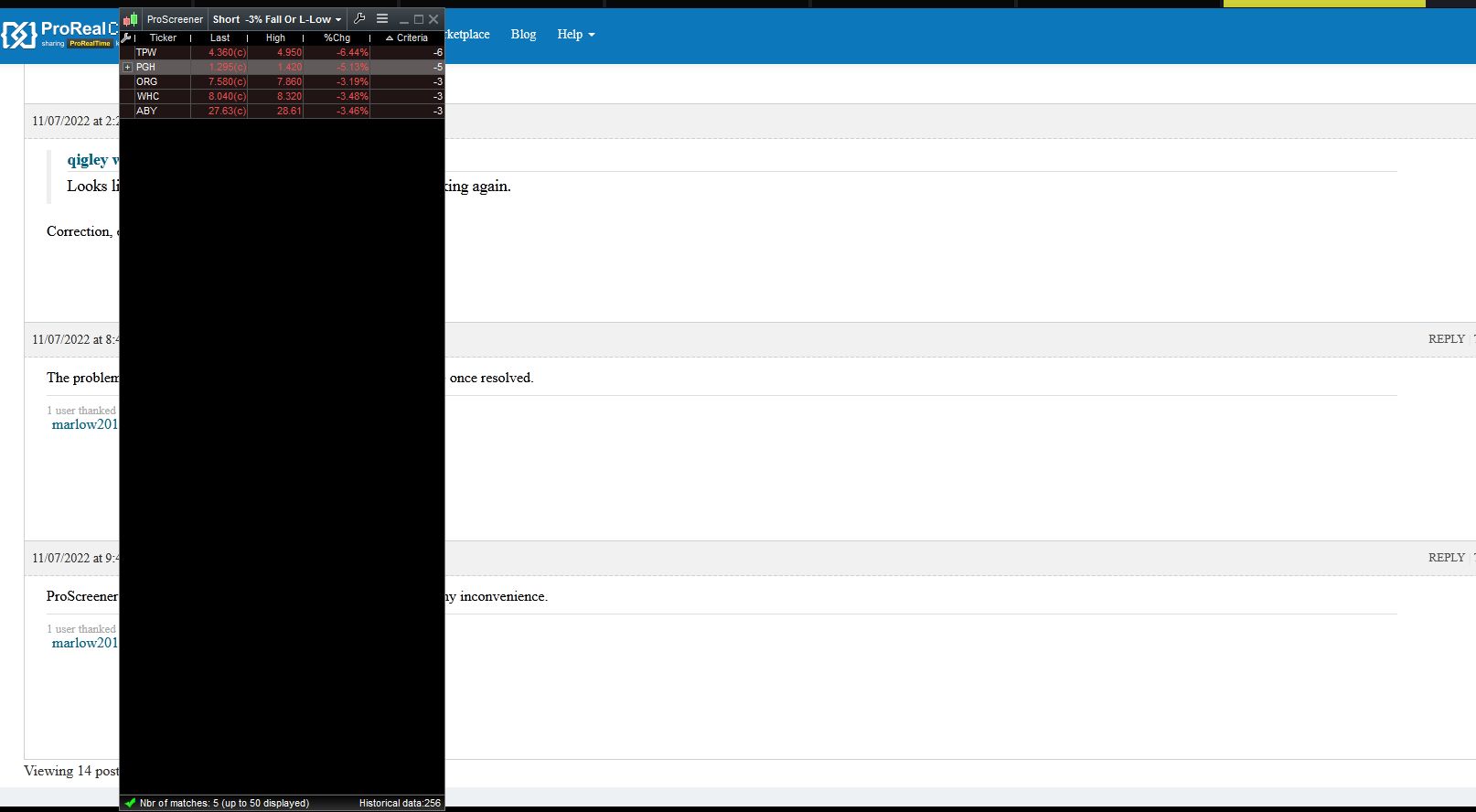
Normally when you scroll through a Proscreener results list, an associated chart window automatically comes into focus behind the proscreener output, and changes with each equity you select. This is good, and is what a user woukd want.
That functionality is currently working on the ProRealTime website, but has disappeared for about a month on IG. It is very annoying.
I have sent IG a report about it, no response. As Ive said, a spectaculalry unimpressive broker when it comes to customer service. Can you do anything to restore this functionality with IG?
Attached is a screenshot of me scrollign through the list. The background simply remains focussed on whatever window you are using.
Thanks.