It appears prorealtime have implemented a new engine for backtesting and proOrder which has not gone as anticipated,
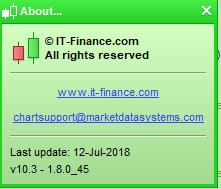
My Demo account last update is dated 12 July 18 … is this when the ‘bad update’ was supposed to have been implemented?
What is the date of your latest updates? Please also state Live or Demo?
IG stated below … so are we wasting our time doing any backtesting until the issue is sorted as how can we base any confidence on results etc??
It appears prorealtime have implemented a new engine for backtesting and proOrder which has not gone as anticipated,
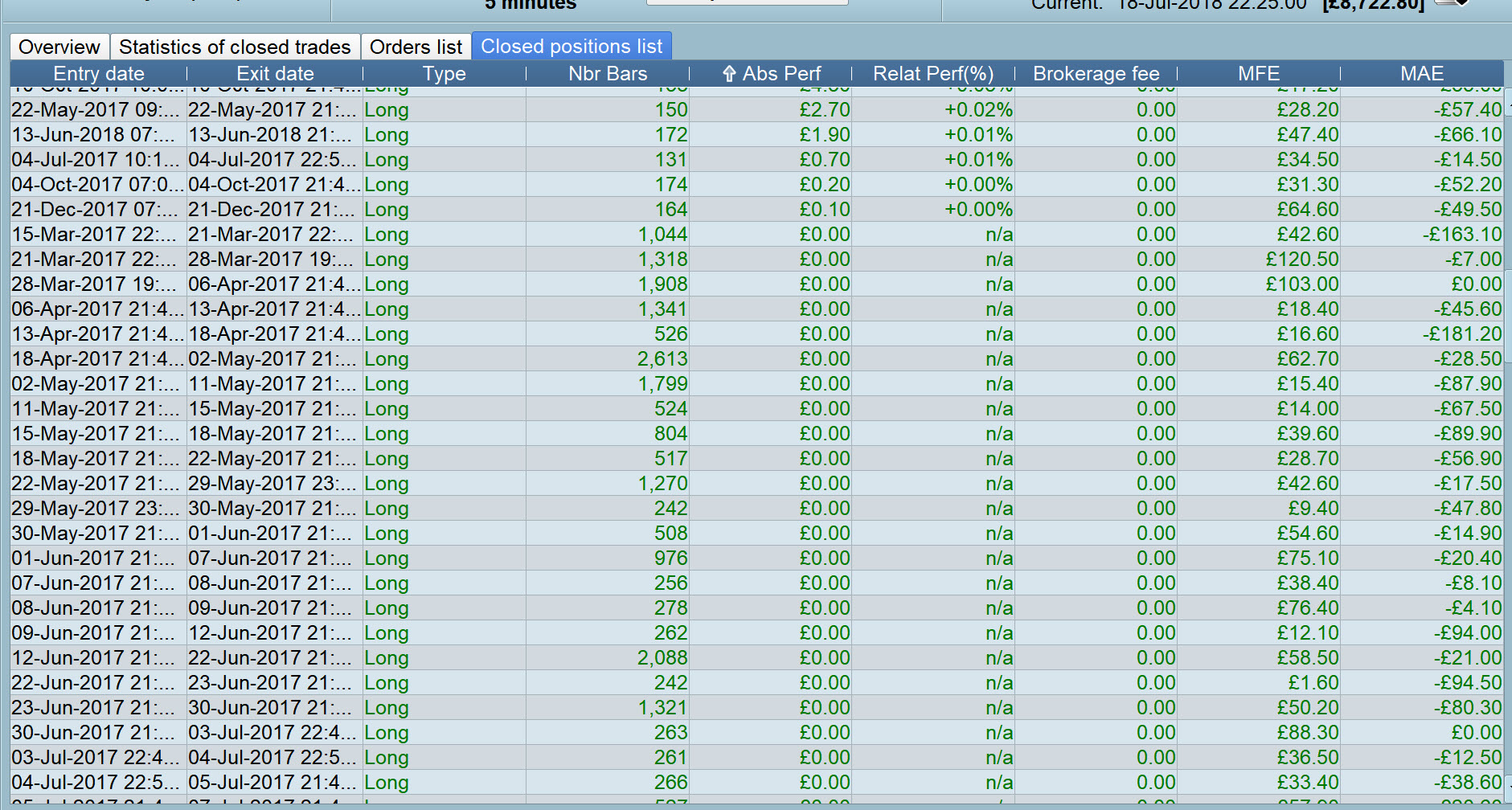
Yeah I’m giving up for now as I’ve got 0 ABS Perf now!
I’m going through all my non-running Systems and saving to Good, Bad and Mid Folders on my PC 🙂 ! I’ve just backtested a System that showed as
good under Forward Test and yet now it shows in backtest as
bad so no point in continuing else I’ll be filing my Good in my Bad! 🙂
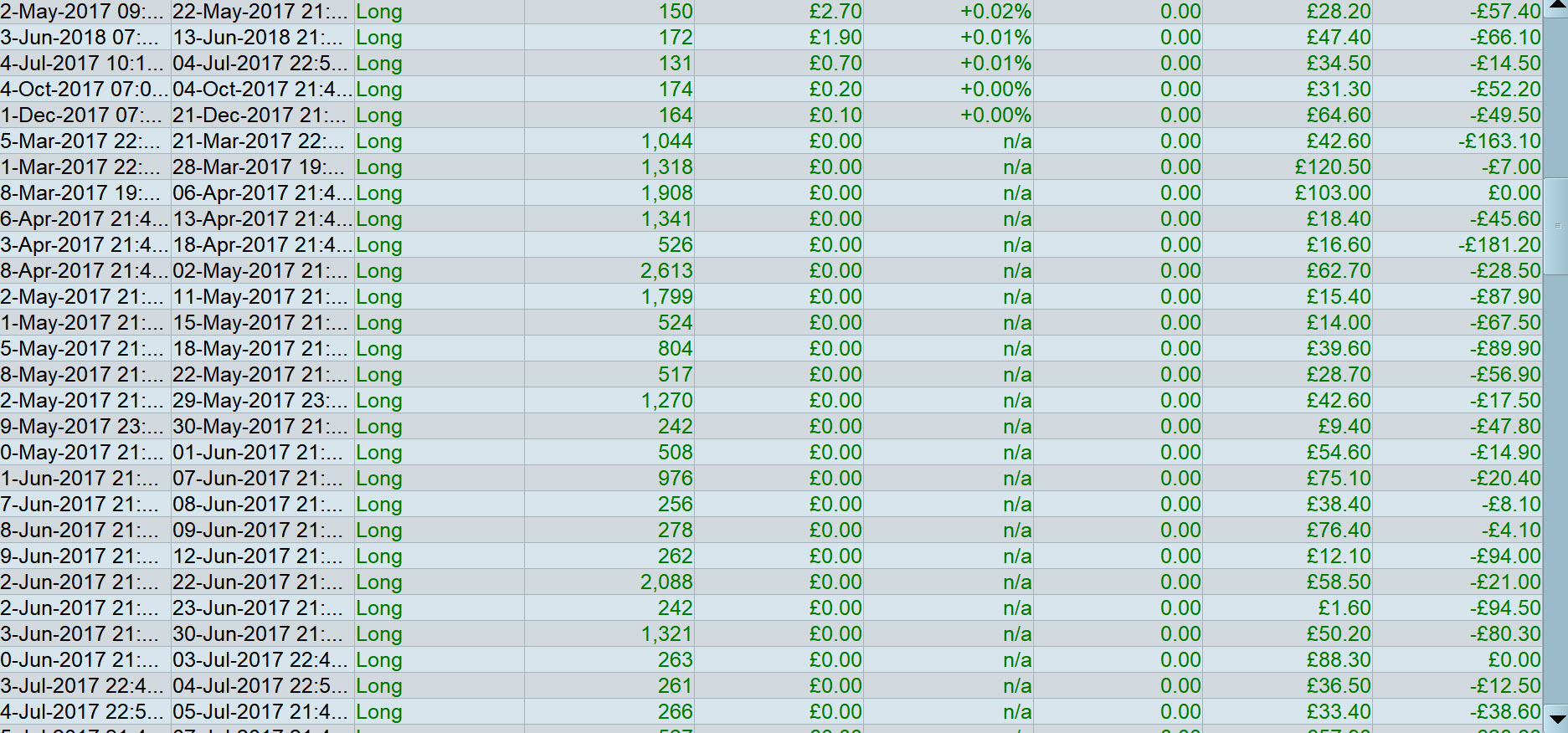
I’m not sure that it is effecting the profit/loss results as the trades win nothing and lose nothing. It is just messing up the maximum bars in a position and the average time between positions.
as the trades win nothing and lose nothing
Yeah but what if the majority of the ‘nothings’ should be wins (or losers) then it would affect the overall result and make it incorrect / Bad (or vice versa)?
Yeah but what if the majority of the ‘nothings’ should be wins (or losers)
They are not trades at all. It opens two positions, closes two positions correctly and then closes a third for a win or loss of zero. It is like a worthless phantom trade.
Ah gotcha, thanks Vonasi!
So my Good in Forward Test (but historical Fwd Test as I stopped it a while ago) are Bad in Backtest after all … oh well nothing new! 🙂
PRT have fixed the issue. If you are having this problem then restart your platform and it should work correctly after that.
Hello everybody,
If the problem persists (or any other new problem), please send us a console from the Help menu on the ProRealTime toolbar.
- Please assure that the window concerned by this issue is open.
- Click on “Help center”, then on “I have a technical problem”
- Choose the category “Automatic trading”
- Give the name of the code you are referring to.
- To benefit from a technical help we need you to authorize us the access to the crypted code. To give us a temporary access, please check the box “I authorize the decryption of the codes (…)”
- Give as many details as possible, explain the issue you are having in the text box and mention
- Click “Send report”
Thank you in advance !
Maria