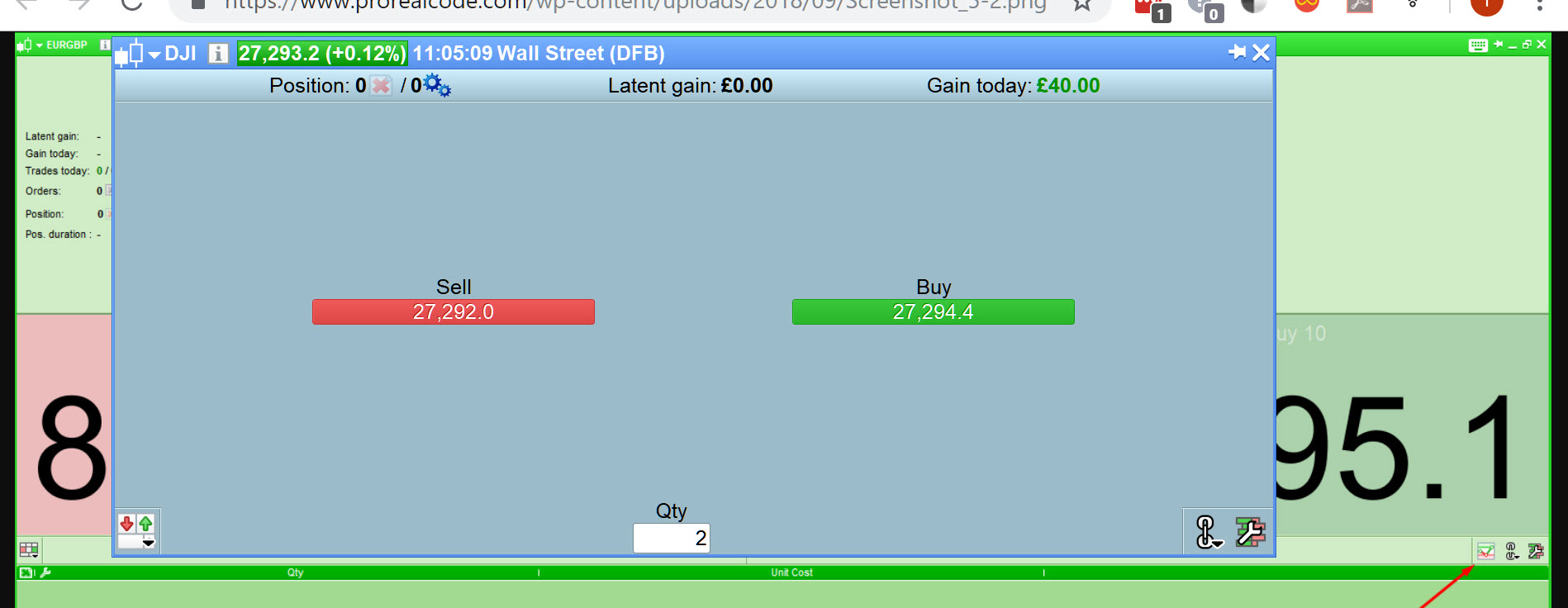
I switched to PRT Premium recently and when I started it for the first time one of the default windows was a ‘Performance’ graph window showing trade by trade performance down in the bottom left corner of the screen. At some point I closed this window and now I cannot fathom out how to get it back. I know the same graph is available by clicking the ‘Trading’ tab and getting a ‘Detailed Report’ and then change the graph type but I would like the graph as a separate window on its own. Any ideas how I get it back?
Hello Vonasi,
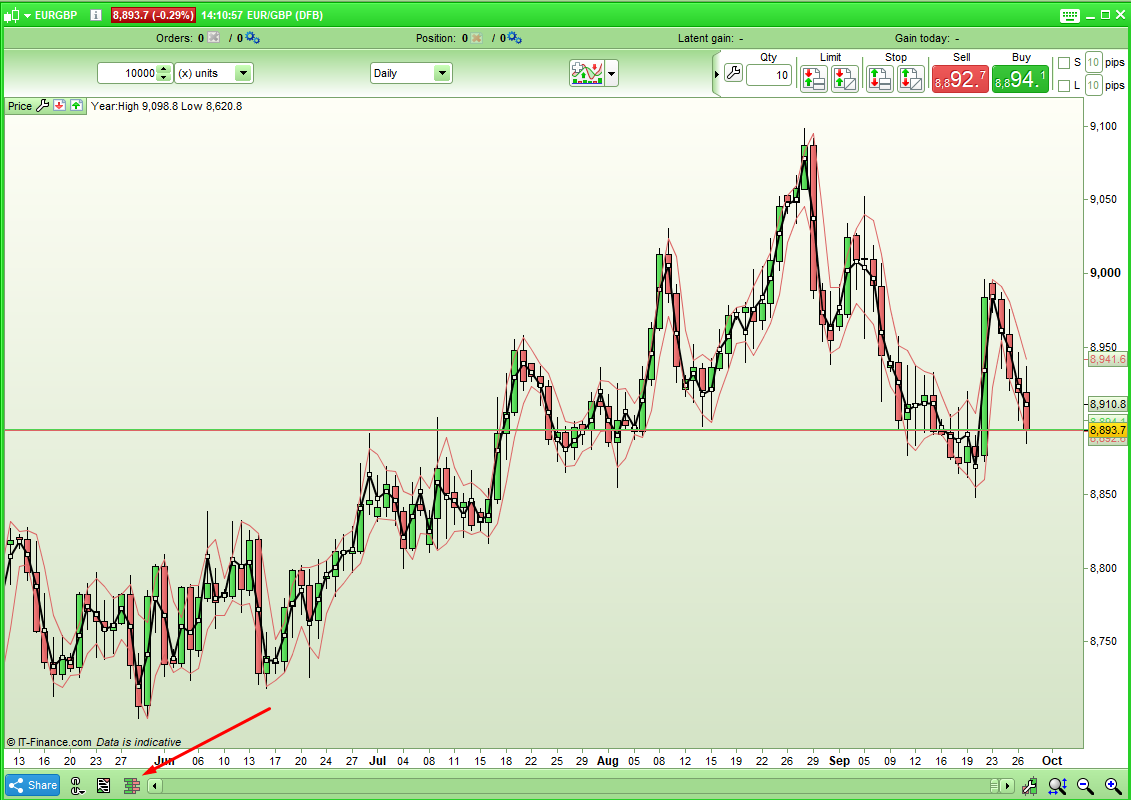
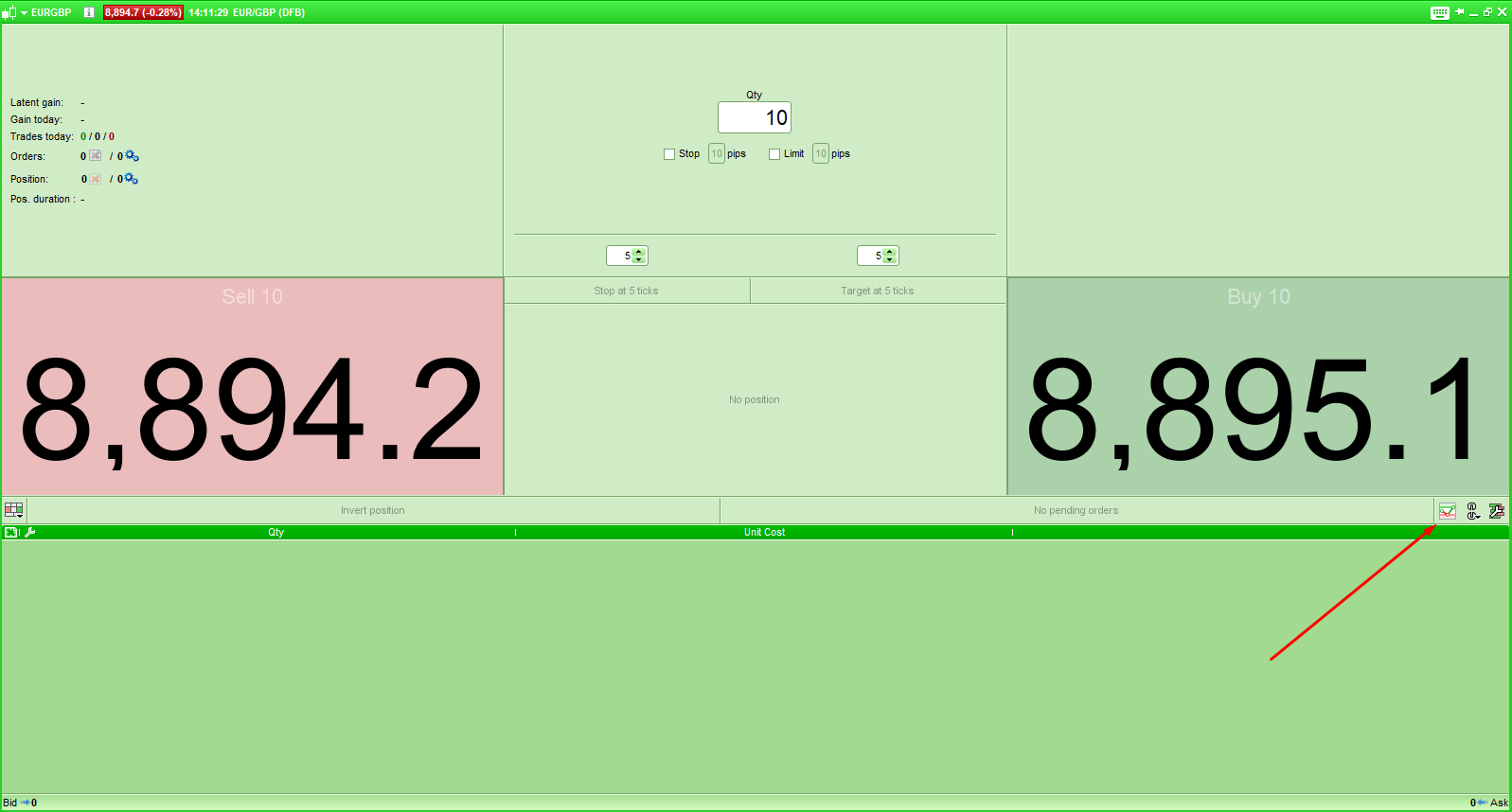
You can access the “Performance” window from the Order Book of a chart. First open the Order Book and then click on the first icon on the bottom right corner of the Order Book window to show the performance chart.
All the best,
Ilaria
ProRealTime
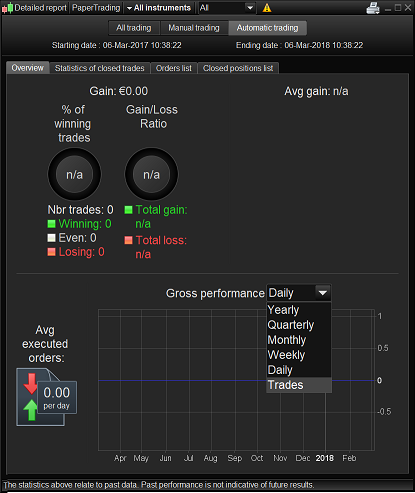
@Vonasi Is attached what you are referring to as the Performance Chart?
It sounds different re access on the Premium version, but I hate to think I’m missing something ! 🙂
Hello,
Please go to the drop-down menu “Trading” and select “ProOrder AutoTrading”.
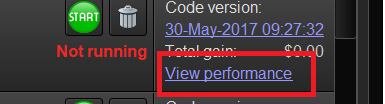
The window which opens will display your strategies. You will find in the right part of every line the link “View performance” which will open the detailed report and the equity curve of the corresponding strategy.
[attachment file=64489]
Ah yes that is how I get to the Performance Chart.
But when you said earlier Ulrike … First open the Order Book and then click on the first icon on the bottom right corner of the Order Book window to show the performance chart … I tried to do that, but I didn’t seem to have those options so I thought I was missing out on something! 🙂
Thank You
GraHal
I thought I was missing out on something!
Maybe you are – maybe you are only a little bit? The window I wanted is the same as the graph that you get if you click on ‘Trading’ and then ‘Detailed Report’ and then change the ‘Gross performance’ to ‘Trades’ except it is just a separate window with just that graph in it. It is the overall portfolio performance rather than just the individual strategy performance that Ulrike has directed you to.
Haha Yeah Vonasi, I was missing out!
I had never changed ‘Gross performance’ to ‘Trades’ … so that’s a new Chart on me!!
Shows me I should have stopped after 43 trades today!!! hahaha
Thank You
GraHal
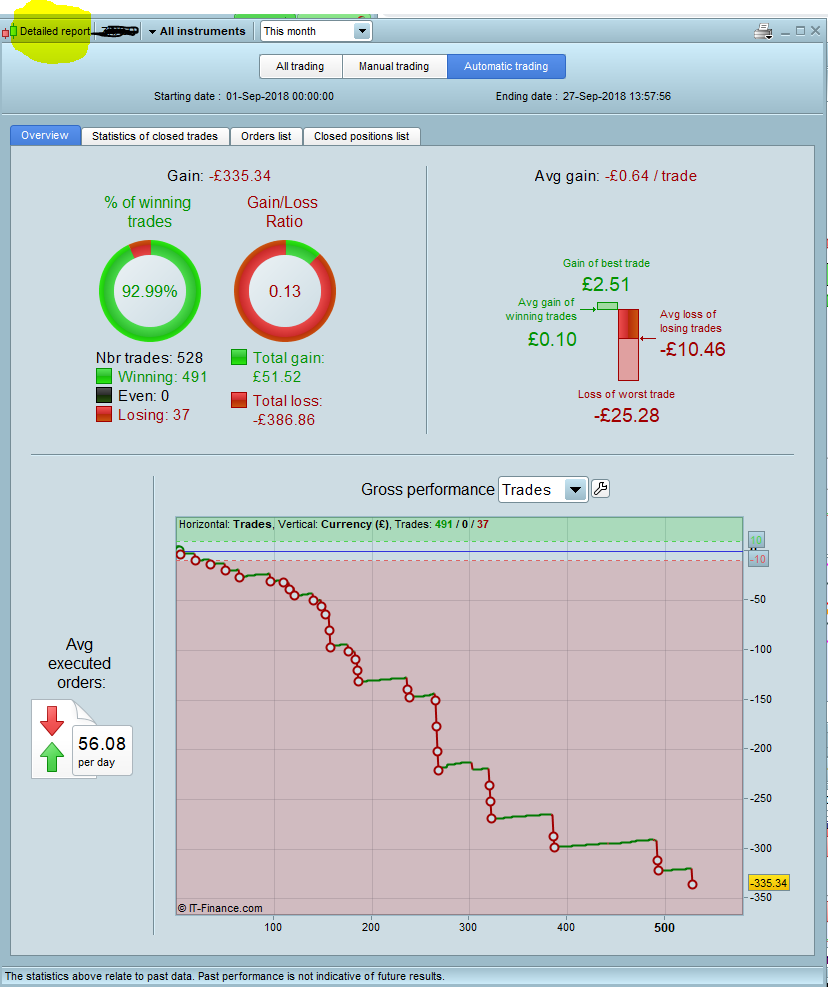
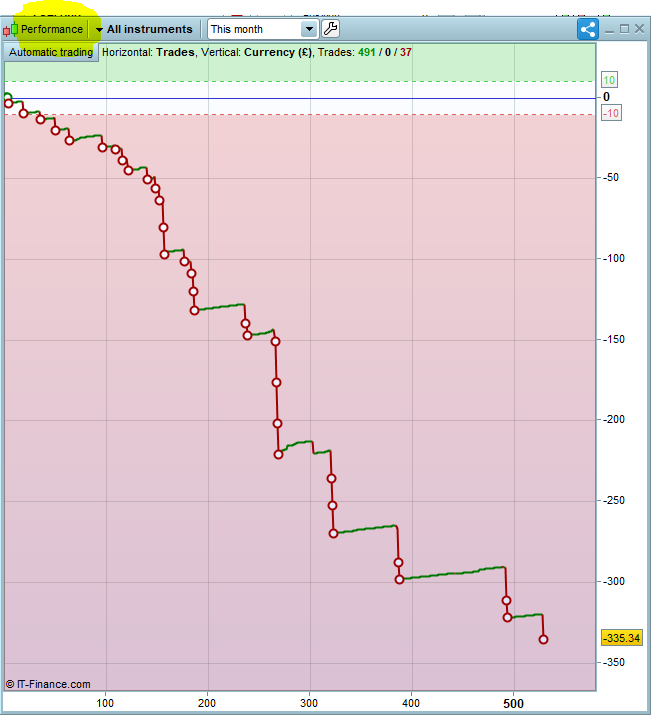
Just to illustrate the explained above please find here an image of the detailed report.
To open this window click on “Trading” => “Detailed report” => “Automatic trading”. You may choose “All instruments” or specify one and select the period (Today, this week, this month, this year, All) or even customize the period.
The Gross performance can be displayed by Daily, Weekly, Monthly, Quarterly, Yearly or Trades.
[attachment file=64561]
Thanks for that post Ulrike. I had not noticed the ‘All Instruments’ drop down menu at the top before. Now I know about it portfolio analysis will be much improved!
Hi
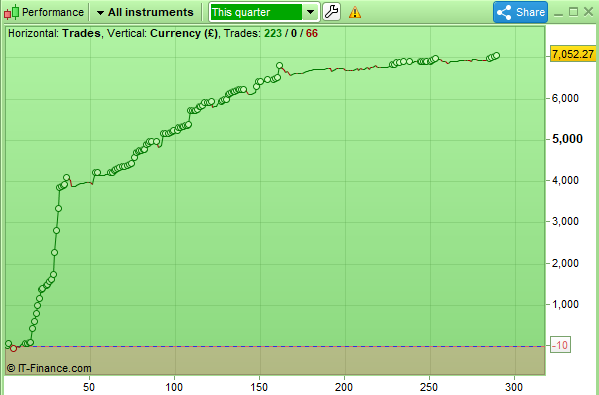
I recently opened an IG AUS account and just started using PRT with it and have noticed the default layout includes a ‘Performance’ (only) window that is purely the trade graph but have no idea how to get it up and came across this post – I have attached pictures and highlighted the different window titles – apologies if I am missing something from the above explanation but yes I already knew about and can get the trade graph as per the instructions above but it has all the pie charts and other information which is not what I want – how is it possible to get just the ‘Performance’ window as in the attached pictures please? (and don’t mind about the poor performance 😉 umm only a test of course…)
Thanks
MaxT
Nice one many thanks Vonasi very much appreciated very loud n clear now thanks I would neeeeee ever have found that otherwise (and yes I understand now is the first/correct answer to OP that Ilaria provided but I’ve never used the order book and hadn’t the foggiest where it was – thanks again for making it so clear 🙂
Nice one many thanks Vonasi very much appreciated very loud n clear now thanks I would neeeeee ever have found that otherwise (and yes I understand now is the first/correct answer to OP that Ilaria provided but I’ve never used the order book and hadn’t the foggiest where it was – thanks again for making it so clear 
Yes it is a very tortuous route via a window that I never use nor even knew existed until Ilaria pointed it out and I went searching for it!
thanked this post
hahah no wonder I didnt know about it … I haven’t got that option???
 Bard
BardParticipant
Master
Me neither GraHal, yet there it is in green in the default template?
So… and thanks to all the contributions here as I raised the question before and got directed to this page: https://www.prorealcode.com/topic/performance-window/
— but how do we get that performance chart?
Cheers,