 saif
saifParticipant
Junior
Good Morning Nicolas,
Will you please be able to convert the attached MT4 indicator for me to use on PRT?
I currently use the Bill Williams Fractal ( attached) but find the MT4 indicator showing less but more reliable breaks.
Thanks in advance.[attachment file=61855]
I made the conversion of the indicator. You can find it in this post:
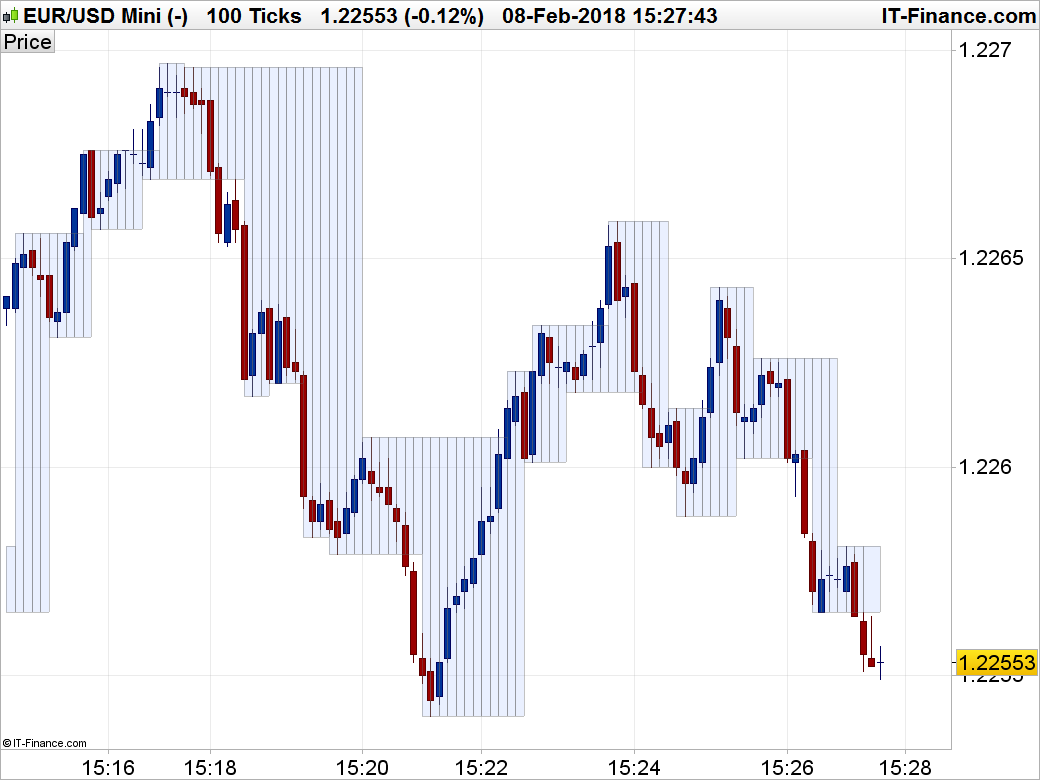
Fractals Box
saifParticipant
Junior
Thank you very much for your help. Your’e a genius!
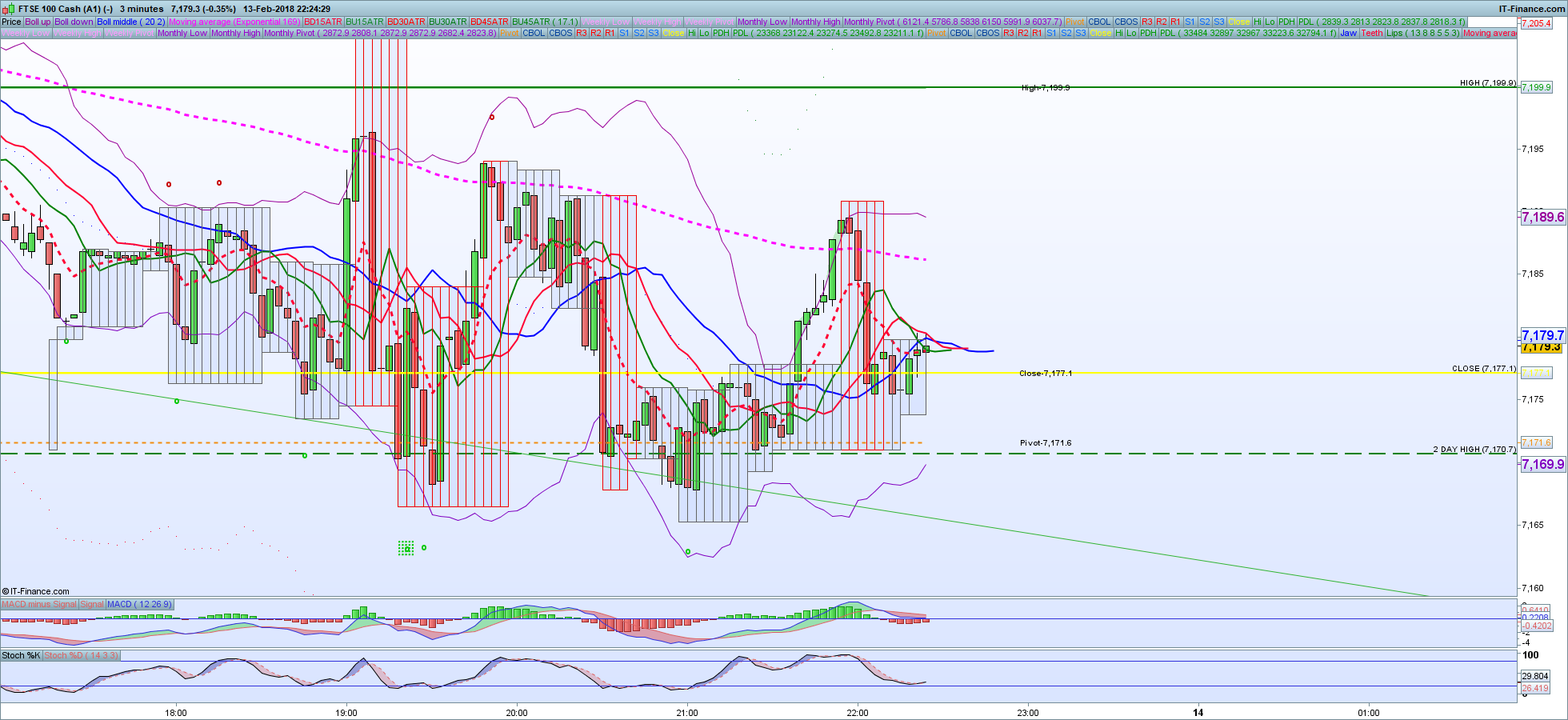
How do I remove the vertical lines within the box? With the line in place only the body of a candle is visible.
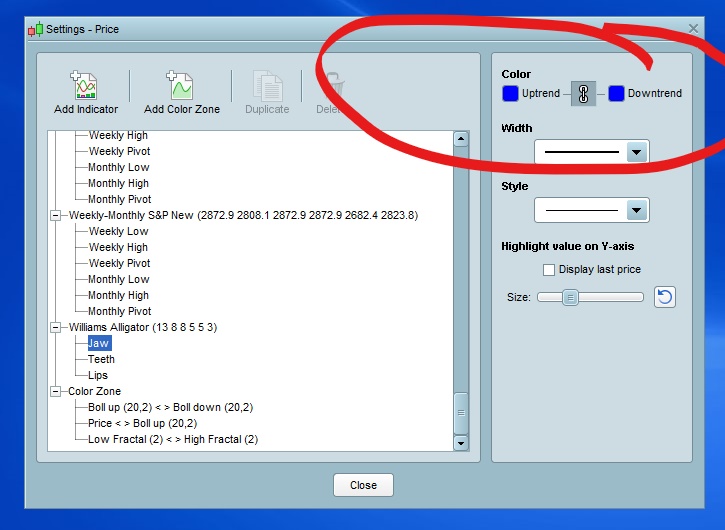
Is it also possible to highlight value on Y-axis of the high and low fractal, and a way to change the colour of the box to suit individual preference.
PS: trying to covert a few traders to PRT…They are all used to the MT4 indicator!!!!
Cheers mate!
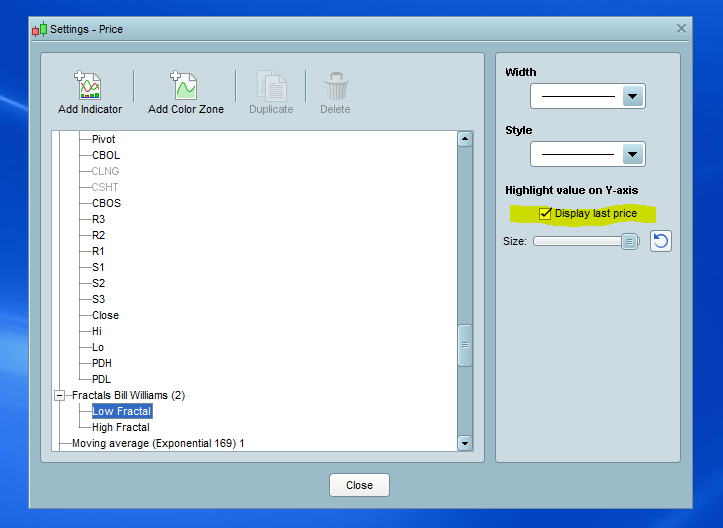
It is not possible to remove the vertical lines, sorry. You can play with alpha transparency (a setting I included in the manual parameter). To highlight the last fractals on the price axis, you can change the RETURN instruction like this:
return hil, lol
and set them to invisible.
About the box color, you need to change the r,g,b variables in the code with the ones that suit your preference. RGB color table example:
http://cloford.com/resources/colours/500col.htm
saifParticipant
Junior
Hi Nicolas, Thank you and hope you had a great weekend!
I can set the “alpha” to 0 which removes the vertical lines. When I change the return instruction as above, I am not getting it on the price axis.
Pls see attached pic. What am I doing wrong??
Also couldn’t change colours of the box.
How do I modify to change colours in the settings and not have to modify indicator when changing colours?
saifParticipant
Junior
Sorry I forgot to ask in my previous post…What is the use of MaxPipsBox ( when unchecked/checked)
Cheers!
I can set the “alpha” to 0 which removes the vertical lines.
Great! I was not expecting that 🙂
It is not possible to change the color fill of objects sorry..
To get the good fractals points values on the chart, change the code according to this one:
//PRC_FractalsBox | indicator
//08.02.2017
//Nicolas @ www.prorealcode.com
//Sharing ProRealTime knowledge

defparam drawonlastbaronly=true

// --- settings
//LookBackBars = 100
//MaxPipsBox = 0
//MaxBoxPips = 15
//alpha = 100
// --- end of settings

//fractals
cp = 2
if high[cp] >= highest[2*cp+1](high) then
hil = high[cp]
hh = hil
else
hil=0
endif
if low[cp] <= lowest[2*cp+1](low)  then
lol=low[cp]
ll = lol
else
lol=0
endif

if barindex>LookBackBars then
for li28 = LookBackBars downto 0 do
if(hil[li28]<>0) then
price4=hil[li28]
endif
if(lol[li28]<>0) then
price12=lol[li28]
endif

if(MaxPipsBox and price4-price12>MaxBoxPips*pipsize) then
r=240
g=0
b=0
else
r=0
g=0
b=255
endif
drawrectangle(barindex[li28+cp],price4,barindex[li28+cp+1],price12) coloured(r,g,b,alpha)
next
drawrectangle(barindex[0],price4,barindex[li28+cp+1],price12) coloured(r,g,b,alpha)
endif

return hh,ll
I added 2 new variables named hh and ll.
saifParticipant
Junior
Hi Nicolas,
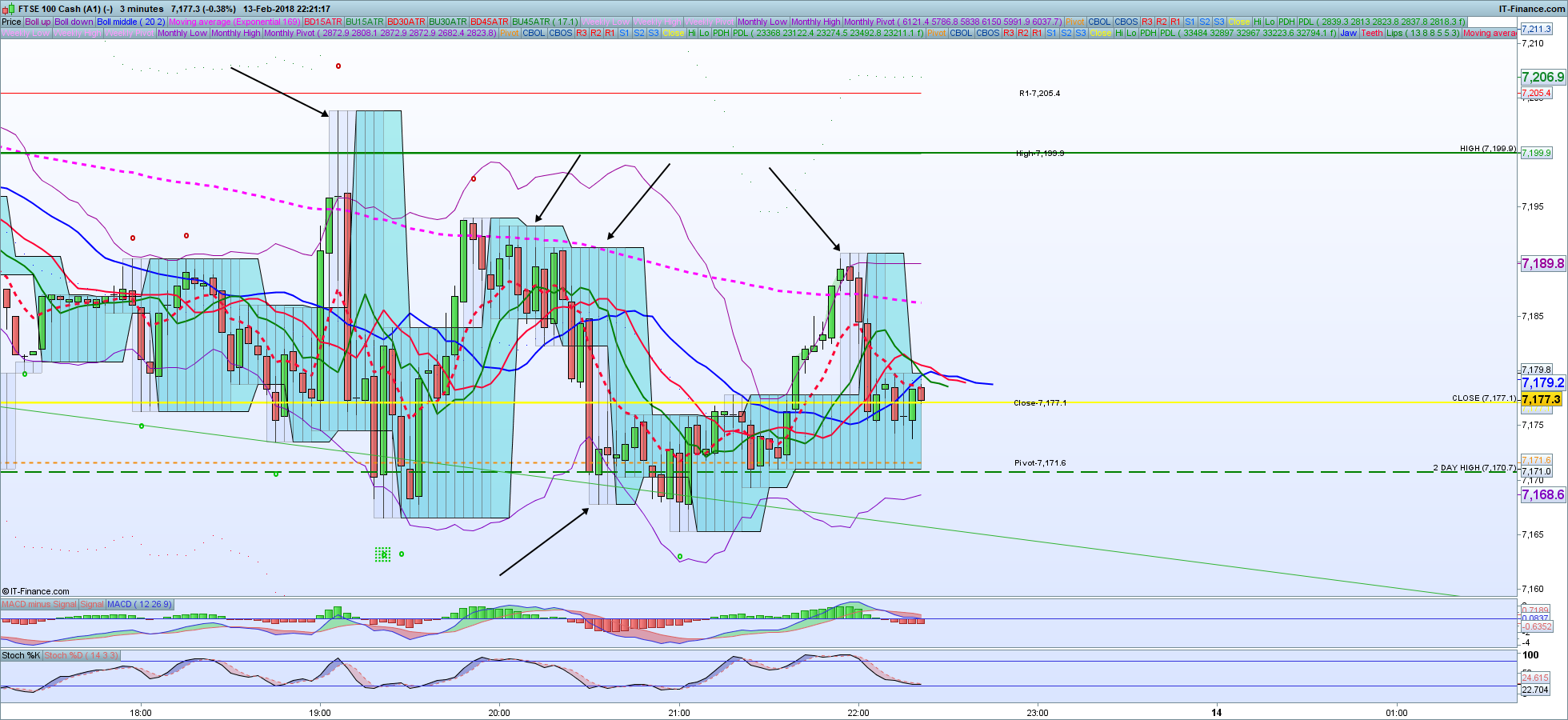
Actually I prefer the fractal box of your 1st version. When I add the variables to get the Value listed on price Axis the box somewhat changes to the second version.
Hope this makes sense. Basically I want to use your original indicator and make changes to the return instructions to highlight price. Adding the variables hh,ll reverts back to your second version!
if I tried “return hil, lol” it then gives me vertical lines.
Thanks and sorry to be a pain!!!
I did not change anything about the boxes calculation. Bear in mind that the boxes are plotted in the past, just like Fractals. The new hh and ll variables are only the price levels of the last known fractals.
saifParticipant
Junior
I used hh
= hil and ll
= lol and return hh,ll
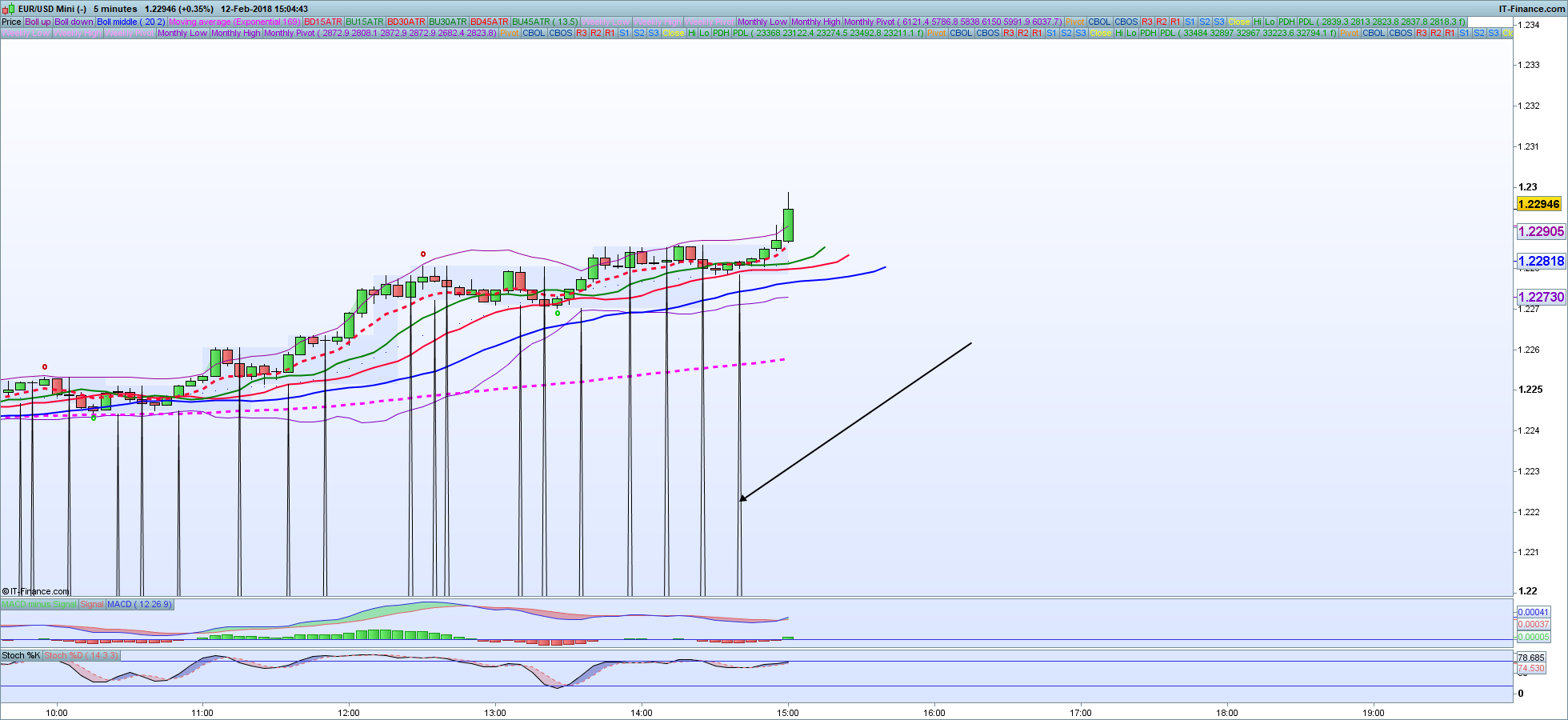
The result is a different looking box. I have attached some pics.
I cant use return hil,lol ( then I get vertical lines )
PS: the new version lets me change colour of the box!!
I know your’e probably busy doing more important things but pls look into this when time permits.
Thanks Nicolas
You are not changing the color of the boxes but the fill color between the 2 fractals (hh and ll in this case) and that’s why you are thinking it’s a box (these 2 price levels are filled with a color between them).
Once again 🙂 it looks different because it draws the current fractals levels at the moment they are discovered and not in the past like in the original MT4 code. But they are the true fractals price levels, the levels you want to be written on the Y-axis, that’s why I added them.
saifParticipant
Junior
Thank You Nicolas..Appreciate you taking the time to help.
BTW, I’m trying to figure out where I thank you. It says’ s you’ve been thanked 1166 times ( not enough)
Cheers bud!
There is a “thanks” button just above my avatar, feel free to click on it 😉