Hi there everyone,
This is my first ever post in a forum like this and also my first foray into coding. I have coded an indicator which graphically represents precisely what I am looking for, which is awesome. In getting to this point I have created many others and done backtests on them which have yielded a wide range of results (which is normal). Now I have finally got the indicator I seek, I run a backtest and absolutely nothing comes back. The backtest is created by the Simplified Creation method so it is not a coding error on my part with regard to the strategy. It is likely that the code of the indicator does not lend itself to a realistic backtest.
Perhaps I have somehow incorporated ‘perfect hindsight’ in the indicator which the backtest has revealed by giving empty results? Has anyone else had this problem? Am slightly going mad trying to work out what I have done wrong…
Many thanks for any guidance,
Rufus
How many bars did you backtest over?
Did you try different Timeframes and different Instruments to try and get a trade(s)?
Do you have crosses over or crosses under in the code?
Anyway, we are guessing unless you post the code of the Auto-System?
I would then try it for you on my Platform and other would check the code also.
Thank you — I did it over multiple timeframes. Visually there should have been many trades. I tested on dax and spx. The predecessor indicators all gave trades where they should have, the final version which I thought was better code and used only If / else / endif and no For/Next loops (predecessors all did). Nevertheless, results have since appeared – but they make no sense, IE trades are not taken where they should be or closed where they should be (previously they all worked to the logic). So I thought I would start by asking if anyone else had had a 0 trades result from a b/test where an indicator visually would give many results and whether it is possible (somehow) to unwittingly create an indicator which the Simplified Creation cannot deal with, which seems unlikely.. attached are is a word doc with screen prints of the auto-code and the indicator with graphic results
I ran it again. No results in the Detailed Summary yet graphically there are incorrect results.
please see attached
attached are is a word doc with screen prints of the auto-code and the indicator with graphic results
You need to …
Attach a .itf file of the System code so that I can import to my Platform.
Use the blue Insert PRT Code button ( right hand end of toolbar above each new message) so that we can see your code.
Attach screen shots using .jpg or .png format.
.pdf .docx require folk to mess about downloading files and even then they can only open the files if they have .pdf readers and .doc readers etc.
Thanks for your guidance… here is the .itf file
// Definition of code parameters
DEFPARAM CumulateOrders = False // Cumulating positions deactivated

// Conditions to enter long positions
ignored, indicator2, indicator1, ignored = CALL ConciseRRSR
c1 = (indicator1 > indicator2)

IF c1 THEN
BUY 1 PERPOINT AT MARKET
ENDIF

// Conditions to exit long positions
indicator4, ignored, ignored, indicator3 = CALL ConciseRRSR
c2 = (indicator3 < indicator4)

IF c2 THEN
SELL AT MARKET
ENDIF
And if you GRAPH the variables? Are they correctly returned?
GRAPH indicator1
GRAPH indicator2
One indicator is correctly returned – it is the high, so market data.
The other indicator is not. Essentially I plot Support, Resistance and high and low. For ease I have simply gone for buy trades. So in this example indicator1 is the high (correctly graphed) and indicator2 is Resistance (incorrectly graphed). Is is not picking up Support instead, either.
Is there any chance that it could get confused with variables I have used in other indicators that have identical names?
I run a backtest and absolutely nothing comes back.
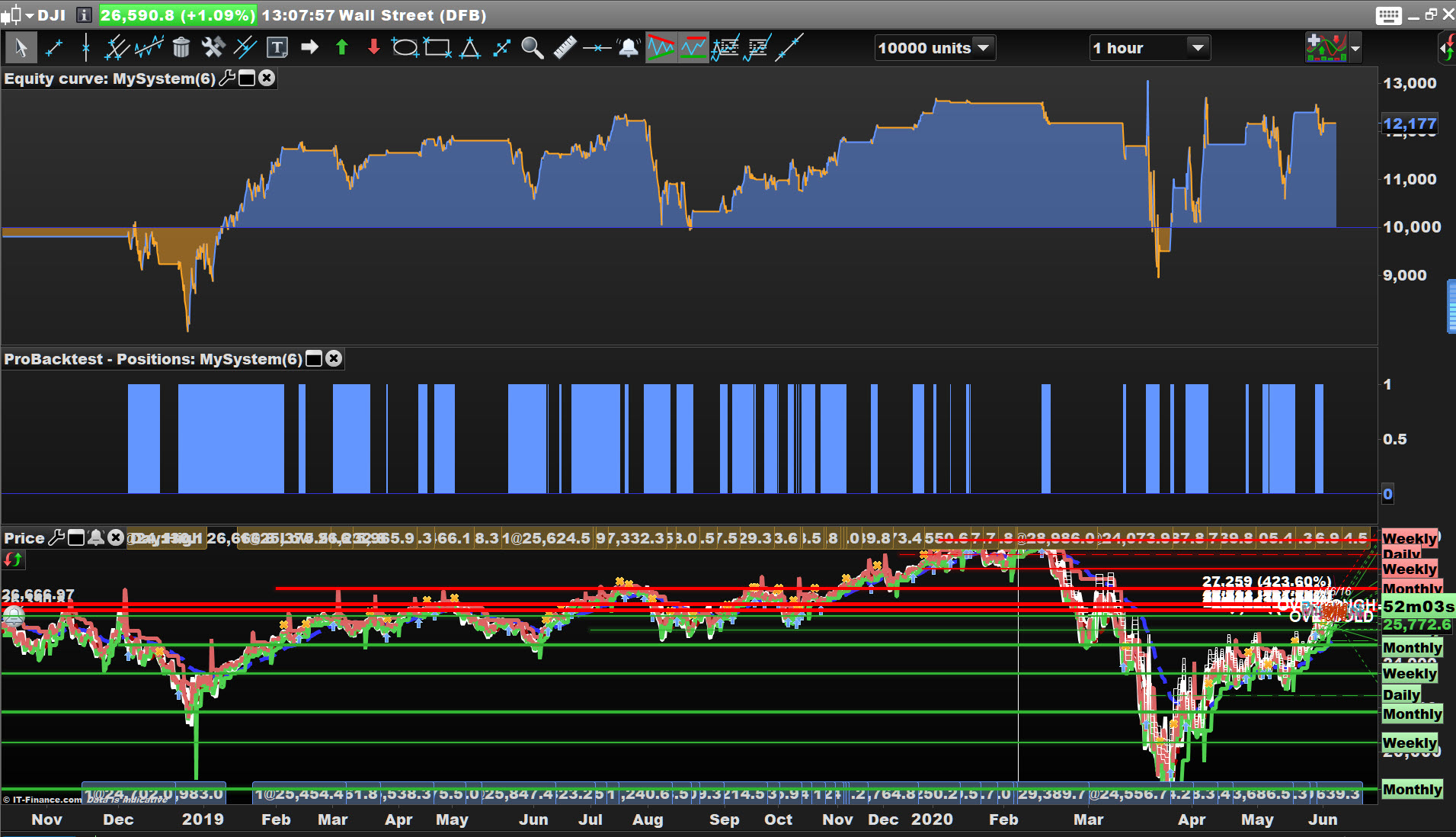
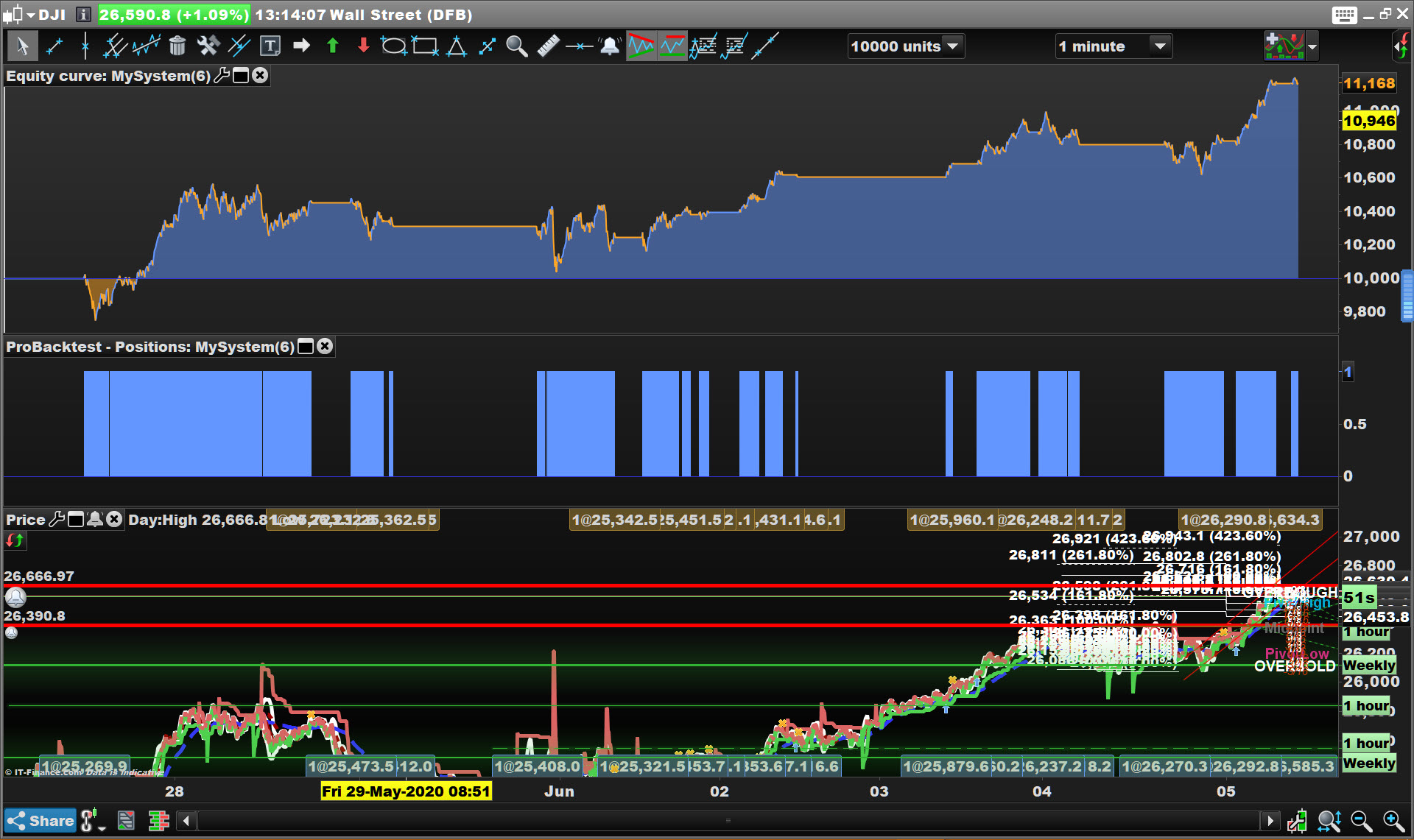
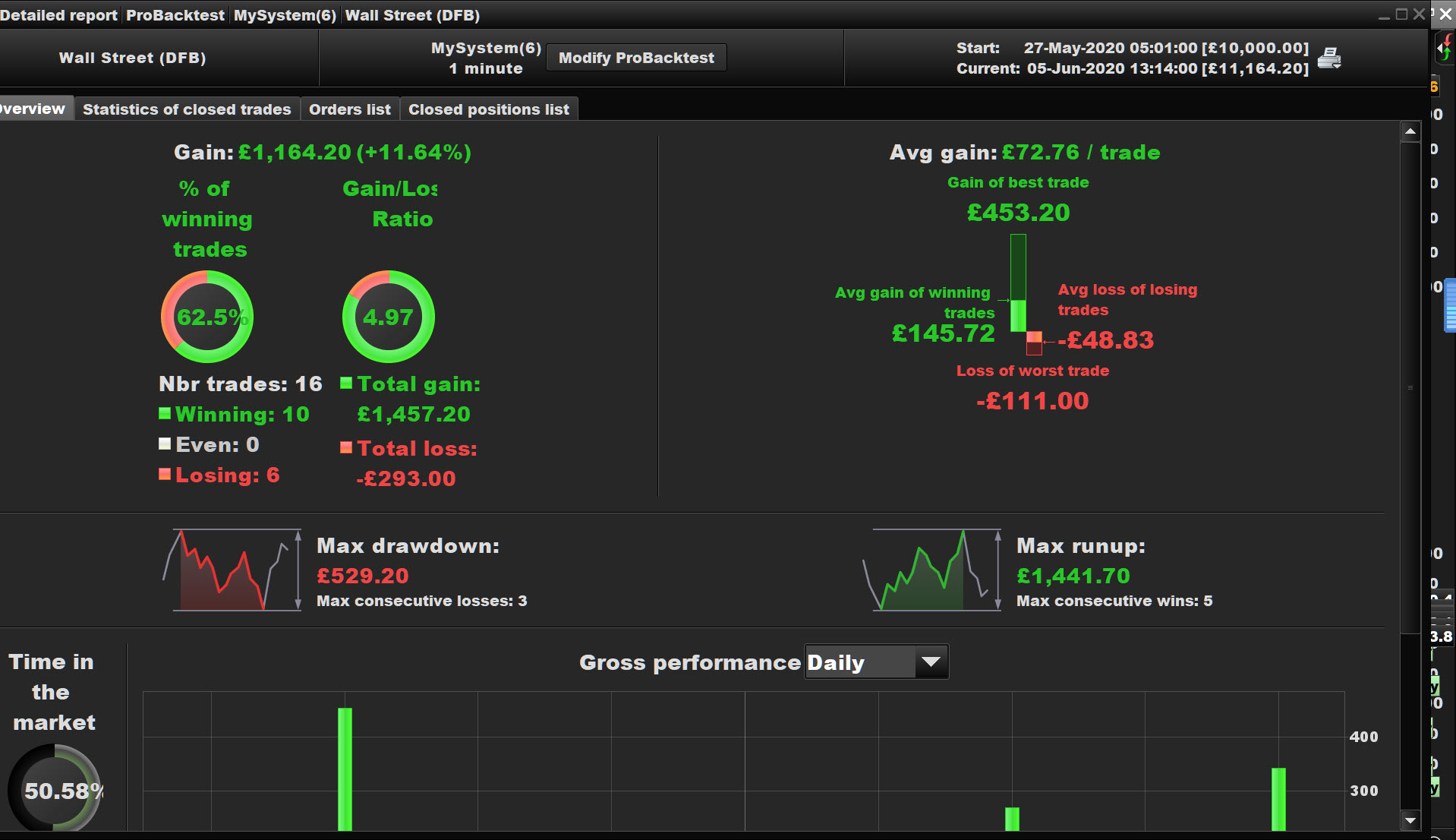
Works for me … see attached?
Works even better on 1 min TF! 🙂
So I have learned 3 things:
1. The code to my indicator is held on the cloud and that you can see its results via the code for the back test that I shared, but you do not see the indicator’s code. Is this correct?
2. I am forced right now to look at this o my phone. It’s hard to tell from the image that it has sold at the correct time. If it does, then there is something wrong with the configuration on my pc.
3. That you are a good guy – thank you for taking the time.
but you do not see the indicator’s code. Is this correct?
Below is all I can see in your code
ignored, indicator2, indicator1, ignored = CALL ConciseRRSR
c1 = (indicator1 > indicator2)
So if it works for you but not me (!) … re-install and try again?
So you have tried again on the DJI and 1 min TF and 10,000 bars selected (??) … and you get no trades??