Bard
BardParticipant
Master
I just downloaded the update this morning but now I can no longer 2 finger scroll down the code window within the trading system creation window. If I do, it judders and doesn’t hardly move or starts moving down a little then back up.
Also realised it’s doing the same if I try and make a chart smaller or bigger. The sensitivity of scrolling within the chart, up or down is all messed up. If I zoom in from a standard unit view (or have hit the magnifying glass once to reset the chart) when I then scroll 2 fingers up it works and gets more detailed, with larger candles, but… if I scroll back down using 2 finger in the middle of the screen I end up looking at one large candle??
Macbook all up to date.
I’m still on attached on both Live and Demo so no point me doing a parallel test for you etc, sorry
BardParticipant
Master
Thanks @GraHal,
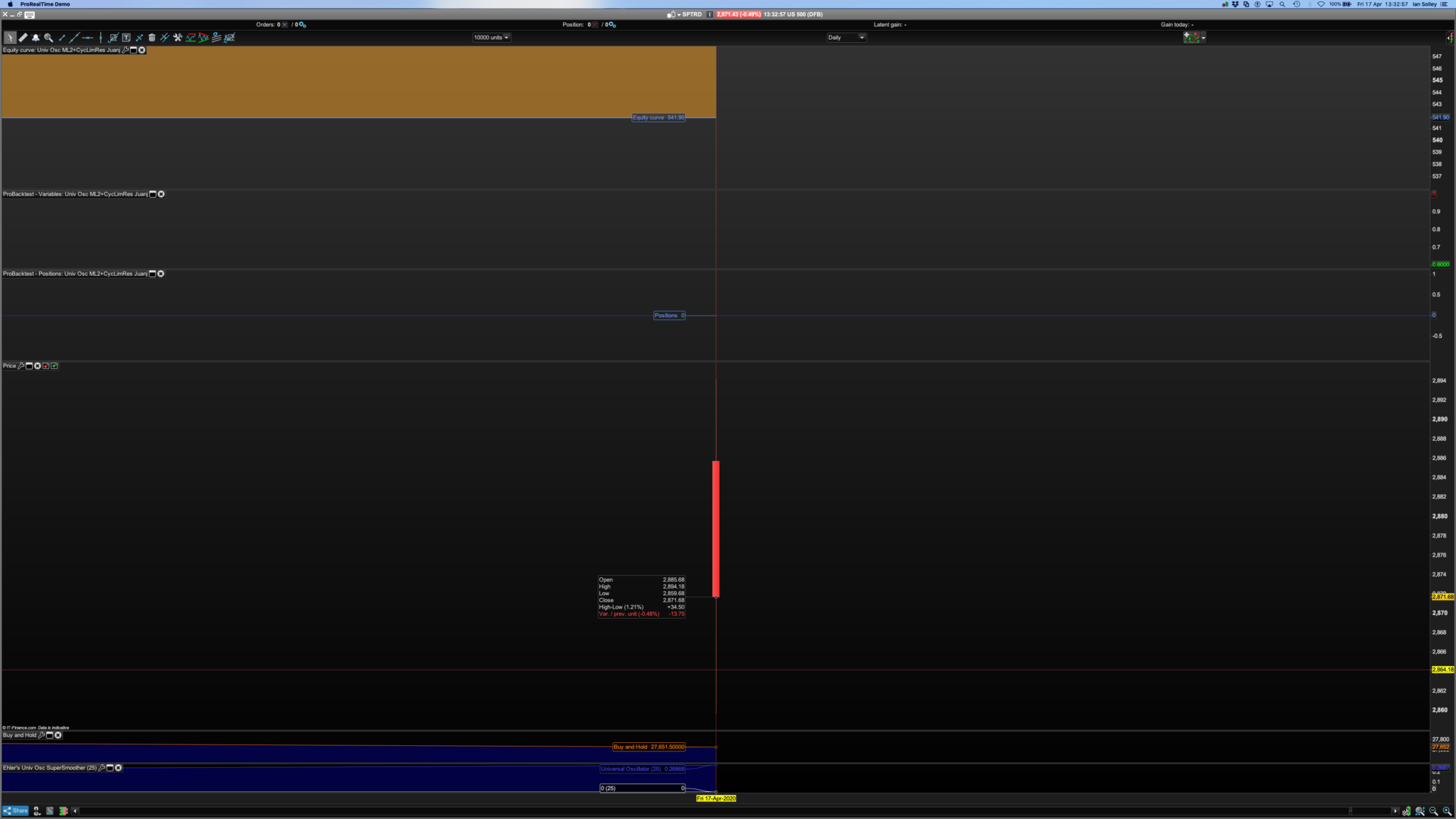
Is it just me, but I also can’t do a simplified system creation using that Universal Oscillator.
If I hit simplified: “buy” and touch the price chart the simplified drop down box doesn’t list the Univ Osc so I can’t select Close crosses over -0.8.
If I hit simplified: “buy” and touch the Univ Osc indicator the simplified drop down box doesn’t list the Close, so I can’t select Close crosses over -0.8? Huh?
BardParticipant
Master
Can’t even select code and scroll down to select more code to the point where I don’t need anymore code. Only alternative is to copy every line of code and then take it into a text edit and edit it and then re-paste back into PRT BUT that just causes the red spacing warnings – see post: https://www.prorealcode.com/topic/red-marks-in-code/
This makes working with PRT code pretty much impossible now.
This up date needs sorting out ASAP. Wish I’d not downloaded the update.
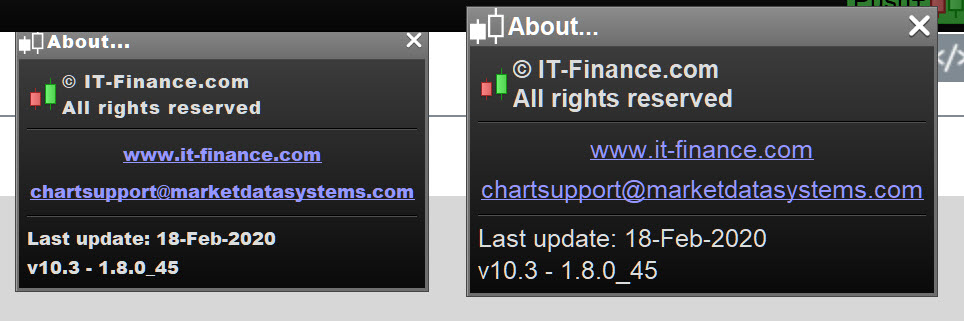
Can anyone tell me if or how I can get back to my previous version 10.3, 1.8.0 45 before this morning’s 202 “update?”
Thanks.
 Paul
PaulParticipant
Master
I’ve the same thing! I’am on a mac and the apple trackpad & mouse behave the same. (latest version catalina 10.15.4)
On a big code, you can scroll down and it automaticly scrolls up again a bit. In a chart like Bard said.
Same on demo or live account.
Urgent! Please fix!
PaulParticipant
Master
The sensitivity of scrolling within the chart, up or down is all messed up
That’s an excellent way of saying! It’s messed up, regardless if you go to settings in mac to adjust the trackpad or mouse.
How to go back to the previous version? This update isn’t good for a mac user!
BardParticipant
Master
How to go back to the previous version? This update isn’t good for a mac user!
Apple won’t let you so I’m not holding my breath.
I’ve never understood that about “updates,” whether it’s here at PRT or with someone like Apple:
S/ware that was working perfectly well is changed in an “upgrade” and then stops working or working as well. And to add insult to injury you can’t find/notice the new features that the upgrade came with so you’re left worse off. With Apple “upgrades ” I will not update for 3 to 6 months. Period. With this upgrade I only went ahead because I thought it was the long awaited v11….
BardParticipant
Master
Hi there PRT, any advice would be appreciated because this 202 update is very hard work for Mac users. Scrolling has become near impossible. Thanks.
BardParticipant
Master
Hi, Sebast do you know if anyone from PRT is aware of this major flaw with scrolling for Mac users since the 202 update? Cheers.
Try sending a Query direct to PRT using the Form below.
Reference this Topic then it makes it easier for you to fill out the Form etc as you not need so much detail as you have already written it here! 🙂
https://www.prorealtime.com/en/contact
Hopefully I’m not the only one… me too, just impossible to work on a Mac, the Trackpad is totally out of sens.
Please fix it cause right now I’m obliged to use a mouse to avoid that.
I’m on macOS Mojave 10.14.6, and I have the same issue with trackpad scrolling. The platform (V11.1 1.8.0_202) is completely unusable. Another argument to switch to trading view :/
Gabin – Please update your country flag in your profile before you go.
PaulParticipant
Master
I’ve the same thing! I’am on a mac and the apple trackpad & mouse behave the same. (latest version catalina 10.15.4) On a big code, you can scroll down and it automaticly scrolls up again a bit. In a chart like Bard said. Same on demo or live account. Urgent! Please fix!
a bit more specific, on apple trackpad or apple mouse
you can scroll in a code without problem if using the slider, however with a trackpad I swipe up to let the code scroll down, which is does a bit, but the code goes back 10-20 rows with stutter.
I can swipe down (say in the middle of the code) and the code goes up with no problem.
On a chart swipe down works, swipe up makes the chart zoom in, and out again with stutter.
Here also, the icons and dragging the slider works correct.
It’s a swipe up issue and it’s not related to the settings of the mac.
Sorry but it’s not my case, I don’t share your remark, the scroll only works with the list of the past trades…