CKWParticipant
Veteran
Hi Nicholas,
Will this kind combination works? ZigZagPoint[(AverageTrueRange[242](Close))](Close)
I would like to use AverageTrueRange[242](Close) as real time variable in ZigZagPoint function. Apparently, it seems working in Probuilder but not working in Probacktest.
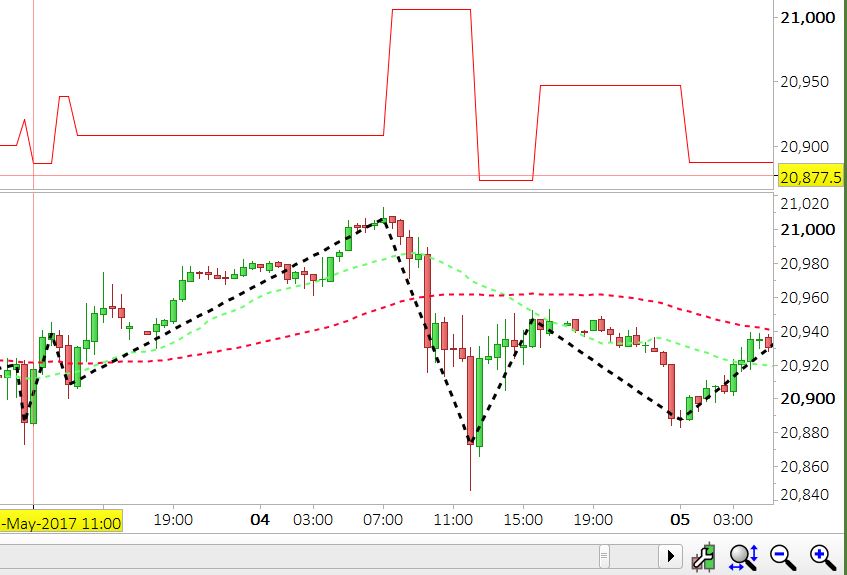
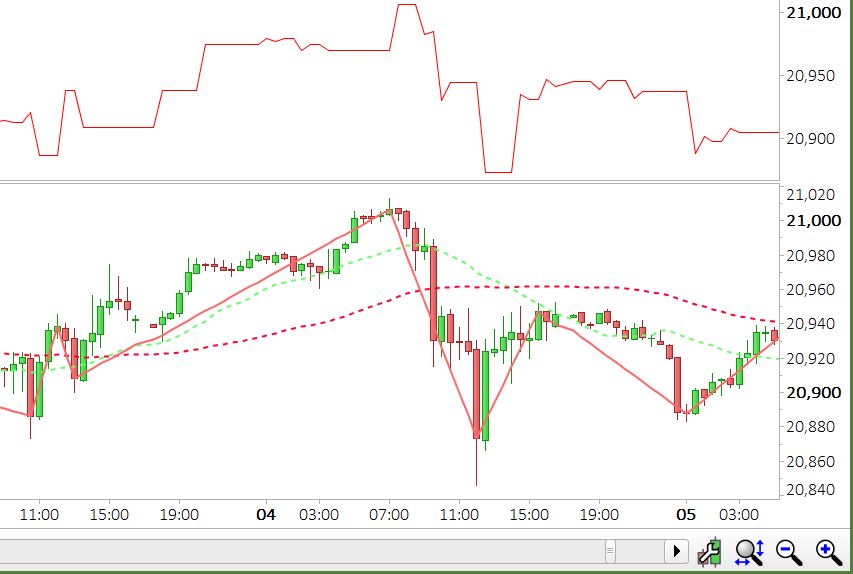
I attacthed 2 photos, each chart has Top and Bottom window for comparison. Top is the value of ZigZagpoint from ProBacktest, Bottom bold line is drawn by Zigzagpoint indicator
- by using fix value of parameter -> ZigZagPoint[20](close)
- by using variable value from ATR -> ZigZagPoint[(AverageTrueRange[242](Close))](Close)
From Comparison,
#1. Probacktest and Probuilder having same result.
#2. Probuilder and Probuilder do not have same result. Is it normal? or Limitation
Do you encountered similar issue like this?
br, CKW
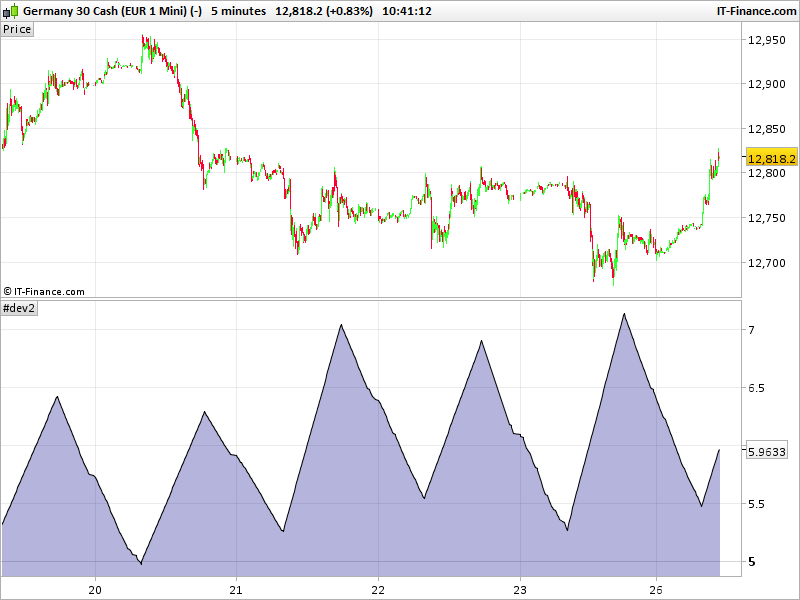
If you want to draw the zigzag point of the ATR, you should put its value into the parenthesis. The way you did, you use the ATR as the period value, and obviously ATR is changing and so the period, that’s why you get a fluctuating value in your example (period changing from time to time..).
To get the zigzag point from the average true range:
a=ZigZagPoint[1](AverageTrueRange[242](Close))
return a
[1] for 1 percent.