Why there's one default chart?

Viewing 11 posts - 1 through 11 (of 11 total)
  • Author
    Posts
  • #131069 quote
    Dwell
    Participant
    New

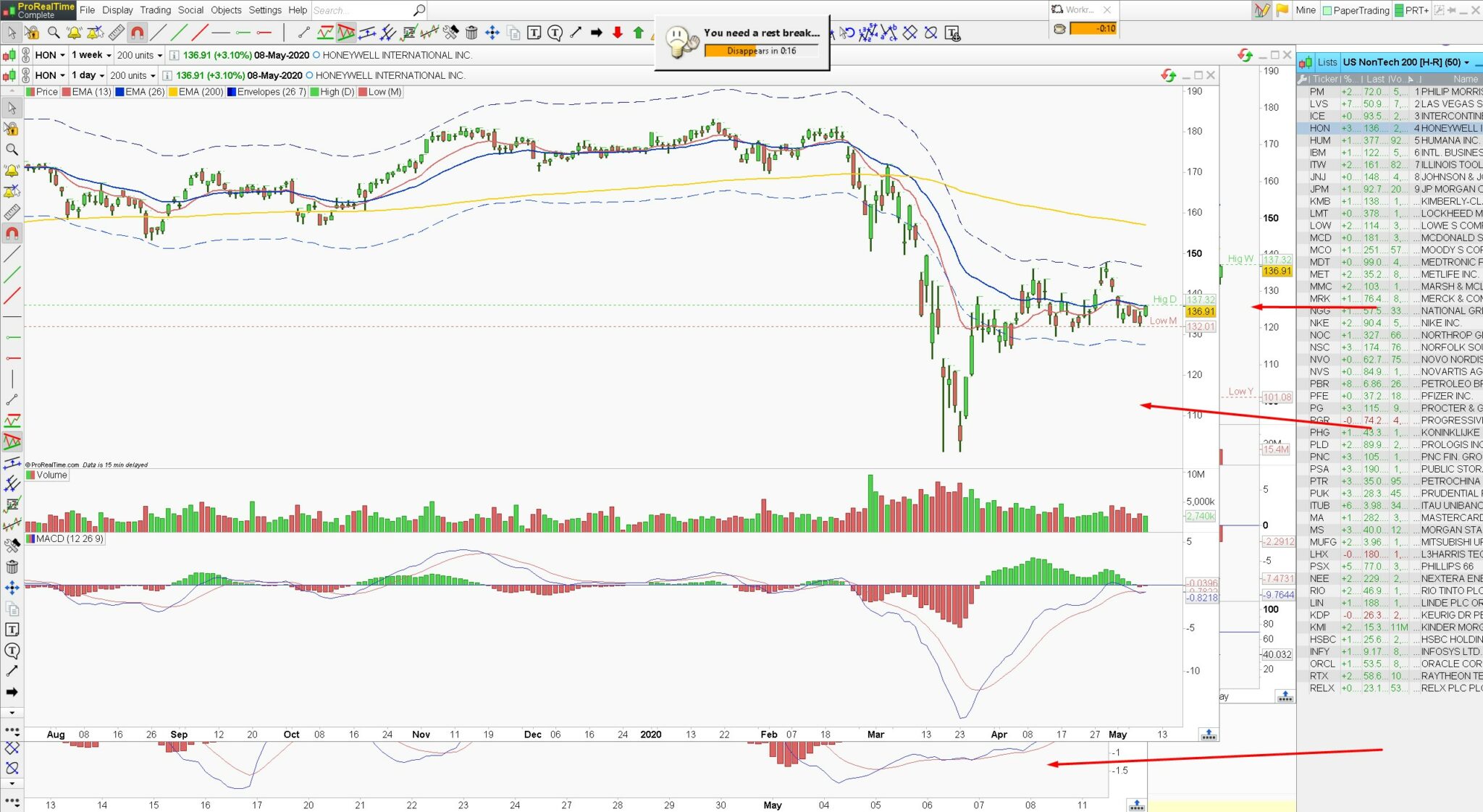
    I have 3 charts with different timeframes that overlap each other. But when I switch tickers, the one chart (and this only, each time) becomes active. I’d like to avoid this chart switching, can I do that?

    On the screenshot I mark with arrows my charts. And the 1 day chart is always making active… That’s a bit annoying 🙂

    Screenshot_5.jpg Screenshot_5.jpg
    #131112 quote
    GraHal
    Participant
    Master

    I’d like to avoid this chart switching, can I do that?

    I don’t fully understand the problem, but why not close the charts you don’t want to see or just minimise the charts that you don’t want to see or maximise the chart that you do want to see?

    It could be that the highest timeframe chart defaults to ‘on top’ when you select a ticker?

    Close the Daily and then see which TF becomes active ‘on top’ … let us know please?

    #131145 quote
    Dwell
    Participant
    New

    but why not close the charts you don’t want to see or just minimise the charts that you don’t want to see

    Because it is WINDOWS, not DOS or linux, and that’s just more comfortable to me 🙂

    #131146 quote
    GraHal
    Participant
    Master

    What is it that you want to see … all charts active side by side with all a smaller size so that all are 100% visible??

    You have said what you don’t want, but you haven’t said what you do want? 🙂

    Dwell thanked this post
    #131172 quote
    Dwell
    Participant
    New

    No default active window chart. When I look at my 1-hour chart and change ticker, my 1 hour chart should remain active, that’s what I want. But now the active window chart changing to another timeframe and I don’t see at my 1 hour chart anymore )))

    #131181 quote
    GraHal
    Participant
    Master

    I am still not clear sorry … I tend to take things literally as folks say or write them! 🙂

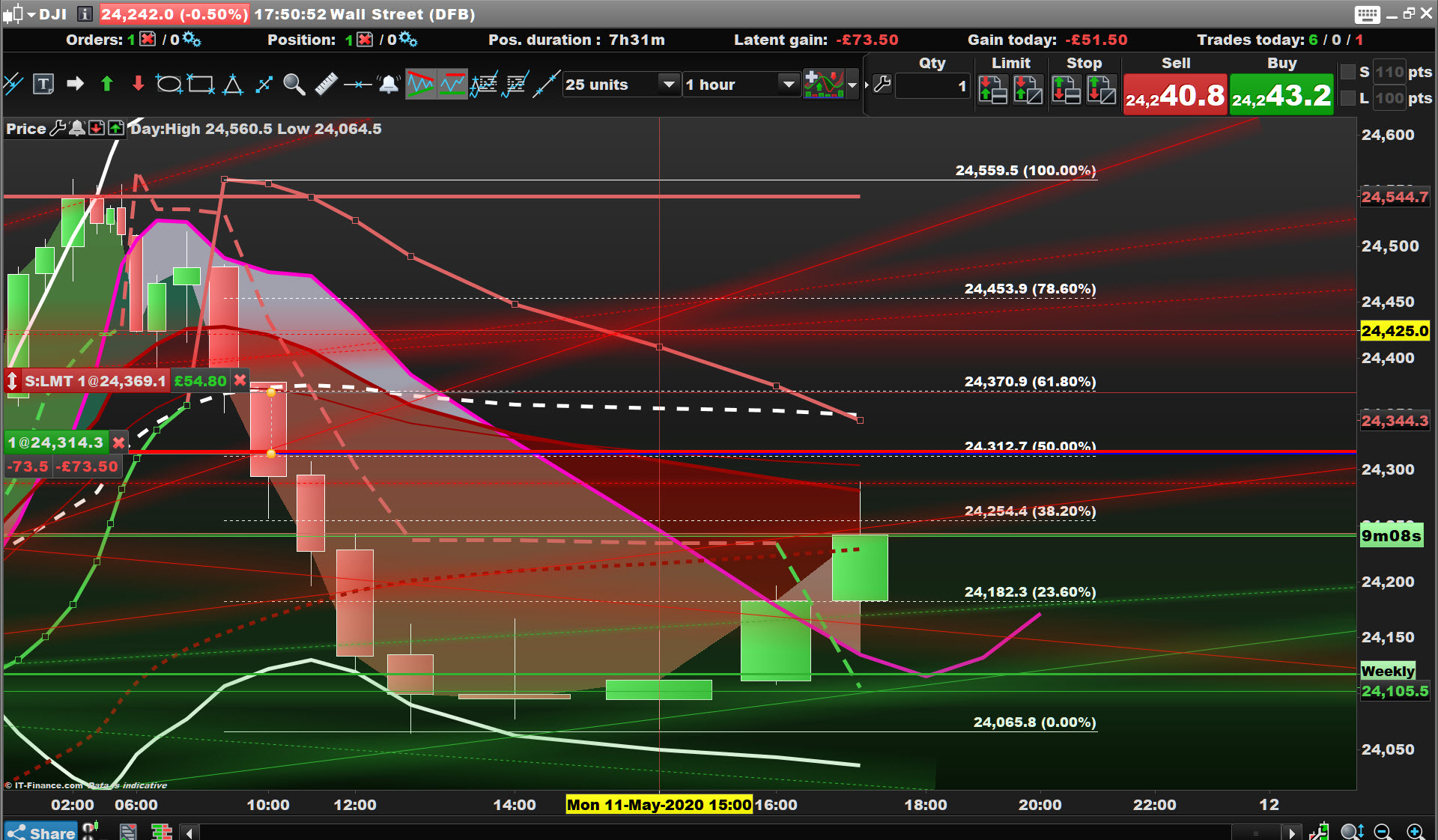
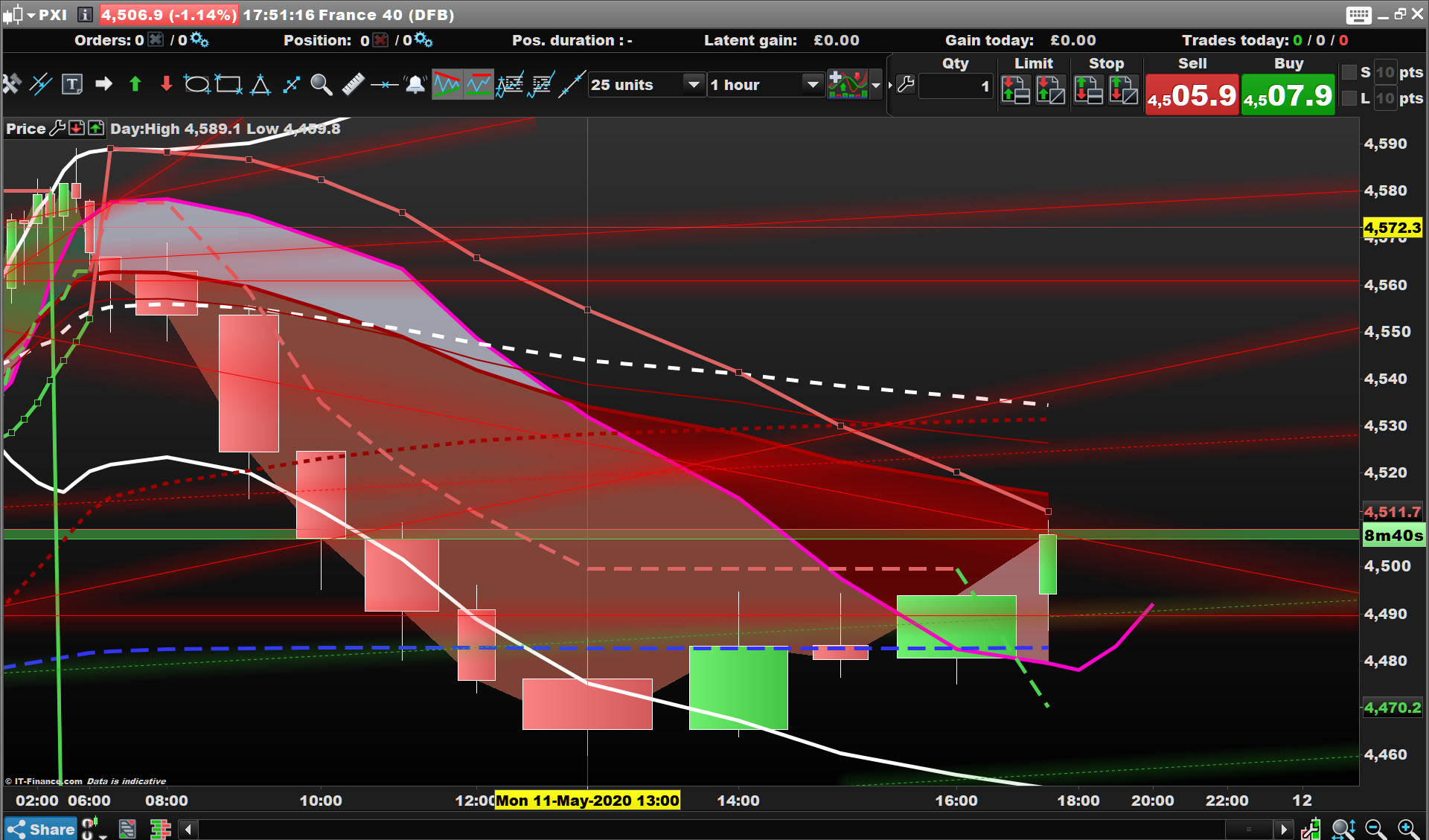
    So attached is my chart on the DJI at 1 hour timeframe (Dwell 3) then I change to CAC 40 (Dwell 4) and I am still  on 1 hour timeframe … see 2nd image … is that what you want??

    Dwell-3.jpg Dwell-3.jpg Dwell-4.jpg Dwell-4.jpg
    #131184 quote
    GraHal
    Participant
    Master

    Yeah I even changed ticker from a List like you show in your original post and I still stay on 1 hour TF.

    All you need do is close all the charts you don’t want to see and then go File, Save as whatever template you want to call your new template with only 1 chart??

    #131186 quote
    Dwell
    Participant
    New

    GraHal, thanks for your trying, I think that official support will understand what I mean and will answer.

    #131192 quote
    Dwell
    Participant
    New

    Here’s I made a video
    https://youtu.be/3TtO3ZyHUak
    ))))

    #131249 quote
    Nicolas
    Keymaster
    Master

    This is indeed the default chart linked to your list. If you don’t want to get this timeframe on the default chart, just replace it with the desired one.

    #131250 quote
    Dwell
    Participant
    New

    I want active chart to be my default 🙂

Viewing 11 posts - 1 through 11 (of 11 total)

  • You must be logged in to reply to this topic.

Why there's one default chart?


Platform Support: Charts, Data & Broker Setup

New Reply
Author
author-avatar
Dwell @dwell Participant
Summary

This topic contains 10 replies,
has 3 voices, and was last updated by Dwell

5 years, 9 months ago.

Topic Details
Forum: Platform Support: Charts, Data & Broker Setup
Language: English
Started: 05/11/2020
Status: Active
Attachments: 3 files
Logo Logo
Loading...