





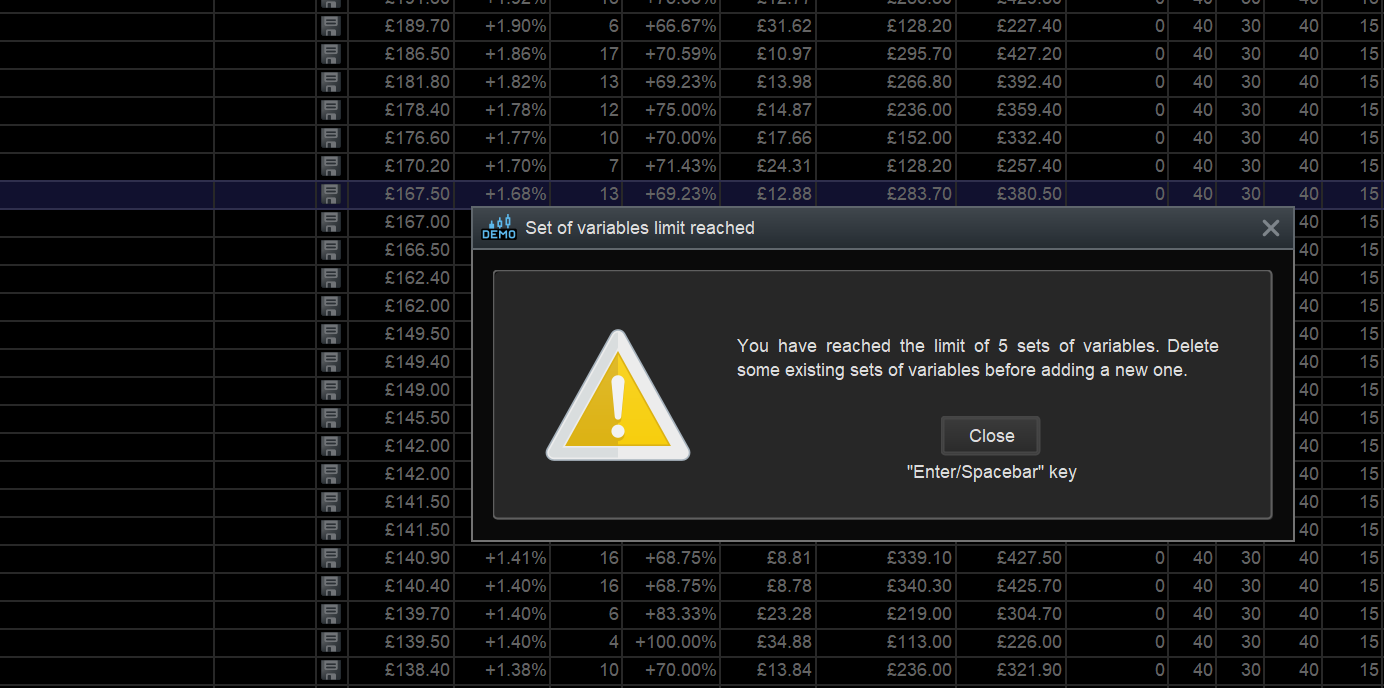
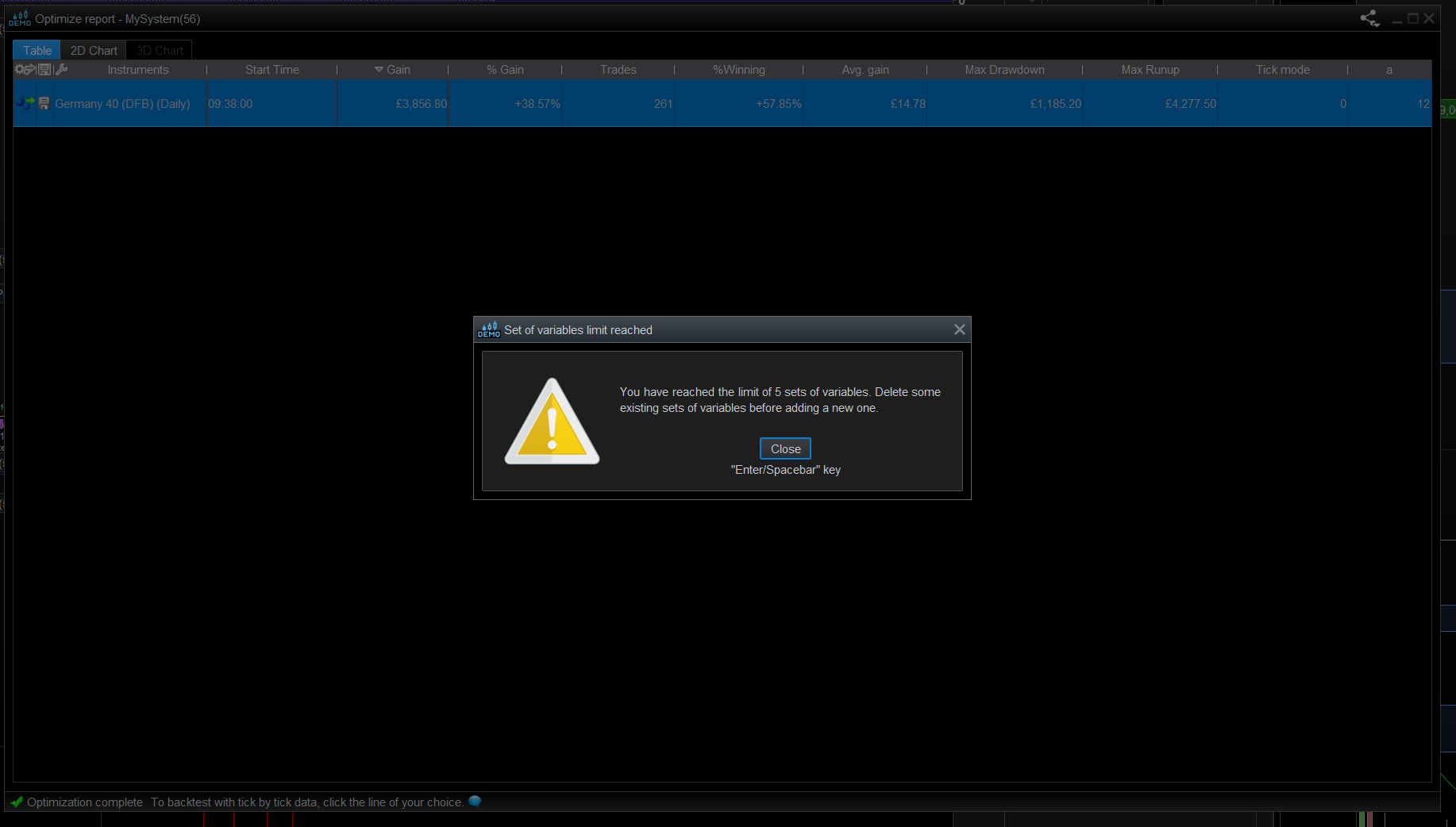
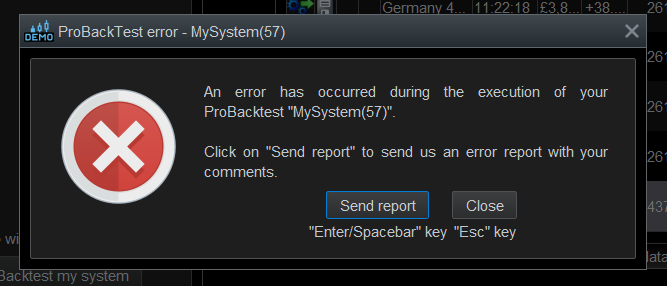

Had a look around, couldn’t get the error message you showed.
Only things I came across was, If you choose the top,(default) option in the ‘save result’ window, it creates a new trading system which appears in the ‘Indicator & Trading System’ windows list. This will be different to the one(s) you ran.
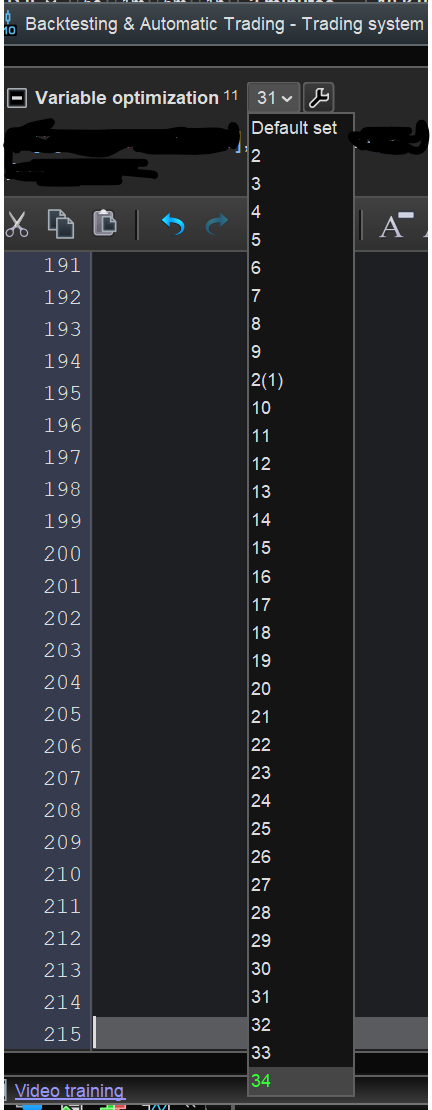
The other option creates a new ‘set’, with, displayed settings, which appears in all the set lists.
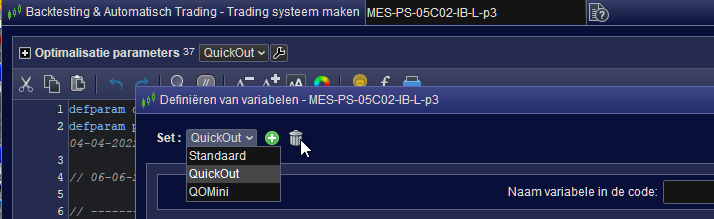
However, doesn’t appear in ‘Definition of variables’ window set list, if its open. Appears when re-opened.
Regarding the “easy way to delete” all the sets…
If you choose the top option in the ‘save Results’ and create a new system file, then there won’t be any optimised variables and only default set.
In the new file, all the original variables appear at top of code file with a preceding ‘ONCE’ keyword which can be easy cut from code.
If next question is, that’s good but I want to keep the optimised variables’ , I only can think of save a file version before creating all the sets.
I suppose if you have a version with just optimisation variables and default set, then revert to that when you want to dump all the sets.
I know I’m simplifying it a lot, and more likely the process is a lot more messy and doesn’t lend itself well to the simplification.
But, as my boss says, ‘Adapt, Modify and Succeed’, the other thing he say’s is ‘Yes’ a lot, and when you ask how!, he reply’s Somehow!
regards
