Hello,
I have PRT Complete with IG Index and have completed the first training course. I have tried 50 plus ways to make what seems straightforward happen . . . and failed!
I’m sorry if on reading this you think well that’s so obvious, but I am as Nicolas puts it, now “dreaming programming code” and I need a solution 🙂
So here goes:-
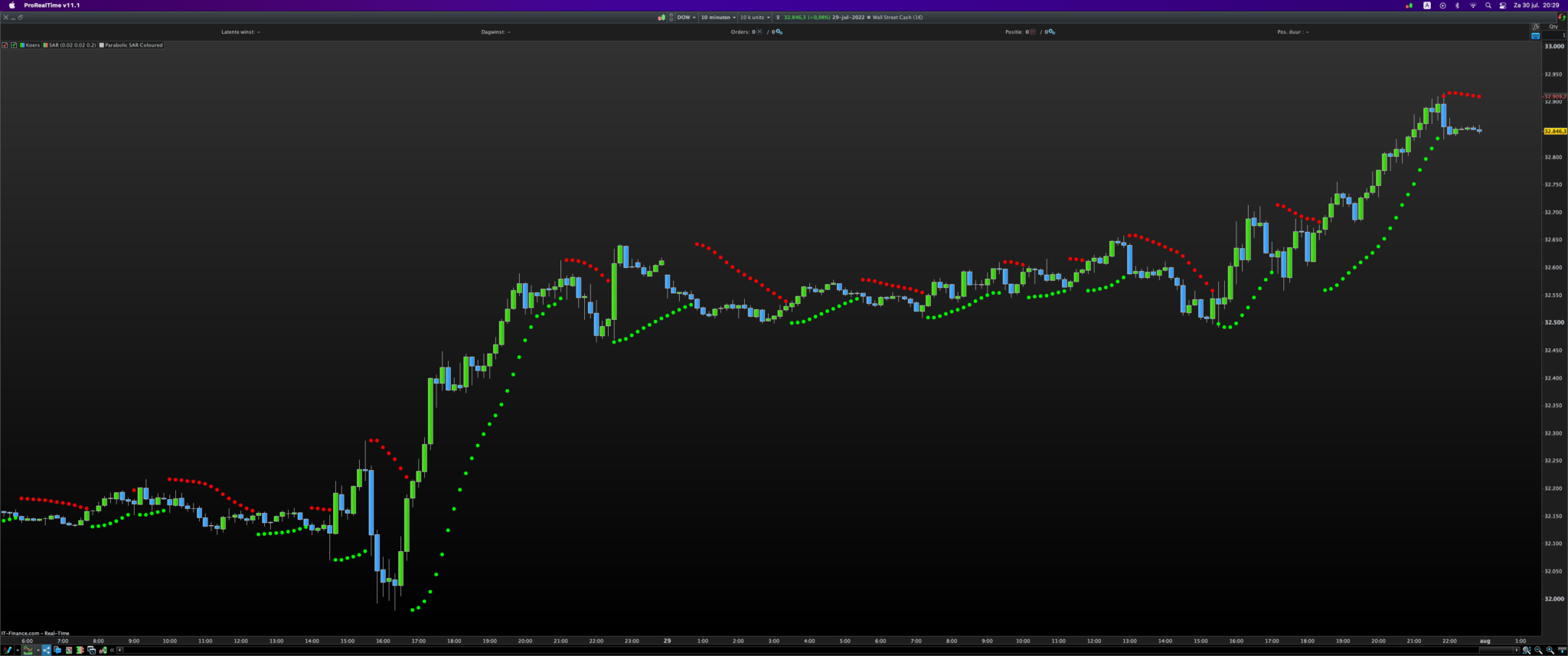
Short timeframe (i.e. 10 minutes) and I am looking for the PSAR to change red to green or vice versa.
New bar with the new PSAR and if the bar matches the colour of the PSAR then I set a value of HIGH + 2 or LOW – 2 for the next bar to enter the market.
If no post change bars meet the criteria (HIGH + 2 or LOW – 2) then the cycle starts again on the next PSAR change.
If a bar equals or exceed the HIGH + 2 or LOW – 2 then a BUY or SELLSHORT is set up with target of 30 and stop of 60.
If nothing matches or the PSAR and first bar don’t match then all is reset for the next change of the PSAR.
If the trade is activated but the target or stop is not met then the trade is closed at the open price of the next PSAR change.
I hope that makes sense, any ideas are really welcome as I am just short of making a truth table and trying each by trial and error … which would be silly, I know?
Thank you in anticipation,
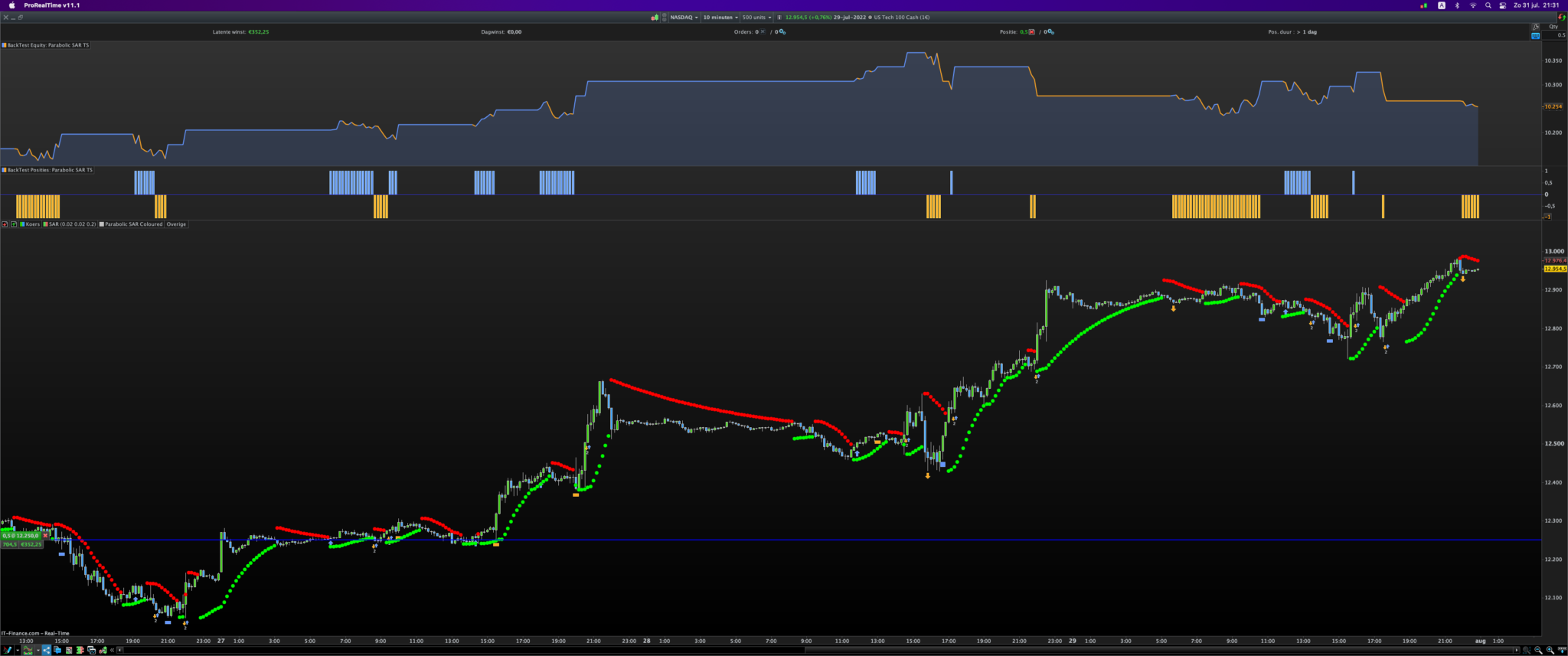
A kind man may be along to help re coding of above, but until then, did you see this PSAR TS in the Library?
DAX Parabolic System
It may help to ‘cut your teeth‘ on? 🙂
 JS
JSParticipant
Veteran
increment = 0.02
initial = 0.02
limite = 0.2

IF BARINDEX < 2 THEN
Lparabolic = LOW
islong = 1
af = limite
hp = HIGH
lp = LOW
ELSE
IF islong THEN
Lparabolic = Lparabolic + af * (hp - Lparabolic)
Lparabolic = MIN(Lparabolic, LOW[1])
Lparabolic = MIN(Lparabolic, LOW[2])
ELSE
Sparabolic=Sparabolic + af * (lp - Sparabolic)
Sparabolic=MAX(Sparabolic, HIGH[1])
Sparabolic=MAX(Sparabolic, HIGH[2])
ENDIF

reverse = 0

IF islong THEN
IF LOW < Lparabolic THEN
islong = 0
reverse = 1
Sparabolic = hp
lp = LOW
af = initial
ENDIF
ELSE
IF HIGH > Sparabolic THEN
islong = 1
reverse =1
Lparabolic = lp
hp = HIGH
af = initial
ENDIF
ENDIF

IF NOT reverse THEN
IF islong THEN
IF HIGH > hp THEN
hp = HIGH
af = af + increment
af = MIN (af,limite)
ENDIF
ELSE
IF LOW < lp THEN
lp = LOW
af = af + increment
af = MIN (af,limite)
ENDIF
ENDIF
ENDIF

ENDIF

If isLong then
DRAWPOINT(barindex, Lparabolic, 2) Coloured(0,255,0)
EndIf
If NOT isLong then
DRAWPOINT(barindex,Sparabolic,2) Coloured(255,0,0)
EndIf
Return
Hi
@maleczek
To start with the “coloured” parabolic SAR…
Thank you GraHal,
I had seen the library code you pointed me to and it operates in the first/second bar but I want to set the High or the Low in the first bar of the same colour as the PSAR and then open a BUY or SELLSHORT at MARKET in the following bars – if indeed one of the bars does in fact exceed the HIGH + 2 or come in under the LOW -2 and then wait till it hits TARGET or STOP before the next PSAR change … if it doesn’t hit TARGET then it is closed at OPEN when the PSAR changes.
I have struggled with the logic of time based as opposed to event/procedural coding …
Thanks again,
JSParticipant
Veteran
Hi
@maleczek,
First attempt…
DefParam CumulateOrders = False

increment = 0.02
initial = 0.02
limite = 0.2

IF BARINDEX < 2 THEN
Lparabolic = LOW
islong = 1
af = limite
hp = HIGH
lp = LOW
ELSE
IF islong THEN
Lparabolic = Lparabolic + af * (hp - Lparabolic)
Lparabolic = MIN(Lparabolic, LOW[1])
Lparabolic = MIN(Lparabolic, LOW[2])
ELSE
Sparabolic=Sparabolic + af * (lp - Sparabolic)
Sparabolic=MAX(Sparabolic, HIGH[1])
Sparabolic=MAX(Sparabolic, HIGH[2])
ENDIF

reverse = 0

IF islong THEN
IF LOW < Lparabolic and Close < Open THEN
SellShort at (Low - 2 * pointsize) STOP
Set Target pProfit 30
Set Stop pLoss 60
islong = 0
reverse = 1
Sparabolic = hp
lp = LOW
af = initial
ENDIF
ELSE
IF HIGH > Sparabolic and Close >= Open THEN
Buy at (High - 2 * pointsize) STOP
Set Target pProfit 30
Set Stop pLoss 60
islong = 1
reverse =1
Lparabolic = lp
hp = HIGH
af = initial
ENDIF
ENDIF

IF NOT reverse THEN
IF islong THEN
IF HIGH > hp THEN
hp = HIGH
af = af + increment
af = MIN (af,limite)
ENDIF
ELSE
IF LOW < lp THEN
lp = LOW
af = af + increment
af = MIN (af,limite)
ENDIF
ENDIF
ENDIF

ENDIF
Just to clarify your spec..
Let’s say that when the PSAR changes, that this is the first bar, bar 1.
At the beginning of bar 2, a check can be made to see if there was a change at bar 1.
On change on bar 1, the PSAR of bar 2 is calculated as normally.
At the beginning of bar 3, a check can be made to see if bar 2, PSAR and candle colors match.
If they match, offset bar 2 (HIGH–> green PSAR, or LOW–> red PSAR) before calculating bar 3 PSAR.
Does this look correct so far. I’m stopping here because I don’t understand, ‘ If no post’.
‘If no post change bars meet the criteria (HIGH + 2 or LOW – 2) then the cycle starts again on the next PSAR change.’
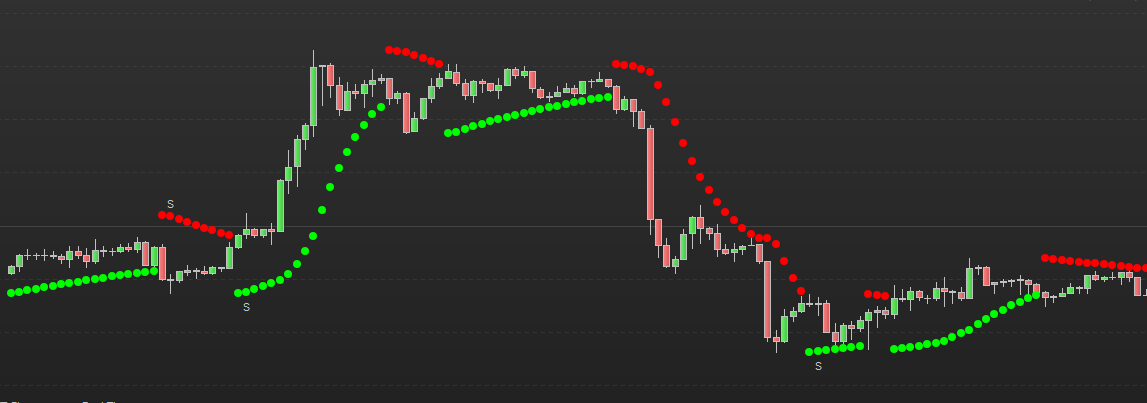
I’ve modified The code from JS to identify the 2nd bar candle/PSAR color match, identified with a ‘S’, see pick.
Thank you JS and apologies for the delay in replying … my work gets in the way.
I was ready to give up on Probuilder but on seeing your code get 95% success in such a short time – I realise that I have a lot to learn!!!
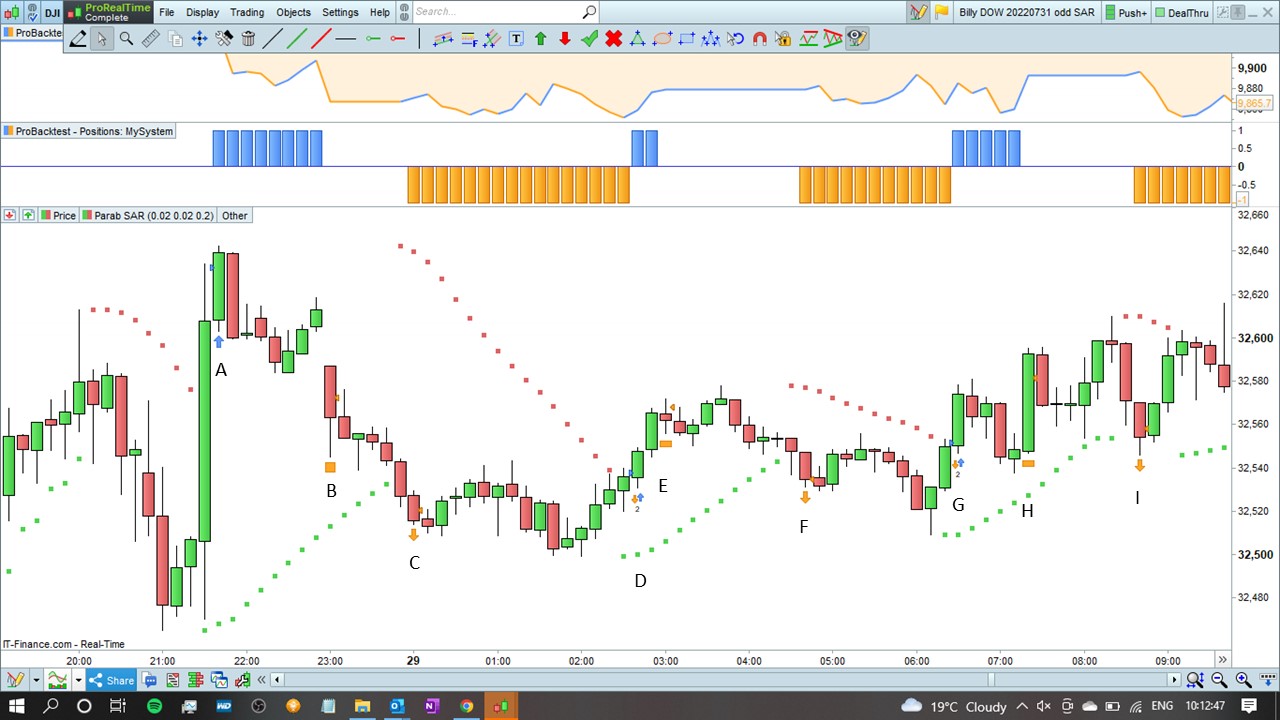
The only ‘5% bit’ that didn’t work was when the HIGH of 32,634.3 of the bar before tha ‘A’ trade (in attached slide) which opened at 32,632.3 instead of 32,636.3 i.e. HIGH + 2 – hope that makes sense?
Otherwise, it works!!!!
Thank you again.
Hi druby, Thank you for your reply.
I have just replied to JS who has ‘conjured up’ some amazing code that seems to almost solve the problem …
from your response, can I say again that the goal was to clour match the bar and PSAR in the first bar and if matched Green then bar 2 needs to reach HIGH + 2 to open a BUY position. If the first bar matches RED for both bar and PSAR then the sec ond bar needs to be LOW -2 to open a SELLSHORT position. If the TARGET of 30 or the STOP 0f 60 is not activated then the trade is closed at the change of PSAR. If the above ‘bar 1’ two conditions are not met i.e. RED PSAR and GREEN BAR or GREEN PSAR and RED BAR then no position is opened.
Hope that makes sense?
Hi… thanks for your reply, just processing your comments.
I’m sure you noticed this, but the ‘A’ trade you mentioned in reply to JS, which didn’t enter +2 above the previous high as required, actually opened -2 below the previous high. As best I can see that was the same for D and G.
I’m assuming that your code is modified to get the results you want but not yet 100%. Thought this may be a sign on what’s happening, a -2 instead of a +2 if you follow.
If i’m way off the mark just ignore.
hi…
Didn’t realize JS had posted ‘The Code’ based on my comments above and JS’s code shouldn’t line 39 be +2.
‘Buy at (High
– 2 * pointsize) STOP’.
Well done JS.
JSParticipant
Veteran
You are right @druby, line 39 should of course be “Buy at (High + 2 * pointsize) STOP”
Just thought JS my ‘well done JS’ comment could be taken more than one way.
For clarity sake , I was impressed how you provided and then modified the code to provide a solution. I, was still scratching my head!
All the best.