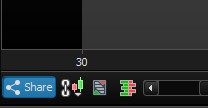
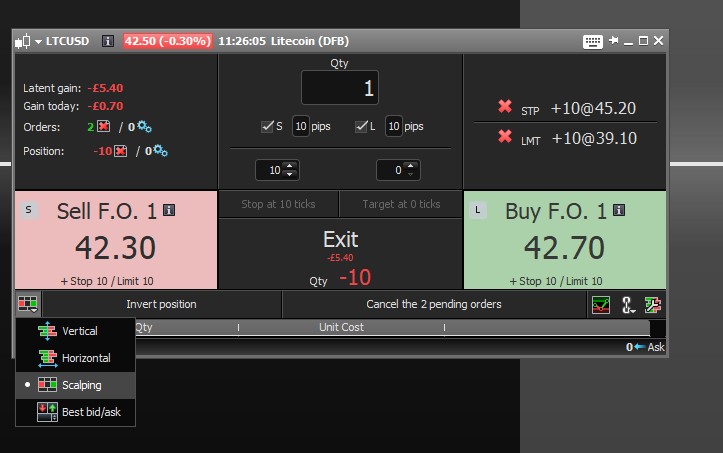
The “trade” icon on the main screen and the scalping order book have disappeared and I can’t seem to be able to bring them back. This happened after I didn’t save my template. Anyone else have this problem before?
Thanks
Kelcy
What do you mean by the “trade” icon please? What is the version of platform and broker? Thanks.
Hi Kelcy,
yes I was confused by this too at the start . It doesn’t seem to load when I load PRT (IG broker, version 10.3) , You can click on the Order Book Icon at the bottom left corner of the specific chart. (see attached Photo) .
Each order book is for that specific security naturally. To get the scalping option just click on the icon (in the ‘Order Book’ Window) to see the various options
I am on version 10.3 with IG trading FX. My main window panel has “file”, “display”, “objects” & “help”. It used to also have a “trade” button but it is now gone. I am also now missing the “scalping” order book option. I only have vertical, horizontal and best bid/ask.
That’s weird! Is your IG account allowed for trading?
kelcy … have you tried loading another Template … start with the PRT default Template then check for the buttons etc that you are missing?
Let us know how you get on please?
Hi,
You should send a report through your platform, let the technical team help you on this.
To do so, you may go in Help menu –> Technical support
Have a good day!