Hi kt,
Indeed it looks like you are missing a concept, but in a fashion which is hard t see-through. Therefore it is easy to talk passed each other. So as a third person, let me try. 🙂
If using, e.g a 5-min timeframe chart, with a tick by tick backtest, does it means the automated trading system should be executed at the minimum timeframe, say 1 second, in order to achieve the closest result vs backtest, assuming there is 1 tick per second . (Yes I do understand backtest does not represent future result)
First off, there won’t be any difference between backtesting and Live. So let’s keep that in mind – you should always fall back on that to the sense of “why do they keep on telling me this ?!?” – then you give yourself a chance of grasping it.
I will repeat but rephrase what Robert tells :
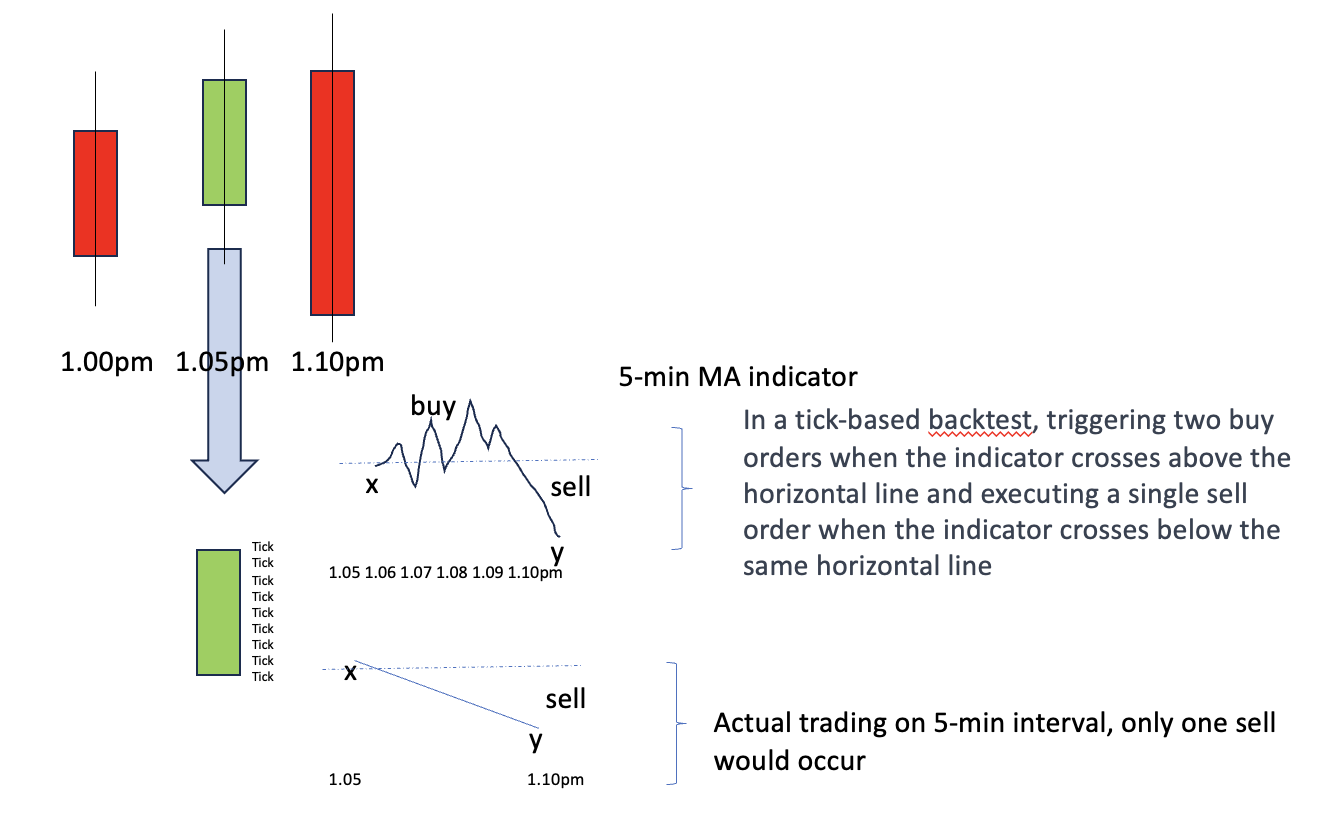
Tick by tick mode in backtesting is normally always On and it should be always On. There should not even be a checkbox for it. All what would happen when it is Off, is that no two trades within one bar will be dealt with in “Live” fashion. The implication of that : when you’d have a 5 minute TF and you imply two trades within that 5 minute bar, they will happen but in a prosperous way (thus in Live the Strategy will always workout for the worse – sorry for my English). So have tick by tick mode On, and Live will respond the same.
It is all about pending orders. So without Pending Orders, there can’t be more trades within one bar. Thus read Roberto’s posts again, and keep that in mind. Btw, Pending Order : A Limit or Stop Order which is set at a price, and where touching the price will (normally) let fill the order. This is opposed to a Market Order, which will never “trade” within the bar (unless it is slowly filled)- it will only trade at the start of a bar, which is when your code executes. When does your code execute ? at the end of a bar and actually between that and the new bar. It is the most essential to grasp this. If you do ? read once again Robert’s posts.
When tick by tick mode would be Off (remember, it never should be), the Pending Orders are now also executed at the end of the bar. Not good, because that never will be reality.
When this all starts to dawn on you (maybe it already did !), there’s one crucial aspect to understand : how does the TF of the chart relate to the TF commands …
The TF of the chart brings you the response to “time”. Thus, if the TF of the chart is 5 minutes, you never can respond faster than at the 5 minute interval (which is fixed, like 10:00, 10:05, 10:10, 10:15 etc.). The ticks will be there anyway, with the notice that a tick is a trade of someone (it is not a timeframe element – it is a trade). This means two things :
– Your program code is executed at the 5 minute interval only (not faster and also not slower);
– Market orders will be given to the broker at that same interval;
BUT
– Pending Orders will be executed (filled) when the price is touched.
and
– The TF commands in your code are only there to work with the averages at a slower level – they don’t depict the responsiveness of your System; the TF of the chart depicts that and the smart falling back to that TF (with TF commands of the same time as the chart) makes or breaks your System.
Never anywhere there’s a difference between backtesting and Live (or Demo for that matter). Even the ticks are real with backtesting (as in : how they happened in the past), but of course it is about the past only. One thing though : if you let run your backtest in Live (“Forward testing”), you will see that the behavior is 100% the same, as long as you in your code can capture all for reality (like spread, which you actually can’t). Thus :
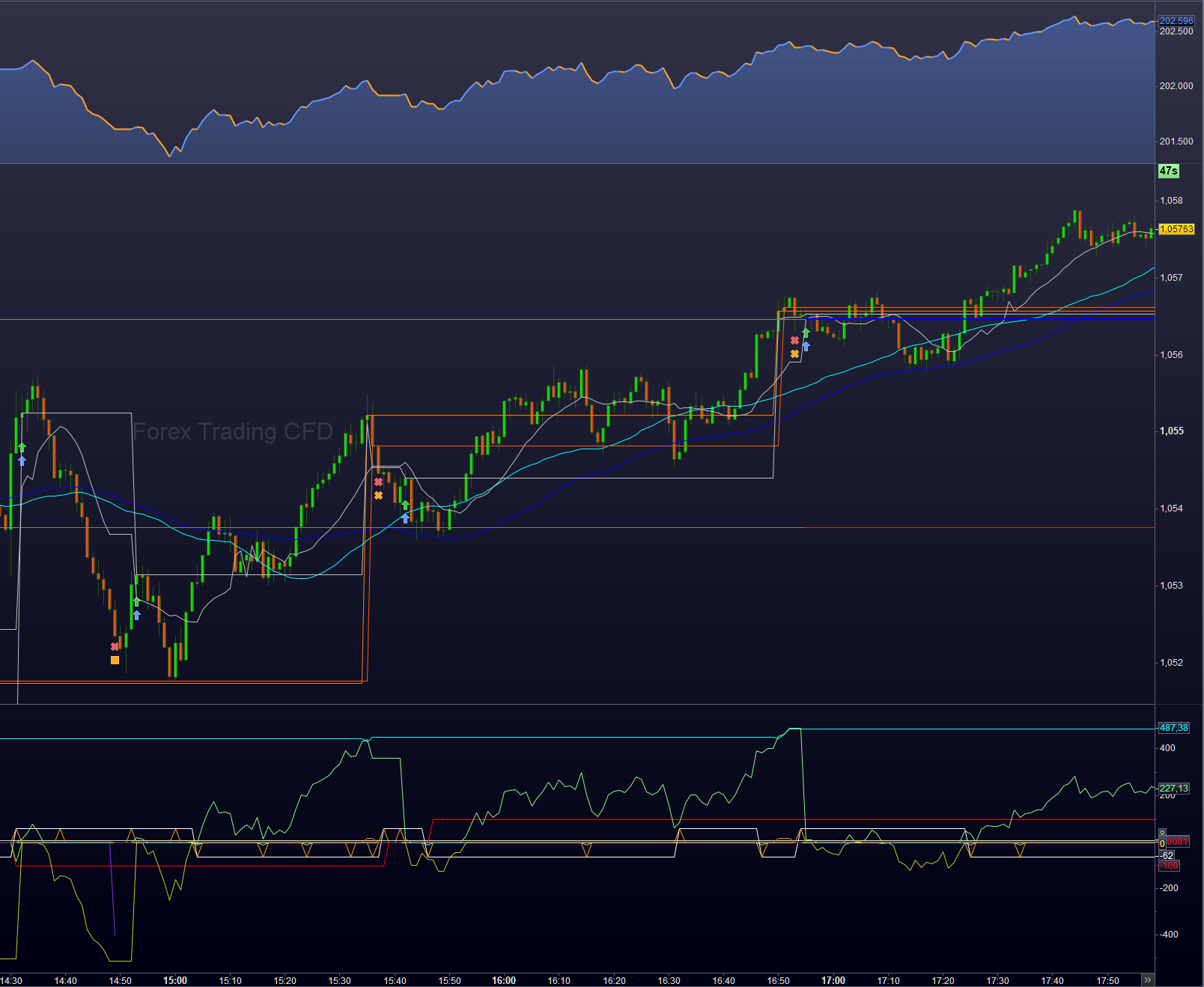
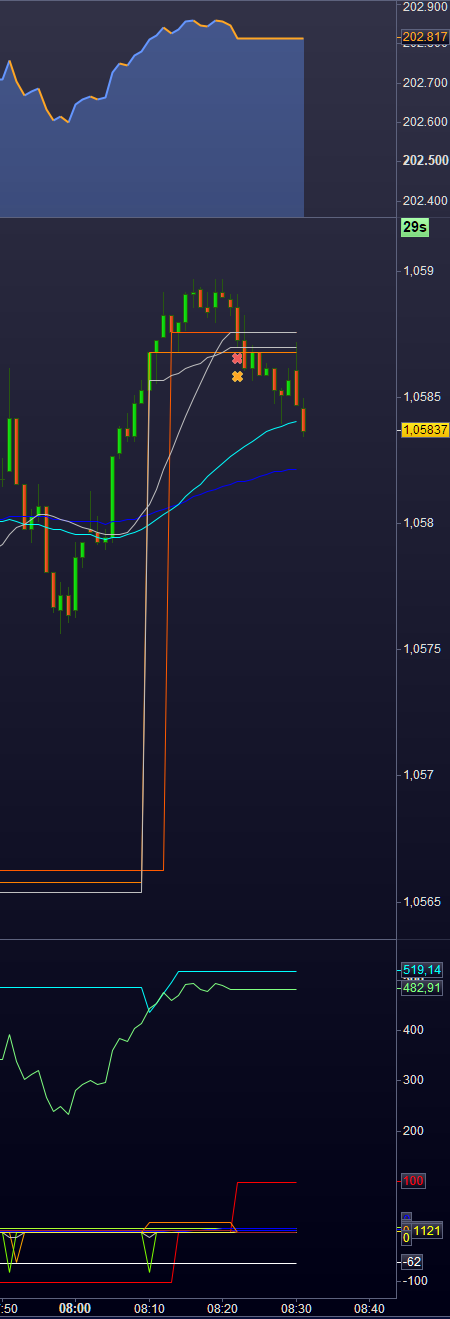
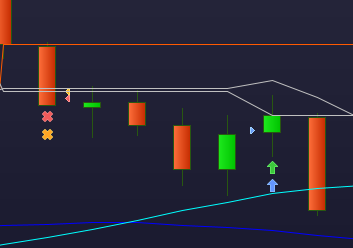
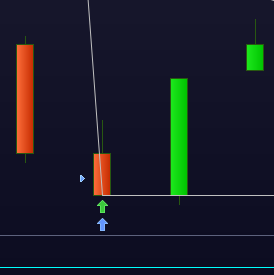
Put in Graph and GraphOnPrice commands, let that just run while looking at a Live chart and you will see that all behaves the same regardless (but use tick by tick mode 😉 ). Below an example of that, though this obviously shows the past. :-). This is from yesterday. Point obviously is : you can compare with Live (the green and red trade icons are Live) only when you have a Strategy Live first (Demo is allowed just the same). If you now incorporate all there is for mimicking Live with Backtest, you will see all shows up the same.
There is no need to even think it will be different.
Now you can do it too.
Peter