This topic springs from another where the subjects were off-topic-ish. I will gradually build up the topic with examples, which hopefully can be solved soon. Most of the things in this topic have been done 1000s and 1000s of times throughout time, and although we may be used to it by now, they should be solved because of the sheer waste of time and annoyance. The latter is the most important because all together I dare say that even on one day, dozens of these annoyances happen. Day in day out.
This first post is about the sections in the normal Chart, though used for backtesting.
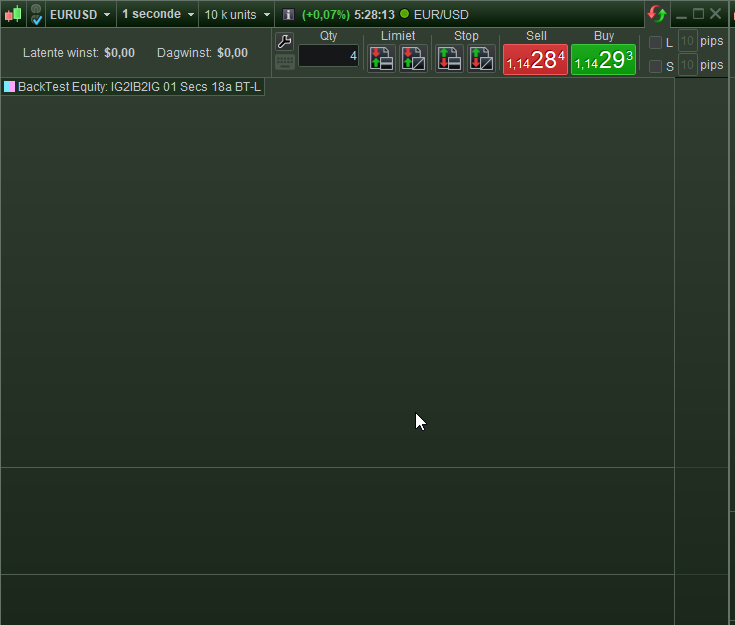
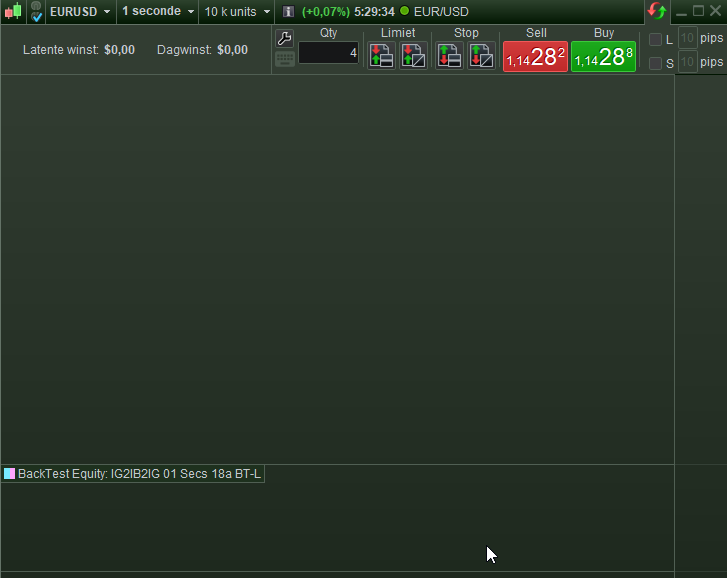
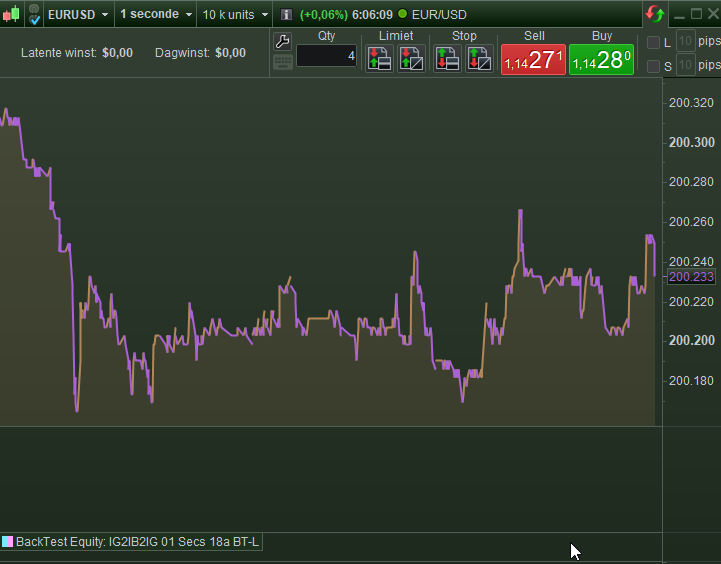
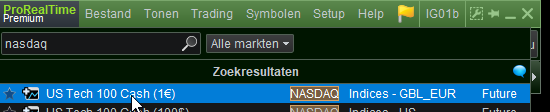
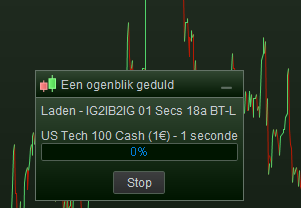
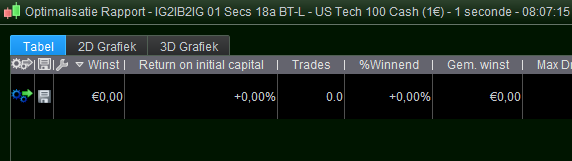
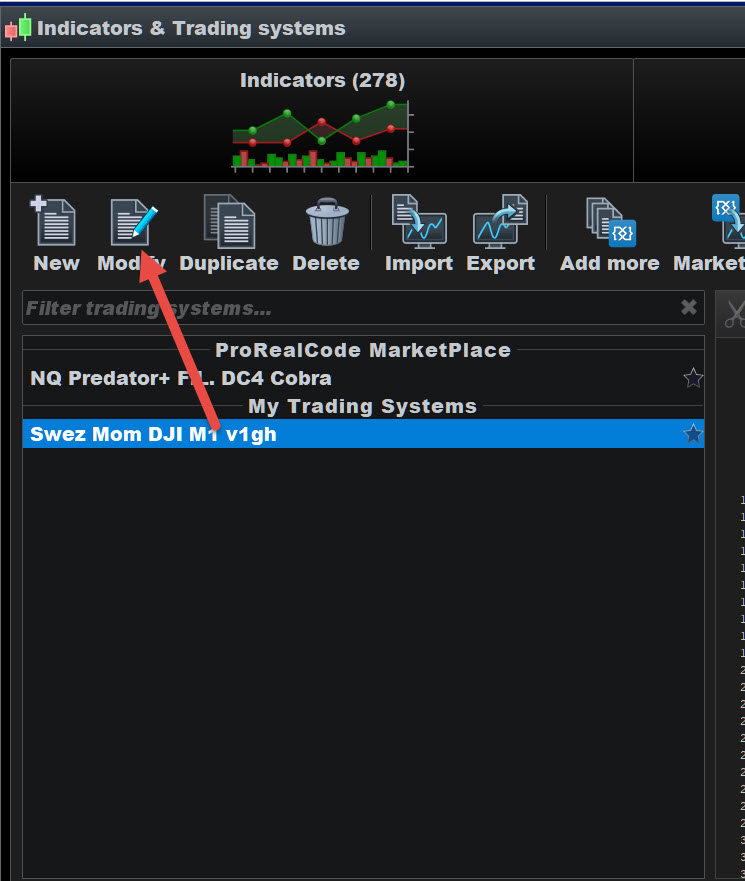
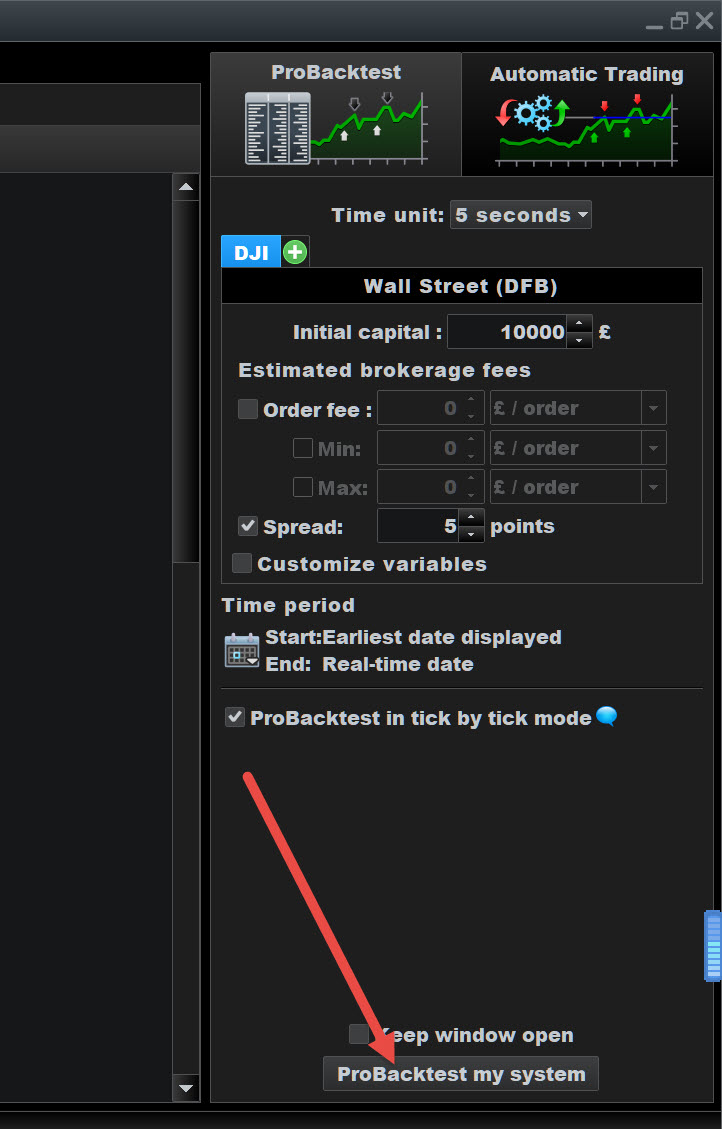
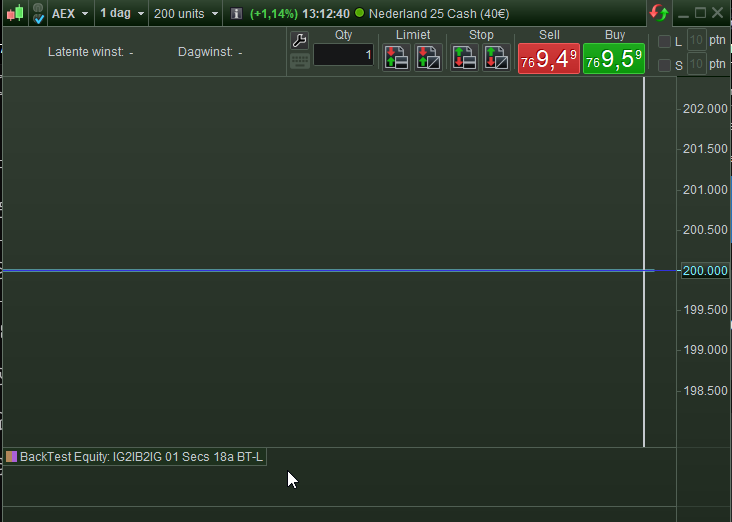
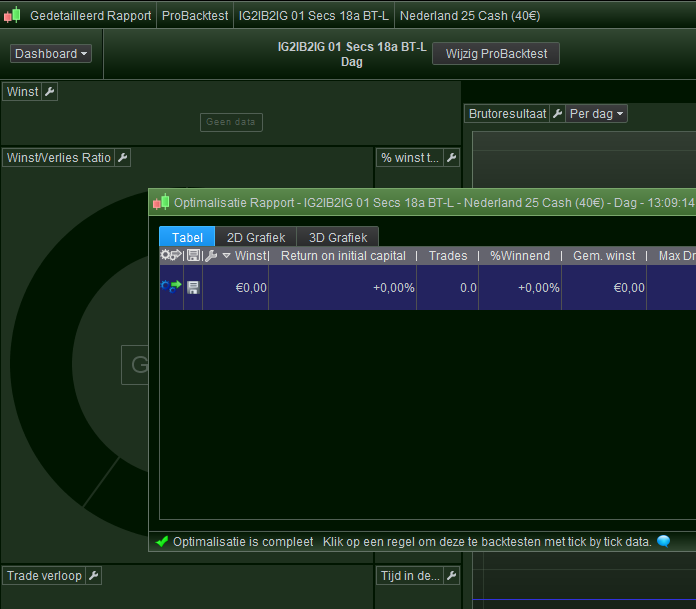
In the first and second attachment you see a fresh chart with two “debug” sections. I say “fresh” because I just started the platform and did nothing else than pressing Stop to the small message-windows telling me that the backtest calculation is going on, while I don’t want any backtest to go on. Mind you, the time period must always be set first, and it always defaults to 10k units.
In the 1st attachment you see the cursor in the first section – the 2nd attachment shows the second section. Both sections are about the very same backtest, but some anomaly (present for only 5 years that I can tell ;-)) always shows one too many in the first place. So I always and always have to kill one (remove it) and if I omit that, in a next platform session there will be three of them. And so on.
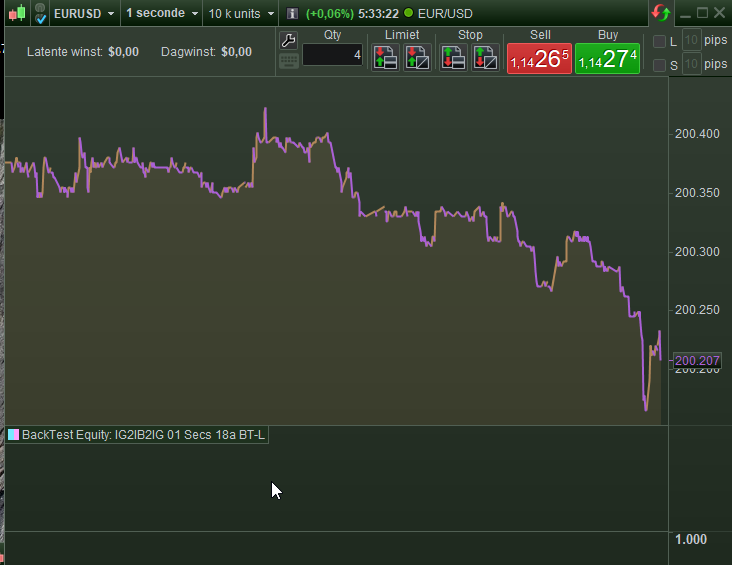
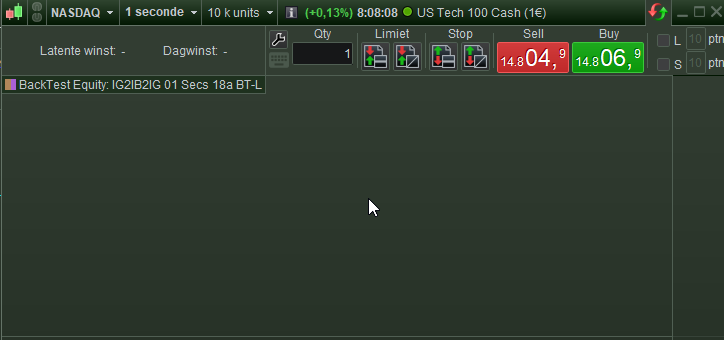
If I leave it be and then start the backtest, you can see that the top section is filled with the equity curve, but the 2nd section is still there consuming space.
- I don’t want those zombi sections to exist;
- I don’t want the equity curve to be that size (always requires dragging to the size you want);
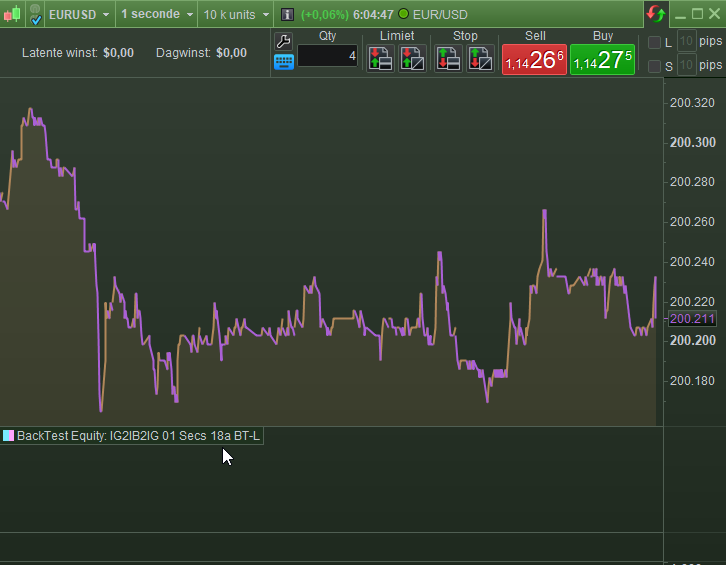
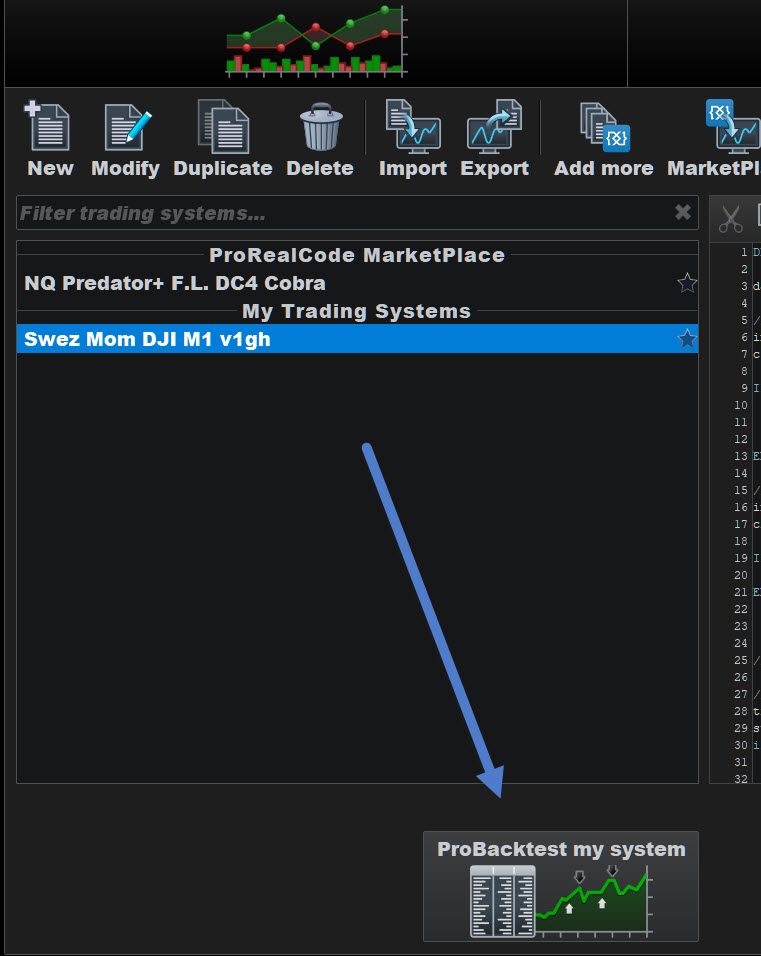
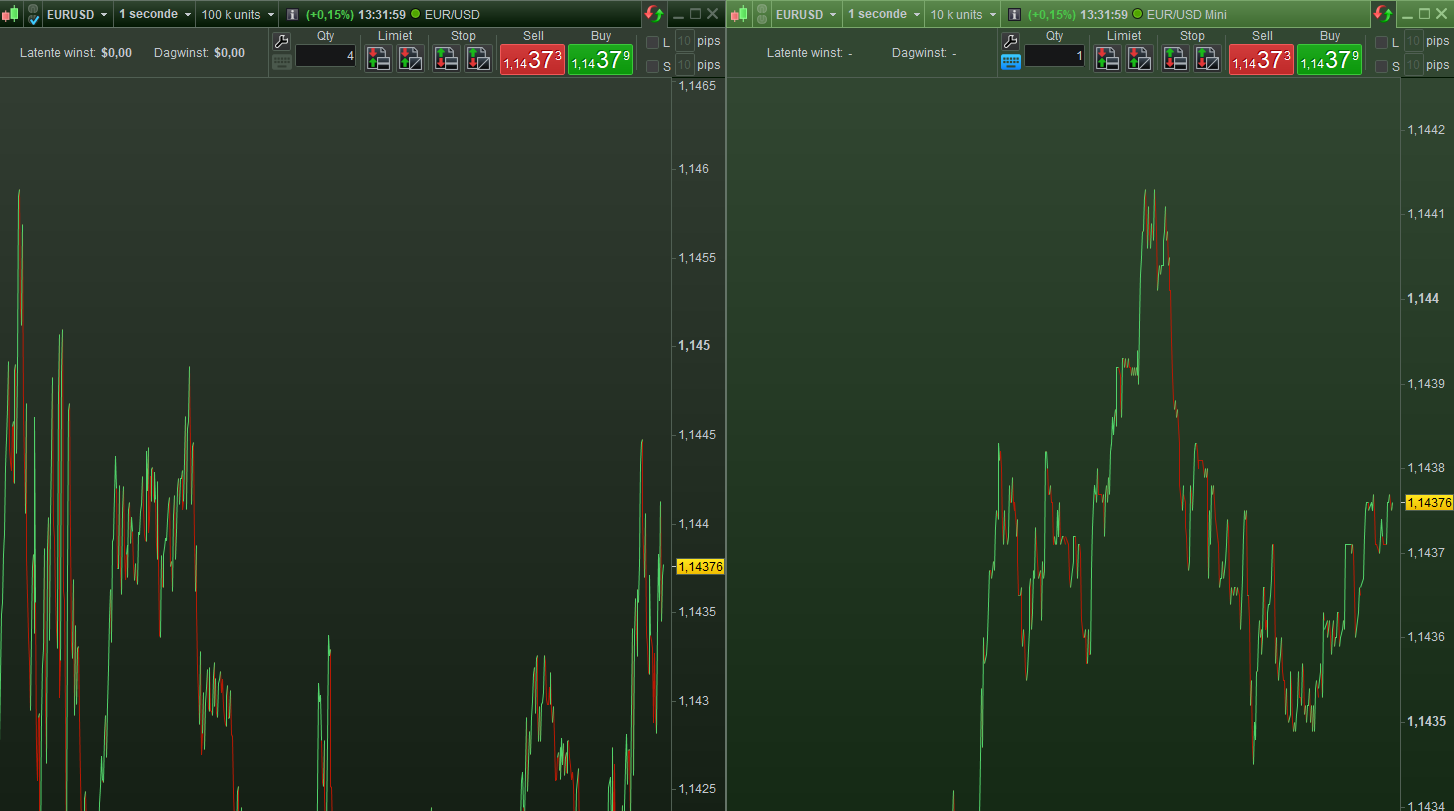
- I may not want the equity curve (section) at all, but it can’t be shut off. And no, unticking that box you see in attachment #4 does not help.
The above counts for having one backtest for that chart. With two backtests it already becomes unmanageable, as you can’t see which sections to remove. And, remove the wrong one and you can restart the platform (no way to re-obtain backtest results without restarting PRT).
Allow me to bring across my frustration and indication of losing 30 minutes on a good day, on the “organisation” of this aspect alone.
4. Because of another issue, yesterday I have been working for over an hour on the removal all together of these bound backtests to this chart. It just can’t be done, it seems. This becomes annoyingly apparent when you crate a new (instance of a) backtest (-name) and the old one becomes a zombi again, ever and ever reoccurring.
I would really like to ask PRT development to once try to use this yourself in this context, and instead of dying of annoyance, just solve it please.
Possibly this springs from some personal workflow I don’t recognise. A hint would be that “data” regarding this (I’m fairly sure) is stored in the technical section of the optimization variables, and that I 100% always have optimization variables in order. If in there it’s wrong it leaves nothing else to do than creating a new system with new variables, or copy from one which is fine (copy a wrong one to a new one does not help). This is just a hint which may be worth nothing. “Wrong” would be the showing of an old backtest section BUT that always getting active at startup.
Lastly, please notice that additional oddity could occur from having such an old section active, while the belonging source code has been removed from PRT.